8 min read

HubSpot Data Sync for IT Teams: How to Keep Customer Data Clean Across Systems

HubSpot Data Sync for IT Teams: How to Keep Customer Data Clean Across Systems

IT teams use HubSpot alongside platforms like Salesforce, NetSuite, Zendesk, ERP systems, support tools, and internal databases. As customer data moves between systems, records can become duplicated or incomplete without proper governance.

To maintain reliable customer data, they need control over integrations, sync rules, and deployment processes. HubSpot’s Operations Hub and Data Sync tools can help them manage governed data flows as systems become more interconnected.

In this article, you’ll learn how IT teams govern HubSpot data sync, reduce integration conflicts, and maintain operationally reliable customer data across systems.

Why HubSpot Governance Matters As Systems Scale

ChatGPT Image May 15, 2026, 02_19_11 AM

Without structured governance, HubSpot can gradually become a fragmented customer data environment where:

  • Duplicate records spread across connected systems
  • Workflows overwrite accurate customer information
  • Integrations sync conflicting field values
  • Reporting becomes unreliable across teams
  • Permission management becomes difficult to maintain
  • Operational teams lose visibility into system changes

The challenge for IT teams is not whether HubSpot can support enterprise operations. It is about maintaining data consistency and operational reliability as complexity increases.

This becomes more important as CRM data quality naturally degrades over time. Industry research estimates that B2B CRM data decays at an average rate of 22.5% per year, with duplicate records often representing 10–30% of CRM databases that lack structured governance and deduplication controls.

As more systems connect to HubSpot, governance determines whether the platform operates as a centralized customer infrastructure or turns into another disconnected operational layer that creates long-term technical debt.

This is why governance has become a major part of modern HubSpot architecture. Enterprise organizations increasingly evaluate how HubSpot supports:

  • Sandbox environments for testing changes safely
  • Deployment workflows between the sandbox and production
  • Role-based permissions and field-level access controls
  • Audit logs and user activity tracking
  • API governance and integration monitoring
  • GDPR and customer data privacy management
  • Standardized field mapping and validation rules
  • Centralized ownership of customer data

The larger the connected ecosystem becomes, the more governance influences reporting accuracy, system reliability, and integration stability across the entire customer operations stack.

How HubSpot Data Hub Connects Enterprise Systems

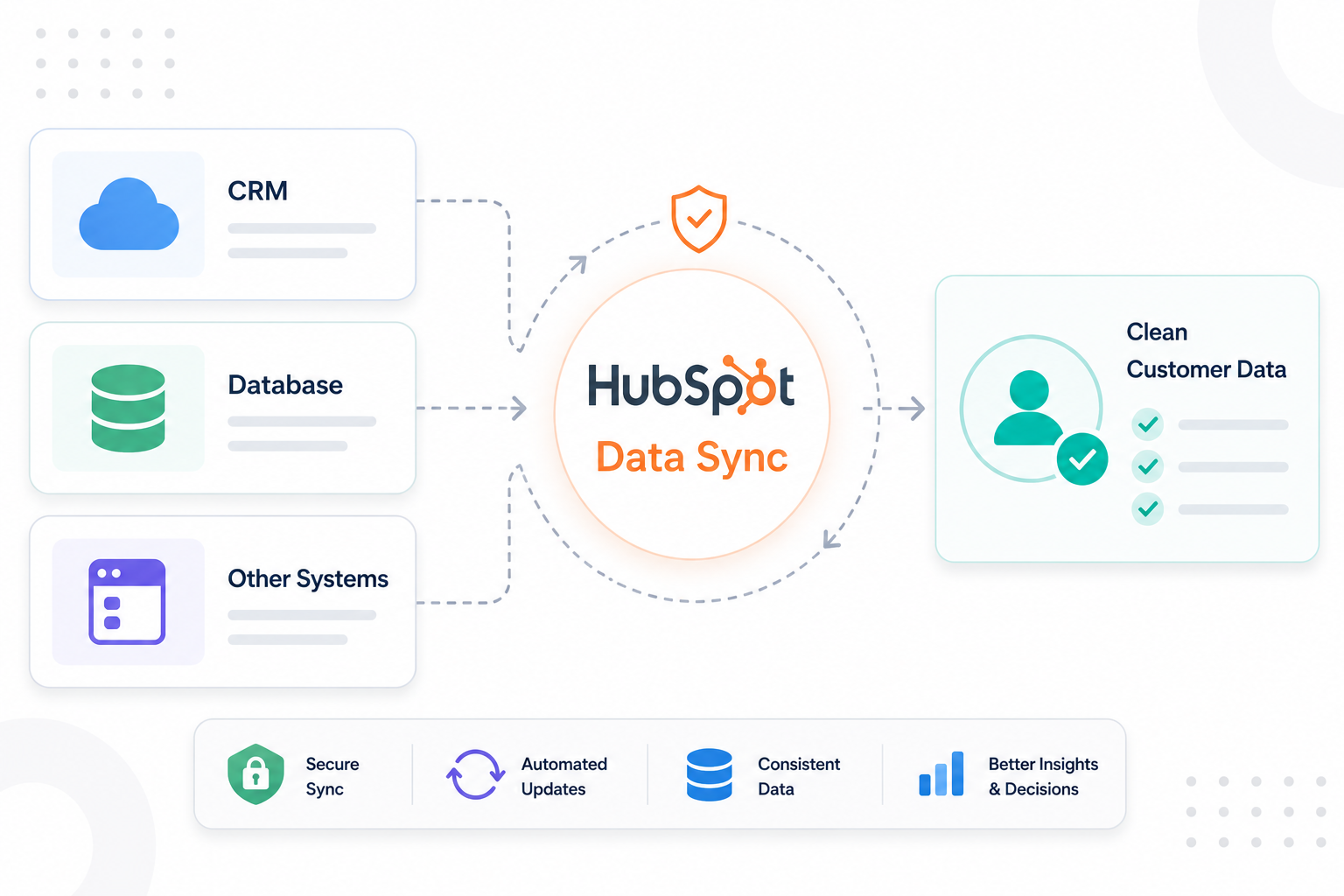
HubSpot Data Hub (formerly Operations Hub) gives organizations a centralized framework for managing HubSpot data sync, custom integrations, and system connectivity.

With this Hub, IT teams can configure governed data flows with controlled field mapping, sync direction rules, validation logic, and standardized ownership across systems.

This becomes particularly important in environments where HubSpot connects with:

  • Salesforce during CRM migration or coexistence
  • NetSuite or ERP systems for billing and financial operations
  • Zendesk for customer support workflows
  • Internal product databases and usage platforms
  • Warehouse or BI environments storing operational data

For example, during a HubSpot Salesforce integration, IT teams often define Salesforce as the source of truth for legacy opportunity history while HubSpot manages lifecycle stages, marketing engagement, and automation workflows. In a HubSpot NetSuite integration, billing systems may control subscription and invoice status while HubSpot manages customer engagement and service visibility.

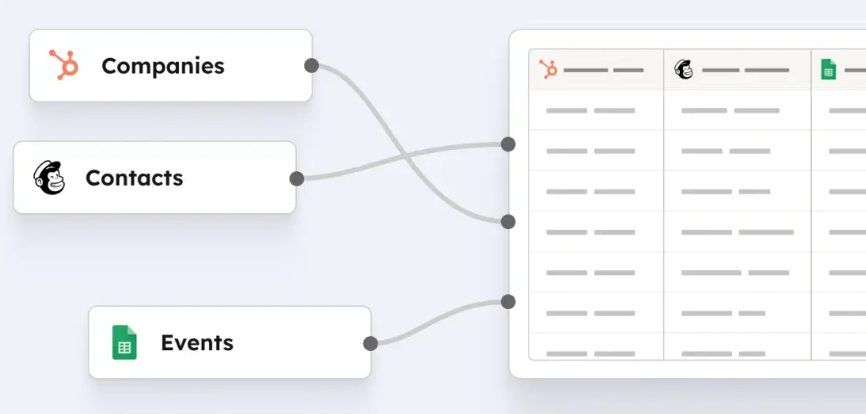
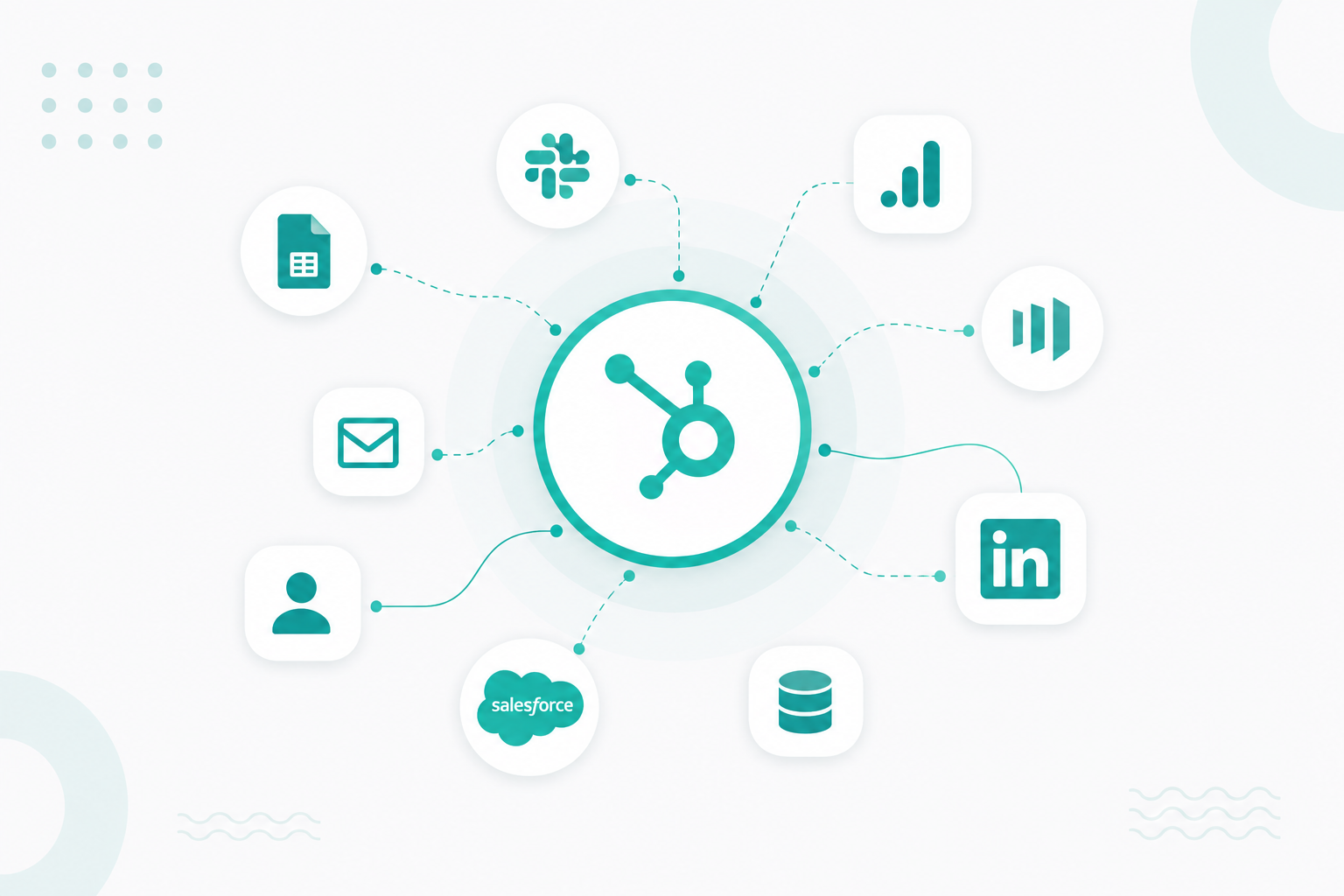
The Data Sync supports both one-way and bi-directional synchronization, allowing customer records, activities, and operational data to move between systems without requiring manual updates.

illustration-of-hubspot-operations-hub-data-sync

HubSpot also supports syncing custom objects between systems, which can help IT organizations manage more complex operational datasets beyond standard contacts, companies, and deals.

How IT Teams Govern HubSpot Data

IT teams typically establish source-of-truth ownership. Different systems often control different categories of operational data. An ERP platform may own billing and invoice records. Zendesk may manage ticket severity and support history. HubSpot may control lifecycle stages, marketing engagement, and automation triggers. Without documented ownership rules, systems can overwrite accurate data with outdated or conflicting values.

To reduce these conflicts, organizations often create standardized field mapping and validation frameworks before enabling HubSpot data sync between systems. This includes:

  • Defining which system owns each field
  • Controlling sync direction between platforms
  • Standardizing property naming conventions
  • Validating formatting requirements
  • Preventing duplicate record creation
  • Documenting dependencies between workflows and integrations

HubSpot’s Data Hub enables teams to configure many of these controls directly within the platform. IT and RevOps teams can manage sync behavior, field mappings, automation logic, and custom properties from a centralized operational layer rather than relying on disconnected middleware or unmanaged API scripts.

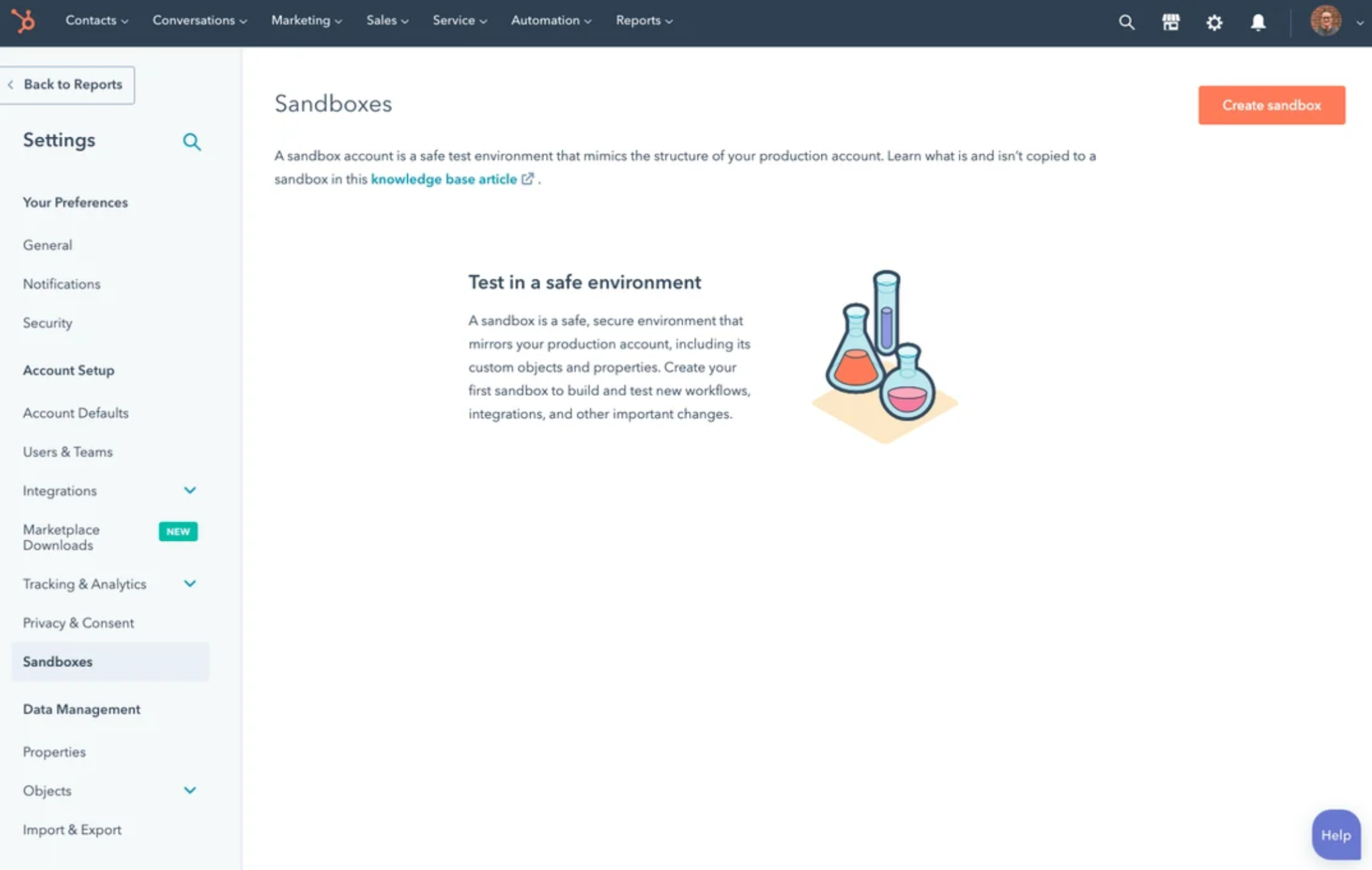
Governance also extends into environmental management and deployment control. Enterprise IT teams increasingly use HubSpot sandbox environments to test workflows, integrations, custom code, and schema changes before deploying them into production.

hubspot-sandbox-tool

HubSpot Enterprise supports syncing approved assets from the sandbox to production, helping reduce operational risk during implementation updates and integration changes.

This matters because unmanaged changes inside production environments can create downstream failures across multiple operational systems. A modified lifecycle stage, workflow update, or property change may unintentionally disrupt reporting, integrations, automation, or customer routing logic.

To maintain operational visibility, organizations also rely on governance controls such as:

  • HubSpot audit logs to monitor user activity and configuration changes
  • Role-based permissions and field-level access controls
  • Approval workflows for marketing and operational assets
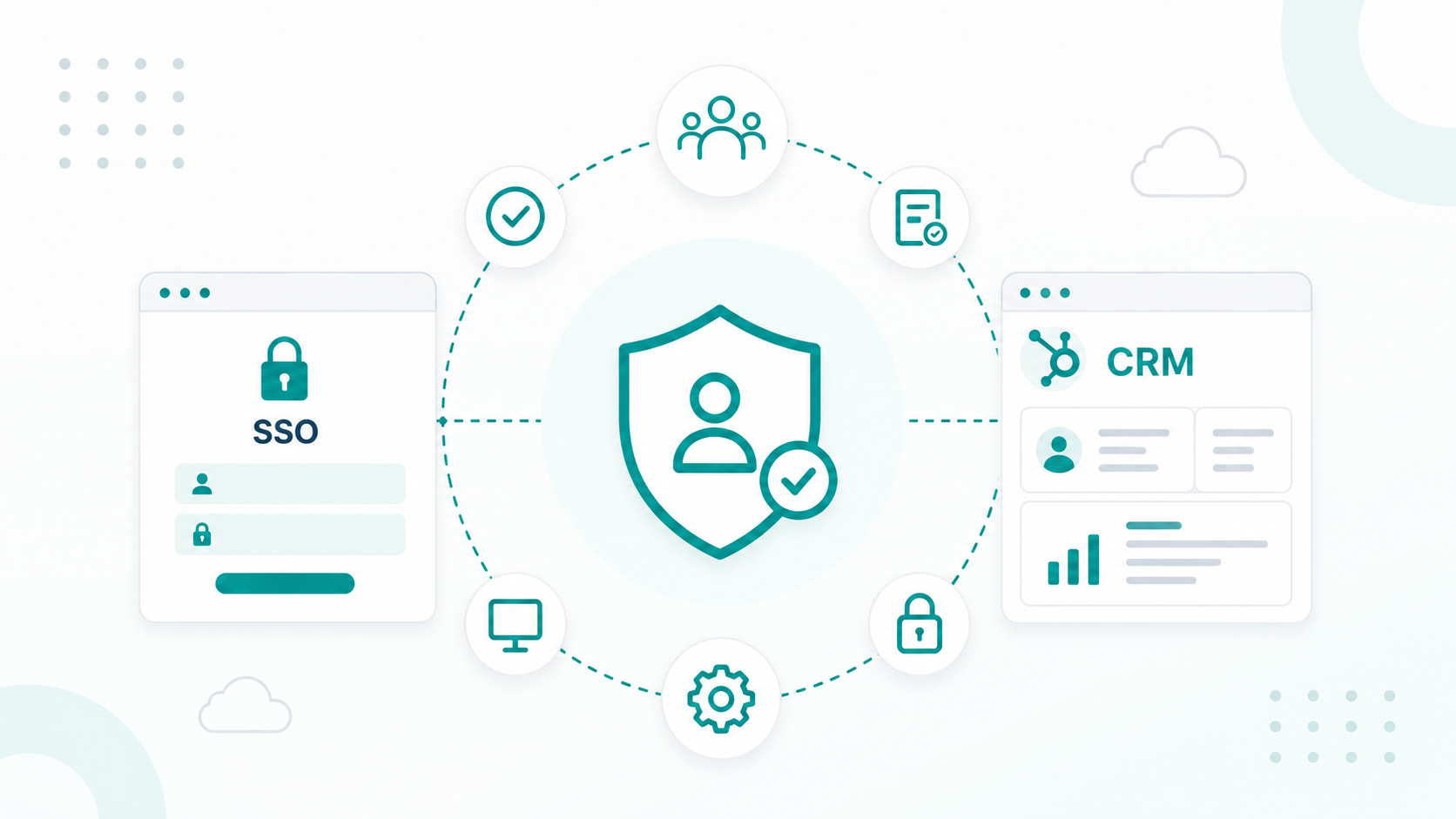
  • HubSpot SSO for centralized identity management
  • API governance and integration monitoring
  • Documentation repositories for field mappings and deployment standards

For IT teams, governance is ultimately about long-term operational stability, and having a HubSpot environment may support hundreds of workflows, multiple integrations, custom objects, and several operational teams simultaneously.

Using Custom Objects To Support Complex Operational Data

Custom objects help organizations to model operational data directly inside HubSpot while maintaining relationships between customers, services, products, projects, contracts, and internal workflows. Instead of storing operational records across disconnected spreadsheets or external databases, teams can centralize more structured operational data inside the same customer platform.

Enterprise organizations commonly use custom objects to manage:

  • Software licenses and subscription records
  • Onboarding and implementation projects
  • Managed service agreements
  • Support entitlements and SLA tracking
  • Hardware assets and inventory
  • Recurring service contracts
  • Training programs and certifications
  • Product usage environments

For example, an IT company may associate customer accounts with software licenses, onboarding milestones, and product usage activity inside HubSpot. A managed service provider may use custom objects to track client infrastructure environments, active service agreements, and recurring maintenance schedules alongside CRM records.

Custom objects also improve reporting and automation across operational teams. Organizations can build workflows, dashboards, lifecycle reporting, and integrations around operational records that previously existed outside the CRM environment. This becomes especially useful when HubSpot connects with ERP systems, support platforms, product databases, and customer operations tools through APIs or Data Sync integrations.

However, custom objects can also introduce governance problems if they are implemented without architectural planning. Poorly structured object relationships, inconsistent naming conventions, and undocumented dependencies can create broken associations and difficult-to-maintain workflows, and more.

To avoid these issues, enterprise IT and RevOps teams typically document:

  • Object relationships and associations
  • Property naming standards
  • Sync behavior across systems
  • Reporting dependencies
  • API requirements and rate limits
  • Retention and archival policies

HubSpot Enterprise supports custom objects as part of a broader operational data model, allowing organizations to extend HubSpot beyond traditional CRM use cases into a more scalable customer operations platform.

Learn more from this informative guide: How To Migrate To HubSpot Without Breaking Your Reporting

What Documentation IT Teams Should Expect From A HubSpot Partner

a client looking at a comprehensive IT documentation with pop-up that conects to arrow in the tablet showing system architecture diagrams, integration maps, API documentation, field mapping sheets, workflow diagrams, and governance checklists in a tablet with pop ups showin  the documentation IT teams expect from a HubSpot implementation partner, in a clean SaaS operations style.

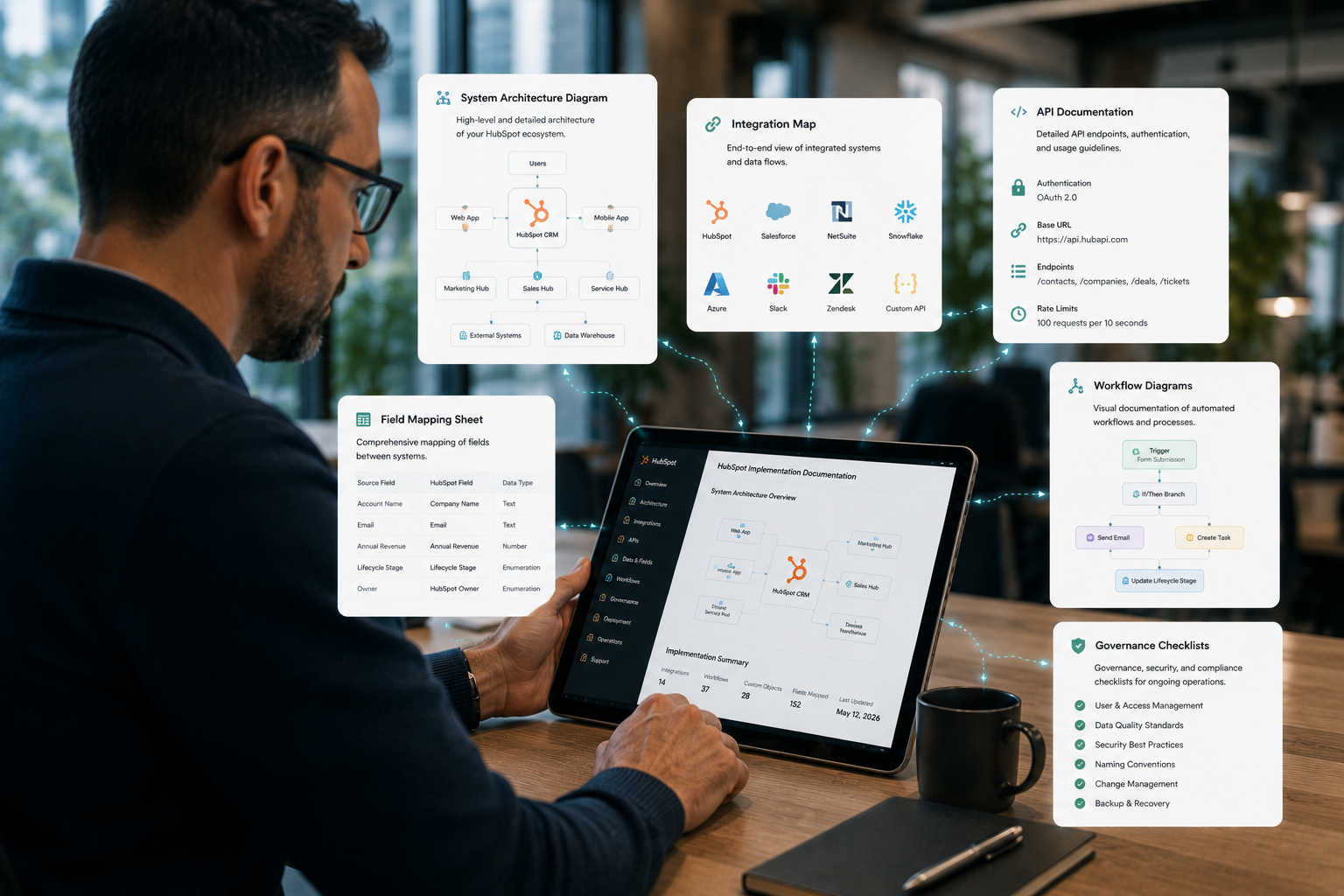
A HubSpot partner should provide documentation that allows internal IT, RevOps, Sales Ops, and Marketing Ops teams to understand how the environment operates and how future changes should be governed.

At a minimum, enterprise organizations often expect documentation covering:

  • System architecture diagrams
  • Integration inventory and API dependencies
  • Source-of-truth ownership across systems
  • Field mapping and sync-direction logic
  • Custom object schemas and associations
  • Workflow dependencies and automation logic
  • Permission structures and role-based access controls
  • HubSpot SSO configuration
  • Sandbox deployment processes
  • Rollback and recovery procedures
  • Audit logging and governance controls
  • Data retention and privacy policies

For organizations managing HubSpot Salesforce integration or HubSpot ERP integration projects, field mapping documentation becomes particularly important. IT teams need visibility into how customer records move between systems, which platform owns each dataset, and how conflicts are resolved when multiple systems attempt to update the same records.

Migration projects also require structured documentation. During Salesforce to HubSpot migration or Zendesk to HubSpot migration initiatives, organizations often document:

  • Historical data mapping
  • Deduplication logic
  • Object relationships
  • Archived property handling
  • Cutover timelines
  • Testing procedures
  • Rollback strategies
  • Validation requirements after deployment

HubSpot Enterprise environments support governance tooling that helps organizations maintain operational visibility over time. This is often what separates a governed HubSpot environment from a black-box CRM implementation that becomes harder to maintain as the organization scales.

How To Reduce Risk During CRM Migration

Many operational issues come from poor field mapping, undocumented workflows, and unclear ownership rules between systems. When those problems are carried into a new environment, organizations often recreate the same reporting and automation issues inside HubSpot.

1. Audit And Clean Existing CRM Data

Before migration begins, IT and RevOps teams typically review the existing CRM environment for duplicate records, outdated properties, broken associations, inconsistent naming conventions, and unused workflows.

Teams also commonly standardize:

  • Lifecycle stages
  • Property naming conventions
  • Field formatting rules
  • Duplicate management policies
  • Object relationships

Without this cleanup process, inaccurate or conflicting customer data often spreads into the new HubSpot environment during migration.

2. Define Field Mapping And System Ownership

Migration projects usually involve multiple connected systems. Because of this, IT teams typically document which platform owns each category of customer data before enabling integrations or synchronization.

For example:

  • Billing and subscription records may remain inside ERP systems
  • Support history may stay managed inside customer service platforms
  • Lifecycle stages and marketing engagement may be managed inside HubSpot

Field mapping documentation also helps teams prevent integrations from overwriting accurate data with outdated values after migration.

3. Test Integrations Before Production Deployment

Enterprise organizations increasingly use sandbox environments to test integrations, workflows, automation logic, and deployment dependencies before launching changes into production. This helps IT teams validate:

  • Sync-direction behavior
  • Automation triggers
  • Reporting accuracy
  • API dependencies
  • Role-based permissions
  • Downstream integration impact

HubSpot Enterprise sandbox environments can test operational changes without affecting live customer systems, reducing the risk of large-scale deployment failures during migration.

4. Use Phased Migration Rollouts

Many enterprise organizations now avoid large all-at-once CRM migrations in favor of phased deployment strategies that migrate smaller groups of data, workflows, or business units incrementally. This makes it possible for IT and operations teams to validate field mappings gradually, monitor integration behavior more closely, and test workflow accuracy in production before broader deployment occurs.

Phased rollouts also help reduce operational disruption during cutover periods because teams can isolate and resolve issues before migration complexity expands across the wider environment.

Read more from this article: How Long Enterprise HubSpot Migrations Typically Take

5. Monitor Operational Stability After Launch

CRM migration governance continues after deployment. During the first weeks after launch, organizations often monitor reporting integrity, sync activity, workflow execution, automation accuracy, and integration stability closely to identify issues before they affect larger operational processes.

A successful HubSpot migration is not measured only by whether records transfer successfully. Long-term success depends on whether the environment remains governable and operationally stable after implementation.

How Campaign Creators Build Governed HubSpot Environments

Campaign Creators helps businesses implement governance frameworks that keep HubSpot environments maintainable and operationally stable.

Governance planning typically includes:

  • Source-of-truth ownership across connected systems
  • Field mapping and validation standards
  • Custom object and data architecture planning
  • Workflow dependency management
  • Permission and access control structures
  • Integration dependency documentation
  • Deployment testing and rollback procedures

We also develop the documentation and operational processes that internal teams need to manage the environment after implementation. This typically includes:

  • System architecture documentation
  • Integration inventories and dependency mapping
  • Sandbox testing procedures
  • API dependency tracking
  • Permission management documentation
  • Audit visibility across environments

At Campaign Creators, we approach HubSpot governance as an operational framework, not just a documentation exercise. Our goal is to help your environment remain stable and manageable as integrations, automation, and cross-functional usage continue to expand.

Build A More Reliable HubSpot Data Sync Framework!

Organizations that scale HubSpot successfully usually establish governance early, before operational issues begin affecting reporting, automation, integrations, and customer data quality.

Field ownership, sync controls, sandbox testing, deployment processes, and integration visibility all play a major role in keeping HubSpot environments stable as systems grow more connected. Features within HubSpot Enterprise and HubSpot Data Hub support that growth, but long-term success still depends on how well the environment is structured and maintained across teams.

At Campaign Creators, we help organizations build HubSpot environments designed for long-term operational stability, scalability, and cross-system alignment.

Frequently Asked Questions

What is the difference between HubSpot Data Sync and custom API integrations?

HubSpot Data Sync uses prebuilt connectors for supported apps and includes built-in field mapping, sync monitoring, and conflict controls. Custom API integrations are usually developed when organizations need to connect internal systems, product databases, ERP platforms, or advanced workflows that require more custom logic than standard integrations allow.

How does HubSpot audit logging work for Enterprise accounts?

HubSpot Enterprise audit logs track activity across the portal, including permission changes, workflow edits, login activity, CRM updates, and security-related actions. IT teams use these logs to monitor operational changes, investigate issues, and maintain visibility into who changed what inside the environment.

How does HubSpot Data Sync work across multiple systems?

HubSpot Data Sync automatically updates customer data between HubSpot and connected platforms like Salesforce, NetSuite, Zendesk, and Microsoft Dynamics. IT teams can decide which system controls certain fields, whether updates sync one-way or bi-directionally, and how duplicate or conflicting records are handled.

Does HubSpot support single sign-on (SSO) for enterprise organizations?

Yes. HubSpot Enterprise supports SAML-based single sign-on (SSO) through providers like Okta, Microsoft Entra ID, and Google Workspace. This allows IT teams to centralize user authentication, enforce company login policies, and reduce the risk of unmanaged account access.

How does HubSpot support GDPR and customer data privacy requirements?

HubSpot includes GDPR-related tools such as consent tracking, cookie consent banners, legal basis management, data deletion workflows, and user permission controls. Enterprise teams can also use audit logs, access restrictions, and data governance settings to better manage how customer information is stored, accessed, and synchronized across connected systems.