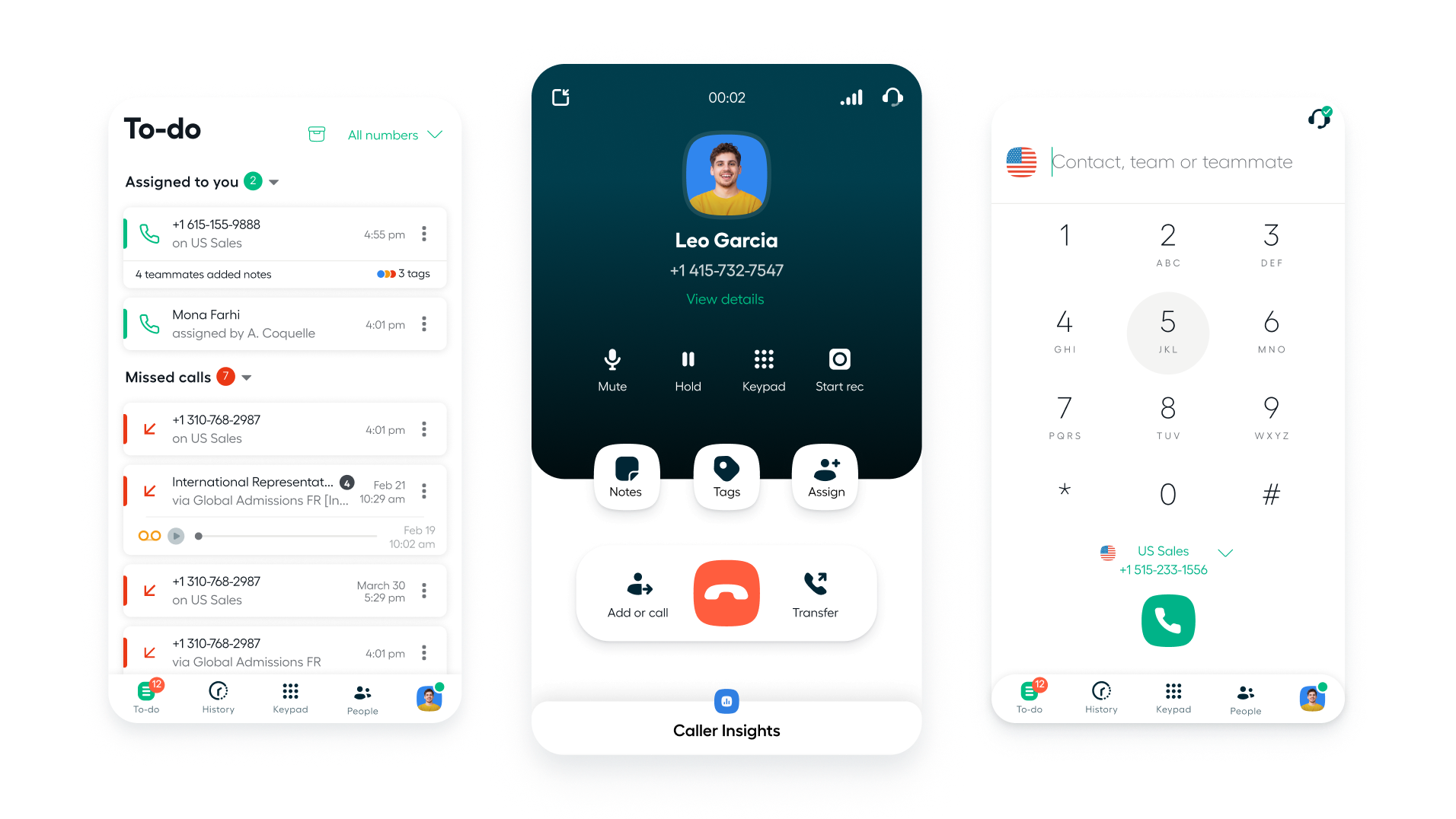
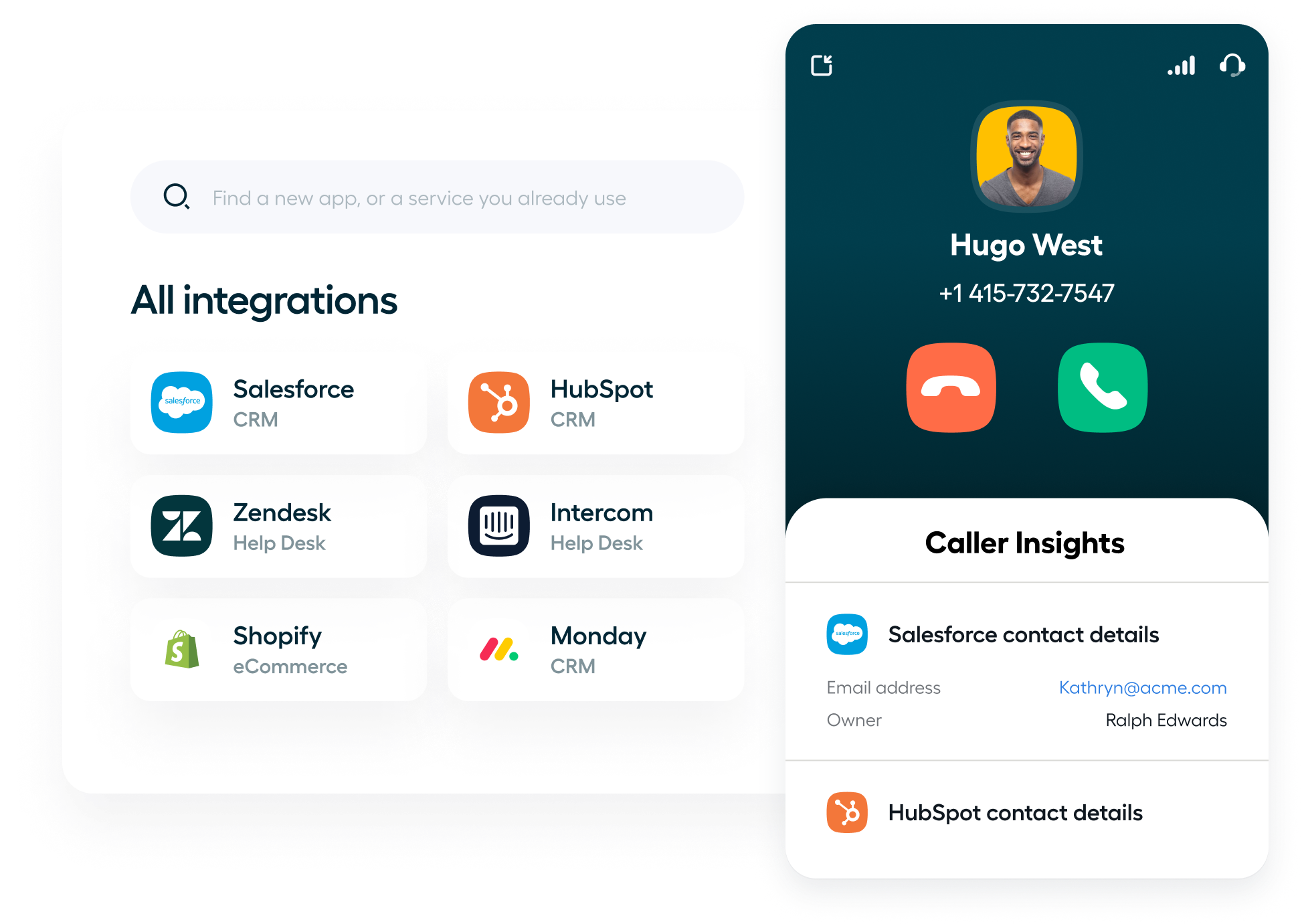
Aircall's AI Voice Agent answers and resolves calls 24/7 and logs every conversation in HubSpot. It runs on top of the phone system you already have. We set it up so your team sees value on day one, not after a full telephony migration.
Most teams push phone decisions to "phase two" of their HubSpot rollout, and call data sits outside the CRM for months. Aircall's AI changes the order. Start capturing calls and coaching reps now, and decide on a full phone switch when you're ready.
Telephony usually gets pushed until after the core CRM build. We see this pattern across our clients. AI calling closes the gap from day one, so call data lands in HubSpot while the rest of the build continues.
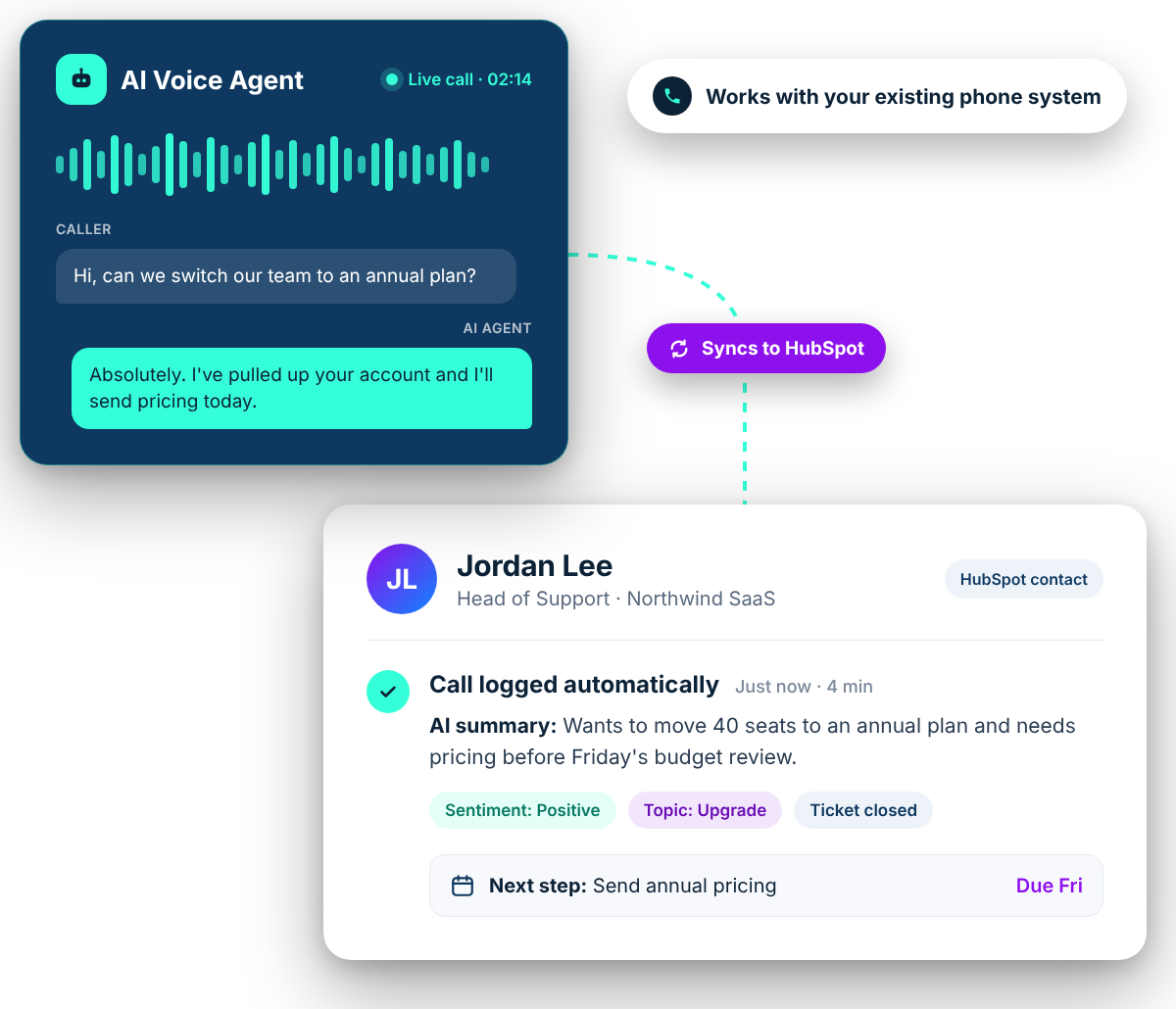
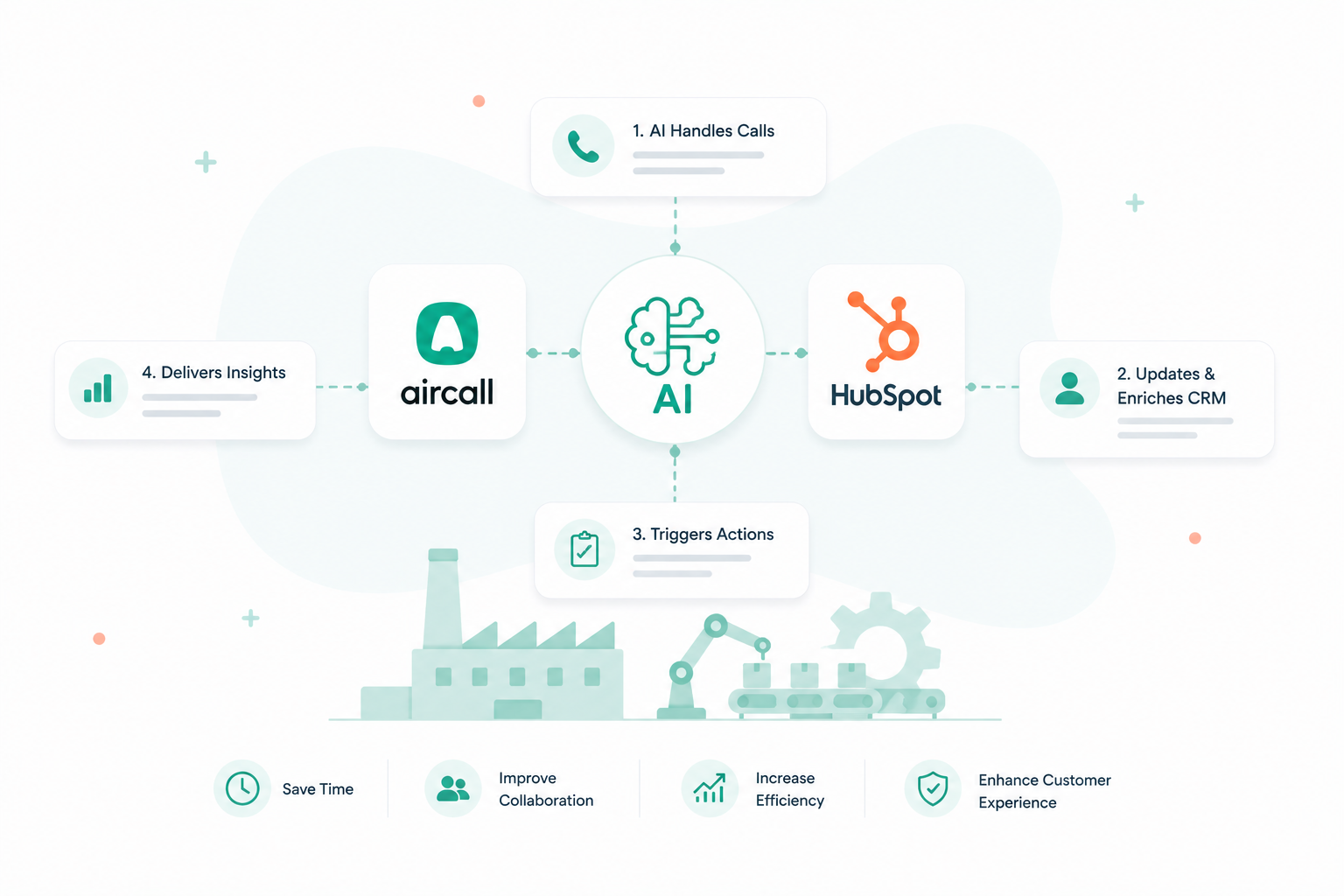
Aircall's AI Voice Agent works with or without an Aircall phone system. It answers calls in natural-sounding voices, resolves routine requests, hands off to your team with full context, and updates HubSpot during and after the call.
Live transcription, real-time prompts, playbook-guided calls, automatic scoring, and summaries that update your CRM in one click. Coaching is built into every call, without a separate conversation-intelligence contract.
● From the blog
See the Aircall HubSpot integration at work
Practical guides from our team on setting up, automating, and scaling support and sales with Aircall and HubSpot.
AI Assist Pro is a per-seat add-on to Aircall ($49/seat/month), not a separate enterprise contract. It’s a practical option when your Gong renewal is up for review.
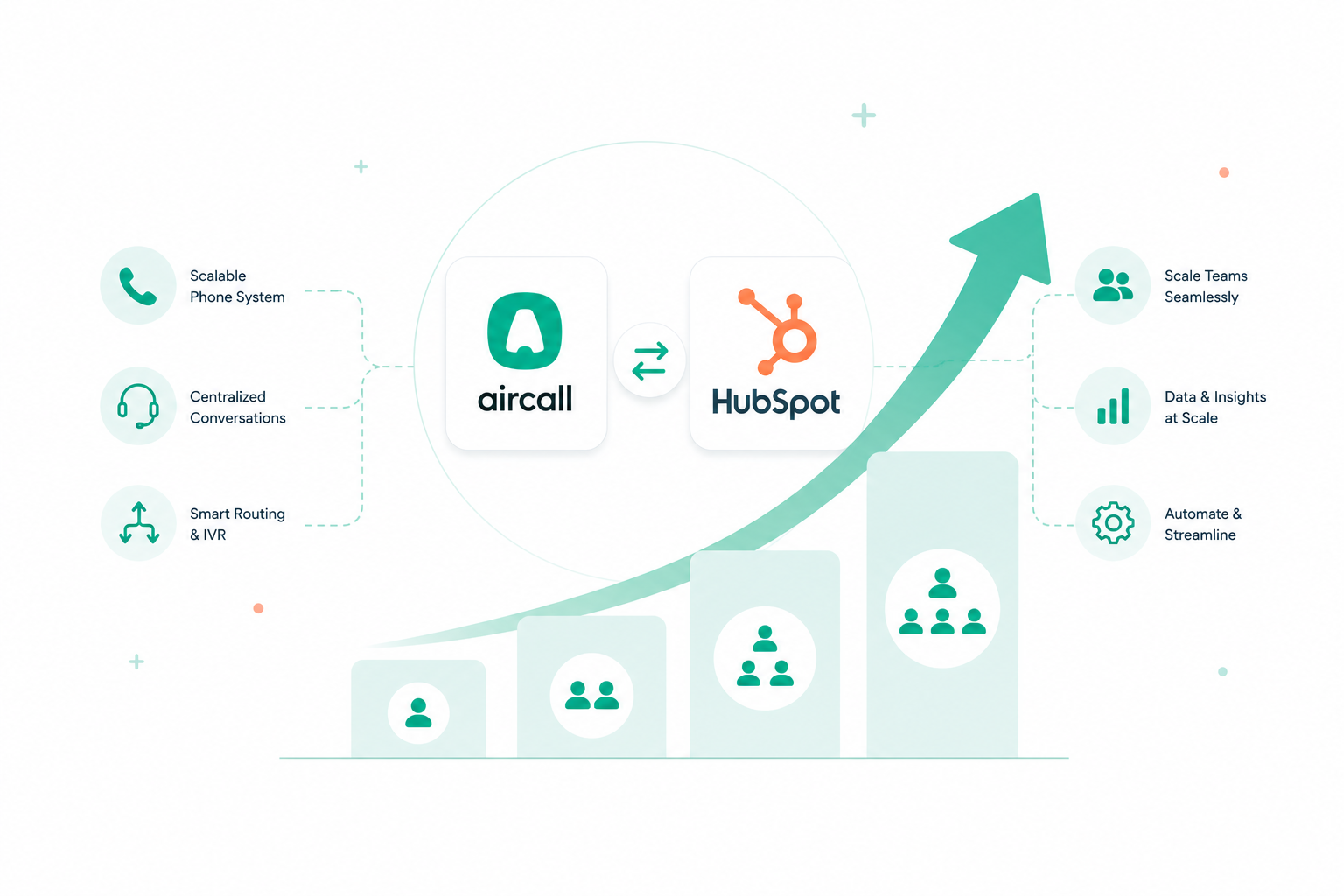
Campaign Creators keeps tuning your workflows, routing, and reporting as call volume and your team grow.
● Integration architecture
Two ways to connect Aircall and HubSpot. Only one is right for you.
Aircall now offers two integration paths into HubSpot. Most teams never learn there is a choice until after setup, when routing behaves unexpectedly and the data they expected on tickets is not there. We make the call up front, based on how your HubSpot is actually architected.
Recommended for most teams
The standard Aircall integration
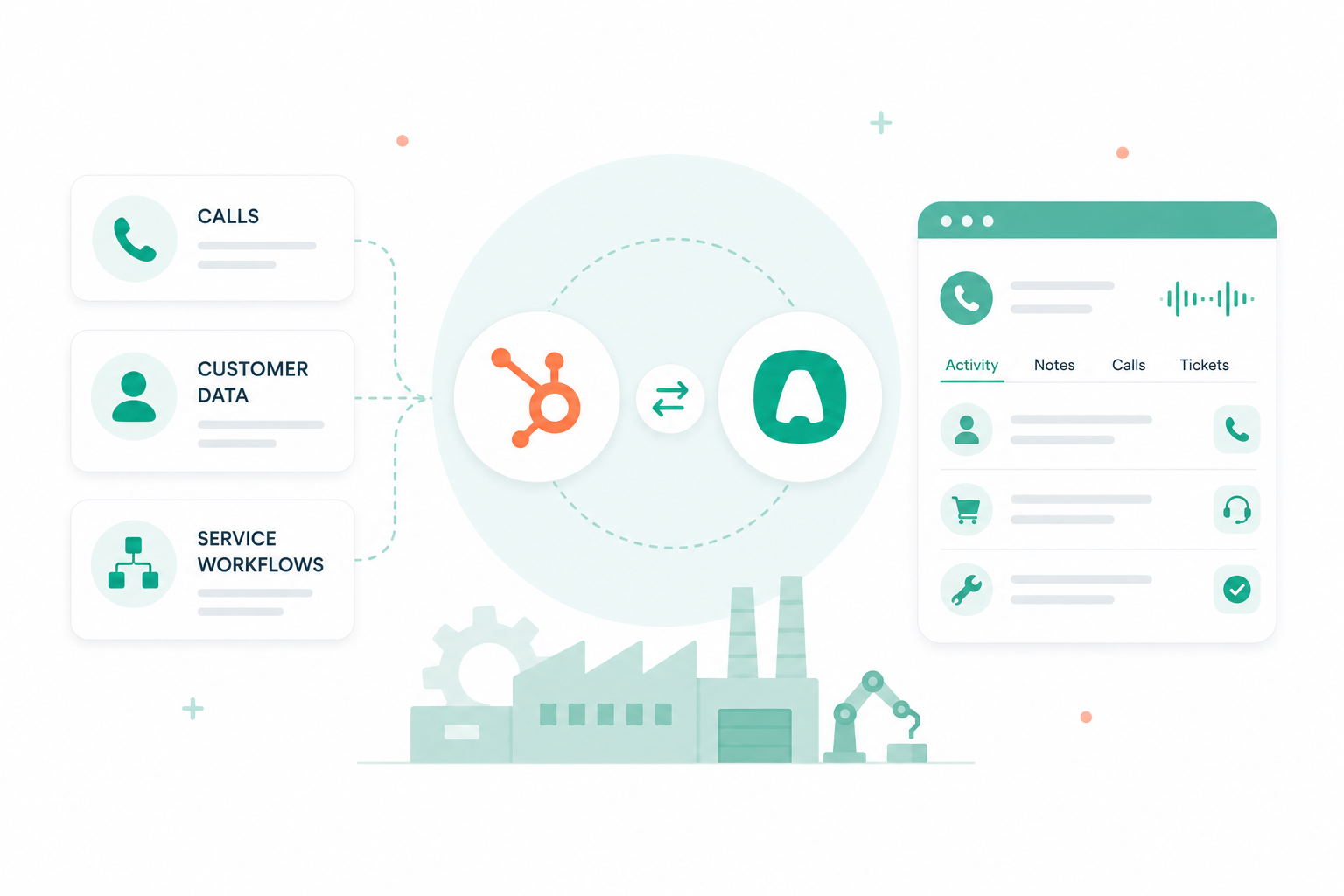
Aircall's native integration logic does the heavy lifting: every call and SMS is logged to the right contact, company, deal, or ticket, with outcomes, tags, and recordings attached.
✓Automatic call logging across Contacts, Companies, Deals, and Tickets
✓Tag sync and call outcomes mapped to HubSpot properties
✓Insight Cards that surface HubSpot data in the Aircall phone as it rings
✓Ticket creation from calls, plus HubSpot workflows triggered by call activity
Choose this when: you want Aircall's routing, logging, and ticketing logic to work the way it was designed, and you want a setup that keeps pace as Aircall ships new features.
Only with a specific reason
The HubSpot Help Desk integration
A newer path that hands control to the flows and logic you have already built in HubSpot Help Desk. Aircall plugs into your existing structure rather than bringing its own.
✓Honors a pre-built HubSpot Help Desk routing and ticketing design
✓Keeps agents working inside the HubSpot Help Desk workspace
✓Bypasses most of Aircall's native integration logic in favor of your HubSpot instance
✓Easy to pick by default, hard to unwind once teams are trained on it
Choose this when: you have a deliberate, pre-built Help Desk flow in HubSpot that you need Aircall to respect, and you understand the Aircall features you are trading away to keep it.
How we decide
Three questions we answer before anything gets installed
01
Where should routing live?
In Aircall's IVR and queues, or in HubSpot Help Desk rules? The answer decides the integration before anything is installed.
02
What already exists in HubSpot?
If there is a pre-built Help Desk flow your team depends on, we map it before recommending a path. If there is not, Help Desk is rarely the right call.
03
What has to show up on the record?
Outcomes, tags, recordings, summaries, ticket associations. We work backward from the reporting you need to the integration that can deliver it.
Aircall's own documentation tells you how to install each path. It does not tell you which one fits your HubSpot. That judgment is what an Elite HubSpot Solutions Partner and Aircall partner brings to the table, and it is the difference between an integration that works on day one and one you rebuild in six months.
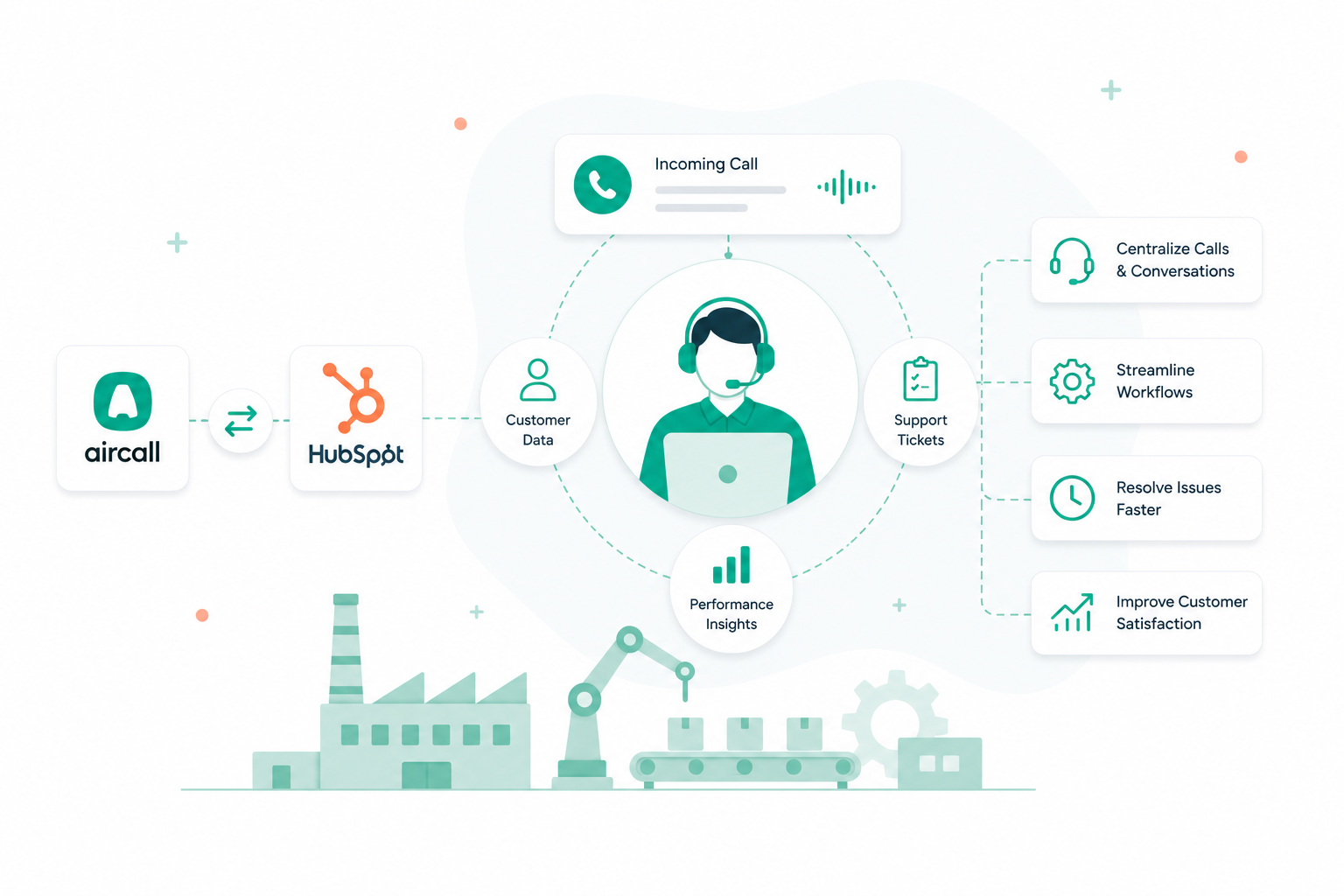
Every call, whether answered by AI or a person, becomes structured data in HubSpot. Teams respond faster, managers coach from real evidence, and leaders see the full picture of customer conversations.
Calls answered 24/7
The AI Voice Agent picks up instantly, day or night, so no customer or lead goes to voicemail.
Every call logged in HubSpot
Call summaries, outcomes, and next steps are written to the right contact, ticket, or deal automatically.
Handoffs with full context
When a caller needs a person, the AI routes them to the right teammate with the conversation so far, so nobody repeats themselves.
Coaching in real time
AI Assist Pro guides reps during live calls and scores every conversation, so coaching happens on every call, not once a quarter.
Call intelligence, no switch needed
See sentiment and topics raised on AI-handled calls next to your HubSpot data, without replacing the phone system you already use.
Value from day one
Add AI call handling while your core HubSpot build is still underway. No phase-two telephony project, and no waiting for call data.
Ready to see what AI calling can do inside your HubSpot?
Book a call-intelligence assessment with Campaign Creators. We’ll review how calls flow into HubSpot today, show where the AI Voice Agent and AI Assist Pro fit, and map a plan that doesn’t force a phone system switch.








.png?width=450&height=450&name=CC%20Square%20Image%20(9).png)