9 min read
How to Build a Scalable HubSpot API Integration Architecture
Campaign Creators
:
04/08/26
Many development teams mistake early success with a simple integration that only pulls a list of contacts as something ready for a live environment. Without planning for the deeper complexity, where most of the work involves authentication, rate limiting, and data normalization, many custom builds fail under real demand.
Building a durable architecture is the difference between a system that degrades under pressure and one that remains predictable as your business grows.
This article explains how you can move from script-based connections to a scalable, professional-grade HubSpot architecture.
The Architecture Gap in Most HubSpot Integrations

The most significant gap in common HubSpot integrations is the tendency to treat the API as an unlimited, always-available data pipe rather than a shared resource with specific limits.
Most integrations do not hit platform limits because the business is unusually large, but because the request model is fundamentally wasteful. This gap typically manifests when a system is built for convenience rather than durability, leading to frequent 429 "Too Many Requests" errors and data inconsistencies.
Several specific design flaws contribute to this gap:
- Reliance on Polling: Many teams use simple polling-driven models, asking the API every few minutes if a record has changed. This spends the request budget to answer binary questions, often burning through volume before any useful work is performed.
- Inefficient Record Processing: Prototypes often process records one by one in a loop, ignoring HubSpot’s recommendation to use batch APIs. This wastes throughput because a single batch call can handle the same data.
- Lack of Centralized Throttling: Gaps often exist where multiple independent workers, such as a real-time sync, a nightly cleanup, and a reporting export, all call HubSpot simultaneously without a shared request budget.
- Missing Reconciliation Layer: Without it, every minor API failure or missed webhook becomes a permanent data error, leaving records out of sync across systems.
- Redundant Metadata Requests: Inefficient systems repeatedly fetch property definitions, schemas, or owner lists that rarely change, rather than caching this metadata as configuration.
These gaps result in low-efficiency systems that fail to behave like durable production environments. Bridging this gap requires moving away from reactive "one-record" loops and toward a structured architecture that includes event layers, controlled queues, and automated integrity checks.
What a Scalable HubSpot Integration Architecture Looks Like
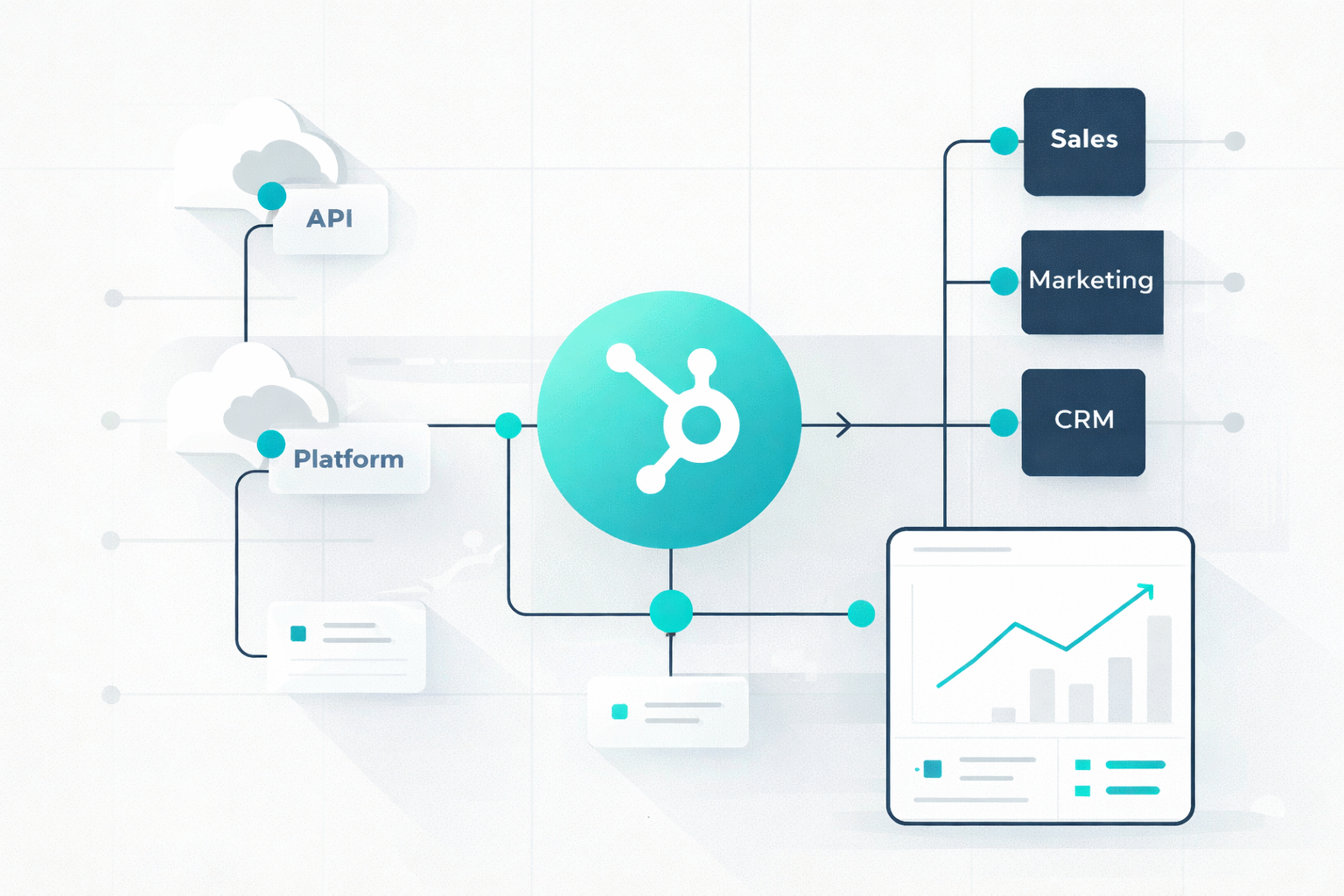
A multi-layered system designed to remain predictable as data volumes and business complexity increase is what a scalable HubSpot integration looks like. Rather than treating the API as an on-demand resource, a good architecture acts as a buffer, ensuring that the integration respects platform constraints while maintaining data integrity across systems.
For mid-market and enterprise environments, the most reliable production model follows a structured, layered approach:
- The Event Layer (Change Detection): To avoid the wastefulness of polling, a scalable architecture uses webhooks or workflow-triggered events to detect changes in real-time. This ensures that the system only initiates work when a meaningful change, such as a deal stage update or a new contact creation, actually occurs.
- The Queueing Layer (Spike Smoothing): Direct API calls are decoupled from user actions or incoming events through a centralized queue. By putting outbound work into a controlled queue, the system can smooth out traffic spikes, preventing the account from hitting the rolling ten-second burst limits.
- The API and Throttling Layer (Request Control): This layer acts as a "traffic cop" that implements centralized throttling across all integration workers. It prioritizes high-value tasks (like real-time lead routing) over low-priority reporting syncs and utilizes batch APIs for bulk reads and writes to maximise throughput efficiency.
- The Cache Layer (Resource Preservation): To reduce redundant API calls, metadata that rarely changes, such as property definitions, object schemas, and owner lists, is treated as configuration and stored in a cache. This ensures the integration doesn't burn its request budget by asking for the same structural information repeatedly.
- The Reconciliation Layer (Integrity Maintenance): Because no delivery is perfect, a scalable architecture includes a scheduled reconciliation step. These automated integrity checks detect missed writes, repair data drift, and confirm state after network outages or queue issues.
- The Monitoring Layer (Health Visibility): Reliability is maintained through regular reviews of API usage and app health using HubSpot’s developer monitoring tools. This helps teams to identify inefficient request patterns or failing connections before they impact business operations.
Using this framework, you move from a fragile sync to a durable system that handles the deeper work, such as security, rate management, and recovery, that sits beneath a basic API connection.
How to Avoid HubSpot API Rate Limits
To build a durable system, you must move away from low-efficiency patterns, such as one-by-one record processing, and adopt strategies that maximize every single request.
1. Understand Your "Limit Envelope"
Effective limit management begins with knowing your specific constraints. For most public OAuth apps, the burst limit is 110 requests every 10 seconds. For private apps, the ceiling depends on your tier: Professional and Enterprise accounts allow 190 requests per 10 seconds, with daily limits of 1,000,000 requests.
You can track this budget in real-time by monitoring the X-HubSpot-RateLimit- headers provided in API responses.
2. Prioritize Webhooks Over Polling
Polling is manually asking the API on a timer if anything has changed. It spends your budget to answer binary questions that are often "no". By implementing HubSpot Webhooks or workflow-triggered events, your system receives real-time notifications only when a meaningful change occurs. This ensures that API calls are only made when there is actual work to perform.
3. Use Batch and Search APIs Aggressively
Processing records individually is a prototype mistake that leads to rapid rate-limiting in production. HubSpot provides dedicated Batch APIs for reading, updating, and managing associations, which should be used wherever possible to reduce total request volume.
Furthermore, utilizing the Search API helps you to fetch up to 200 records per call, effectively cutting your request volume in half compared to standard list endpoints.
4. Cache Metadata as Configuration
Many integrations are unnecessarily noisy because they repeatedly fetch information that rarely changes. Metadata such as property definitions, object schemas, and owner lists should be treated as configuration data. You can avoid burning your transaction budget on static structural information when you store it in a local cache and only refreshing them on a schedule.
5. Implement a Centralized "Token Bucket"
A problem often occurs when multiple independent workers, such as a real-time sync, a nightly cleanup, and a reporting export, all hit HubSpot simultaneously. To prevent this, you should centralize your request logic using a "token bucket" or rate-limiting library. In this model, all workers must request a "token" from a shared handler before calling the API, ensuring the total combined traffic never exceeds the 10-second burst window.
6. Build Resilient Error Handling
When a 429 "Too Many Requests" error does occur, it should be treated as a diagnostic signal to slow down. Instead of immediate retries, which create "retry storms," the system should use exponential backoff with jitter. This adds a progressive and random delay between attempts to allow the API to recover.
For persistent failures, implementing circuit breakers can temporarily halt all traffic to an endpoint, preventing cascading failures across your entire infrastructure.
Authentication and Security Best Practices
Your integration often serves as a bridge to sensitive CRM data; security cannot be an afterthought. A production-grade architecture must account for modern protocol standards, aggressive token expiry windows, and rigorous credential storage.
Standardize on OAuth 2.0
For optimal security, all public apps must use the OAuth 2.0 protocol directly. While private apps are available for single-account internal tools, they also utilize access tokens rather than legacy static API keys, which have been sunset by HubSpot.
OAuth 2.0 is the industry standard because it allows you to grant specific permissions without exposing private credentials, acting as a "front door key" that can be easily managed or revoked.
Master the Refresh Race
In January 2026, HubSpot reduced the lifespan of OAuth access tokens from six hours to 30 minutes. This means your architecture must include proactive refresh logic.
- The Practical Approach: Do not wait for a 401 Unauthorized error to trigger a refresh. Your system should proactively renew tokens shortly before they expire.
- Distributed Risks: In environments with multiple background workers, ensure your system handles the distributed challenge of refreshing tokens to avoid race conditions where multiple workers attempt to refresh the same token simultaneously.
Implement the Principle of Least Privilege
When configuring your app, you must carefully define OAuth scopes to ensure the application only has access to the data it strictly requires.
For example, if your integration only needs to view contact data, request crm.objects.contacts.read but avoid .write scopes. Over-provisioning scopes increases your security surface area unnecessarily; if a property or object isn't explicitly requested via scopes, it remains inaccessible.
Secure Credential Storage and Hygiene
Your OAuth tokens are essentially passwords to your customer's CRM and must be treated as such.
- Encryption at Rest: At a minimum, encrypt access and refresh tokens at rest using a Key Management Service (KMS) or envelope encryption.
- Zero Exposure: Never log access tokens in your system logs and never return them in API responses to your frontend.
- Environment Separation: Use separate OAuth apps for development and production to prevent configuration changes in testing from impacting live data.
Verify Webhook Authenticity
When using webhooks for real-time synchronization, your infrastructure must verify the HMAC signature of every incoming payload. This step uses your app secret to ensure the "push" notification actually originated from HubSpot and hasn't been intercepted or forged by a third party.
Use Developer Sandboxes
Never test new authentication or data-writing code in a live production environment. HubSpot provides a free Developer Portal where you can create sandbox accounts. This helps you to test with mock data and verify your security logic without the risk of corrupting or deleting critical business information.
When to Use Native Connectors vs Middleware

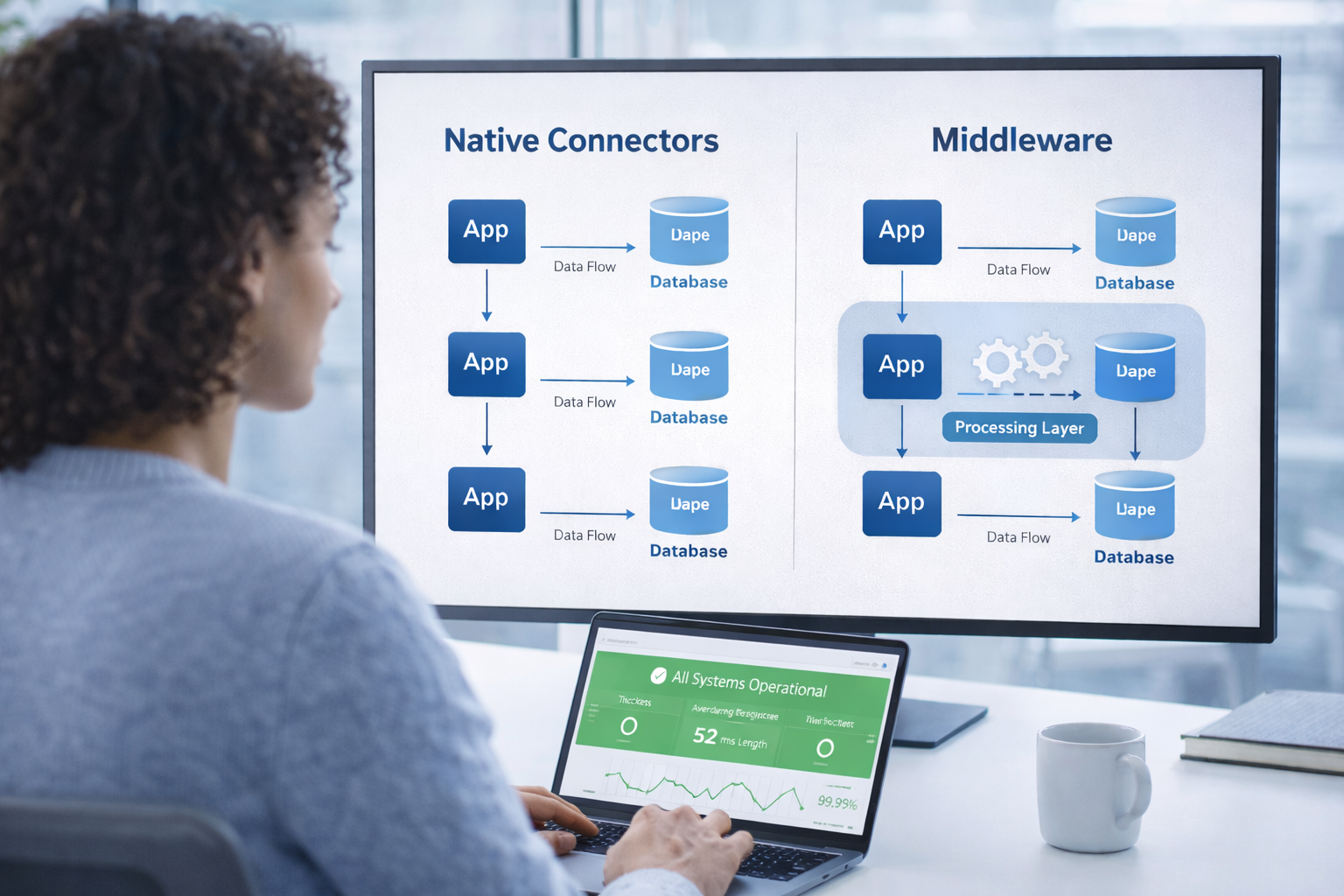
Native connectors are pre-built integrations that link HubSpot directly to popular third-party platforms using standard field mappings and workflows. They are the ideal choice when your requirements align with standard business processes, and the connector supports your necessary data fields without modification.
- Standard Use Cases: They are best suited for straightforward connections, such as linking HubSpot to common accounting software (e.g., QuickBooks, Xero), email marketing tools, or basic e-commerce setups that match HubSpot’s default product structure.
- Rapid Implementation: Native connectors can typically be deployed in days or weeks, making them perfect for teams that prioritize speed to market over deep customization.
- Lower Maintenance: Because the developers of the connector handle all API updates and infrastructure maintenance, your internal team faces significantly lower technical overhead.
Middleware (including iPaaS, unified APIs, or bespoke builds) becomes necessary when your business processes, data structures, or volume requirements exceed the out-of-the-box capabilities of a marketplace app.
- Complex Data Transformations: If your integration requires specific logic, custom field mappings, or data transformations that native connectors cannot support, a custom-built or middleware layer is essential.
- Custom Object Support: Native connectors often struggle with custom objects. If your HubSpot instance uses custom objects to model unique business relationships, such as membership tiers or project management workflows, you will likely need a custom API solution to maintain data consistency.
- Multi-Platform Strategy: If your roadmap includes connecting to multiple CRMs or ERPs (e.g., Salesforce, Zoho, and NetSuite), a unified API middleware helps you to build a single integration point rather than recreating the infrastructure for every new provider.
In many enterprise implementations, a hybrid architecture is the most effective strategy. In this model, native connectors are used for standard, low-stakes processes to save development time, while custom middleware manages business-critical requirements that demand specific functionality or deep data normalization. This makes it possible for organizations to scale quickly without incurring unnecessary technical debt from forcing complex processes into limited native tools.
How to Prepare Your HubSpot Integration for AI Workflows
To ensure your integration can support advanced AI and machine learning (ML) applications, focus on the following architectural requirements:
1. Establish Clean Data Structures as a Foundation
AI and ML models are highly sensitive to data quality. Missing values, duplicates, and inconsistent formats can significantly degrade model performance. A clean data structure is the essential foundation that allows AI agents to accurately interpret intent and tone.
Integrations should prioritize schema normalization, mapping HubSpot’s custom properties into a standardized internal format, to ensure the AI is not fighting against "property sprawl" or fragmented records.
2. Architect for Retrieval-Augmented Generation (RAG)
Modern AI agents require context beyond a single record. Preparing for RAG involves using vector embeddings to translate CRM data into numerical representations that capture semantic meaning rather than just keywords. This helps the system to find similar historical issues or relevant knowledge base articles to produce validated, contextually relevant responses.
3. Expose Resources via Model Context Protocol (MCP)
To avoid writing massive amounts of "glue code" for every AI agent, utilize modern standards like the built-in MCP tool generation. This approach automatically exposes HubSpot resources as AI agent tools with generated JSON schemas, allowing Large Language Models (LLMs) to perform function calling directly on CRM objects without custom wrappers.
4. Build Conditional Human-in-the-Loop Logic
Reliable AI workflows must know when to stop. Your integration should include conditional logic to evaluate factors like the AI’s confidence score or the complexity of a technical issue.
If confidence is low or a high-severity label is detected, the system should trigger a human handoff, updating the HubSpot record with the AI’s suggested priority and technical context for a human agent to review.
5. Prioritize Model Explainability and Transparency
In highly regulated industries like finance or healthcare, it is crucial to understand how an automated decision was reached. Ensure your integration logs the specific AI prompts, retrieved context, and logic paths used for each transaction, providing the transparency required for auditing and continuous optimization.
If you design your integration with these constraints from the start, you avoid rebuilding your entire system later when AI use cases shift from experimentation to real operational dependency.
Structure Your Integration for Long-Term Growth!
A scalable integration is not something you layer on later. Every shortcut taken at the beginning, from polling to loose data structures, quietly sets limits on how far your system can grow. If you treat your integration as infrastructure instead of a connector, your decisions start to prioritize control, predictability, and long-term reliability instead of short-term convenience.
As your use cases expand into automation and AI, the integration stops being a background system and becomes a core part of how your business operates.
If you want your integration built on this kind of foundation from the start, explore our HubSpot Onboarding Services and set up a system that can handle scale, automation, and AI without constant rework.
Frequently Asked Questions
How do you decide when your HubSpot integration needs a queueing system?
You need a queue when API requests spike, fail intermittently, or compete across multiple workers. If your system risks hitting rate limits or losing events during traffic bursts, a queue becomes necessary.
What are the trade-offs between real-time sync and eventual consistency in HubSpot integrations?
Real-time sync gives immediate updates but increases API pressure and failure risk. Eventual consistency reduces load and improves stability, but introduces short delays in data accuracy.
How do you handle schema changes in HubSpot without breaking downstream systems?
You isolate schema changes through a mapping layer or versioned contracts so downstream systems continue to receive a stable structure. This prevents direct dependency on HubSpot’s evolving property model.
How do you manage OAuth token refresh across distributed systems without conflicts?
You centralize token refresh logic or use a locking mechanism so only one process refreshes at a time. This avoids race conditions where multiple workers overwrite valid tokens.
What risks come from over-permissioned OAuth scopes in production systems?
Over-permissioned scopes expand your exposure if credentials are compromised and allow unintended data access or modification. This increases both security risk and the impact of integration errors.
.png?width=420&height=121&name=cc-logo-color%20(2024).png)