







 Campaign Creators
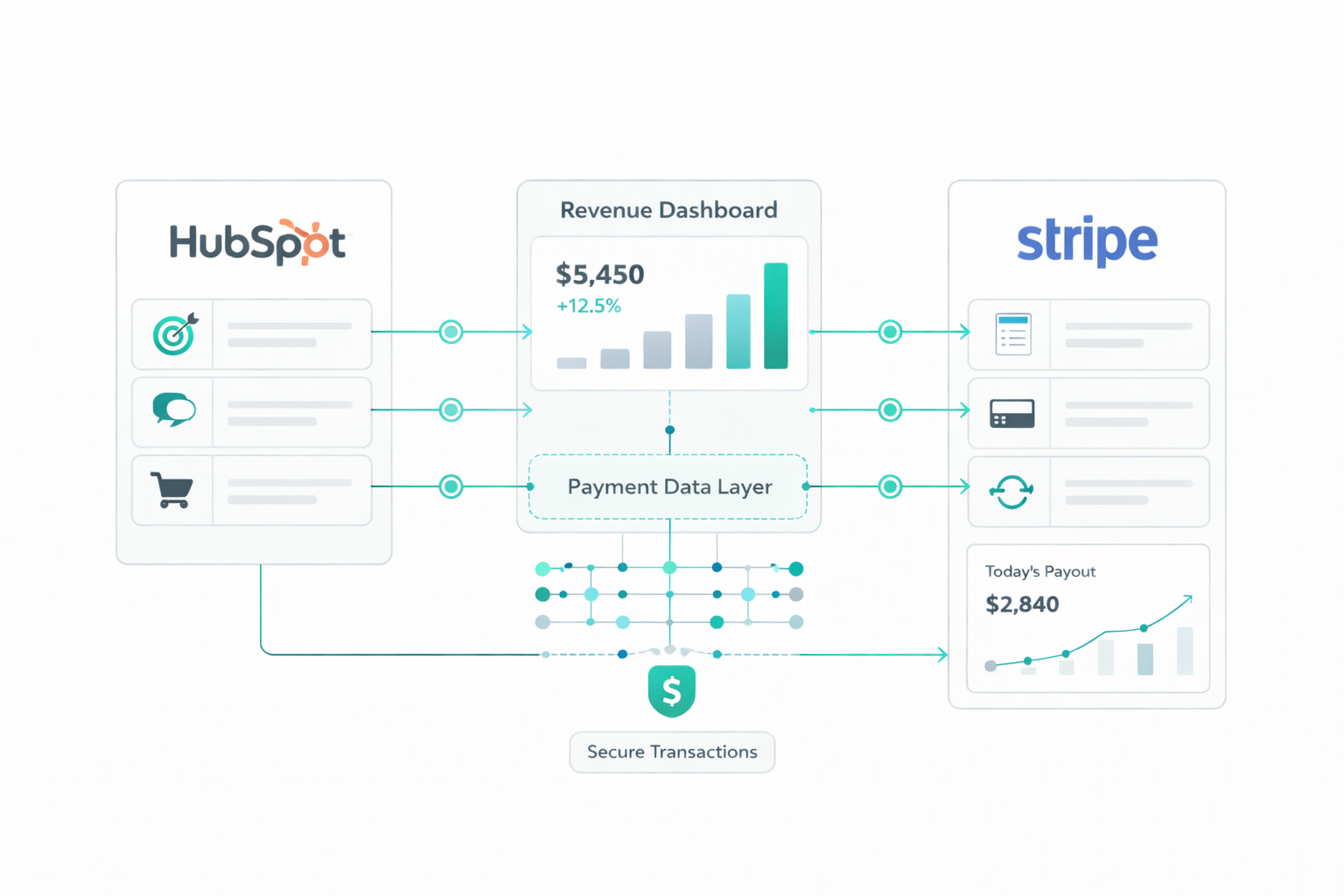
Stripe–HubSpot Integration Strategy for Revenue Leaders
 Campaign Creators : 04/10/26
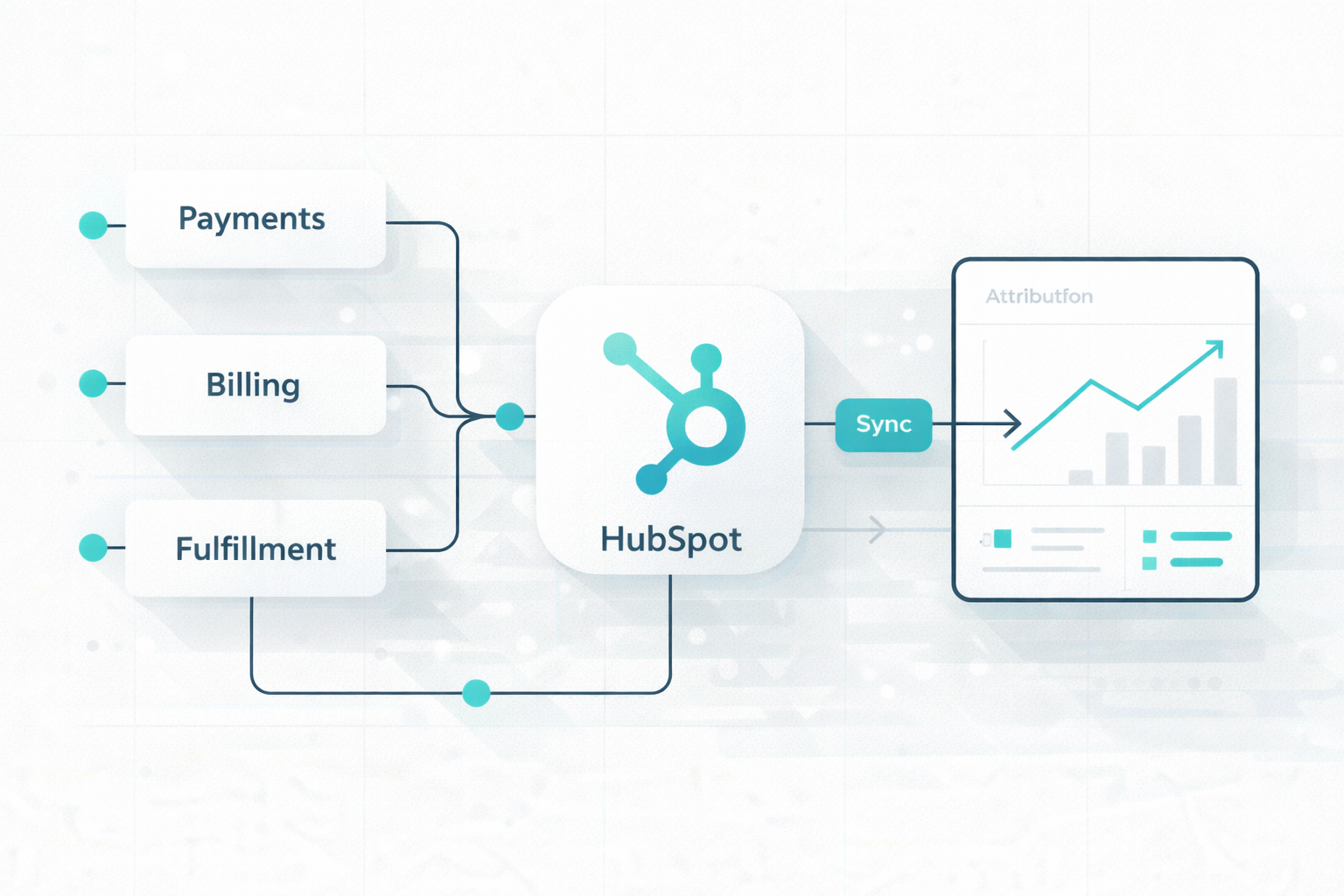
The modern enterprise tech stack has shifted from a single system to a mix of specialized SaaS tools. That shift creates a problem: CRM, payments, billing, and fulfillment systems often operate separately, leading to inconsistent data across teams.
Every manual handoff or data re-entry adds friction and increases the risk of errors. Over time, this can lead to revenue leakage, with companies losing an estimated 1% to 5% of EBITDA each year.
HubSpot can serve as the central system that connects everything across this ecosystem. Its unified CRM connects marketing, sales, and service data, helping align front-office activity with back-office operations.
This guide shows how to move from fragile point-to-point integrations to a more resilient, system-centered architecture.

Point-to-point integration is a simple setup where two systems connect directly and share data with each other, without anything in between. One system talks straight to another, like a direct line from System A to System B, with no central layer managing how data moves.
You often see this in setups like:
Teams usually set this up as quickly as possible. They rely on built-in integrations or simple scripts, often handled within each department. For example, a marketing team might install a syncing app in HubSpot at the same time finance sets up its own connection to the ERP, without coordinating both efforts.
At the start, this setup feels quick and easy. Most tools offer ready-made integrations, so data starts flowing within minutes with little effort. Early on, systems stay stable, so everything seems to work without issues. That sense of stability doesn’t last. These direct connections depend heavily on how each system works, so even small changes can break them at any time.
Point-to-point integrations break through small sync errors in the background that don’t trigger alerts but slowly damage data quality over time.
1. Data Inconsistencies Across Systems
These problems often come from schema mismatches, which means systems are structured differently. For example, HubSpot may allow a contact without a mailing address, but NetSuite will reject it. Because these systems are tightly coupled, even a small change can break the sync.
2. Different Revenue Numbers in HubSpot vs NetSuite
These gaps are usually a translation challenge, not a math problem:
3. Sync Failures and Duplication
P2P integrations lack proper orchestration to manage data safely:
4. Delays in Order and Fulfillment Data
These issues are most visible at the end of the customer journey:
Because data moves through fragile, disconnected links, it often drifts or fails silently, leading to “truth disagreements” where teams rely on different numbers. This shows up in dashboards as missing or inconsistent data, including ghost revenue, deals marked as “Won” in HubSpot but never recorded in NetSuite due to sync issues. Eventually, teams stop trusting dashboards and fall back on “spreadsheet-based truth,” spending more time fixing data than using it.
These issues also make it hard to track the full lifecycle from lead to payment to fulfillment. Each team sees only part of the process, which leads to definition drift and misalignment across marketing, sales, and finance. Important steps, like shipping updates from HubSpot to ShipStation, often break or stay incomplete, creating delays and manual work.
Problems like split shipments or missing tracking data lead to silent fulfillment failures, slower invoicing, and delayed revenue recognition. Without a connected system, you lose full visibility into the customer journey, making it difficult to measure performance or calculate metrics like Customer Lifetime Value (CLV).
A stable integration setup comes from combining clear ownership of data with a structured flow of how that data moves across systems. Each system handles a specific part of the process, and information progresses in one direction using consistent identifiers, without systems overwriting each other.
HubSpot manages contacts, companies, deals, and lifecycle stages. When a deal stage changes to “Closed-Won,” HubSpot sends:
NetSuite uses these identifiers to create or update the Customer record, preventing duplicates.
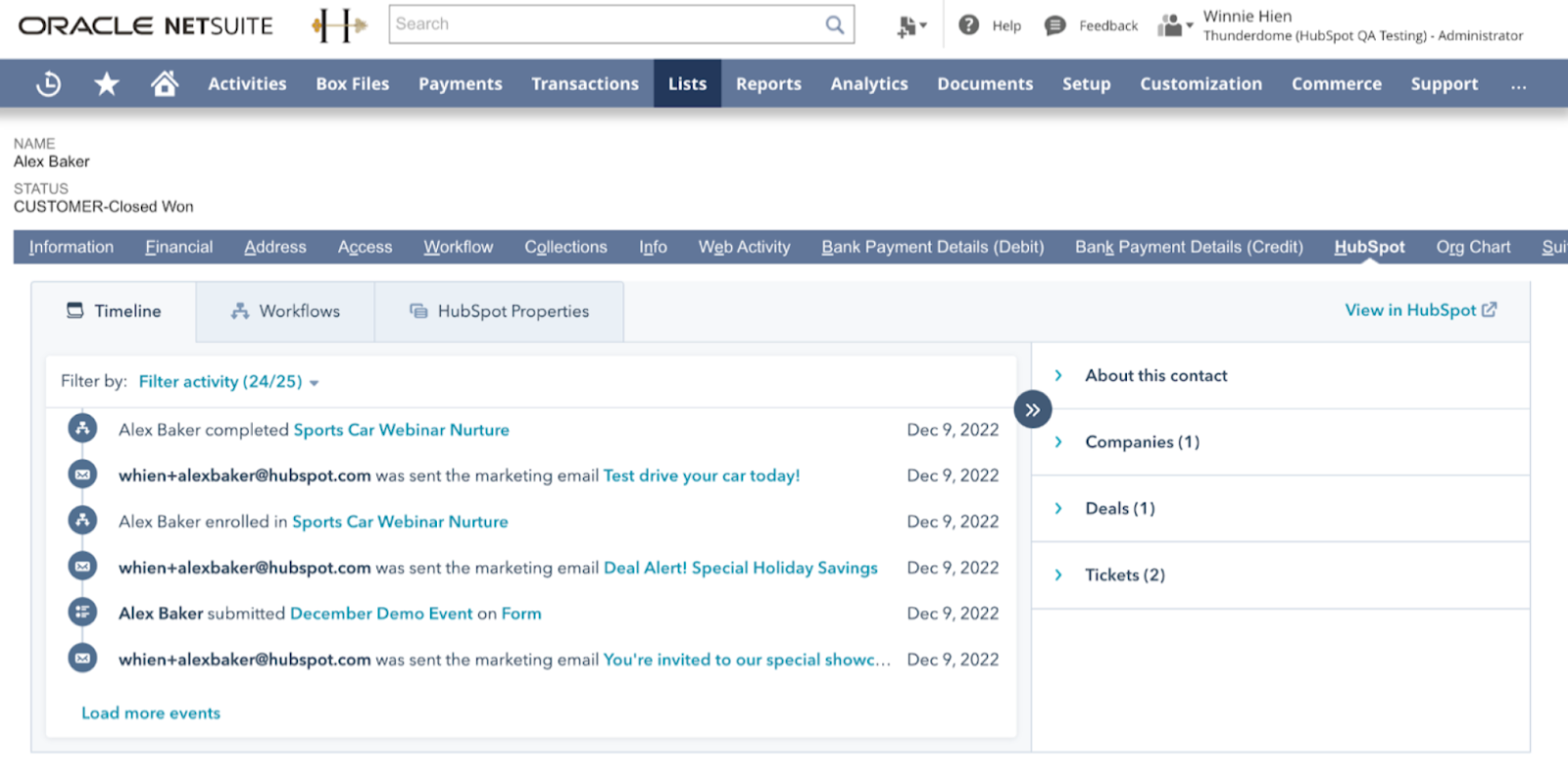
The HubSpot embed feature also lets you view HubSpot contact, company, and deal details directly inside NetSuite, and take action on them. You can enroll records into automation workflows without leaving NetSuite, which helps keep both systems aligned without switching between tools.
Stripe handles charges, invoices, and subscriptions. When a payment succeeds, Stripe sends:
This data updates the Deal stage to “Closed-Won” and Lifecycle Stage to “Customer” in HubSpot and creates a Customer Payment record in NetSuite and links it to the correct invoice
NetSuite manages invoices, payments, and the general ledger.
All financial reporting and reconciliation remain centralized here.
Approved Sales Orders are sent from NetSuite to ShipStation with:
After fulfillment, ShipStation returns:
This data updates the Sales Order status in NetSuite and adds tracking details to HubSpot contacts and deals. Each system performs a defined role, and data progresses step by step without duplication or conflicts.
Modern systems work better with event-driven architecture, where updates happen as soon as a change occurs instead of waiting for scheduled syncs. This reduces delays and prevents outdated data.
Real-time sync uses webhooks to send updates immediately after an event, often within milliseconds. Batch sync runs on a schedule (for example, every few hours), which fits better for reporting or reconciliation tasks.
Examples of Key Events:
To keep systems aligned, data needs a shared structure. A canonical schema ensures that each system can read and process the same information without errors.
Use a single identifier across systems. For example, set the NetSuite ExternalID as the global ID, then sync that ID to HubSpot, Stripe, and other platforms.
Align transaction records across systems so each stage of the revenue process connects to the next without gaps. A HubSpot Deal should directly correspond to a NetSuite Sales Order, using a shared identifier (such as Deal ID mapped to Sales Order External ID) to maintain a one-to-one relationship between systems.
Products should match using exact SKU values, not product names, since names can vary across platforms.
Before syncing, format data based on the strictest system rules, usually from NetSuite. This includes standardizing:
Clean data reduces sync errors and failed updates. Your data now moves reliably when every system follows the same structure and identifiers.

HubSpot works well as the central system because all your marketing, sales, and customer data live in one place. HubSpot works through three simple layers:
HubSpot helps organizations to implement a Signals-Logic-Outcomes framework. For example, a signal from a successful Stripe payment can be processed through HubSpot's centralized logic to achieve an outcome, such as notifying a sales rep and beginning customer onboarding.
This prevents the creation of conflicting one-off workflows and provides the front office with millisecond-level intelligence required to convert and retain customers.
With a central system in place, manual work starts to drop, data stays more consistent, and it becomes easier to see how revenue moves across your business.
Automated billing and accounts receivable processes reduce delays in collections. Many teams see Days Sales Outstanding drop from 47 days to 40 days, which helps you access cash sooner and improve liquidity.
You can track the entire customer journey in one place, from the first interaction to the final invoice. This improves campaign attribution, strengthens revenue forecasting, and helps you to rely on real-time data instead of manual reports.
Centralized validation ensures data is clean before it reaches your financial system. This reduces duplicate records, sync failures, and billing mistakes, saving teams several days of manual correction work each month.
Automated communication, such as order confirmations and shipping updates, keeps customers informed without manual effort. This can reduce inquiries by up to 40-60% and improve retention rates by as much as 36%.
With fewer manual tasks and fewer errors to fix, teams gain back time. Sales reps alone can save around four hours per week, and overall productivity gains can translate into significant ROI, often reaching $8.71 for every dollar invested.
Less time goes into fixing problems, and more into making decisions that move the business forward.
With HubSpot at the center, each step in the revenue process follows a clear, connected flow. Deals, payments, and orders stay aligned across Stripe, NetSuite, and fulfillment tools, without relying on manual fixes or disconnected syncs.
As everything stays in sync, teams start working from the same set of data. This reduces confusion in reporting and makes it easier to trust the numbers, with less time spent reconciling them.
If you want your setup to follow this structure from the beginning, explore our HubSpot Onboarding Services and build a system that supports long-term growth.
Explore how we turn HubSpot into a performance engine!

Campaign Creators : 08/19/26
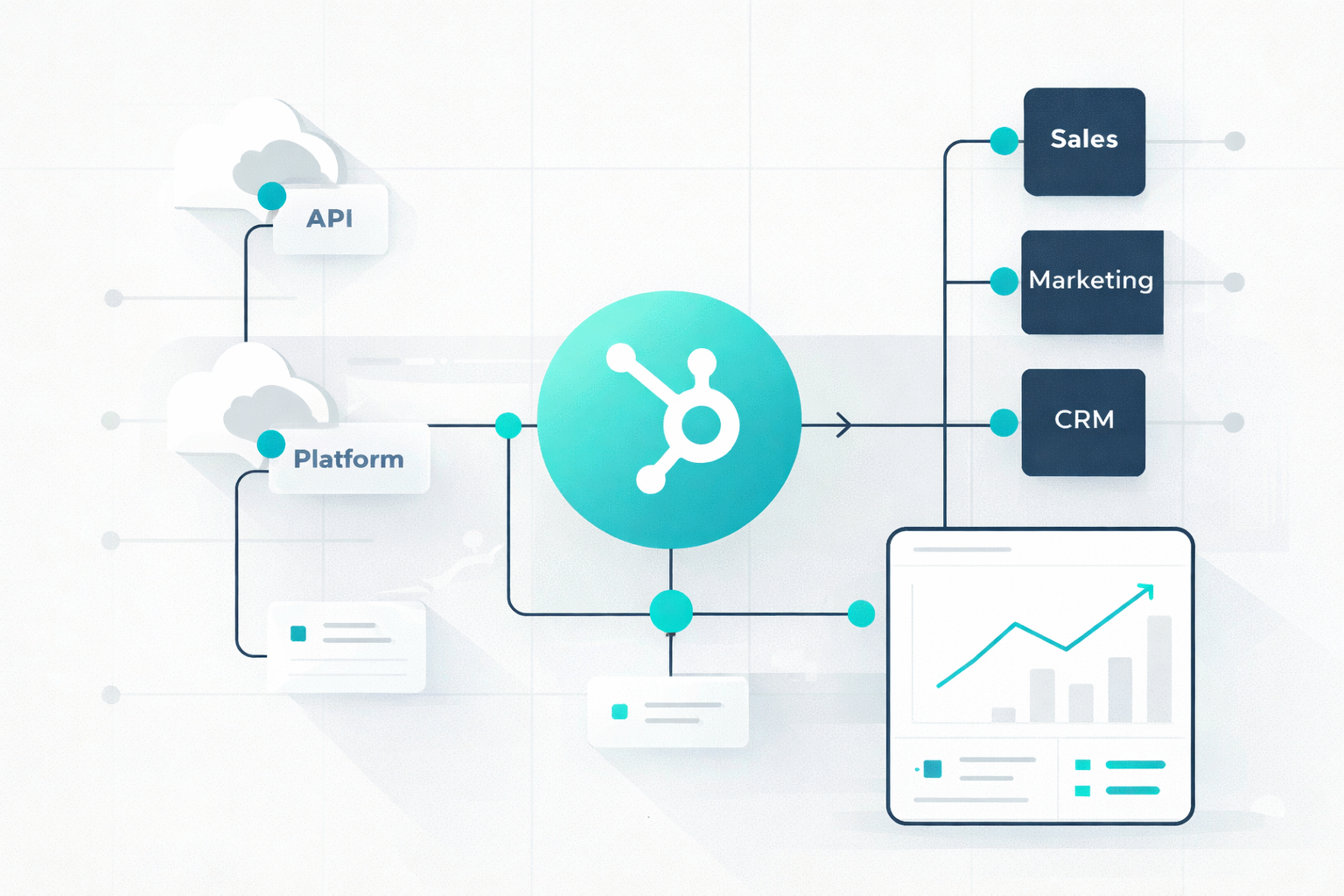
HubSpot can be the center of your tech stack when it gives marketing, sales, service, and revenue teams one reliable view of the customer while...
Campaign Creators : 04/08/26
Many development teams mistake early success with a simple integration that only pulls a list of contacts as something ready for a live environment....