How HubSpot Lifecycle Stages Guide Lead Nurturing
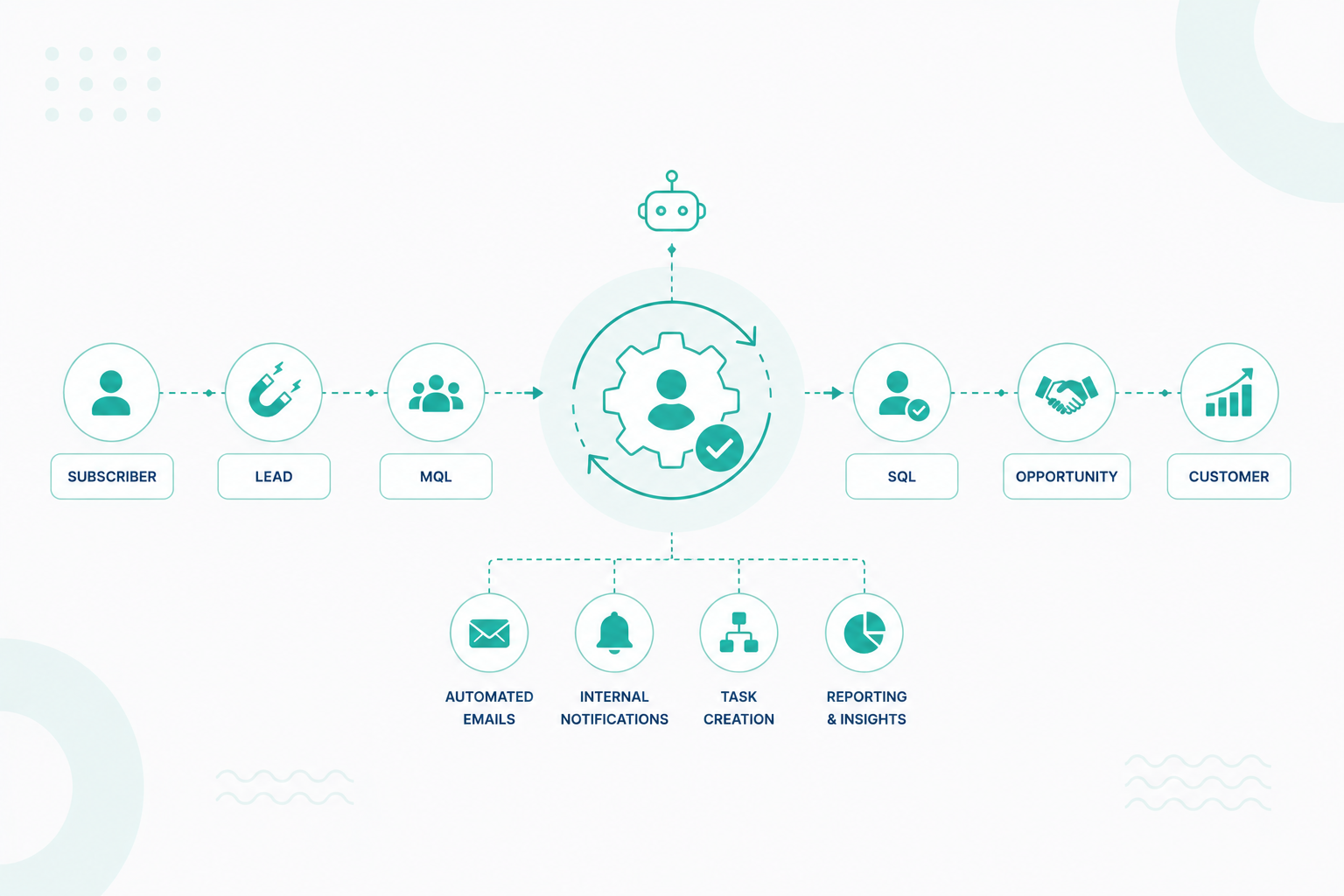
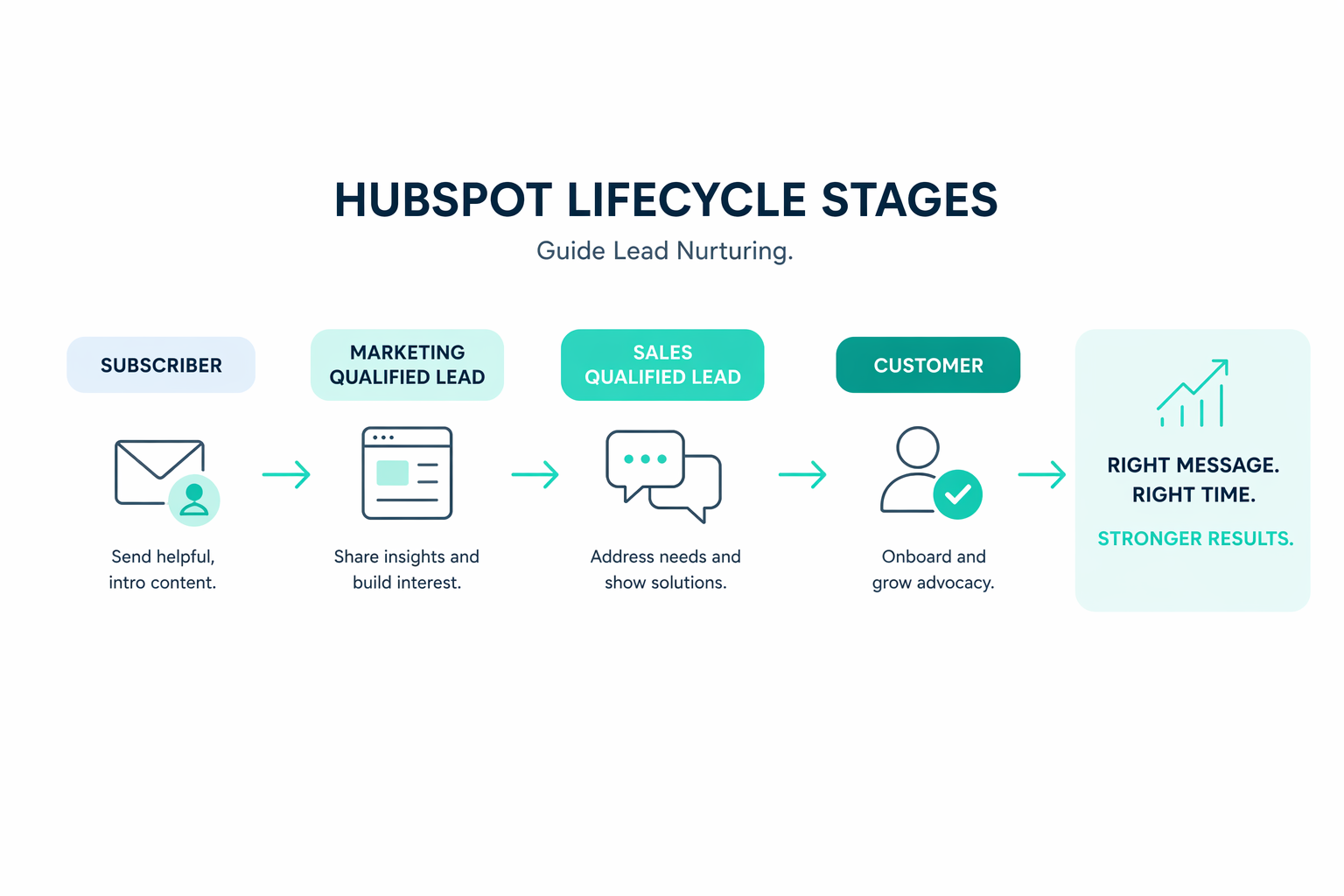
HubSpot lifecycle stages track a contact's progression from early engagement to becoming a customer. Marketing, sales, and customer success teams...
A HubSpot Elite Solutions Partner built to help organizations unify strategy, systems, and execution. We design HubSpot systems that scale.
See how we've solved complex HubSpot challenges across migrations, integrations, CMS, automation, and optimization.
Join a team building smarter HubSpot systems. We value strategic thinkers who move proactively, care about quality, and want to do meaningful work.
9 min read
Campaign Creators
:
07/17/26
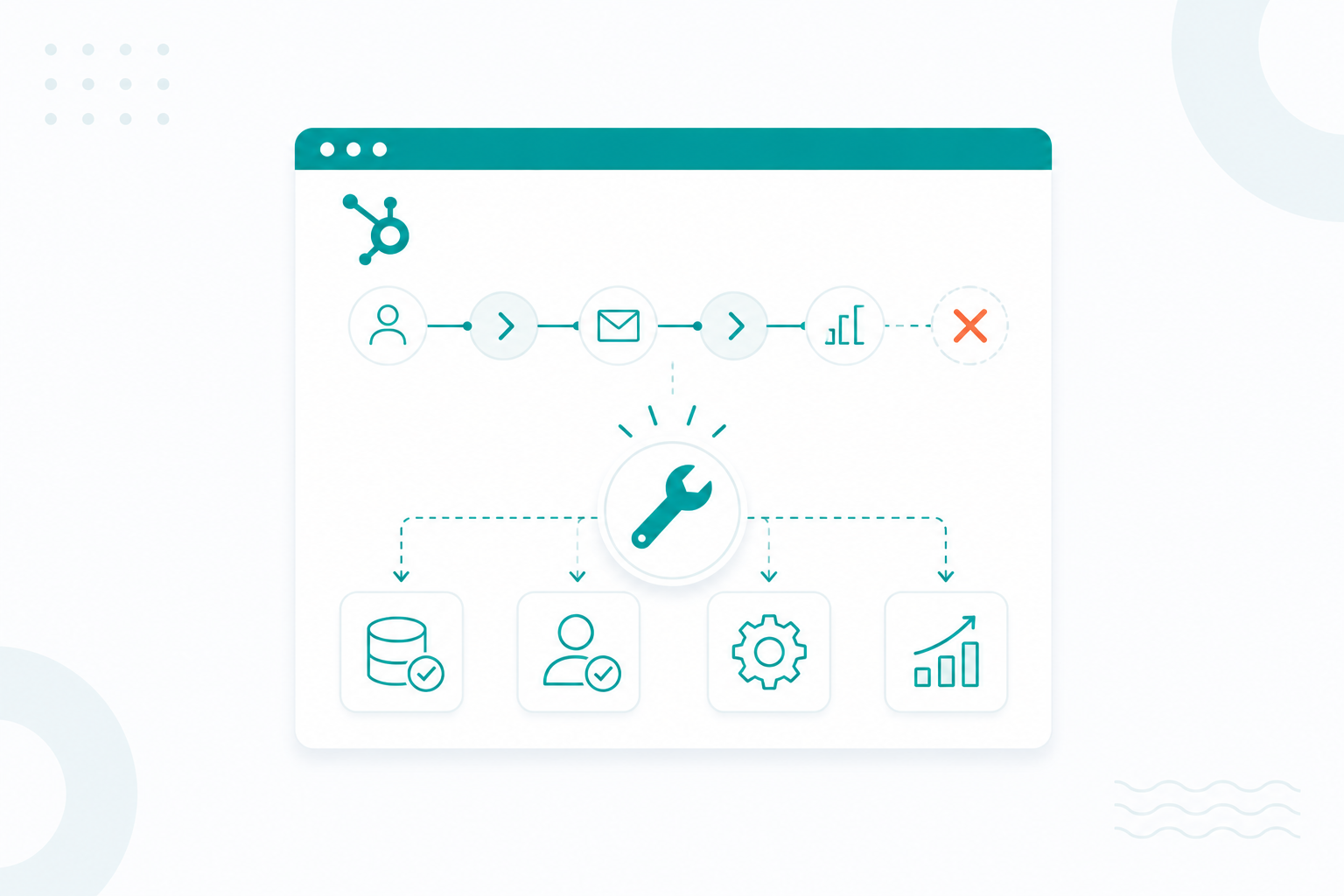
HubSpot lifecycle automation helps move contacts through every stage of the customer journey without manual work. As your business grows, more workflows, integrations, and teams begin using the same CRM. Without a clear structure, automation becomes harder to manage, and lifecycle data becomes less reliable.
Many organizations experience workflow conflicts, duplicate records, incorrect lifecycle stages, and reporting issues because automation was built over time without consistent rules. Small problems that seem manageable at first can affect lead routing, customer communication, and business reporting as your HubSpot portal grows.
This article explains why HubSpot lifecycle automation breaks at scale, where these issues usually start, and the practical steps that help keep your CRM organized, your lifecycle data accurate, and your automation reliable as your business continues to grow.
As automation scales poorly, the integrity of your CRM data and the reliability of your processes begin to break down in several specific ways:
The failure to scale automation has tangible costs beyond simple system errors. Businesses often end up with workflows that are still active but no longer run and duplicate fields that store the same information. For example, different teams may create multiple "Lead Source" fields that are not connected, making it difficult to group contacts correctly and produce accurate reports.
As data becomes less reliable, marketing and sales are also affected. Marketing teams may spend money showing ads to people who are unlikely to buy, while sales teams waste time following up with contacts who are not ready to make a purchase. Customers may also receive outdated or conflicting messages, which can increase unsubscribe rates and reduce trust in your brand.

As automation grows, many businesses also run into the limits of their HubSpot plan. They may reach the maximum number of workflows, updates, or automated actions their plan allows.
Poor data is often the main reason these problems become harder to manage. According to a RevOps report, 99% of respondents struggle with technical data issues, and 71% say poor data hurts their go-to-market (GTM) performance. As automation becomes more complex, teams spend less time improving marketing and sales and more time checking data, fixing automation, and finding the source of problems.
Ad hoc workflows create conflicting lifecycle logic primarily because they are often optimized for speed of creation rather than data integrity, leading to a sophistication gap that rewards quick setups but breaks at scale.
These conflicts typically arise from the following architectural and logical failures:
HubSpot executes workflow actions sequentially but includes asynchronous delays between steps. Because there is no native locking mechanism, two separate workflows can trigger, read, and attempt to write to the same lifecycle property at the same time. This creates a race condition where the final state of the record depends entirely on which workflow's "write" command happens to finish last, leading to inconsistent data.
A major source of conflict is enabling re-enrollment logic without exit conditions. When ad hoc workflows are layered on top of one another:
A contact may meet the criteria for a new workflow while still being processed by an older one. This results in multiple instances of workflows running simultaneously on a single record, with both processes fighting to update the same lifecycle stage or status properties.
Without suppression lists or completion markers, properties are often left in inconsistent, half-written states.
Ad hoc workflows often use the "Set property value" action without checking for existing data. If a workflow is triggered by an integration that returns a null value for a field that was previously populated, HubSpot will overwrite the valid data with a blank value. This destroys the audit trail and can revert a contact's lifecycle stage to an incorrect or unknown state.
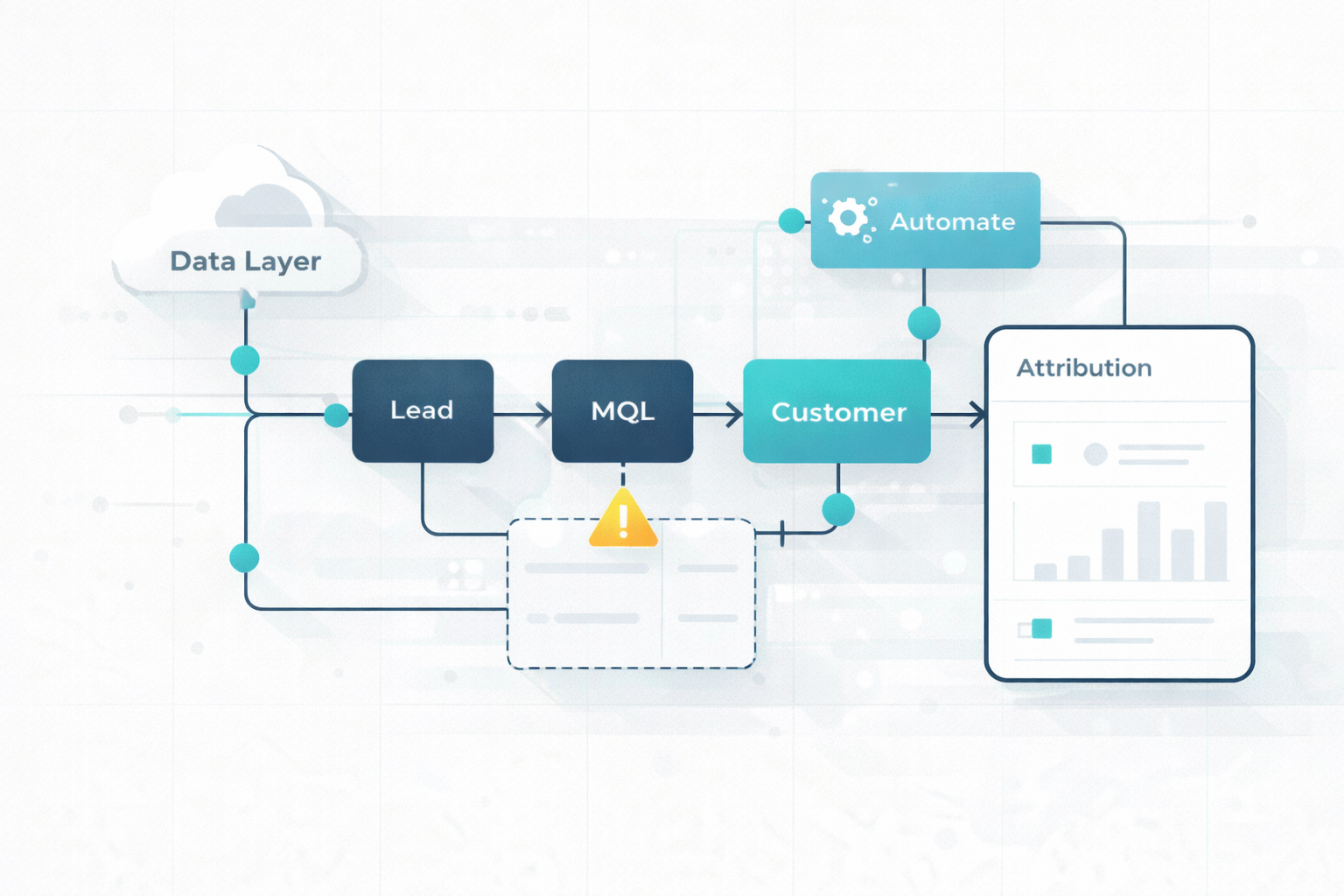
Read the rest of this guide to learn how to fix marketing automation workflows and eliminate data, lifecycle, and attribution gaps.
Enterprise HubSpot portals usually begin to break in four areas. Problems often start with planning and configuration, become more noticeable as integrations and automation grow, reduce data quality over time, and eventually affect reporting and user confidence.
Many organizations rush to launch HubSpot, leaving little time to plan how the CRM should support their sales and marketing processes. As a result, they rely on default pipelines, lifecycle stages, and lead definitions that do not match how the business actually operates.
Automation built on top of these weak foundations simply repeats the same mistakes at a larger scale, causing inaccurate lead routing, inconsistent lifecycle stages, and inefficient handoffs between teams.
While daily limits are often generous, the burst limit (100–190+ requests per 10 seconds) is usually the first wall an integration hits. A single contact sync involving associations and property updates can burn through this window instantly, causing silent record drops.
The CRM search API is capped at a strict 5 requests per second shared across all object types. This becomes a primary bottleneck for enterprise deduplication checks during bulk imports, frequently breaking data integrity logic before the burst limit is even reached.
Enterprise portals often break because dirty data is migrated from legacy systems without a rigorous audit.
If Marketing and Sales do not agree on what constitutes an MQL, the automation may report high volume while Sales reports low quality, leading to political friction and a system the team eventually ignores.
Technical debt often starts with Custom Objects created without supporting processes. If an object is built with an incorrect schema (e.g., missing an owner property or activity tracking), it adds friction rather than utility, leading to rapid abandonment.
For multi-brand organizations, a single portal break often involves shared global settings (like time zones) that create up to 16-hour reporting offsets for regional teams.
To keep lifecycle data accurate at scale, organizations must use methods ranging from modular workflow design to advanced DataOps.
In HubSpot and similar CRM environments, all-in-one workflows that mix nurturing, scoring, and lifecycle changes become impossible to debug and scale.
Reconciliation systems often fail at scale by generating duplicate alerts for the same known discrepancy.
Applying DataOps principles to lifecycle data helps ensure that only accurate and reliable data is used for reporting, dashboards, and AI models.
Data moves through three quality stages before it is ready for business use:

Each stage includes automated quality checks to prevent bad data from moving forward.
Statistical Process Control (SPC) adds another layer of monitoring by creating dynamic quality thresholds based on historical data patterns. This approach reduces false alarms while helping teams quickly detect real data quality issues before they affect business reporting or automation.
By following these methods, organizations can build automation that remains accurate, reliable, and easier to manage as their CRM grows. Continue reading this guide on how to design HubSpot automation for clean data and better AI.
Yes. A governance framework can significantly reduce the risk of automation failures spreading across a HubSpot portal by establishing consistent standards for workflows, lifecycle stages, properties, and integrations.

Without governance, different teams often build automation independently, creating duplicate workflows, conflicting lifecycle updates, inconsistent property values, and unreliable reporting. As these issues accumulate, even a small automation error can affect multiple teams and business processes.
Governance also reduces conflicts between workflows. When every workflow follows the same lifecycle definitions, property standards, and automation rules, workflows are less likely to overwrite each other's data, trigger actions at the wrong time, or move contacts into the wrong lifecycle stage.
Another benefit is improved visibility and accountability. Clear ownership of workflows, properties, and integrations makes it easier to identify the source of automation issues before they affect other parts of the CRM.
As organizations continue to add new teams, campaigns, integrations, and business processes, governance provides the structure needed to scale automation without creating duplicate logic, inconsistent data, or unnecessary complexity. This helps HubSpot automation to maintain accurate lifecycle data and support consistent reporting as the business grows.
The safest way to improve lifecycle automation is to test changes before they reach your live portal. A Standard Sandbox provides a copy of your production environment where you can validate new workflows, lifecycle stages, and automation logic without affecting customer data or disrupting day-to-day operations. You can mirror supported assets, copy up to 5,000 recent contacts and their associated records, and test automation against realistic data.
Once the changes have been validated, you can deploy them to your production portal for a controlled rollout.
Update the structure you already have rather than replacing your lifecycle model. For core milestones such as Lead, Opportunity, and Customer, renaming existing lifecycle stages helps preserve native HubSpot functionality and historical reporting.
New lifecycle stages should only be created when they represent entirely new phases of the customer journey, such as disqualified records or former customers. If your portal relies heavily on custom Lead Status values, consolidating them into a clearer lifecycle structure can also simplify automation and reporting.
Transitioning existing records to a new lifecycle model can be done through a systematic, 8-step process that ensures data integrity:
After the new lifecycle structure is in place, redesign automation so it remains manageable as your CRM grows. Break large workflows into smaller workflows with a single purpose, establish clear exit conditions so contacts cannot enter conflicting automation paths, and use your sandbox to validate changes before deploying them to production.
Where your business requires contacts to move backward in the lifecycle, create dedicated workflows to manage those exceptions rather than relying on conflicting automation logic.
Lifecycle automation can only be as reliable as the CRM architecture supporting it. Continue reading to learn the architecture best practices behind scalable HubSpot automation.
If your organization needs to improve lifecycle automation, focus on your CRM foundation before adding more workflows. Better workflow design, stronger data governance, and clear lifecycle definitions help reduce automation issues and improve reporting across your business.
Campaign Creators help organizations build and optimize HubSpot lifecycle automation with CRM strategy, workflow design, data governance, and implementation support. Our team can create a scalable HubSpot environment that supports accurate data, reliable automation, and long-term growth.
Explore how we use HubSpot for growth and scale performance!
Yes. HubSpot workflows can automatically update lifecycle stages when contacts or companies meet specific conditions.
Yes. If multiple workflows update the same property without clear rules, they can create conflicting data and unexpected results.
Lifecycle stages show where a contact is in the customer journey, while lead status tracks the progress of sales follow-up.
Yes. You can rename default stages and add custom stages to match your sales and marketing process.
Yes. Workflows can move contacts to an earlier stage if your business process requires it and the automation is configured correctly.
HubSpot lifecycle stages track a contact's progression from early engagement to becoming a customer. Marketing, sales, and customer success teams...
Marketing teams are expected to generate a pipeline faster and prove revenue impact. At the same time, many teams still rely on manual processes that...
How to Fix Lifecycle in HubSpot and Improve Pipeline Performance Friction arises from the system's structure. You start to notice it in small ways...