









 Campaign Creators
How to Track AI Search Traffic to Pipeline and Revenue in HubSpot
 Campaign Creators : 11/09/26
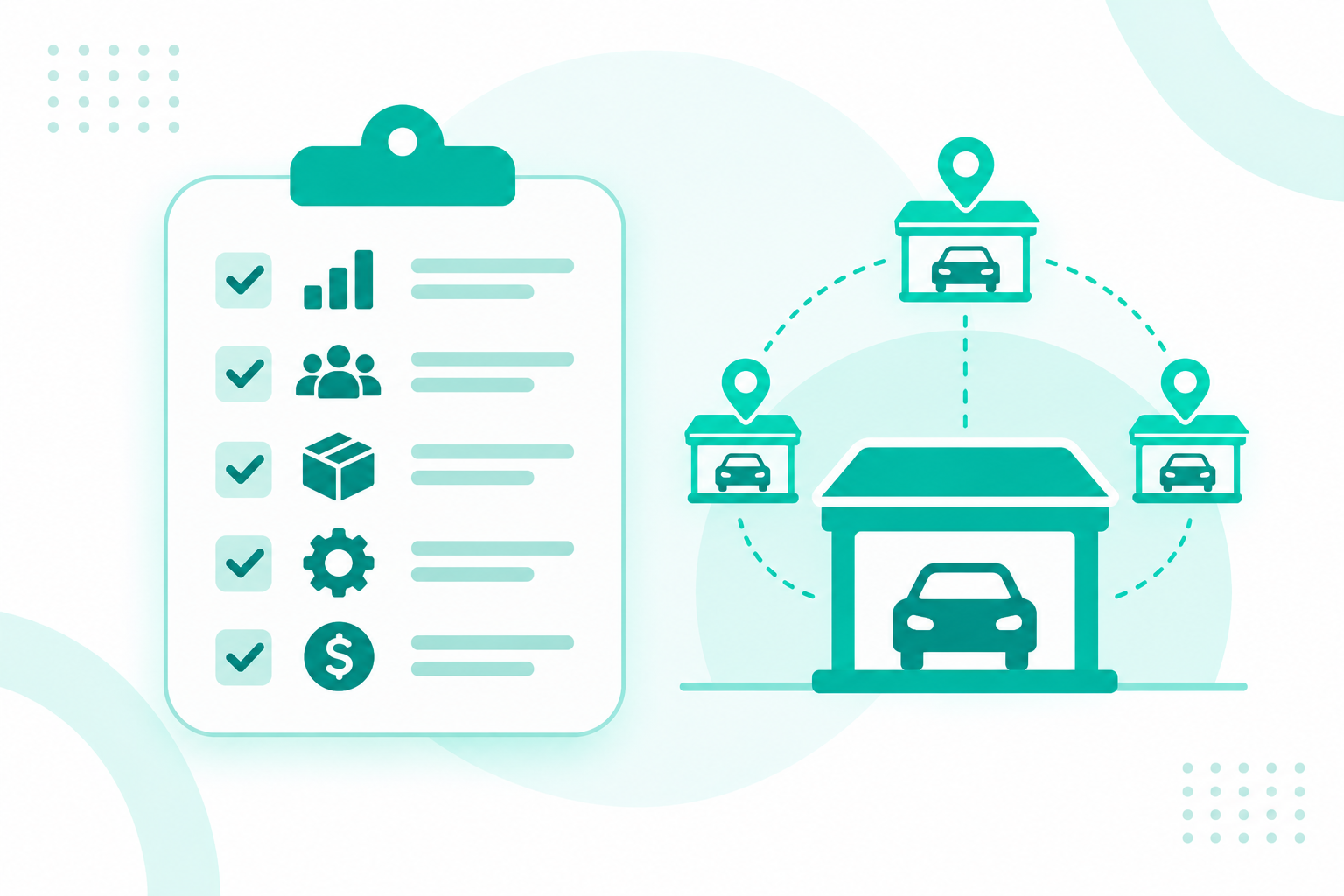
Dealer network management in HubSpot means keeping every dealer, distributor, and installer on a company record. Each record holds the partner's tier, territory, agreement status, key contacts, and lead follow-up history. Brands then report on how fast each dealer responds to leads and how many of those leads close. Company properties and parent/child associations cover the basics, and custom objects add agreements, programs, and co-op funds.
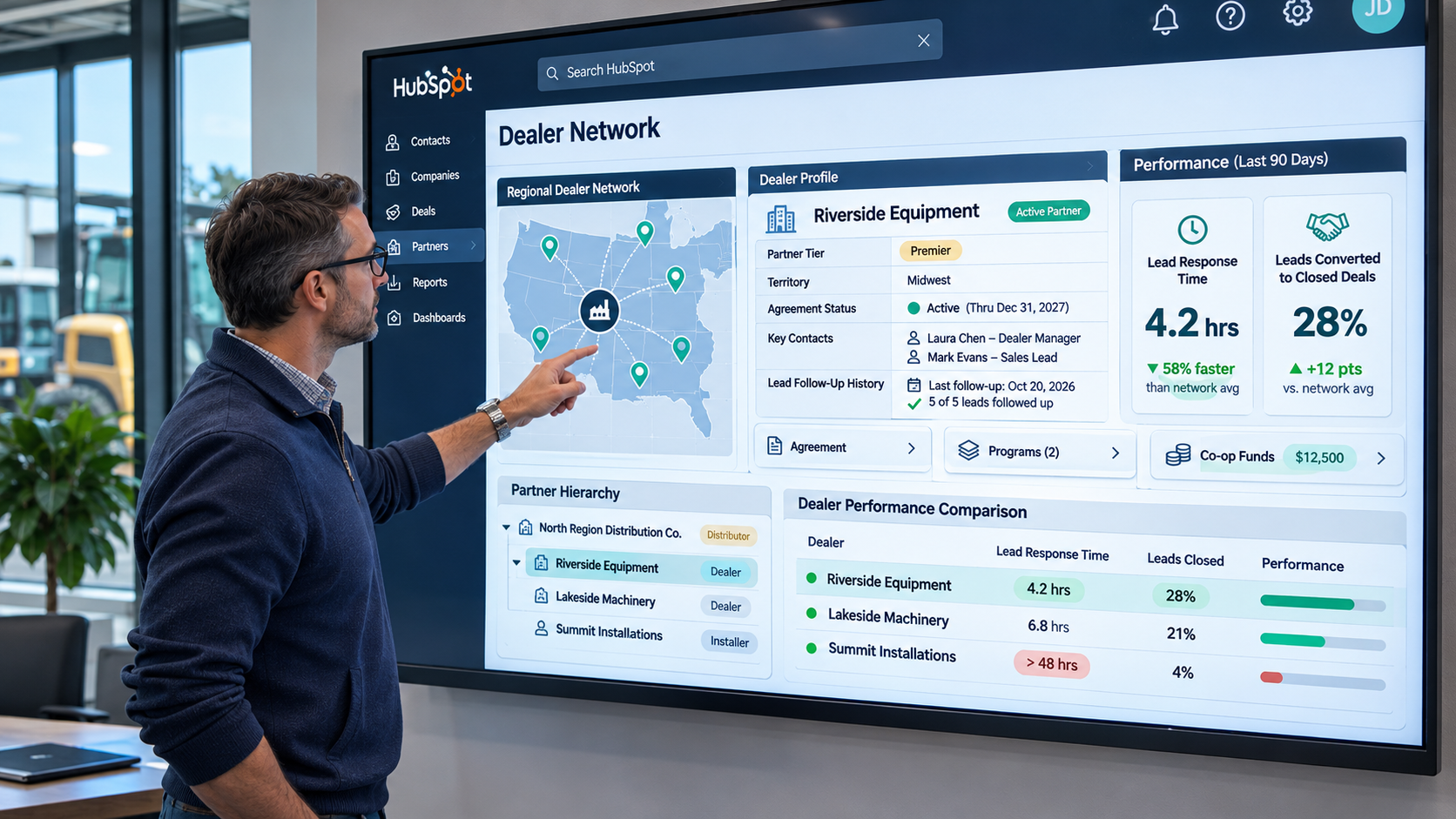
Brands that sell through dealers they don't own often lose sight of a lead the moment it leaves their website. A good dealer record turns "we sent it to the dealer" into a report on who followed up, how fast, and what happened next.
If you're mapping how leads, dealers, and orders move today, our HubSpot technology consulting team can design that dealer view before anything gets built.
Dealer network management is how a brand recruits, tiers, supports, and measures the independent businesses that sell and service its products. For an OEM or EV maker, those are franchised dealers. For an aftermarket brand, they're usually warehouse distributors, jobbers, and installer shops.
The term covers three different jobs, and teams often mix them up when they shop for software.
| Job | What it answers | Where it usually lives |
|---|---|---|
| Network planning | Where should dealers be, and how many do we need? | Market and footprint analytics tools |
| Dealer operations | What did this dealer sell, finance, and service? | The dealer's DMS, such as CDK Global, Reynolds and Reynolds, or Tekion |
| Dealer relationship management | Who are our dealers, how are they tiered, and what do they do with our leads? | The brand's CRM, such as HubSpot |
HubSpot handles the third job. It gives the brand one view of each dealer's tier, territory, agreement, contacts, and lead follow-up. It won't plan your footprint, and it won't replace a dealer's DMS.
OEMs and aftermarket brands should track who each dealer is, how it's tiered, where it sells, and what it carries. They should also track each dealer's agreement, key contacts, and what it does with every lead.
| Dealer data | Where it lives in HubSpot | Subscription needed | What it powers |
|---|---|---|---|
| Partner type (franchised dealer, distributor, jobber, installer) | Dropdown company property | Any | Filters for every list, workflow and report |
| Tier (for example Platinum, Gold, Silver) | Dropdown company property | Any | Lead priority, co-op eligibility and support level |
| Territory and assigned brand rep | Dropdown company property plus a HubSpot user property | Any | Routing rules and rep ownership |
| Brands, models or product lines carried | Multiple checkboxes company property | Any | Sending leads only to dealers that stock the model or part line |
| Agreement status, start date and renewal date | Company properties, or a custom agreement object | Any for properties, Enterprise for a custom object | Renewal tasks and compliance views |
| Key contacts by role (dealer principal, GM, sales manager, BDC lead, service manager) | Contacts associated with the company with custom association labels | Professional or Enterprise for custom labels | Role-based emails, escalations and training invites |
| Leads sent and follow-up status | Lead or deal records associated to the dealer company | Sales Hub Professional or Enterprise for the leads object | Response-time and close-rate reports by dealer |
| Dealer sales and revenue | Deals, or properties synced from your ERP or DMS | Any, plus an integration for synced data | Revenue by tier and territory |
| Co-op or MDF balance and claims | Custom object, or number properties on the company | Enterprise for a custom object | Fund use and claim status |
| Training and certification status | Company date and checkbox properties | Any | Tier reviews and certified-dealer filters |
Brands often skip the follow-up row, even though it's the clearest sign of how well the network works. In the Pied Piper auto industry study, 1 in 5 online inquiries received no personal response. A brand that logs the hand-off date and the dealer's first reply can find those gaps dealer by dealer.
Keep the first version small. Build the fields your first dealer review will use, and make tier and territory required on dealer records. Add co-op or certification data once the core fields stay clean.
Dealers should be company records. Custom objects work best for things a dealer has several of over time, such as agreements, incentive programs, or co-op claims. Company records come with contacts, deals, tickets, activity history, and standard reports already connected, so your team doesn't rebuild what HubSpot already does.
The main reason to stay on companies is feature coverage. Some HubSpot tools work only on standard objects. For example, bulk marketing emails go to contacts only, and deal attribution reports and sales forecasts are tied to deals. A dealer stored as a custom object loses easy access to those tools.
Create one company record per rooftop or branch, and add a Partner type property to separate dealers from end customers, suppliers, and prospects. Every list, view, and report can then start with "Partner type is Dealer." That one property keeps dealer data apart from the rest of the CRM with no second system to maintain.
Dealer groups that own several stores fit HubSpot's parent and child company labels. Each parent company can have multiple child companies, but each child company can have only one parent. That matches how a group owns its rooftops, and you can report on the group as a whole and on each store. Parent and child labels work on every HubSpot plan.
Our client Pressed Juicery used the same structure for multi-location wholesale accounts. We set up parent/child company hierarchies and one pipeline split by a channel property, and the team now runs 3 sales motions in 1 pipeline.
Association labels describe how two records relate. A contact can be labeled Dealer Principal, Sales Manager, or Service Manager on its dealer company. A distributor can be labeled Supplying Distributor on an installer shop. Custom labels need a Professional or Enterprise subscription and Super Admin permissions, and you can create up to 50 labels per object pair.
Add custom objects when a dealer has many records of the same kind, each with its own dates and status. A dealer agreement object can hold the term, renewal date, and signed version. A co-op fund object can hold each quarter's balance and claims. Custom objects need an Enterprise subscription on at least one Hub.
If you're unsure about a property or an object, our guide to choosing a custom object or custom property walks through the decision with examples. For larger builds, check when custom objects fit complex data models before you create the first one.
The Rotate record to owner workflow action often confuses here. It assigns records to internal users with paid Sales Hub or Service Hub seats on Professional or Enterprise. That fits assigning the brand's territory rep, but dealers usually aren't HubSpot users.
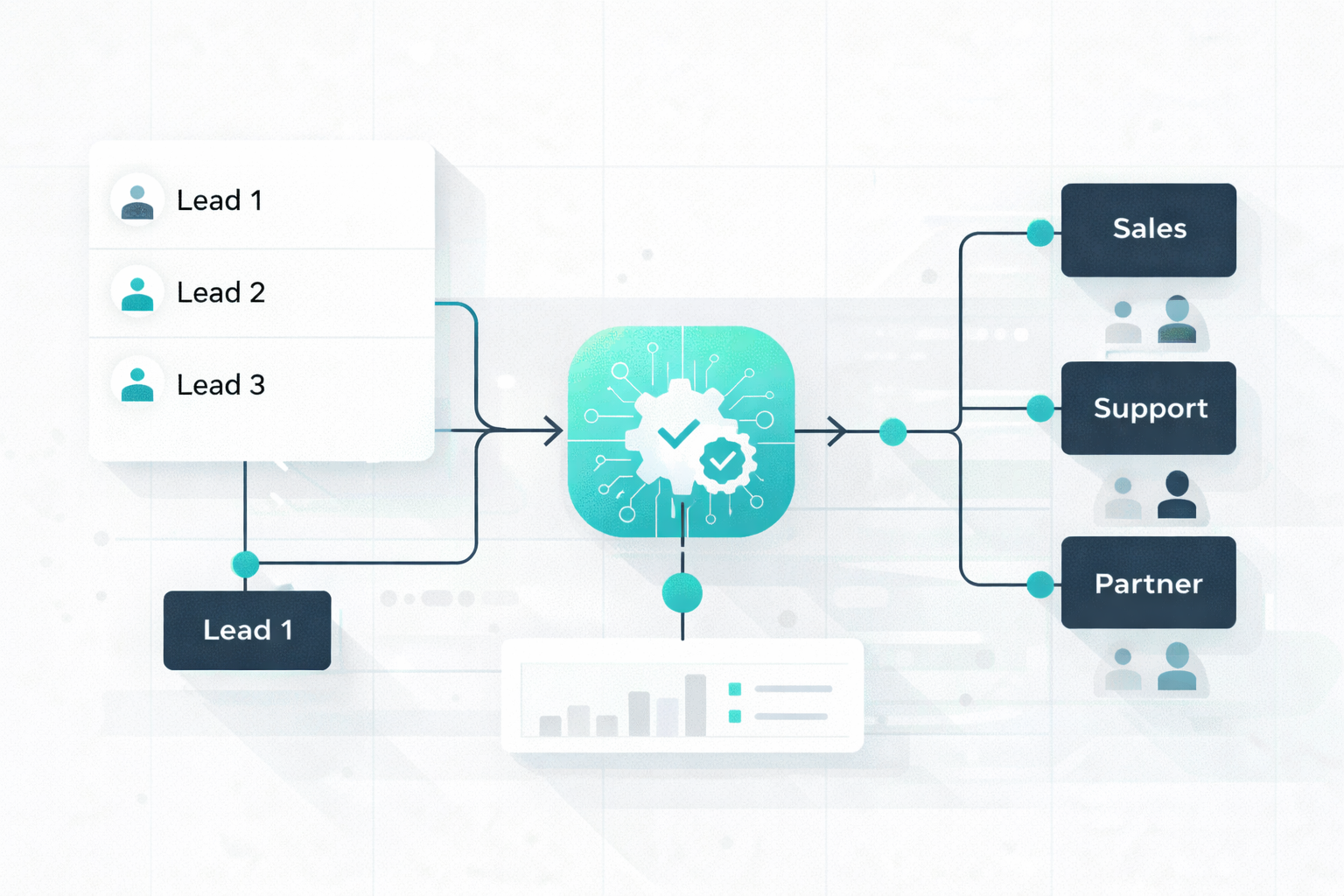
To send a lead to a dealer, associate it with the dealer's company record and notify the dealer by email, webhook, or integration.
Our client Aquila Power Catamarans sells through MarineMax, 19+ international dealers, and an internal VIP team. We built routing on boat, country, and state together, with a HubDB boat catalog and a dealer locator filter. Our team QA-tested 26 routing scenarios, and Aquila later added a new sailboat line without a rebuild.
"Aquila's dealer network doesn't sit still," said Kayla Newton, Account Executive at Campaign Creators. Keeping territory rules in properties and a catalog, outside hard-coded workflow branches, made that change easy. The same setup is the base of a scalable lead routing framework.
You can see what dealers do with leads by logging each hand-off as a record associated with the dealer. Give it properties for the date sent, the dealer's first response, the current status, and the outcome. Dealers then update that status through a short form, a portal, or a sync with their own system.
The leads object in Sales Hub Professional and Enterprise works well for this. Each lead has its own stage and owner, and it can be associated with a company. Deals fit when a hand-off becomes a tracked sale with an amount.
| Option | How it works | Effort | Best for |
|---|---|---|---|
| Status link in the hand-off email | The dealer clicks a link to a short HubSpot form and picks a status, and a workflow updates the lead | Low | Small networks and aftermarket installers |
| Support portal | Dealers log in to a support portal (Service Hub Professional or Enterprise) to view and reply to their tickets | Medium | Networks that already handle dealer requests as tickets, since only tickets appear in the portal |
| Sync with the dealer's CRM or DMS | A custom integration sends leads in ADF/XML and pulls status and sale data back | High | OEMs with franchised dealers on CDK, Reynolds and Reynolds, Tekion, or a dealer CRM |
| Territory manager check-ins | The brand rep logs status during regular dealer calls | Low | Filling gaps while a better method rolls out |
Many brands combine two of these, with a status link for smaller dealers and a sync for high-volume dealer groups.
For Aquila Power Catamarans, our team built hosted middleware between HubSpot and the MarineMax API, with de-duplication so each lead reaches the dealer once. Lead alerts dropped from 3 to 4 hours down to 15 to 20 minutes, and flagship-model leads always reach Aquila's VIP team. Fast alerts also give the brand a clean starting timestamp for every dealer response.
The reports that show dealer performance are leads sent, first response time, status update rate, appointment rate, sold rate, and revenue by dealer. Group each one by tier and territory. Put them on one dealer scorecard dashboard, and your territory managers can open the same numbers before every dealer review.
The custom report builder joins a primary data source with related objects, so one report can combine dealer company properties with lead and deal data. It's available on Professional and Enterprise subscriptions, and custom reports refresh about every two hours.
| Report | Data source | Group by | Question it answers |
|---|---|---|---|
| Leads sent by dealer | Leads or deals with associated companies | Dealer, tier, territory | Is lead volume spread the way the tier rules intend? |
| Average dealer first response time | Leads with the first response property | Dealer, tier | Who replies fast, and who lets leads sit? |
| Status update rate | Leads where Dealer status isn't Received | Dealer, territory | What share of dealers report back at all? |
| Appointment and sold rate | Leads by Dealer status | Dealer, tier | Who turns leads into sales? |
| Revenue by dealer | Deals or synced sales data | Dealer, region, quarter | Where does network revenue come from? |
| Agreements up for renewal | Companies or the agreement object by renewal date | Territory manager | What needs attention in the next 90 days? |
Group the six reports on one dashboard, then add a dashboard filter for territory manager so each rep can view only their dealers. Use the same scorecard in quarterly tier reviews, so every tier change comes with numbers the dealer can check.
Transactions and financial records should stay in the DMS or ERP, and HubSpot should hold relationship, lead, and summary data. Vehicle deals, credit applications, F&I products, repair orders, parts invoices, and inventory belong in the system that runs them. HubSpot gets the fields your sales, marketing, and dealer reports use, synced on clear rules.
| Data | System of record | What HubSpot gets |
|---|---|---|
| Dealer master data (name, dealer code, address, tier) | HubSpot or ERP, picked once | The full record, keyed on the dealer code |
| Vehicle or parts sales | DMS or ERP | Monthly units and revenue per dealer |
| Credit applications, Social Security numbers, loan terms | DMS | Nothing |
| Service repair orders | DMS | Last service date and visit count, if service marketing needs them |
| Parts orders and invoices | ERP | Order totals and last order date per account |
| Co-op or MDF claims | HubSpot custom object or ERP, picked once | Claim status and balance |
The FTC's Safeguards Rule covers most automobile dealers who finance or lease automobiles, and it requires them to maintain a written information security program.
The FTC's June 2025 dealer FAQs add that sharing data with an OEM doesn't by itself make the OEM a service provider. That sharing can still trigger Privacy Rule notice and opt-out duties. Keeping credit and loan data out of HubSpot keeps the brand's CRM out of that data path. Dealers can then share lead outcomes with fewer concerns.
The same rules shape a HubSpot ERP integration leaders can rely on. When no native connector exists for your DMS or dealer CRM, a custom HubSpot integration can carry ADF/XML lead files out and status data back.
Dealer networks get hard to manage when tiers sit in spreadsheets, dealer contacts sit in inboxes, and sales sit in the DMS. Our HubSpot onboarding and setup team builds the dealer data model, tier and territory properties, hand-off tracking, and scorecard reports in one portal.
When dealer or sales data needs to flow both ways, we connect your DMS or ERP as part of the same project. As a HubSpot Elite Solutions Partner, we've followed this process across 875+ HubSpot implementations.
Dealer network management in HubSpot starts with one company record per dealer location. Each record carries tier, territory, brands carried, agreement status, and key contacts. Hand-off tracking and a dealer scorecard then show who follows up and closes, and financing and transaction data stay in the DMS or ERP.
Get your HubSpot portal set up right the first time with our onboarding team. If you're planning the dealer data model yourself first, the HubSpot Data Architecture Guide covers objects, properties, and associations step by step.

Campaign Creators : 11/28/17
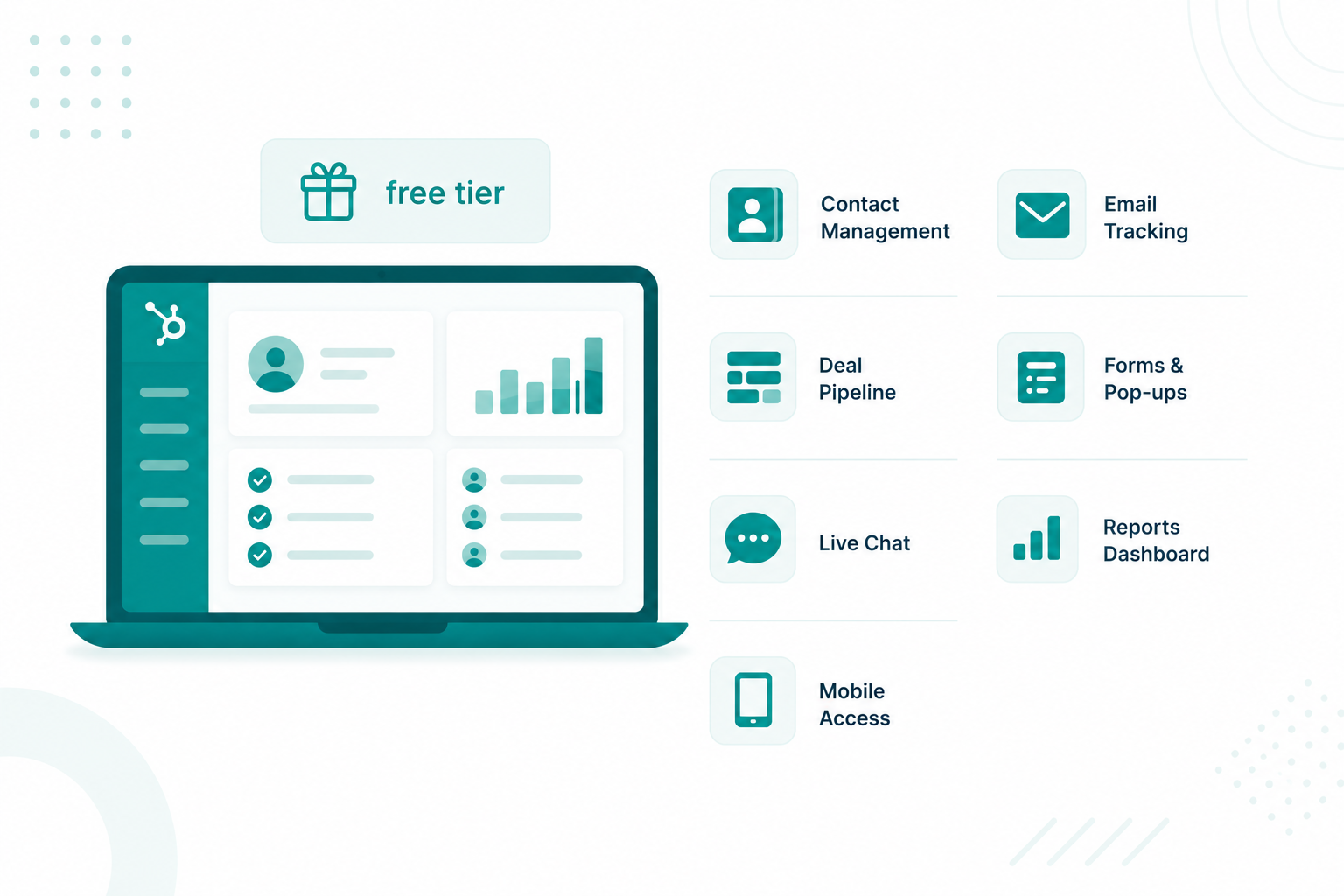
HubSpot Free CRM is a permanently free version of HubSpot's CRM, packaged with stripped-down editions of tools from Marketing Hub, Sales Hub, Service...
Campaign Creators : 04/06/26
Speed and precision in handling new leads are the primary factors that distinguish a won deal from a lost opportunity. However, for many...