










How Publishers Can Automate Renewals With HubSpot Integrations
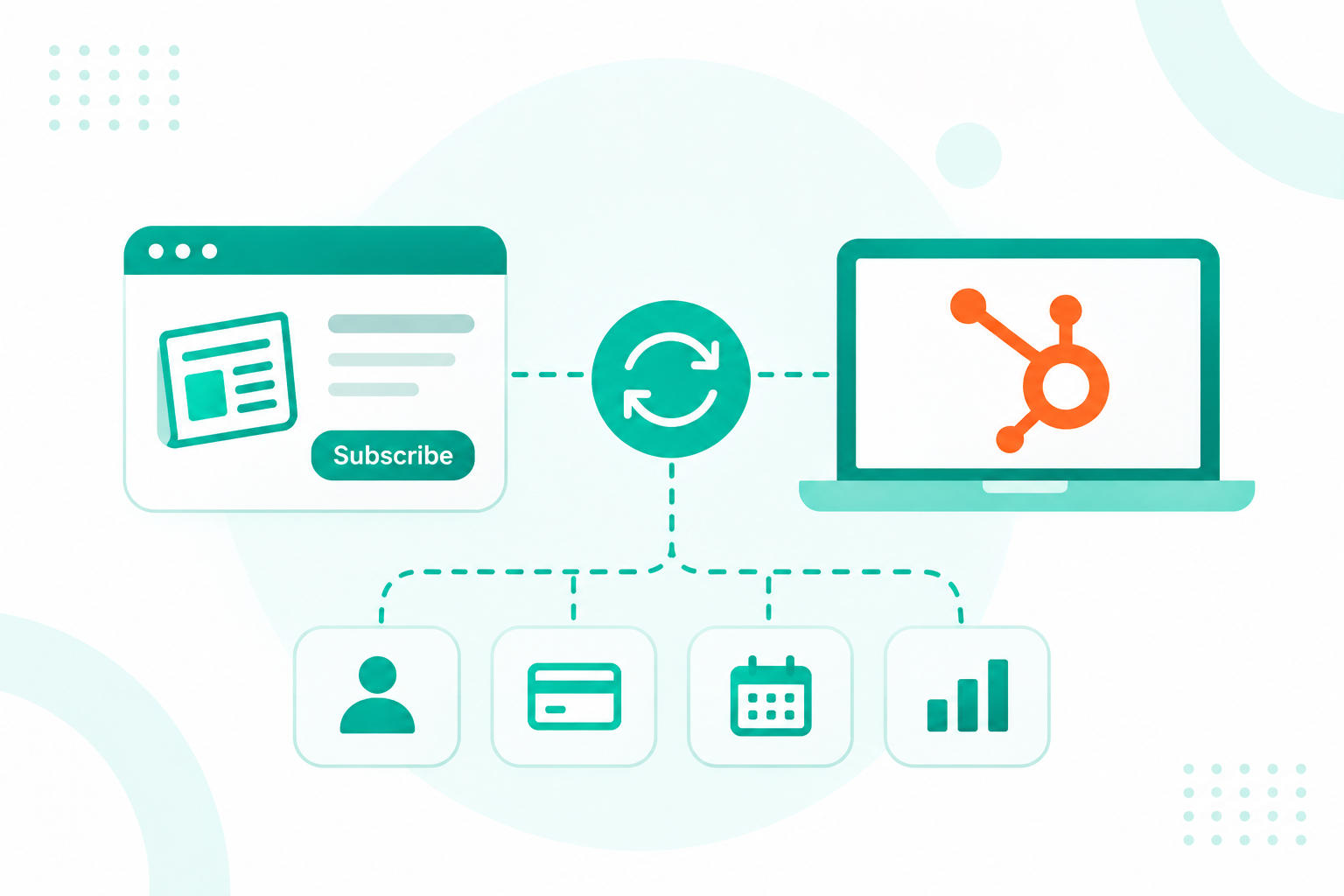
Magazine subscription management software and HubSpot do different jobs, so publishers run them together. The subscription platform stays the system...
11 min read
Campaign Creators
:
11/21/26
Newspaper subscription management software should sync the fields that marketing, sales, and service teams act on into HubSpot. Those fields are subscriber identity, subscription status, product and format, renewal and expiry dates, auto-renew and payment-failed flags, offer source, cancellation reason, and email consent. Payment card data, invoice history, delivery routes, and audit records stay in the subscription system that owns them.

Getting this split right gives your audience team one clean reader record for renewal and win-back campaigns, without copying the whole circulation database into the CRM. Sync too much, and you get conflicting records and higher contact costs. Sync too little and your team is left guessing who is about to lapse.
If your subscription platform has no ready HubSpot connector, our HubSpot integration development team can build the sync around the system you already run.
Sync the fields your teams use to decide who gets a message, a call, or an offer. In practice, that comes to about a dozen fields per subscriber, each tied to a workflow, a list, or a report in HubSpot.
| Field from the subscription system | HubSpot property type | What your team uses it for |
|---|---|---|
| Subscriber ID | Single-line text, set as a unique value | Matches records on every sync and stops duplicates |
| Email, first name, last name, phone, ZIP code | Default contact properties | Identity, list building, and local segments |
| Subscription status (trial, active, past due, canceled, expired) | Dropdown select | Starts renewal, payment, and win-back workflows |
| Product and format (print, digital, bundle, weekend-only) | Dropdown select | Targets upgrade offers and format-specific messages |
| Start date, next renewal date, expiry date | Date picker | Times renewal reminders and lapse campaigns |
| Auto-renew on or off | Single checkbox | Flags readers who need a manual renewal push |
| Payment failed flag and last failure date | Single checkbox and date picker | Starts card-update emails before access ends |
| Acquisition offer or promo code | Single-line text | Shows the offers that bring in readers who stay |
| Cancellation reason | Dropdown select | Picks the right win-back message |
| Newsletter and marketing email consent | Email subscription types | Controls who can receive marketing email |
| Last login or last article read date | Date picker | Flags paying readers who stopped reading |
Subscription platforms with a built-in HubSpot connector follow the same pattern. Sesamy's integration, for example, refreshes an active-subscription flag, active and canceled subscription counts, and a list of active products every time a subscriber event fires.
Those few fields answer the questions marketing asks every day, and the detail stays in the source system.
Teams tend to forget the subscriber ID, and it's the field that keeps two systems from drifting apart. Email addresses change, get shared, and get mistyped at checkout. A stable ID from the subscription platform lets the sync update the right contact every time, even after a reader changes their email.
Leave pageview logs in your analytics tool. A last-login date and a last-article-read date give HubSpot enough to spot paying readers who have gone quiet, and they keep the property list short enough for your team to use.
If a field doesn't feed a workflow, a list, or a report, leave it out of the first sync and add it later when a campaign needs it.
Payment, delivery, audit, and access data stay in the subscription platform, because those records run billing and fulfillment. HubSpot gets a summary flag or date for each one, and the full detail stays where finance and circulation teams already work.
Card and bank account numbers never belong in HubSpot. Full debit or credit card details are on HubSpot's list of data you can't store, and an account holding them has to delete the data. Accounts that break HubSpot's terms can also have their access suspended or terminated. Sync a payment-failed flag and a failure date, and leave the card itself with your payment processor.
A renewal campaign only has to know that a payment failed. Copying every transaction into HubSpot bloats the timeline and creates a second, slightly different version of your revenue numbers. Keep revenue reporting in the subscription system, and bring the current plan price into HubSpot only if your team segments by it.
Print delivery data, such as route numbers, carrier assignments, and vacation holds, changes daily and belongs to your circulation team. A single "delivery issue" ticket in Service Hub tells marketing more than the route table behind it. Customer service can still open the subscription platform from a link on the contact record.
Mailing qualification data, requalification answers, and audit reporting for bodies like AAM or BPA follow strict formats. Editing those fields in a CRM risks breaking the audit trail, so they stay read-only in the system built for them.
The paywall decides who can read what. If HubSpot also stores entitlement rules, the two systems will eventually disagree, and a paying reader gets locked out. HubSpot only needs the synced status and product fields to target the right readers.
A field stays in the subscription system if it changes every day, holds money or identity data, or exists to satisfy an auditor.
The subscription system owns every field tied to money, access, or delivery, and HubSpot owns the fields your marketing and service teams create. Give each field one owner and one sync direction, and write them down before the first record moves.
| Field | Owner | Sync direction | Reason |
|---|---|---|---|
| Subscriber ID | Subscription system | One way into HubSpot | Never edited by hand |
| Status, product, and format | Subscription system | One way into HubSpot | Billing changes them |
| Start, renewal, and expiry dates | Subscription system | One way into HubSpot | Set by the billing cycle |
| Payment failed flag | Subscription system | One way into HubSpot | Comes from the payment processor |
| Cancellation reason | Subscription system | One way into HubSpot | Captured in the cancel flow |
| Name, phone, and postal address | Shared | Two-way, with a set conflict rule | Readers update them in both places |
| Email consent | Shared | Two way | An opt-out in one system must reach the other |
| Lifecycle stage, lead source, and campaign fields | HubSpot | Stays in HubSpot | Marketing builds and uses them |
A short ownership document stops two systems from overwriting each other. Treat it like a data contract for your properties, with the owner, direction, format, and editors listed for each field. Teams that skip this step usually find out months later, when a renewal date in HubSpot no longer matches the billing record.
You can view a data sync's default field mappings on every plan, but creating and customizing mappings needs Data Hub Starter, Professional, or Enterprise. Watch dropdown fields closely, too. When the subscription system adds a new status or product option, HubSpot won't pick it up until you save and restart the sync.
Our client Heritage Bank Center, the downtown Cincinnati arena and home of the Cincinnati Cyclones, wanted suite, season ticket, and group sales in Sales Hub before its Salesforce contract ended.
We built three dedicated pipelines in Sales Hub Professional, moved the team off Salesforce on schedule, and kept Ticketmaster as the ticketing system of record. A newspaper can work the same way, with the subscription platform running the account and HubSpot running the relationship around it.
The same principle holds for any system that runs the account, and keeping customer data clean across systems gets much easier once every field has a single owner.
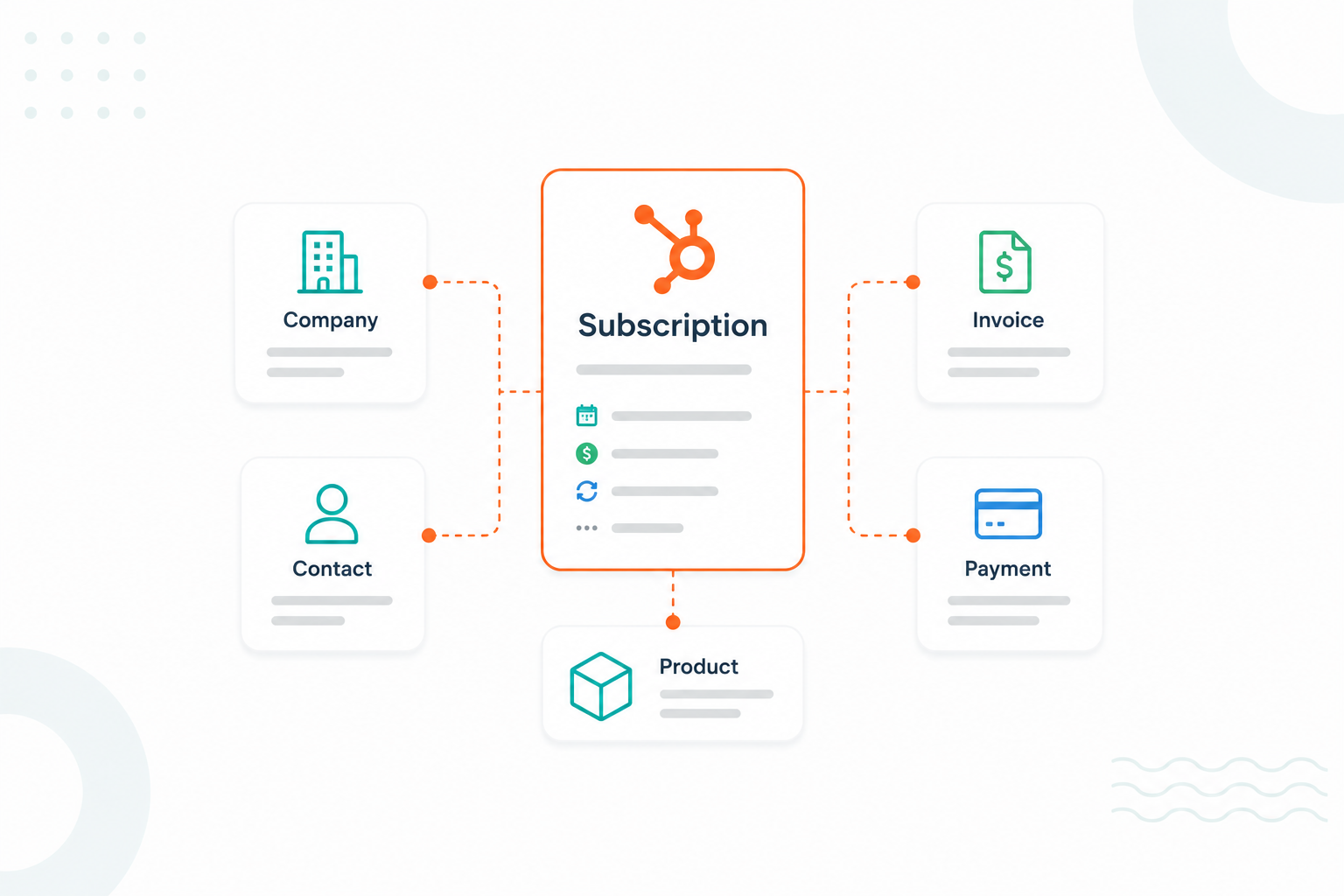
Put subscription fields on the contact record when each reader holds one subscription, and use a custom object when readers or households hold several. Contact properties are simpler to build and report on, and a custom object keeps each subscription's dates and status separate.
| Contact properties | Subscription custom object | |
|---|---|---|
| Best fit | One title, one subscription per reader | Several titles, gift subscriptions, or household accounts |
| HubSpot tier | Any tier | Enterprise tier of at least one hub |
| Setup effort | Low, with a dozen custom properties | Higher, with object design, associations, and new reports |
| Workflow triggers | Simple contact-based workflows | Workflows on the subscription object, with contact actions |
| Reporting | Easy counts of active and lapsed readers | Accurate counts per title and per product |
| Main risk | Fields overwrite each other when a reader adds a second subscription | Extra build and upkeep for a model the publisher may not need |
A single daily title with print, digital, and bundle options fits on the contact. One status, one product, and one set of dates describe each reader completely, so teams in this position can launch faster and report from standard contact views.
Publishers that run several titles, sell gift subscriptions, or bill one household for several readers need a record per subscription. Without one, the second subscription overwrites the first one's renewal date, and campaigns go to the wrong readers. Software companies face the same design question when they structure subscription records in HubSpot for renewals and recurring revenue reporting.
Make this decision before you map any fields. Moving from contact properties to a custom object later means rebuilding workflows, lists, and reports.
You connect newspaper subscription management software to HubSpot through a ready-made connector, a webhook and middleware setup, or a custom API integration, after you've mapped every field. The connection method varies by platform, but the order of work stays the same.
The audit and the test batch take the least time and prevent the most cleanup, so give them a real slot in the project plan before anyone writes code.
Check the exact fields a vendor's HubSpot integration sends, the events that trigger updates, and how it handles duplicates and overwrites. "Integrates with HubSpot" on a feature page can mean anything from a full subscriber sync to a name and an email.
Some connectors only create contacts. The Leaky Paywall extension, for example, sends first name, last name, and email by default, and extra fields need custom code with matching HubSpot property names. Ask for the full field list and compare it with your own field map.
A renewal campaign depends on status changes, cancellations, and failed payments reaching HubSpot. Ask the vendor to list the subscriber events that trigger an update. A cancellation in the subscription system should change the contact within minutes, so a nightly export is too slow.
Ask what the connector uses to match records, and what happens when the same field holds different values in each system. Sesamy's connector, for example, never overwrites a name or phone number that already exists in HubSpot. Rules like that protect data your service team corrected by hand.
In HubSpot, email subscription preferences belong to an email address, not to a contact, so an opt-out survives even if the contact is deleted and recreated. Confirm the vendor's integration writes newsletter opt-ins to HubSpot subscription types. A plain text property won't stop a marketing email.
Ask the vendor for a sandbox sync and test these five points yourself, since a demo with clean sample data won't show the edge cases.
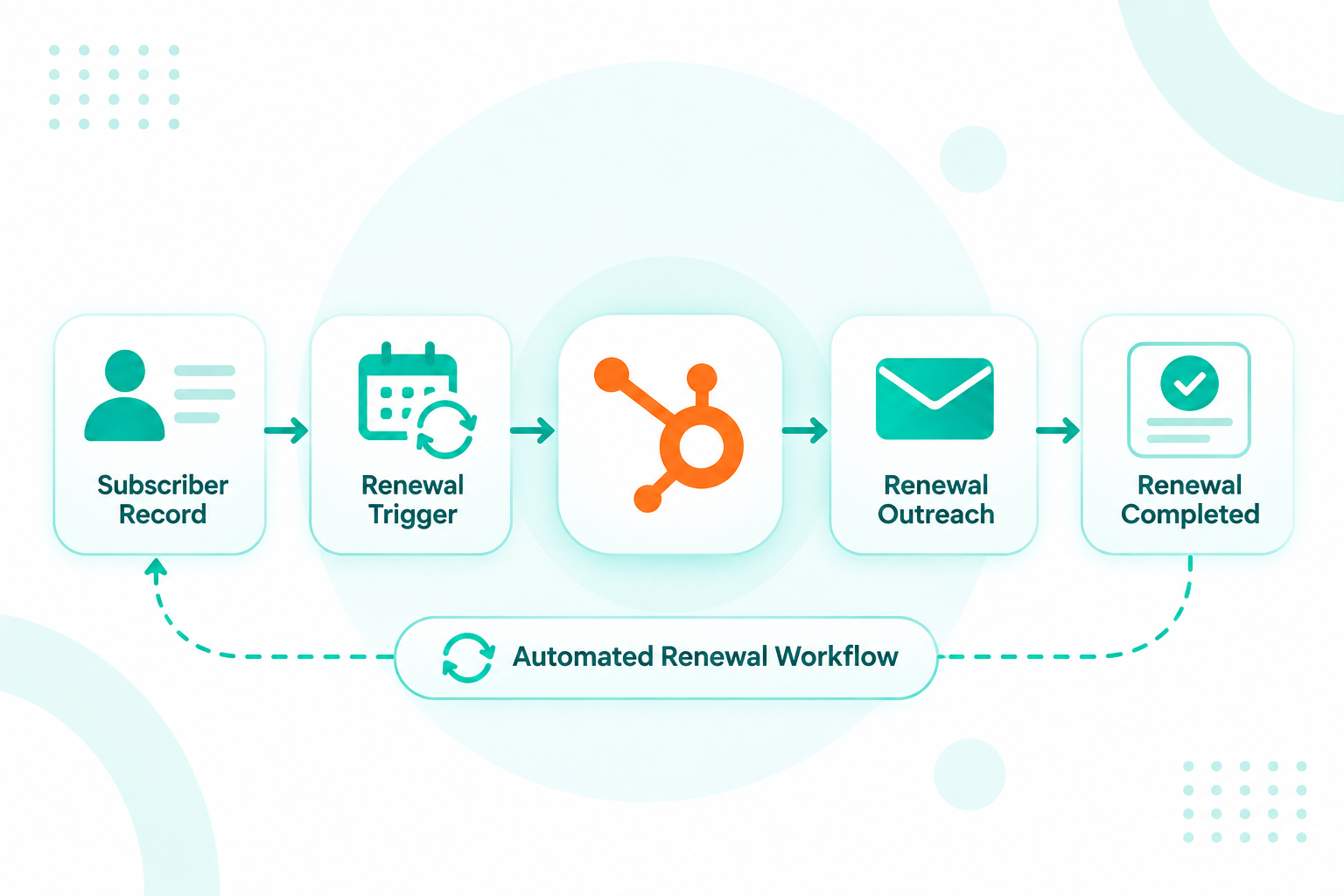
Synced status, date, and payment fields become the triggers for HubSpot workflows that renew, rescue, and win back readers. Without them, every campaign depends on a manual export from the subscription platform.
Publishers are putting their effort into the readers they already have. Payment for online news held at 17% across 20 tracked countries in 2026, and publishers are focusing on keeping existing subscribers and raising average revenue per user. Each workflow below runs on a field from the sync.
| Synced field | HubSpot workflow | Typical timing |
|---|---|---|
| Next renewal date plus auto-renew off | Renewal reminder series | 30, 14, and 3 days before renewal |
| Payment failed flag | Card-update emails and a care task | Same day, then every 3 days until fixed |
| Status changes to canceled, plus cancellation reason | Win-back offer matched to the reason | 7 days and 30 days after cancellation |
| Status is trial | Trial onboarding and conversion offer | Across the trial period |
| Last article read date older than 21 days | Re-engagement newsletter picks | When the date crosses the threshold |
| Product is print-only | Digital add-on offer | Quarterly |
A reader who canceled over price needs a different offer than one who moved out of the delivery area. A cancellation reason field turns one generic win-back email into three or four branches, each with an offer that fits.
Paying readers usually stop reading well before they cancel. Software companies use the same idea when syncing product usage data into HubSpot, where low usage flags an account at risk. For a newspaper, a last-read date older than three weeks is the cue to send that reader the kinds of stories they read most.
Start with the payment-failed and renewal workflows, since they protect revenue you already have, and add win-back branches once cancellation reasons are flowing in.
Campaign Creators maps your subscriber fields, sets the ownership rules, and builds the connection your subscription platform needs. Many sync problems start when two systems both act as the owner of a renewal date or a status.
Our integration development team, part of a HubSpot Elite Solutions Partner, writes the field map first, then builds the connector, webhook flow, or custom API integration and tests it on real records before go-live. We took the same approach with Heritage Bank Center, keeping Ticketmaster in charge of tickets while HubSpot ran sales.
You can also browse our HubSpot integration library of connectors between HubSpot and other business systems.
Newspaper subscription management software should send HubSpot the fields your teams act on, such as status, product, dates, payment flags, cancellation reason, and consent. Payment details, delivery data, audit records, and access rules stay in the subscription platform. Give every field one owner and one sync direction before the first record moves, and your renewal and win-back campaigns can run on data your teams can count on.
Need HubSpot to talk to your subscription platform without a native integration? Start with our HubSpot Data Integration Guide to plan field ownership, then talk to our team about building the connection.
Yes, if you plan to market digital add-ons, renewals, or events to them. Print-only readers without an email address can sit in HubSpot as non-marketing contacts for service and reporting, and you can switch them to marketing once they share an email.
Treat the email owner as the HubSpot contact and keep the second reader as a note or associated record. HubSpot deduplicates contacts by email, so two people on one address end up as a single contact after the sync.
Yes. The buyer and the recipient are different people with different journeys, so create both and associate them. The buyer gets gift renewal reminders, and the recipient gets onboarding and, later, an offer to keep the subscription themselves.
Status changes, cancellations, and failed payments should sync within minutes through event-based updates. Slower-moving fields, such as product or postal address, can update on the same events, so a separate nightly batch is usually unnecessary.
For a typical newspaper, no. Circulation platforms handle print fulfillment, delivery routes, postal rules, and audit reporting that HubSpot isn't built for. HubSpot works best alongside the subscription system, running marketing, sales, and service on the data it receives.
Magazine subscription management software and HubSpot do different jobs, so publishers run them together. The subscription platform stays the system...
A magazine CRM keeps every reader, paying subscriber, advertiser, and agency contact on one shared record. Audience and ad sales teams then work from...
As more businesses adopt subscription-based revenue models, keeping subscription data organized becomes a bigger priority. Teams need accurate...