A HubSpot Elite Solutions Partner built to help organizations unify strategy, systems, and execution. We design HubSpot systems that scale.

See how we've solved complex HubSpot challenges across migrations, integrations, CMS, automation, and optimization.

Join a team building smarter HubSpot systems. We value strategic thinkers who move proactively, care about quality, and want to do meaningful work.

8 min read

HubSpot CRM Data Quality: How Dirty Data Hurts Reporting, Forecasting, Attribution, and AI

HubSpot CRM Data Quality: How Dirty Data Hurts Reporting, Forecasting, Attribution, and AI

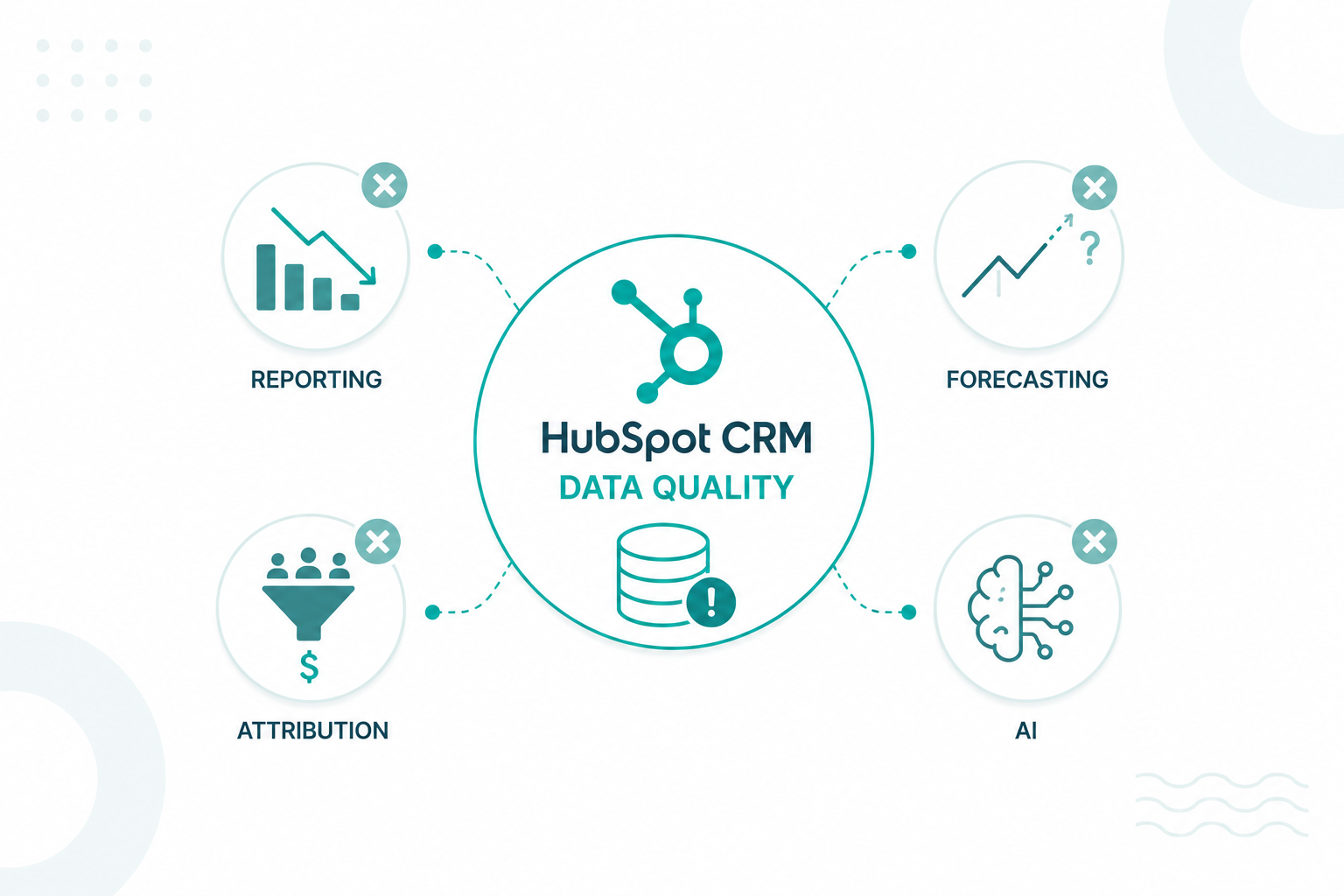
Poor CRM data is not a minor operational issue. It affects reporting, forecasting, attribution, customer experiences, and the decisions teams make every day. IBM research found that more than 25% of organizations estimate poor data quality costs them over $5 million annually through reporting errors, inefficient processes, missed opportunities, and unreliable insights.

Dirty data typically builds up over time through duplicate contacts, inconsistent property values, outdated records, spreadsheet imports, disconnected systems, and manual entry mistakes. These inaccuracies make it harder for teams to measure performance and produce reliable revenue forecasts.

The problem becomes even bigger as businesses adopt AI tools. AI can only produce accurate insights when the underlying data is accurate. Building an AI-ready CRM starts with understanding how dirty data enters the system and how to prevent it.

Key Takeaways

  • Duplicate records, inconsistent property values, outdated information, and incomplete records are some of the most common causes of CRM data quality issues.
  • AI tools can analyze CRM data at scale, but they cannot determine whether the underlying information is accurate or complete.
  • Standardized data governance, regular audits, and ongoing maintenance are necessary to keep HubSpot reliable as a source of truth for revenue operations and AI initiatives.

Where Dirty CRM Data Comes From

specialist looking at a HubSpot CRM dashboard surrounded by multiple sources of dirty data flowing into the system, standin beside him is a sales rep with his laptop on hand explaining how he manually enter records with spelling mistakes, marketers upload spreadsheets with duplicate contacts, website forms collect incomplete information, and third-party integrations create sync conflicts, show pop-up icons and warning icons highlight duplicate records, missing fields, outdated contact information, and inconsistent company names.

Dirty data enters a HubSpot CRM through manual update, form submission, spreadsheet import, and system integration, which creates opportunities for inaccurate, incomplete, or outdated information to enter the database.

Manual Data Entry Errors

Sales, marketing, and service teams often enter information directly into HubSpot CRM. Small mistakes, such as spelling errors, incorrect phone numbers, inconsistent company names, or missing fields, create inaccurate records that affect reporting and segmentation.

For example, one user may enter "IBM," another may enter "I.B.M.," and a third may enter "International Business Machines." HubSpot treats these as separate values unless standardization rules are in place.

Spreadsheet Imports

Many organizations import contact lists, event attendees, customer databases, or legacy CRM records into HubSpot. Problems occur if the imported file contains outdated information, inconsistent formatting, or missing fields.

A simple import can create hundreds or thousands of low-quality records if the data is not cleaned and validated before upload. HubSpot documentation specifically notes that records imported without appropriate unique identifiers can create new records rather than updating existing ones.

If you're using Salesforce and are planning to migrate to HubSpot, you need to read this guide first.

Third-Party Integrations and Sync Errors

HubSpot frequently connects with marketing platforms, sales tools, ecommerce systems, customer support software, and custom applications. Every integration introduces another source of data.

Field mapping issues, synchronization failures, conflicting values, and inconsistent naming conventions can create inaccurate records across systems. API-created company records may also bypass some of HubSpot's standard company deduplication processes, increasing the risk of duplicate data.

Outdated Contact and Company Information

People change jobs. Companies rebrand. Phone numbers, email addresses, locations, and ownership structures change regularly.

Without ongoing maintenance, CRM records gradually become outdated. What was accurate six months ago may no longer reflect the current customer or prospect. This creates gaps between CRM data and reality, reducing the reliability of reports, forecasts, and AI-generated insights.

Incomplete Form Submissions

Forms are a major source of lead generation, but they do not always collect complete information. Visitors may skip optional fields, enter personal email addresses, use abbreviations, or provide inaccurate details.

As these incomplete records accumulate, teams lose the ability to segment audiences accurately, route leads correctly, and personalize outreach effectively.

Lack of Data Governance

Many databases grow without clear rules for data ownership, naming conventions, required fields, or validation standards. Different teams often follow different processes, creating inconsistencies across the system.

This is a common challenge across organizations. Research found that 39% of organizations have little to no data governance framework in place, making it difficult to maintain consistent and reliable data standards across departments.

Each of these issues may appear small individually, but as they accumulate, they can affect the overall efficiency of your organization.

The Impact of Dirty Data on Reporting, Forecasting, Attribution, and AI

Reporting: Dashboards Stop Reflecting Reality

Reporting depends on complete and consistent records across the CRM. HubSpot can only measure what has been captured and connected correctly.

Consider a company that tracks Marketing Qualified Leads (MQLs) through a custom HubSpot property. One team selects "MQL," another uses "Marketing Qualified Lead," and a third leaves the field blank. All three records represent the same stage, but HubSpot treats them differently in filters and reports. Leadership reviewing an MQL dashboard may see lower lead volumes than actually exist because some records fall outside the reporting criteria.

Association issues can create similar problems. A deal may be marked as closed-won, but if it is not associated with the correct company or contact, revenue reports can become disconnected from the customer records that generated the sale.

Forecasting: Pipeline Health Becomes Harder to Assess

HubSpot's forecasting tools use deal stages, expected close dates, deal amounts, and pipeline progression to estimate future revenue. Accuracy depends on sales records reflecting real-world sales activity.

For example, a sales representative may continue negotiating a $50,000 opportunity that remains listed in the "Appointment Scheduled" stage. Another deal may still show an expected close date from three months ago despite ongoing delays. Neither issue prevents HubSpot from generating a forecast, but both affect how leadership interprets pipeline health.

Revenue forecasts influence hiring plans, budget approvals, inventory purchases, and growth targets. A forecast built on outdated deal information creates risk far beyond the sales team.

Attribution: Customer Journeys Become Incomplete

HubSpot attribution reports rely on accurate interaction histories across emails, forms, ads, website visits, meetings, and sales activities. Every touchpoint contributes to the customer journey recorded inside the CRM.

Say a prospect first downloads an ebook, later registers for a webinar, submits a demo request, and eventually becomes a customer. If the contact record is duplicated midway through the journey, some interactions may exist on one record while the final conversion appears on another.

Attribution reports may then assign revenue credit to the demo request while failing to recognize the earlier content and webinar engagement that contributed to the purchase decision. This makes it harder to answer important business questions such as which campaigns generate qualified opportunities, which channels influence revenue, and where future marketing investment should be allocated.

AI: Inaccurate Inputs Produce Inaccurate Recommendations

Consider a company using HubSpot company records to identify its ideal customer profile. Many records contain outdated employee counts, inconsistent industry classifications, and duplicate companies created through imports and integrations.

HubSpot Breeze AI may analyze the data and conclude that smaller companies convert at higher rates because larger organizations are missing key information or are split across multiple records. Sales teams may then prioritize the wrong accounts, marketing teams may build campaigns around inaccurate audience segments, and leadership may make decisions based on patterns that do not actually exist within the customer base.

The same problem extends to lead scoring, automation, and customer engagement. A prospect who attended a webinar, downloaded content, and requested a demo may appear less engaged if those activities are spread across duplicate contact records. AI can only evaluate the information available on the record it sees, which can lead to lower lead scores, incorrect workflow enrollment, missed sales follow-ups, and inaccurate recommendations.

How to Measure CRM Data Quality in HubSpot

CRM data quality should be measured through the records, properties, and relationships that directly affect reporting, segmentation, automation, forecasting, and customer management.

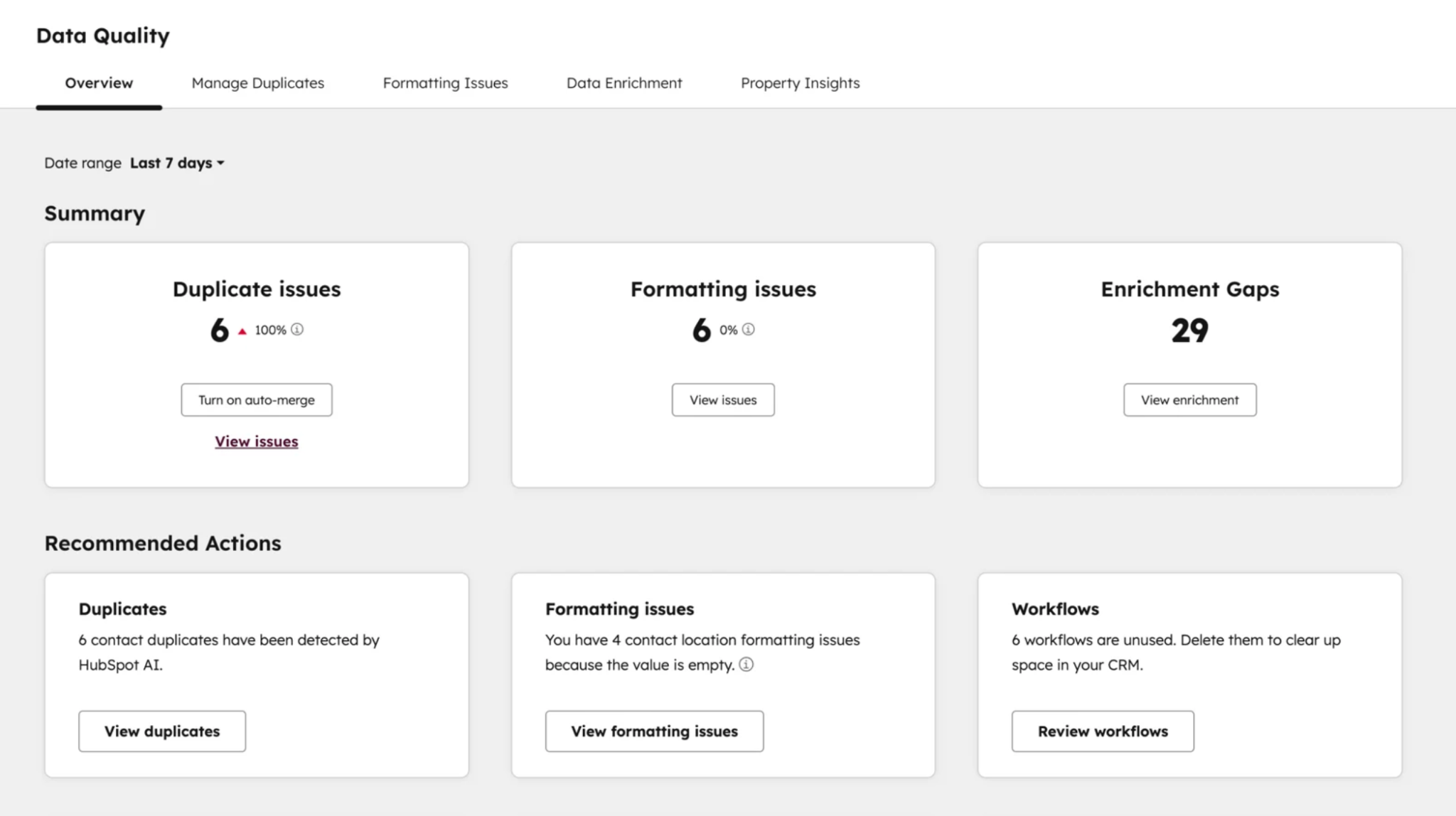
HubSpot provides several built-in tools under Data Management > Data Quality that help identify duplicate records, formatting issues, missing values, and other data hygiene problems.

data-quality-dashboard-hubspot

Duplicate Record Rate

HubSpot's Manage Duplicates tool identifies contacts and companies that may represent the same person or organization. A growing number of duplicates is often one of the clearest indicators that CRM data quality is deteriorating. Duplicate rates can be measured by comparing the number of duplicate records identified by HubSpot against the total number of records in the database.

Property Completeness Rate

Completeness measures how much critical information exists across CRM records. Missing values limit segmentation, workflow enrollment, lead routing, personalization, and reporting accuracy. In HubSpot, completeness can be measured by reviewing key properties such as Email Address, Lifecycle Stage, Lead Status, Company Name, Industry, Annual Revenue, Deal Amount, or Ticket Category.

Custom reports and lists can identify records where these fields are blank. The percentage of records containing all required properties provides a clear view of data completeness.

Property Accuracy Rate

A property may be populated but still contain incorrect information. Invalid phone numbers, outdated email addresses, inaccurate company names, and incorrect lifecycle stages reduce trust in CRM data and weaken decision-making. Accuracy can be measured by reviewing validation errors, bounced emails, failed integrations, enrichment discrepancies, and manual audits of sample records.

Data Freshness Rate

Customer data becomes less valuable as it ages. Contacts change jobs, companies rebrand, territories shift, and opportunities become inactive. Data freshness measures how recently records have been updated. In HubSpot, administrators can track properties such as Last Modified Date, Last Activity Date, Last Engagement Date, and Recent Conversion Date to identify stale records. A high percentage of records with no updates or activity over extended periods often signals declining data quality.

Property Consistency Rate

Consistency evaluates whether teams use the same formats, naming conventions, and values across records. Differences such as "United States," "USA," and "U.S." create reporting and segmentation issues because HubSpot treats them as separate values. Property consistency can be measured by reviewing property option usage, identifying unexpected values, and monitoring fields that allow free-text entry.

Association Coverage Rate

HubSpot relies heavily on object associations between contacts, companies, deals, tickets, and custom objects. Missing relationships reduce visibility into the customer journey and affect attribution reporting. Association coverage measures the percentage of records connected to the appropriate related records. Examples include deals without associated companies, contacts without associated companies, or tickets without associated contacts.

These metrics provide a comprehensive view of CRM health and help identify whether data quality issues are affecting marketing, sales, service, operations, or executive reporting.

Which Data Governance Practices Create an AI-Ready HubSpot CRM

1. Standardize Property Values Across HubSpot

If one contact record uses "Manufacturing," another uses "MFG," and a third uses "Industrial Manufacturing," HubSpot treats them as different values.

Use dropdown properties wherever possible and establish approved values for key fields such as Industry, Lifecycle Stage, Lead Status, Country, and Lead Source. This will help Breeze AI identify patterns and generate more accurate recommendations.

2. Make Critical CRM Properties Required

HubSpot cannot generate reliable insights from incomplete records. Key properties should be required before contacts, companies, or deals move through important stages.

For contacts, this may include Lifecycle Stage, Lead Source, Industry, and Country. For deals, this may include Deal Stage, Deal Amount, Close Date, and Pipeline. Requiring these fields improves reporting accuracy and gives Breeze the context needed to analyze customer and revenue data.

3. Audit and Merge Duplicate Records

Regularly review HubSpot's duplicate management tools and merge duplicate records. This gives Breeze a complete view of each customer and improves lead scoring, forecasting, and AI-generated insights.

4. Control Data Imports

Before importing records, verify formatting, remove duplicates, standardize values, and map fields correctly. Establish import procedures that all teams follow. This prevents inconsistent data from entering the CRM and affecting reports, workflows, and AI outputs.

5. Monitor Data Decay

CRM data naturally becomes less accurate as contacts change jobs, companies rebrand, and business information changes. HubSpot estimates that CRM databases naturally degrade by about 22.5% every year, making regular data maintenance necessary to preserve reporting accuracy and AI performance.

Schedule regular reviews of inactive contacts, bounced emails, outdated company information, and incomplete records. Keeping data current improves the quality of both reporting and Breeze-generated recommendations.

6. Establish Data Quality Reviews

Create recurring reviews that track:

  • Duplicate records
  • Missing property values
  • Property usage
  • Inactive contacts
  • Import quality
  • Integration errors
  • Reporting anomalies

Regular reviews help identify issues before they affect dashboards, forecasting, attribution reporting, or Breeze AI outputs.

7. Create HubSpot Governance Documentation

Create a HubSpot governance document that defines the purpose, owner, allowed values, and update rules for key properties; establishes criteria for lifecycle stage changes; standardizes lead source definitions; documents data import and integration procedures; outlines duplicate management processes; and provides clear definitions for reports and dashboards.

For a deeper look at maintaining data quality at scale, continue reading: HubSpot Data Cleanup Strategy for Enterprise RevOps


Is Your HubSpot CRM Ready for AI?

a RevOps team is reviewing a HubSpot CRM before enabling AI-powered tools. Large screens display duplicate record cleanup, lifecycle stage standardization, deal validation, lead source consistency, and customer record updates. there's an AI assistant pop-up from the monitor symbolizing that strong AI results depend on clean and structured CRM data. Professional enterprise software illustration focused on data quality and AI adoption.

Before using Breeze or other AI-powered tools for forecasting, lead scoring, automation, content generation, or customer insights, evaluate whether your CRM contains the data needed to produce reliable outputs.

Your HubSpot CRM is generally AI-ready if:

  • Contacts, companies, and deals contain complete and accurate information.
  • Duplicate records are actively identified and merged.
  • Lifecycle stages are consistently applied across the database.
  • Lead source data is populated and standardized.
  • Deal records include accurate stages, amounts, and close dates.
  • Property values follow consistent naming conventions.
  • Customer records are regularly reviewed and updated.
  • Integrations use standardized field mapping and data definitions.
  • Reporting and forecasting can be trusted without manual validation.

If duplicate records, missing properties, inconsistent values, or outdated information already exist in the CRM, AI will use that information to generate insights and recommendations.

Organizations that see the strongest results from AI typically start with clean, structured, and well-governed CRM data. The quality of AI outputs will always reflect the quality of the data behind them.

Clean Data Is the Foundation of an AI-Ready HubSpot CRM

Dirty data affects far more than record accuracy. It reduces accuracy in reporting, distorts attribution, weakens revenue forecasts, creates operational challenges, and limits the value organizations can gain from AI. If these issues accumulate, HubSpot may become less effective as a source of truth for business decisions.

If your organization needs help improving CRM data quality or preparing HubSpot for reporting, forecasting, and AI initiatives, we can structure an approach that can help identify issues before they affect business performance.

Campaign Creators helps organizations improve CRM data quality and establish a HubSpot foundation that supports accurate reporting, efficient operations, and AI-driven initiatives.

Frequently Asked Questions

How often should you audit CRM data quality?

You should audit CRM data quality at least quarterly, with monthly reviews of duplicates, missing data, and data integrity issues in high-growth or high-volume environments.

What is an acceptable duplicate rate in a CRM?

Many CRM consultants recommend keeping duplicate records below 5% of the total database. Higher rates can significantly impact reporting, attribution, and AI performance.

Can CRM data quality affect email deliverability?

Yes. Invalid email addresses, outdated contacts, and duplicate records can increase bounce rates and damage sender reputation, reducing email performance over time.

What is property sprawl in HubSpot?

Property sprawl occurs when too many similar or redundant properties are created over time, making reporting, automation, and data management more difficult.

Can poor CRM data affect lead scoring?

Yes. If key fields are missing or inaccurate, lead scoring models may prioritize low-quality leads and overlook high-value opportunities.


Marketing Lead List: How to Clean and Optimize Your Database

Marketing Lead List: How to Clean and Optimize Your Database

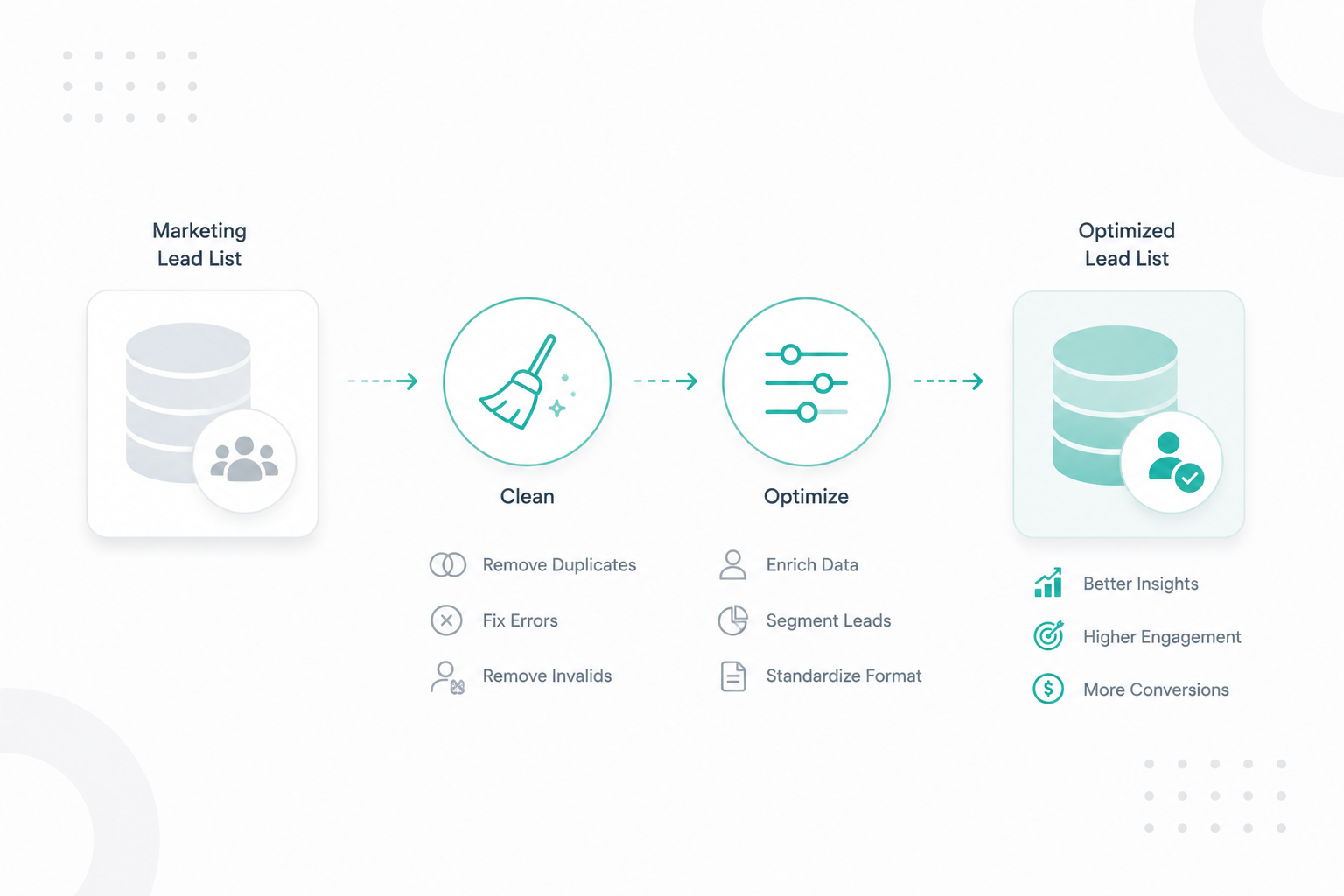
A marketing lead list helps businesses identify and reach potential customers through targeted sales and marketing campaigns. In B2B marketing, these...
Read More
HubSpot Data Sync for IT Teams: How to Keep Customer Data Clean Across Systems

HubSpot Data Sync for IT Teams: How to Keep Customer Data Clean Across Systems

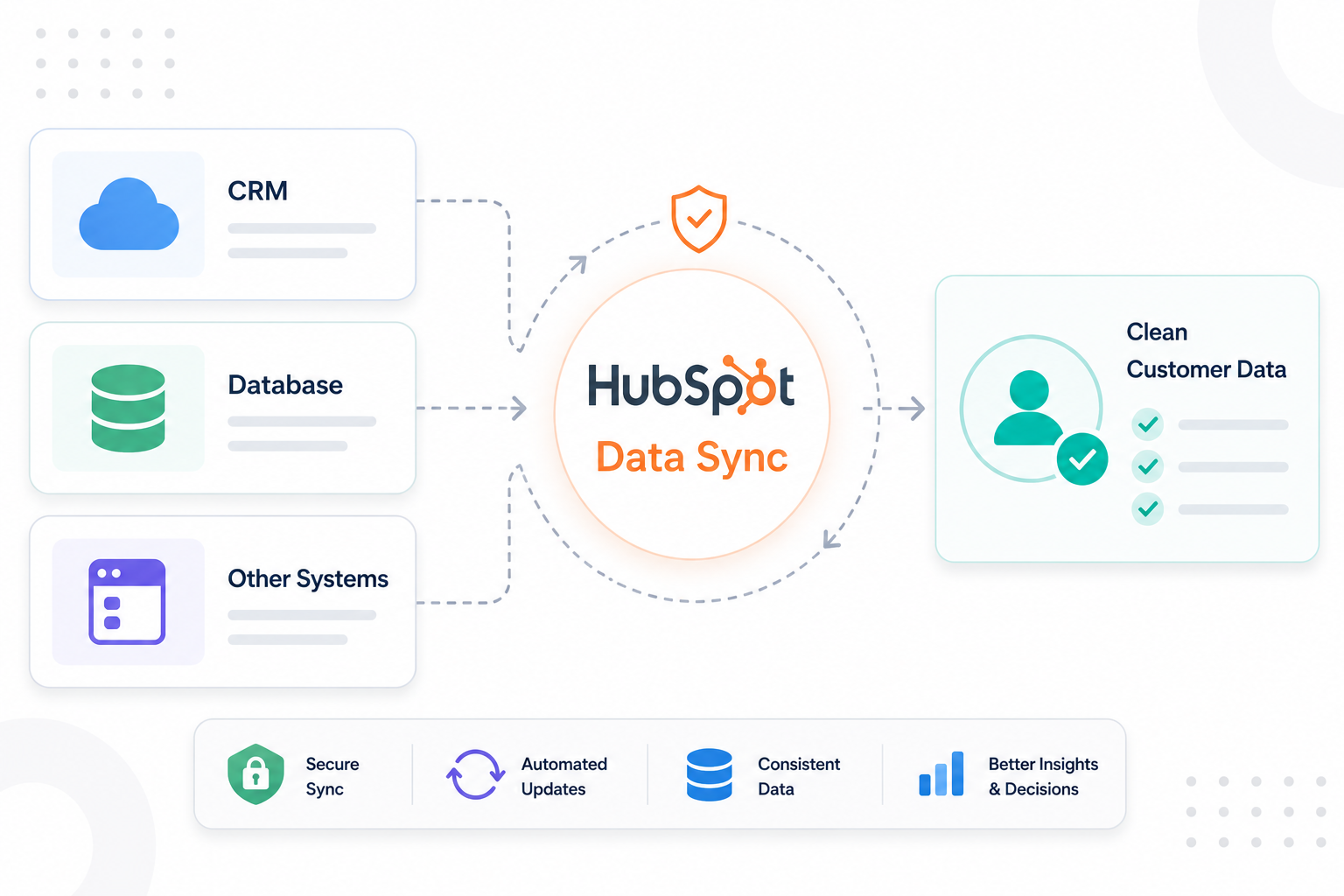
IT teams use HubSpot alongside platforms like Salesforce, NetSuite, Zendesk, ERP systems, support tools, and internal databases. As customer data...

Read More
How to Build an Engagement Data Layer for Reliable HubSpot Reporting

How to Build an Engagement Data Layer for Reliable HubSpot Reporting

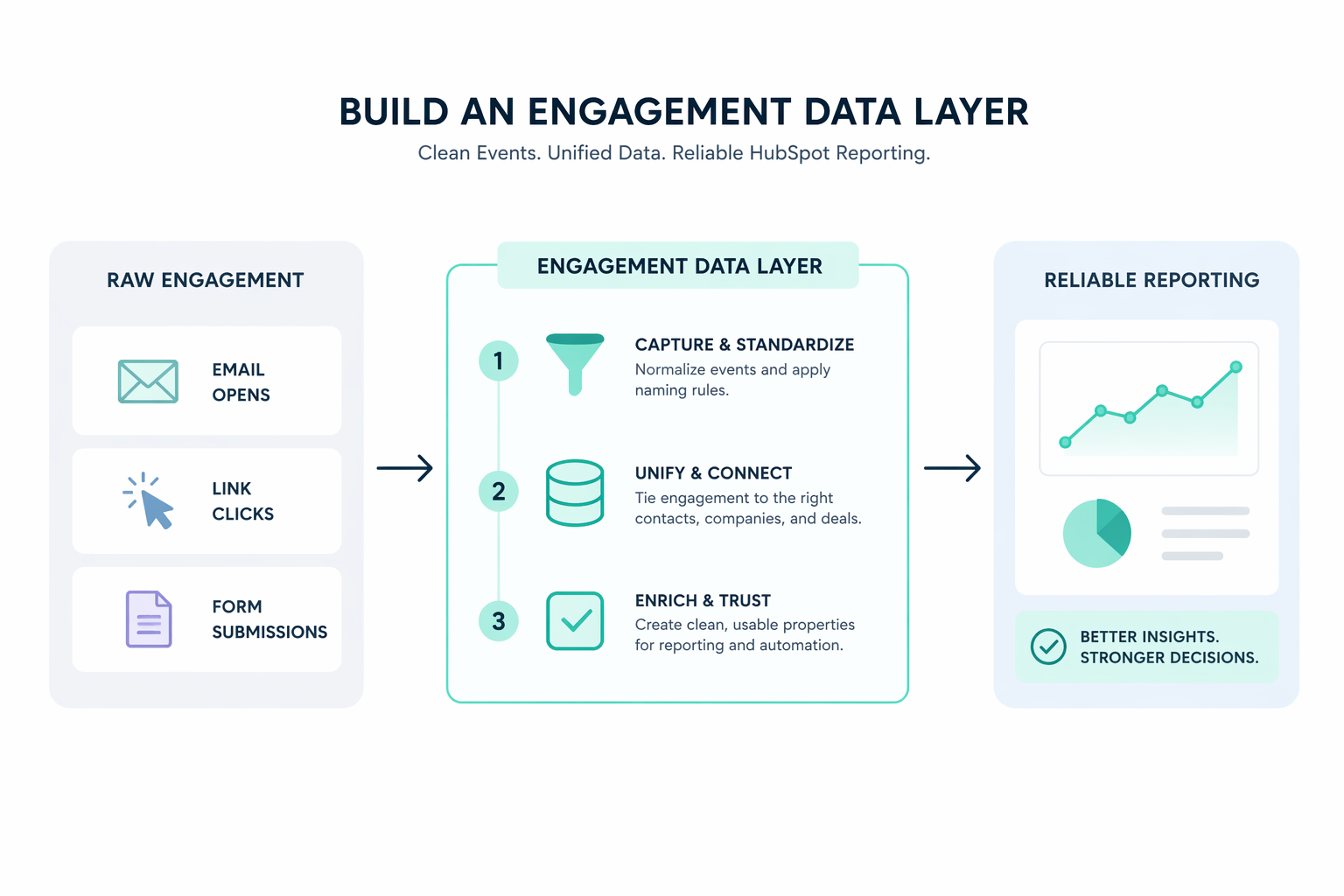
How to Build an Engagement Data Layer for Reliable HubSpot Reporting Consistent and accurate HubSpot reporting starts with the structure behind the...

Read More