HubSpot vs Traditional Healthcare CRM Systems
Healthcare is shifting toward a full patient experience, where you’re expected to deliver the same smooth digital interactions found in retail and...
A team of data-driven marketers obsessed with generating revenue for our clients.
Because the proof is in the pudding.
At Campaign Creators we live by three principles: Autonomy, Mastery, Purpose.
8 min read
Campaign Creators
:
04/29/26
Healthcare organizations often use separate systems for clinical data and patient communication. An Electronic Health Record (EHR) stores medical information, and CRM platforms manage outreach and engagement. This setup limits visibility into the full patient journey, slows workflows, and reduces how personalized communication can be.
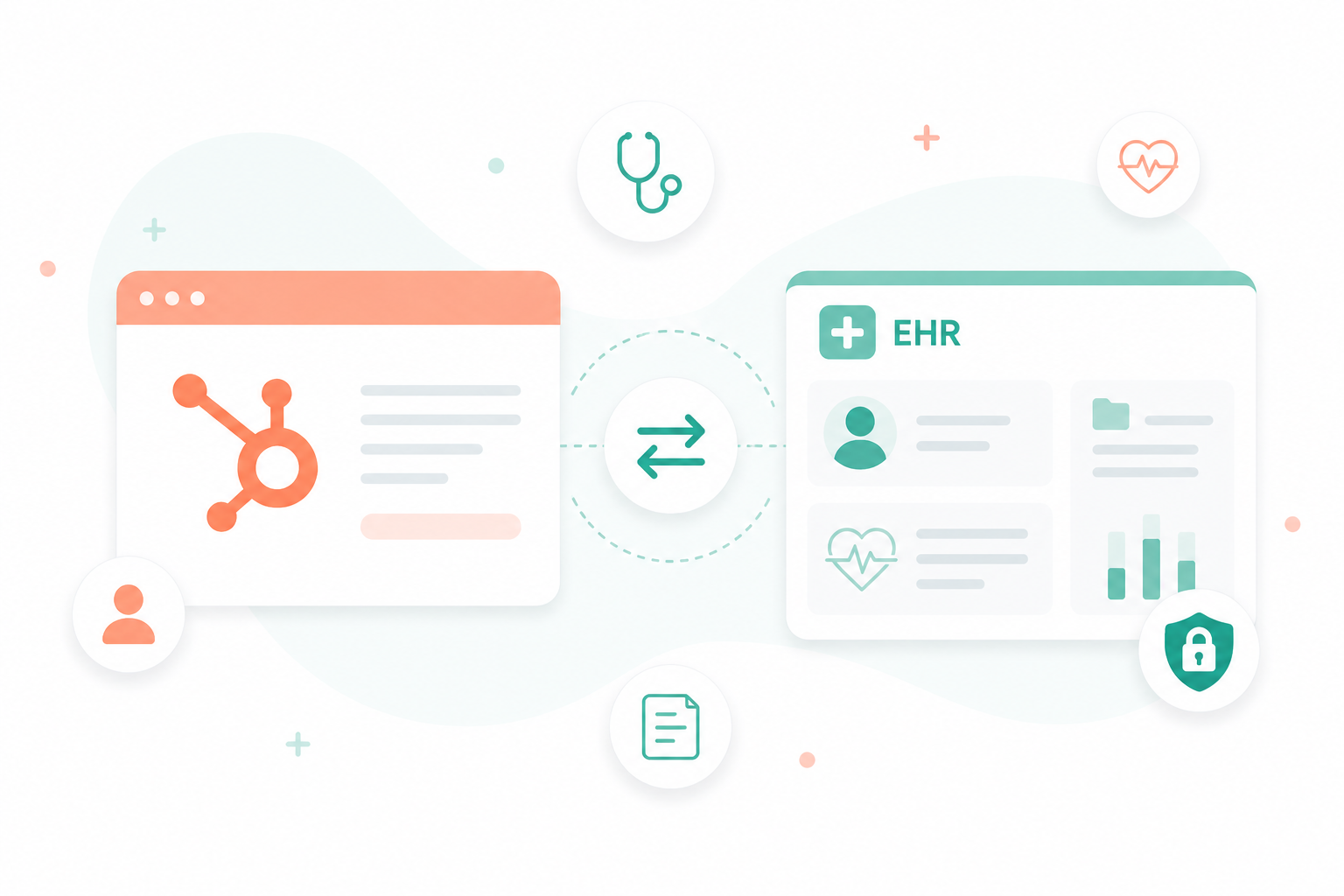
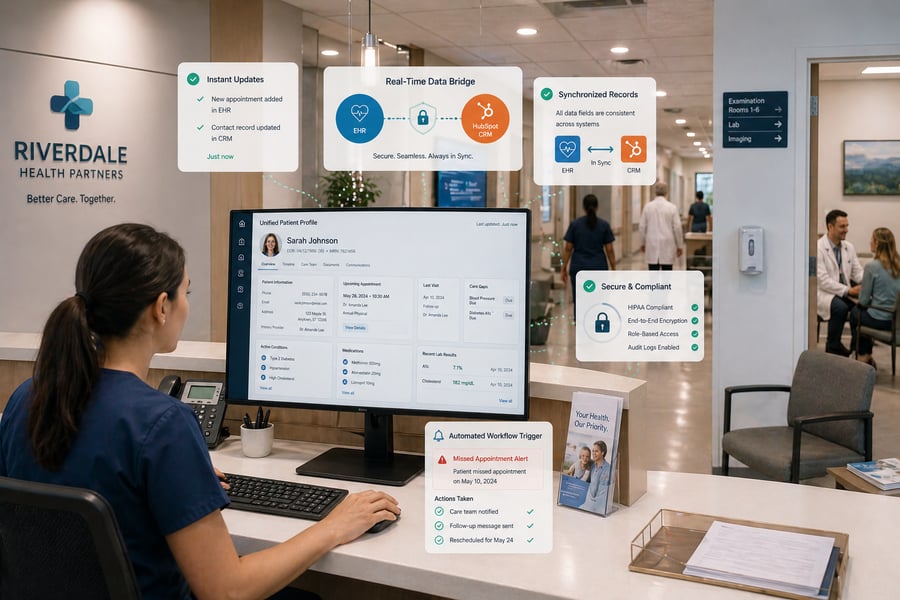
Connecting HubSpot with an EHR creates a single, unified view of each patient interaction. Your organization can track activity, update records, and manage communication in one place.
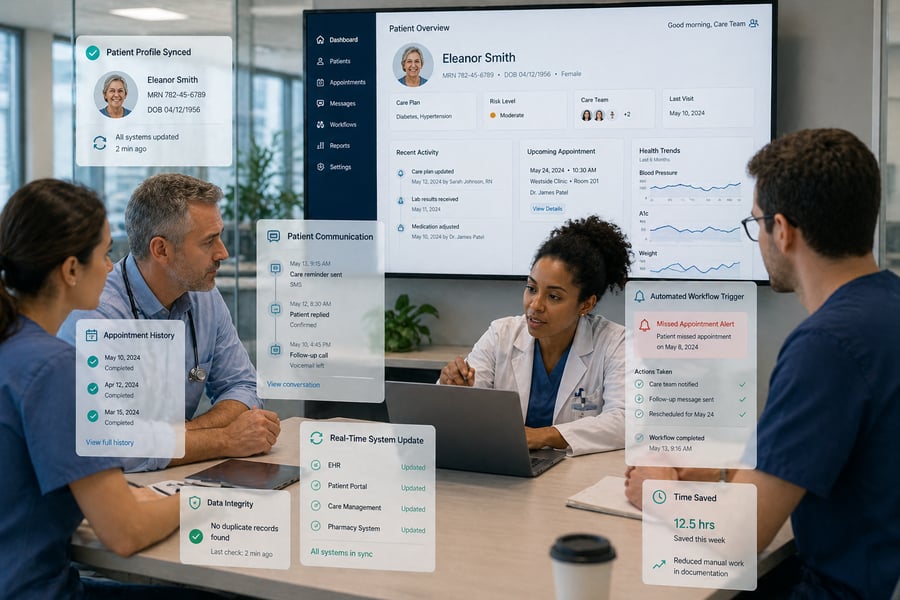
With this connection, your processes become more organized and responsive. The system can trigger actions based on real events such as missed appointments or recent visits, reducing manual work and keeping follow-ups consistent. This helps your team to spend more time on patient care, engagement, and long-term relationships.

In this setup, your EHR stores medical history and clinical documentation, and HubSpot functions as a patient relationship management layer. The integration allows clinical events to trigger automated actions inside the CRM, turning static records into usable, real-time workflows.
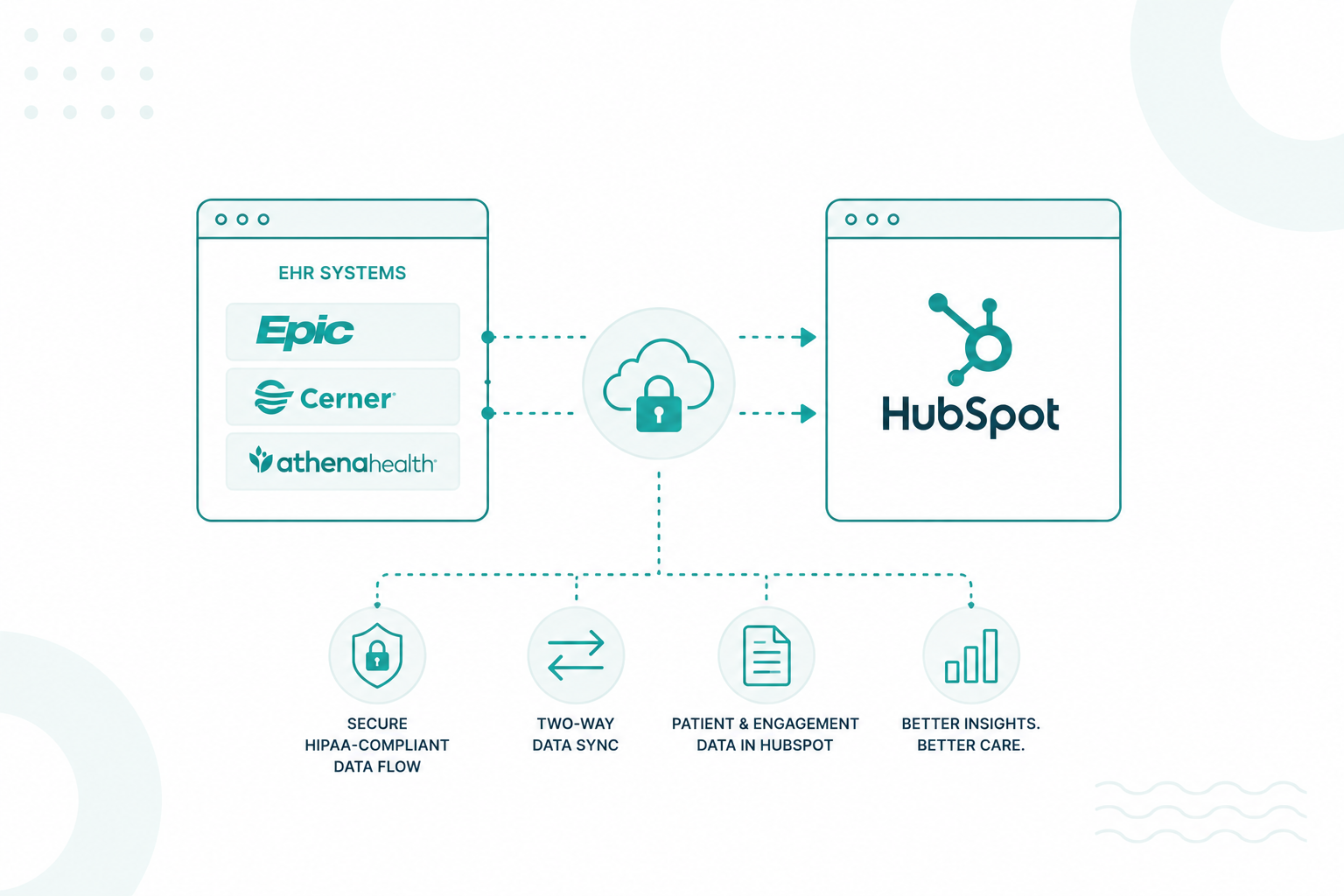
Integration connects your clinical record system with HubSpot, so information moves between both platforms without manual input. The EHR remains the authoritative source of medical data, and HubSpot builds on that data to support communication, segmentation, and engagement.
This removes the need to switch between systems or reconcile conflicting records and makes it possible for your team to operate from one consistent dataset.
One of the biggest limitations of disconnected systems is the lack of visibility across the full patient experience. Integration solves this by bringing clinical and engagement data into a single view.
This visibility helps staff understand patterns, identify communication gaps, and respond with more informed decisions at every stage of care.
Manual data entry and coordination between systems consume a significant amount of staff time and often introduce inconsistencies. Integration replaces these repetitive tasks with automated data sync and workflow execution.
Reducing this workload helps your team to redirect time and attention toward patient-facing activities instead of backend operations.
Traditional systems often store data for later review, which delays response times. With integration, patient activity becomes a trigger for immediate action inside HubSpot.
This shifts your operations from delayed reactions to timely, event-driven communication that aligns with actual patient behavior.
Patients expect communication that reflects their situation, but they also expect their data to remain secure. Integration supports both expectations through structured, compliant data handling.
When communication reflects actual care history, patients receive a more consistent and professional experience. This builds trust and supports long-term engagement with your organization.
There are several methods your EHR can connect to HubSpot. Each of them varies in complexity, flexibility, and level of control, depending on your organization’s needs and technical setup.

APIs create a direct link between HubSpot and your EHR so both systems exchange data instantly. This connection uses standards like FHIR R4 to structure data into clear resources such as patients and appointments, making information easier to organize and transfer. HubSpot can retrieve, update, and sync records in real time, keeping data consistent across both systems.
Secure authentication methods like OAuth 2.0 also verify access and protect patient information during every exchange. This keeps data accurate, current, and reliable.
Middleware platforms act as connectors between HubSpot and your EHR without requiring custom development.
This works well for faster implementation, though task limits and scaling costs need monitoring.
Many healthcare systems rely on HL7 v2 messaging to send real-time updates based on clinical events. This method transmits data for key moments such as admissions, discharges, and transfers, keeping systems aligned with what happens inside the EHR.
Integration engines like Mirth Connect convert these messages into formats that HubSpot can process, so updates flow directly into the CRM. As events occur, patient records stay current without manual input. This setup supports environments that depend on continuous, event-driven updates.

After choosing how data moves (API, middleware, or HL7), you still need to decide how to implement that connection in practice.
Pre-built connectors use existing integrations from marketplaces or middleware tools.
This works for simple use cases where you need basic contact sync and communication triggers without handling complex clinical data.
Custom API integration uses direct API connections for more advanced workflows.
This supports detailed data mapping and more precise automation based on clinical context.
Pre-built connectors handle straightforward workflows with faster setup. On the other hand, Custom API integrations support deeper control when your processes depend on detailed patient data and more advanced automation. The right approach depends on how much control, scalability, and customization your organization requires.
These are the 7 leading EHR platforms that connect with HubSpot, with other integrations available beyond this list.
These integrations are not simple to structure, so organizations often involve HubSpot Solutions Partners to handle setup and maintain data consistency.
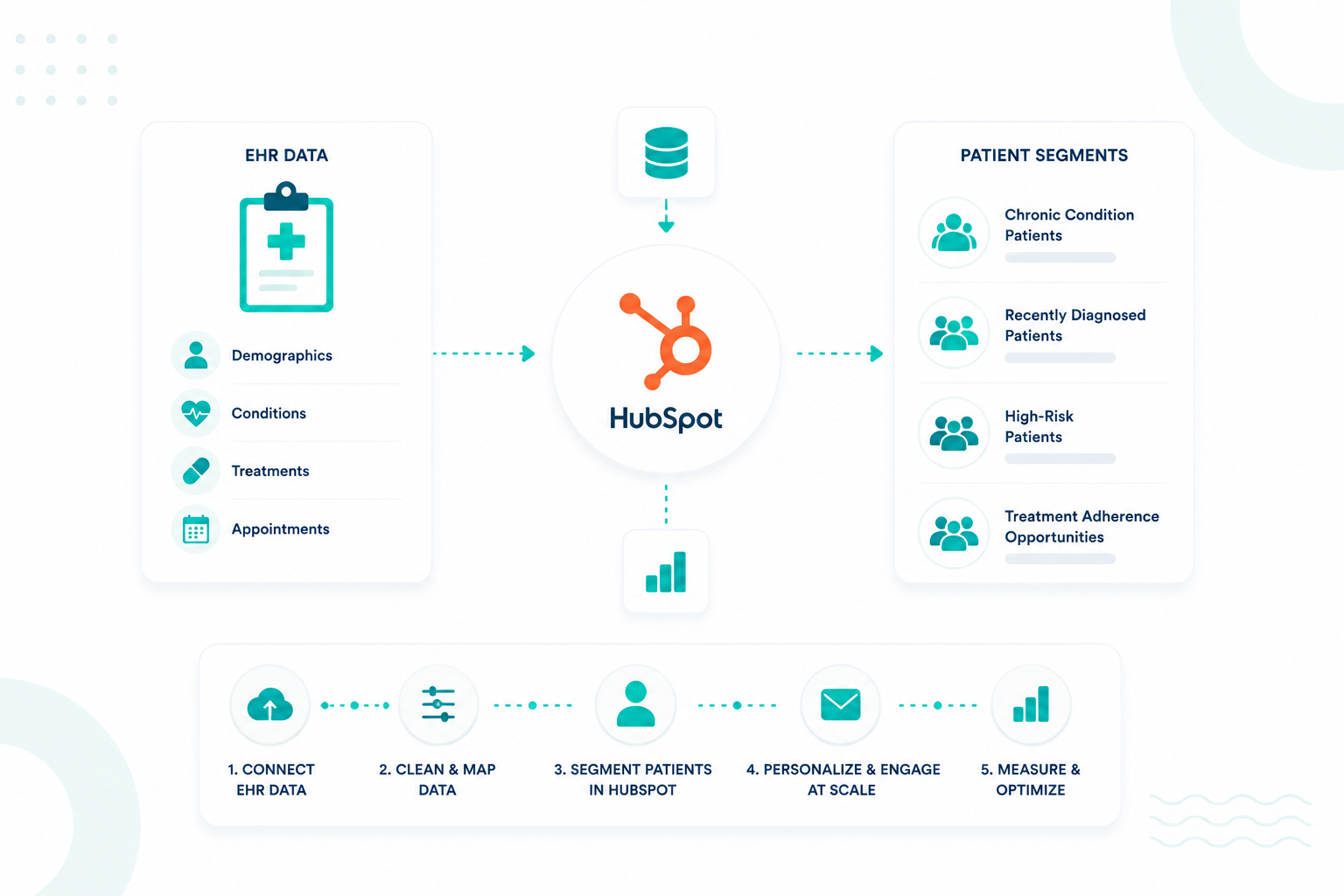
Most teams begin with patient identity and contact details. This includes unique patient ID, phone numbers, and email addresses from the EHR. Some organizations include the date of birth in a limited way to help with matching, depending on their compliance approach.
Appointment activity tends to be one of the most useful data sets to sync. Information such as upcoming visits, past appointments, and whether a patient completed, canceled, or missed a visit helps you understand engagement patterns. This makes it easier to send reminders, follow up after missed appointments, and stay connected between visits.

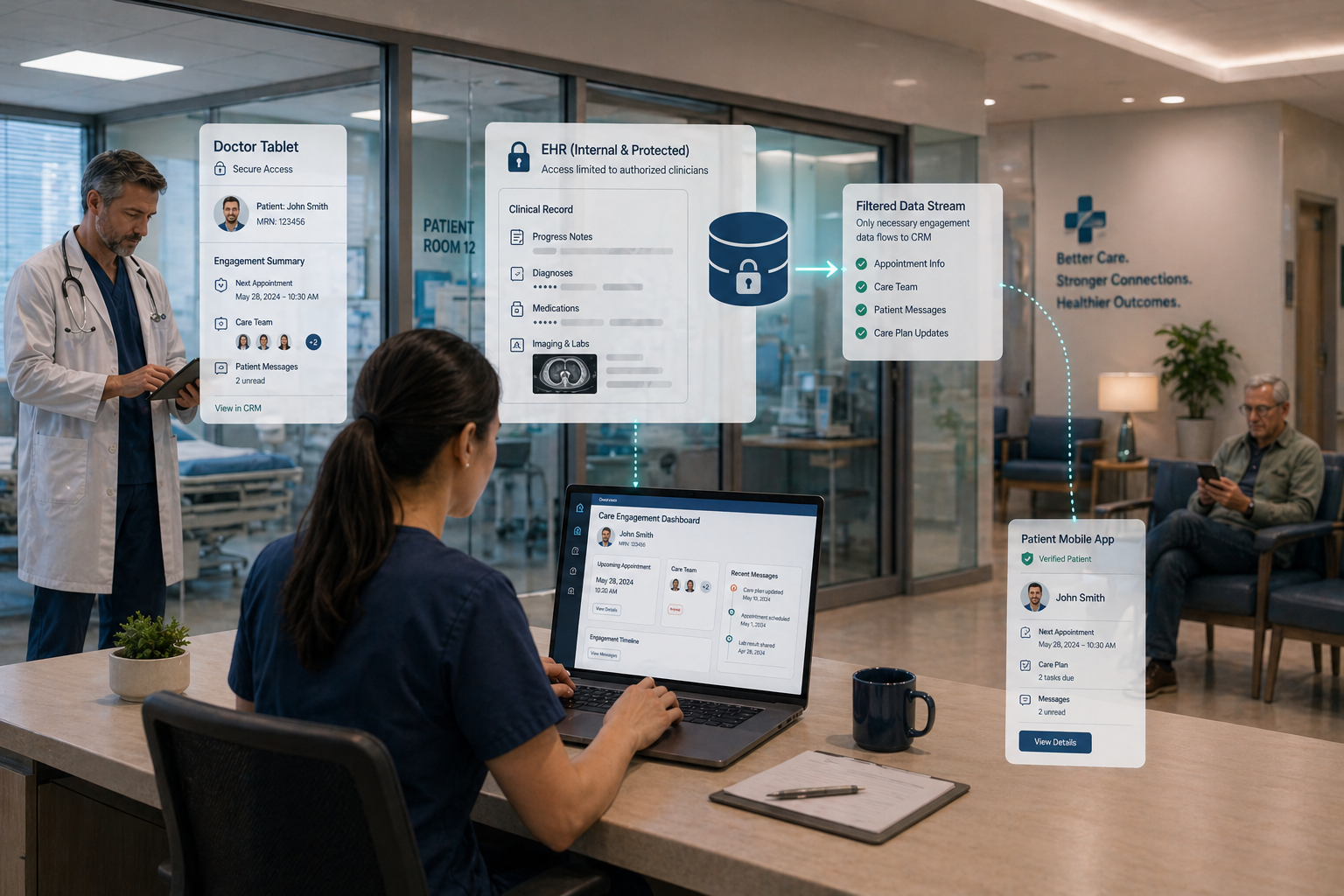
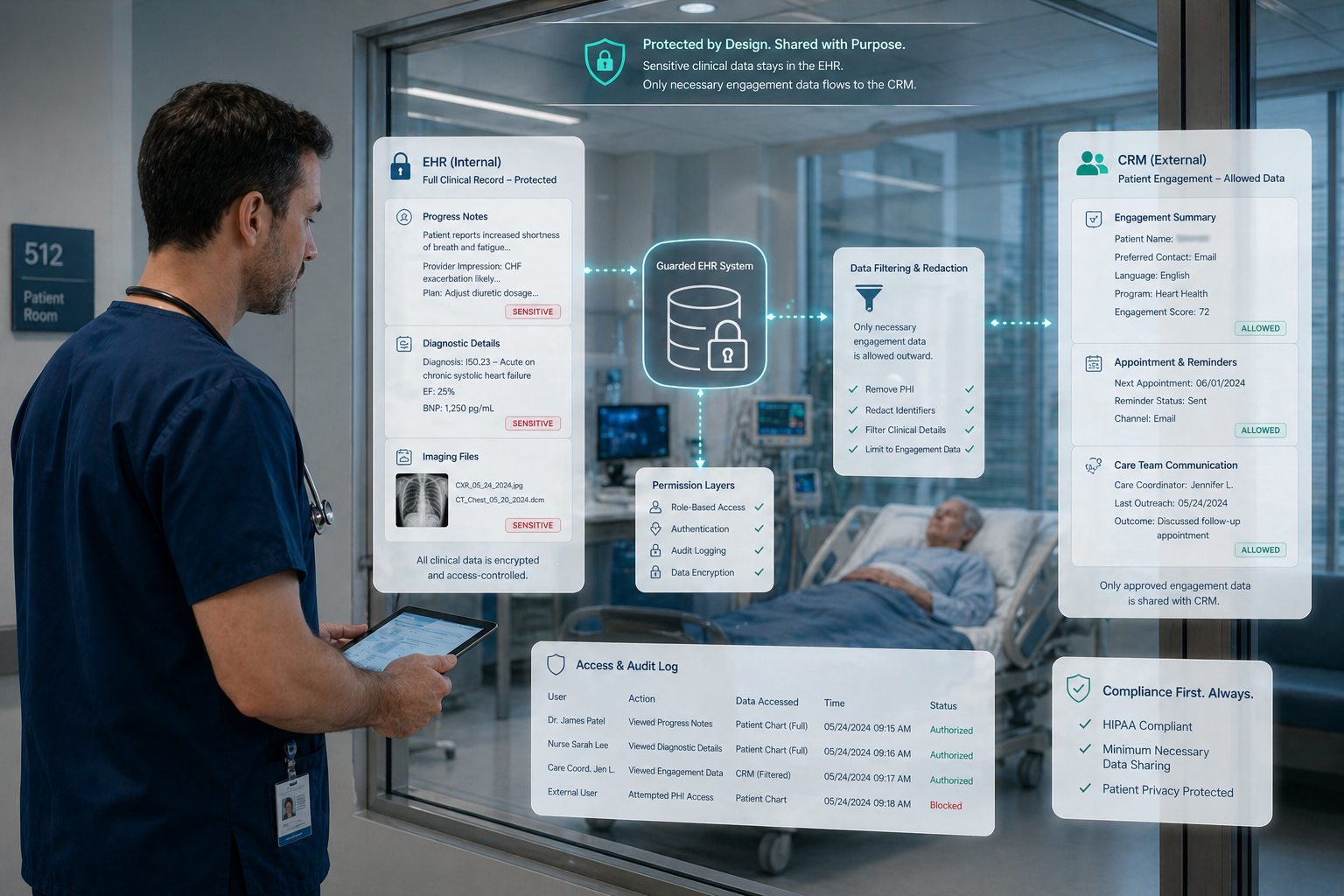
Information that supports diagnosis, treatment decisions, or clinical documentation remains within the EHR systems. This includes items like progress notes, prescriptions, lab results, and detailed medical histories.
Free-text notes and attachments are also typically kept within the EHR. These fields can contain sensitive details that are difficult to standardize or filter once they move into another system.
Larger data sets, including full patient charts or imaging files, are usually not part of CRM workflows. They do not contribute to communication or segmentation in a meaningful way and can make data management more complex.
In general, teams define a clear boundary around what supports patient engagement. This aligns with the “minimum necessary” standard under HIPAA, where only the data needed for a specific purpose is shared.
HIPAA compliance remains a mandatory requirement for healthcare organizations connecting HubSpot with EHR systems. A fully executed Business Associate Agreement functions as the primary legal foundation before any Protected Health Information enters the CRM environment. It specifies the particular Hubs and features permitted to handle clinical data.
HubSpot’s Enterprise plans provide the advanced permissioning, logging, and Sensitive Data Settings necessary to support PHI privacy. Activating these settings enables the creation of properties specifically marked for HIPAA-protected information.
These controls facilitate the restriction of property access to specific roles or teams, preventing unauthorized viewing or editing of sensitive records. Enforcing Single Sign-On (SSO) and Multi-Factor Authentication (MFA) adds critical layers of protection for user access.
The minimum necessary principle ensures that organizations store only essential data elements within HubSpot. Best practices involve keeping clinical records, such as treatment notes and prescriptions, inside the EHR while syncing only demographics and appointment history to the CRM.
Using pseudonymous keys or patient IDs instead of full names or free-text diagnoses reduces the risk of accidental exposure.
Healthcare teams must verify the exact scope of their BAA because certain HubSpot features frequently remain excluded from coverage. Bulk marketing emails, social posting tools, and generic chatbots often fall outside the "covered services" list.
Practices should route sensitive inquiries through secure channels rather than public forms or standard sales emails. That same approach extends to your website setup, where safe-design practices remove PHI from analytics tools and tracking scripts to help maintain a compliant and controlled digital environment.
For a more comprehensive guide regarding HIPAA, read this article.
Bringing HubSpot and your EHR together gives you a more connected and efficient system. You can see the full patient journey, reduce manual work, and improve how your team responds to patient needs. Data stays organized and supports both daily operations and patient engagement without adding unnecessary complexity.
At the same time, handling patient data requires careful attention to HIPAA requirements. Working with an experienced HubSpot expert helps you stay aligned with Business Associate Agreement standards and avoid common setup issues that can lead to compliance risks.
At Campaign Creators, we help organizations design and implement HubSpot environments that align with HIPAA from the ground up.
Yes, you can integrate HubSpot with multiple EHR systems using middleware or a centralized data layer. The setup gets more complex since you need consistent data mapping and clear rules to avoid duplication
HubSpot can support near real-time updates if the EHR and integration method allow it, usually through APIs or webhooks. In many setups, data sync happens in short intervals instead of true real-time due to system and compliance limits.
A strong EHR API provides clear documentation, supports secure authentication, and allows access to key data like patients, appointments, and updates. If the API is limited, unstable, or missing endpoints, integration will likely require heavy customization.
Most organizations use near real-time or frequent interval syncing (every few minutes to hourly) to keep data usable without overloading systems. The right frequency depends on how time-sensitive your workflows are, such as appointment updates or patient communications.
A basic integration can take a few weeks, but more complex setups with custom workflows and compliance requirements often take several months. The timeline depends on your EHR’s API quality, data structure, and internal alignment.
Healthcare is shifting toward a full patient experience, where you’re expected to deliver the same smooth digital interactions found in retail and...
The modern enterprise tech stack has shifted from a single system to a mix of specialized SaaS tools. That shift creates a problem: CRM, payments,...
The Health Insurance Portability and Accountability Act (HIPAA) sets the standard for protecting sensitive patient data, requiring healthcare...