4 Sales Activities You Should Be Automating
Some of the greatest value of marketing automation comes from combining CRM and marketing data to help your sales team focus on leads that are...
A team of data-driven marketers obsessed with generating revenue for our clients.
Because the proof is in the pudding.
At Campaign Creators we live by three principles: Autonomy, Mastery, Purpose.
7 min read
Campaign Creators
:
04/28/26
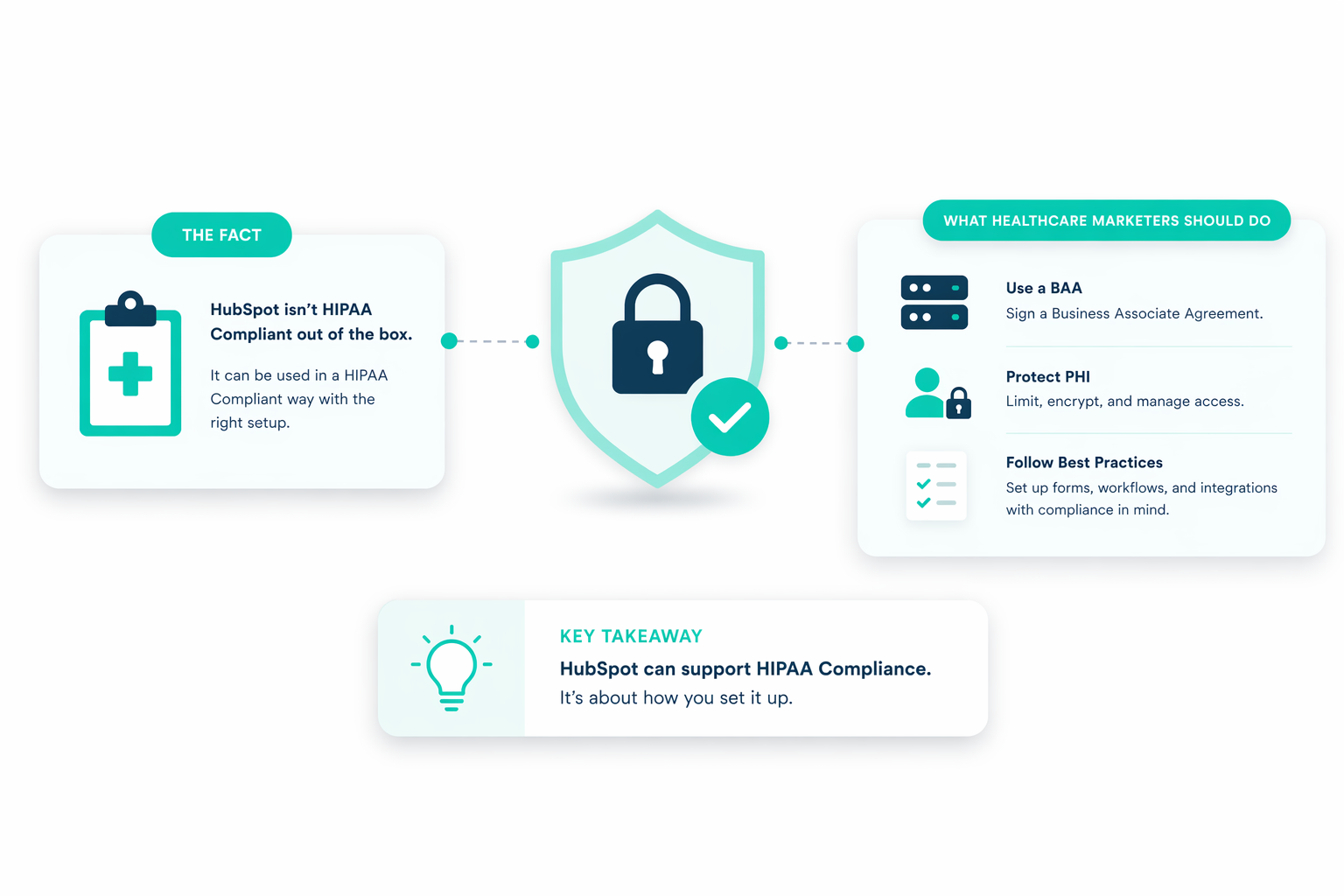
The Health Insurance Portability and Accountability Act (HIPAA) sets the standard for protecting sensitive patient data, requiring healthcare organizations to handle Protected Health Information (PHI) with strict security and privacy controls. Platforms like HubSpot have introduced features that support HIPAA compliance, including sensitive data properties, access controls, and secure data handling under a Business Associate Agreement (BAA).
When configured correctly, HubSpot can function as a compliant CRM that helps healthcare providers manage patient interactions without exposing private information.
This article breaks down what you can safely automate in HubSpot and where automation creates compliance risks. You’ll see which workflows improve efficiency without violating HIPAA, which tools to avoid when handling PHI, and how to set up your system to stay compliant.

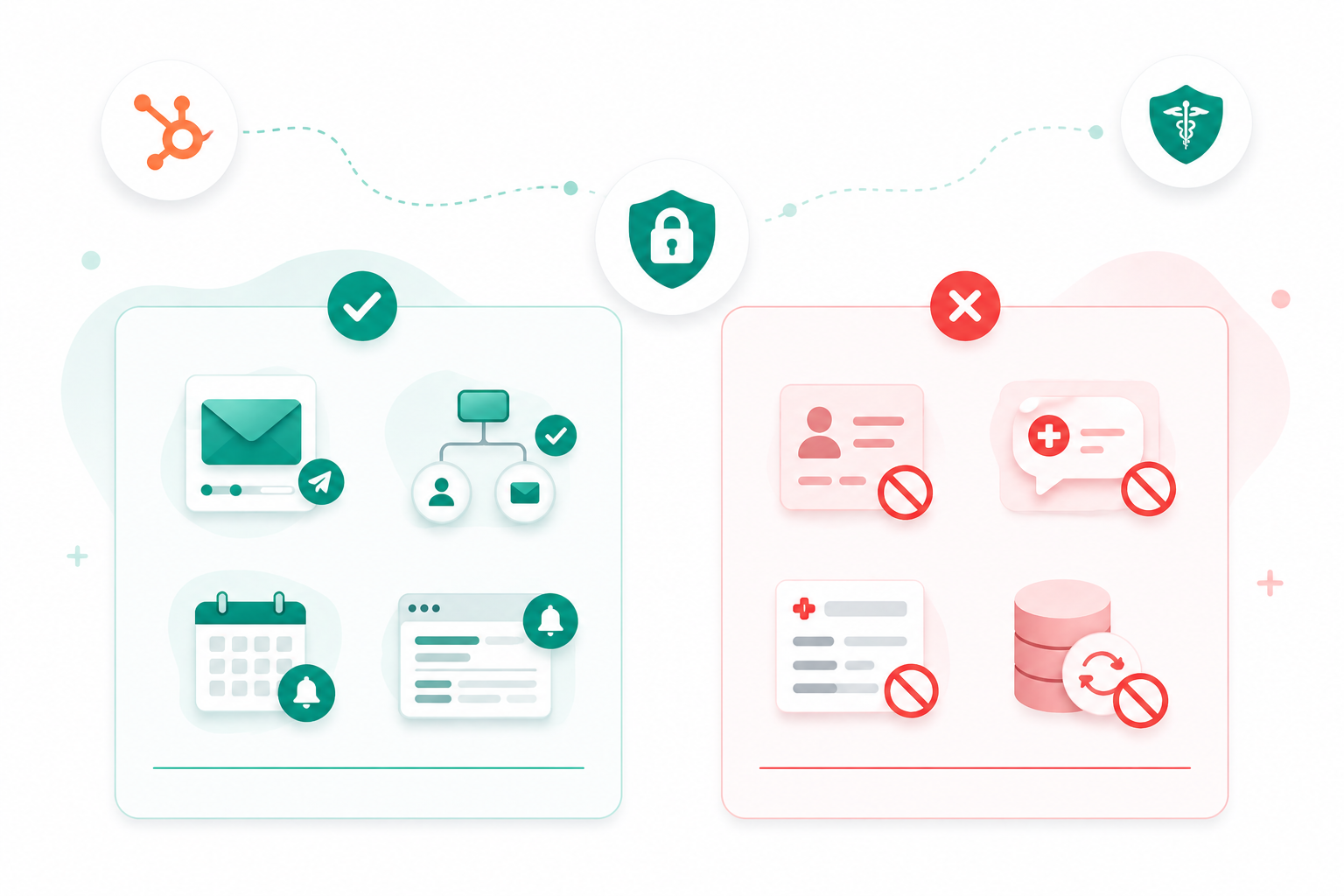
You can automate routine, rules-based tasks in HubSpot that keep operations moving without exposing protected health information, as long as everything stays within systems covered under a HIPAA Business Associate Agreement.
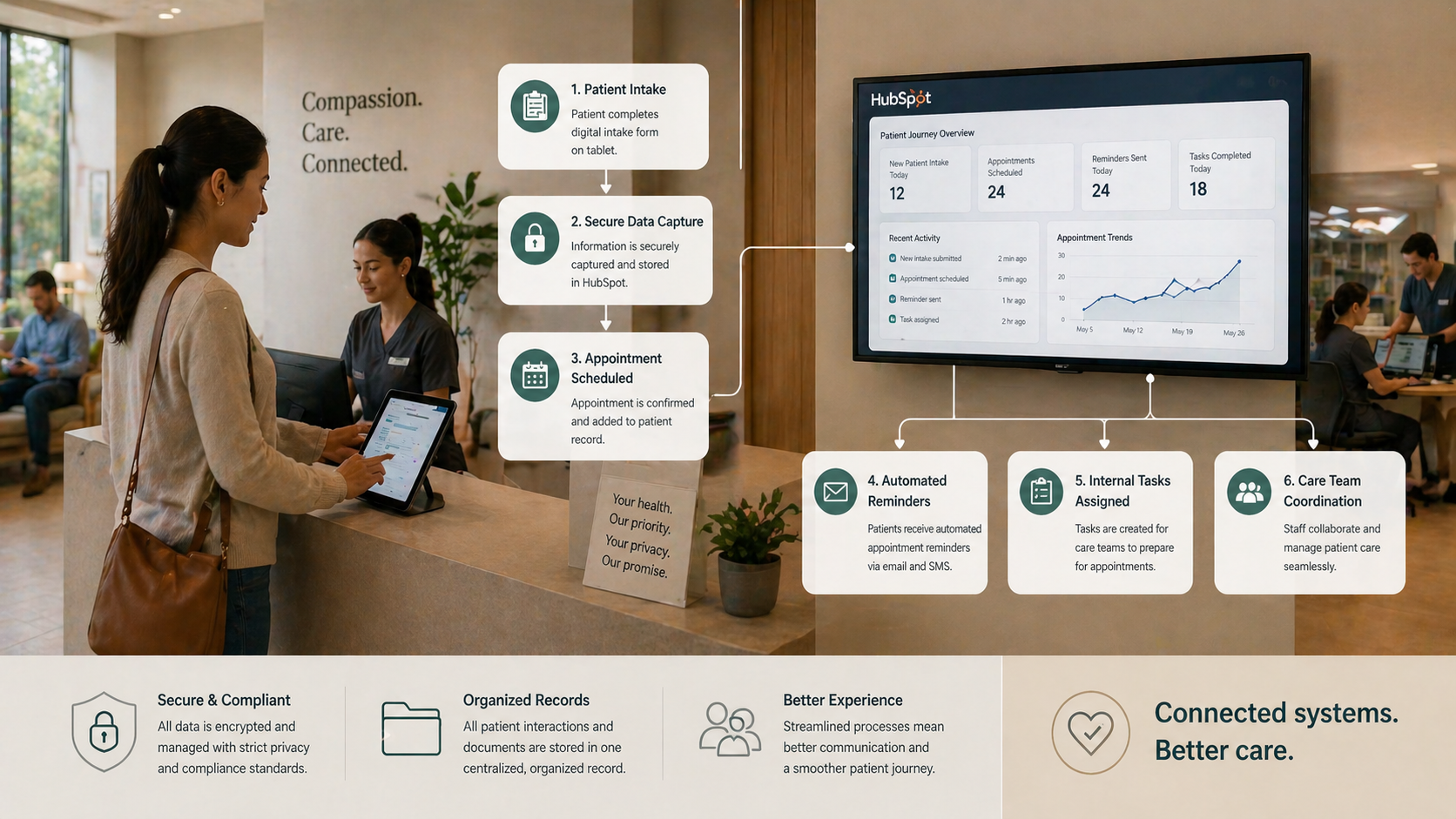
Patient information can be streamlined through secure forms and authenticated APIs, including appointment requests and basic contact details.
To stay compliant:
Once submitted, information flows directly into the CRM, creating a consistent intake process and reducing missed inquiries.
Scheduling becomes more reliable when the full flow connects from booking to follow-up. Automation helps manage each step without relying on manual input.
You can set up:
Pipelines keep track of where each patient stands, and reminders help reduce no-shows and keep schedules steady.
Automation also supports internal coordination without sending data outside the system. This keeps operations moving without adding compliance risk.
You can:
This creates a clearer handoff between reception, clinical teams, and billing, so nothing gets delayed or overlooked.
When configured correctly, HubSpot can manage PHI in a structured and controlled way. Automation helps maintain accuracy across records without constant manual updates.
You can automate:
This keeps patient data aligned across teams and reduces the chance of errors.
Patient inquiries can move through a structured system instead of scattered messages. Automation helps route and respond faster without exposing sensitive data.
You can:
This shortens response times and frees up staff for more complex concerns.
Basic reporting can run automatically to give visibility into performance and day-to-day operations. These insights stay within approved use and avoid unnecessary data exposure.
This can include:
With this setup, you can monitor service delivery and identify gaps without handling data outside compliant systems.

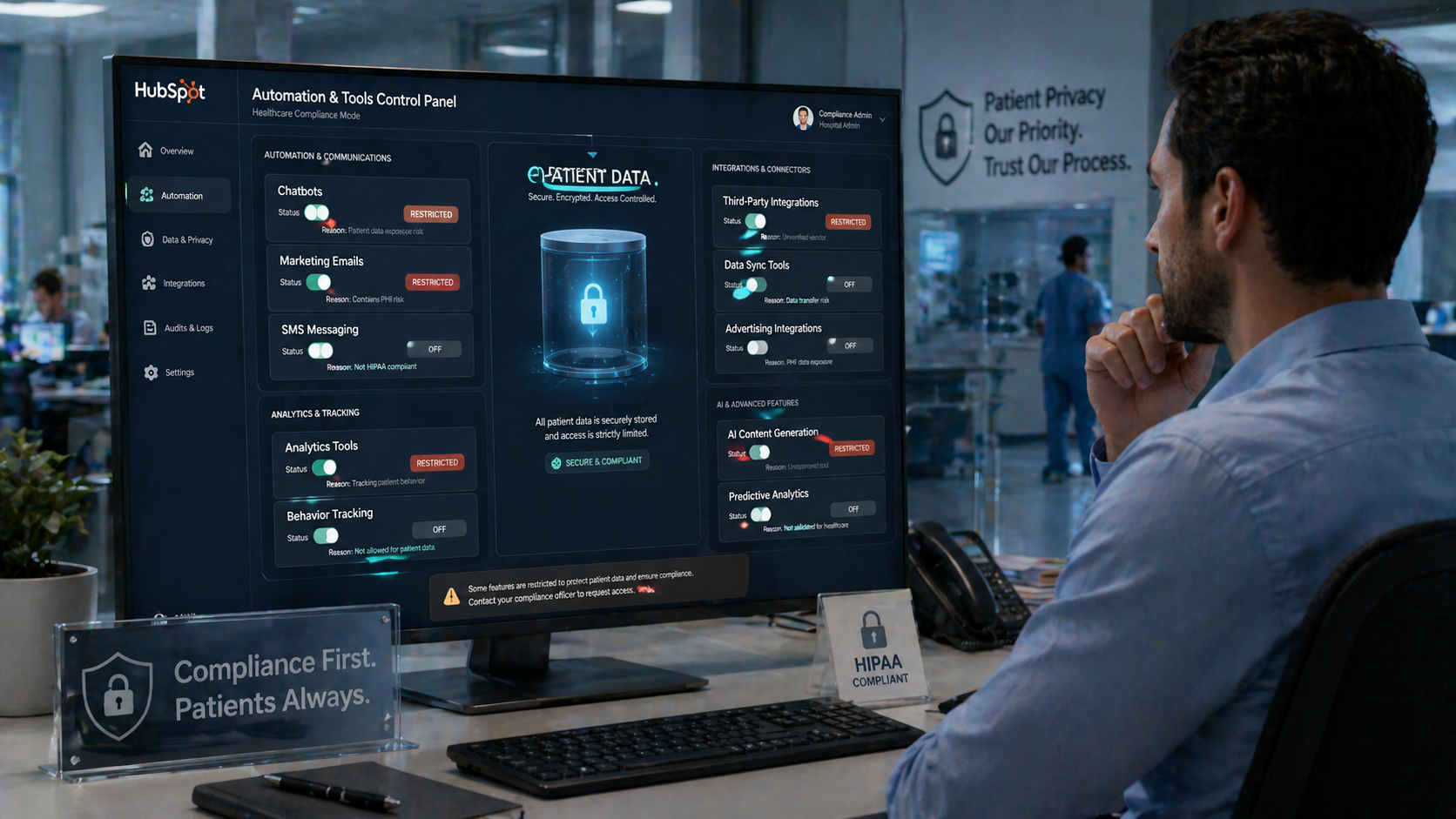
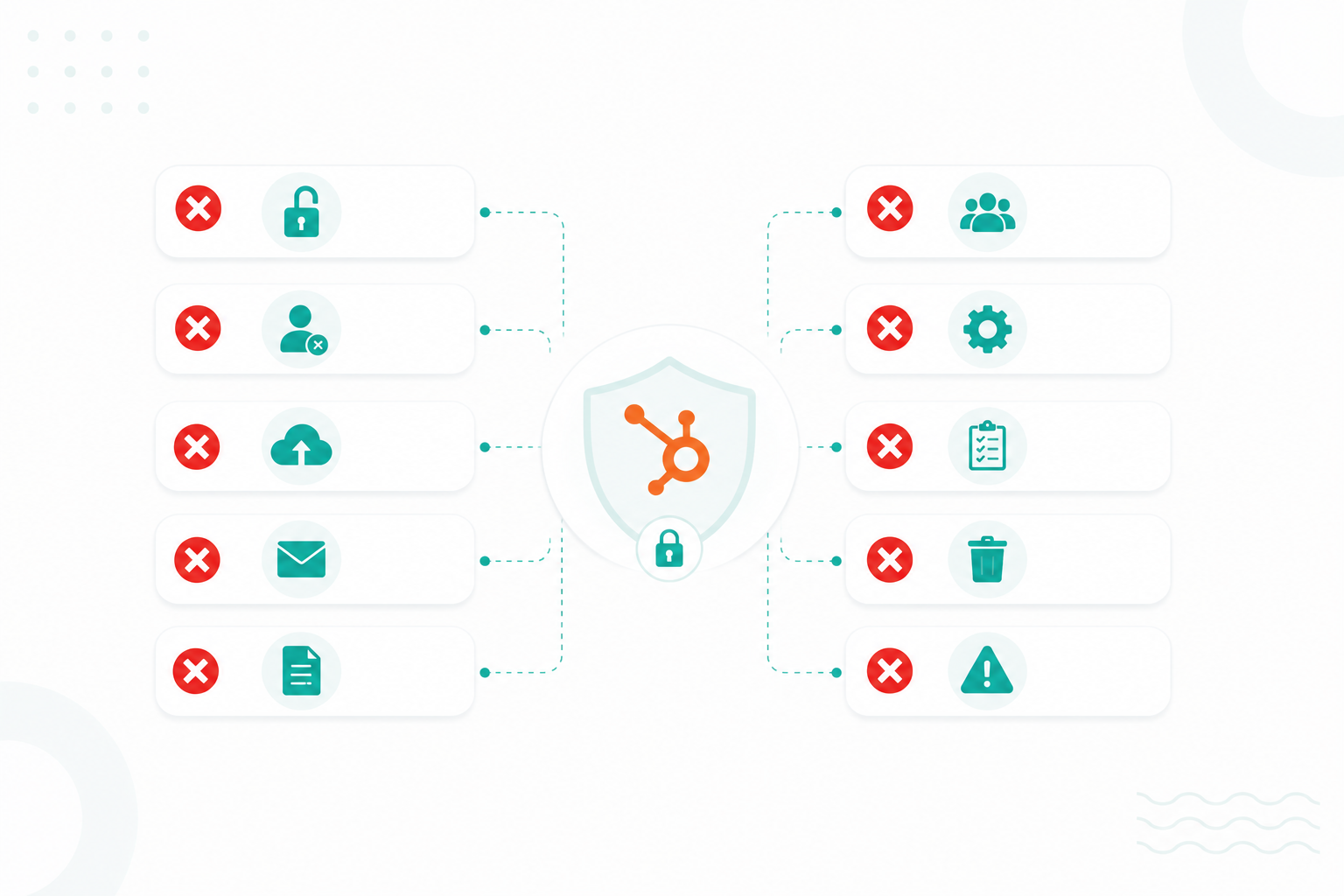
There are some features that fall outside the scope of a HIPAA Business Associate Agreement, which means using them with protected health information can expose your organization to compliance gaps.
Marketing automation should never rely on protected health information. HubSpot’s BAA does not allow sensitive properties to be used as personalization tokens in emails.
This means:
Even if the goal is relevance, using PHI in outreach creates risk. Email delivery often passes through systems that are not covered under the BAA, which can expose data during transmission or storage.
A safer approach focuses on general segmentation. Use non-sensitive attributes like service interest or engagement history, and keep messaging broad and informational rather than condition-specific. This keeps campaigns effective without crossing compliance boundaries.
Within HubSpot, chatbots and live chat are not covered under HIPAA protections. Also, AI tools and automated playbooks are excluded from PHI-safe environments.
If a patient shares symptoms or treatment details through these channels, that data may be stored or processed in systems that lack required safeguards.
To reduce risk:
AI tools also require caution. Inputting PHI into prompts can send that data into systems that are not configured for healthcare compliance.
Recording calls that include PHI creates a separate layer of risk. HubSpot can log call activity, but it does not provide HIPAA-compliant storage for recordings or transcripts.
This means:
A more secure setup uses external phone systems built for HIPAA compliance and controlled access, and encrypted storage for recordings. This keeps sensitive conversations within systems designed to handle them.
Advanced reporting tools can introduce hidden risks when they process sensitive data. Not all analytics features fall under the BAA.
Examples include:
These tools may process data in ways that are not aligned with HIPAA safeguards.
Integrations add another layer:
If PHI flows into any unsupported tool, it increases exposure and weakens overall data protection.
Testing environments are often less secure than production systems. Using real patient data in these spaces creates unnecessary exposure.
Instead, use de-identified or synthetic data for testing and exclude sensitive fields from any automated sync into sandbox environments. This separation ensures that real patient information remains inside systems designed and configured for secure handling.
Reminder: Automation works best when it stays inside systems covered under the BAA and avoids channels designed for broad communication or experimentation.
Start with a clear view of the data you plan to collect and store. Not all information requires the same level of protection, so it helps to separate it into categories.
You will typically work with:
From there, determine which data must be treated as PHI and which can remain de-identified or excluded. Using internal identifiers, such as patient IDs, can reduce exposure compared to repeating full personal details across records.
This step prevents PHI from ending up in notes fields, email content, and workflow descriptions. If data is not mapped early, it tends to spread into areas that are harder to control later.
Once your data is defined, you need to explicitly tell HubSpot which fields contain PHI.
In practice:
These fields receive additional protections such as restricted access and enhanced encryption controls. A common mistake is storing PHI in free-text fields, custom notes, and imported CSV columns without classification.
Automation should support internal processes without exposing sensitive information outside the system. Workflows can handle updates, task assignments, and internal notifications without including PHI in the message itself.
For example:
This keeps automation useful without sending sensitive information through non-covered channels.
HIPAA compliance depends heavily on limiting who can see what. Not every user needs access to PHI.
Set up:
You should also review access regularly and remove inactive users, audit admin-level permissions, and adjust roles when responsibilities change.
Every integration is a potential weak point. Even if your core system is compliant, one non-compliant app can break the chain.
Before connecting any tool:
If the vendor only says “HIPAA-friendly” or “can be used in healthcare,” that’s not enough. You need clear confirmation that their system is designed to handle PHI under HIPAA requirements.
Across all steps, one principle keeps everything aligned: only collect, store, and use the data you actually need.
This can involve simplifying form fields, limiting which properties trigger automation, and removing unused sensitive data over time. Keeping your system focused in this way makes it easier to maintain both accuracy and compliance.
For a more comprehensive guide regarding HIPAA, read this article.
HIPAA violations can lead to financial penalties, legal action, and even criminal charges depending on how the data was accessed, used, or disclosed.
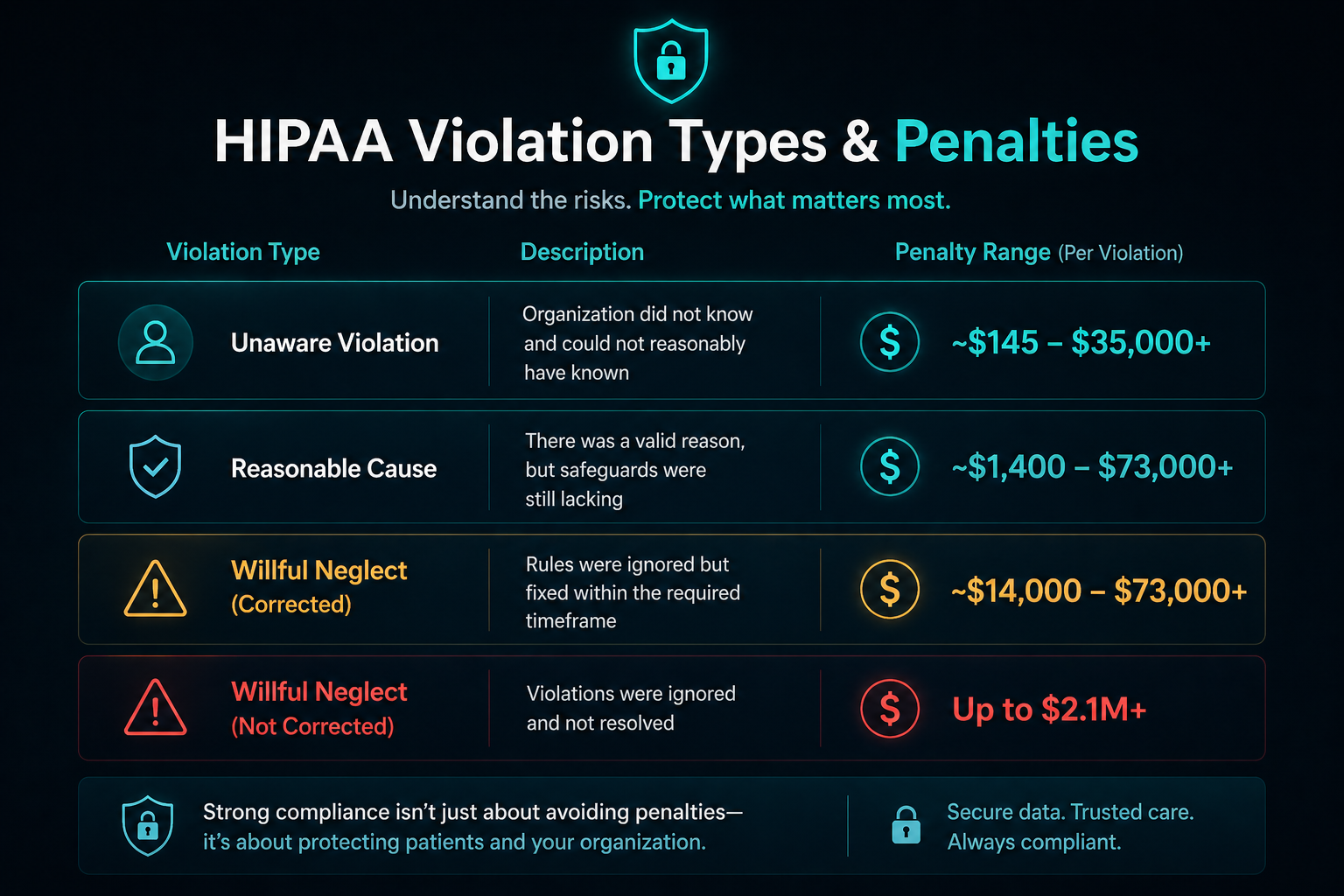
HIPAA violations are grouped into tiers based on intent and level of negligence. Each tier carries a different range of fines, and the amounts are adjusted over time for inflation.
As of recent updates:

These penalties can apply per violation, not per incident, which means a single breach affecting many patients can quickly scale into significant financial exposure.
In many cases, regulators also require corrective action plans, policy updates, and staff retraining. Even when fines are not issued, organizations are still required to fix gaps and demonstrate compliance improvements.
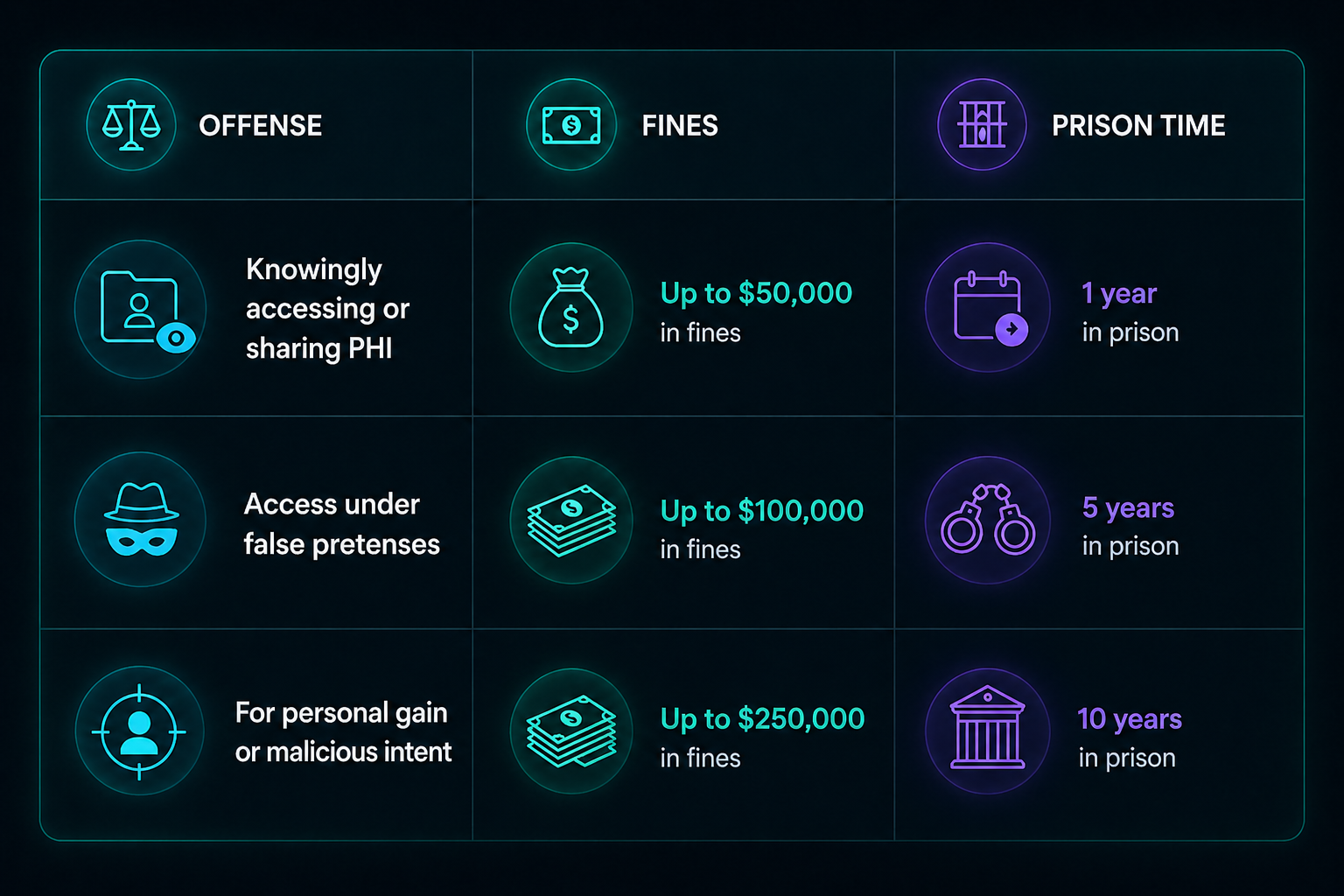
When PHI is accessed or disclosed knowingly, penalties can extend beyond fines into criminal charges handled by the Department of Justice.
These are also tiered based on intent:

This typically applies to cases such as selling patient data, accessing records without authorization, and using PHI for fraud or personal benefit.
Financial and criminal penalties are only part of the impact. A HIPAA breach often triggers broader consequences that affect operations and reputation.
You may also face:
Regulators may prioritize enforcement in cases involving repeated violations, lack of risk analysis, or failure to follow the “minimum necessary” standard when handling PHI.
A HubSpot expert helps you set up the platform correctly from the start. You know which features fall under the Business Associate Agreement, how to configure sensitive data properties, and how to keep PHI inside protected workflows. This lowers the risk of using email, chat, or integrations in ways that fall outside compliance.
You also reduce the chance of violations that can lead to costly HIPAA penalties, especially when issues affect multiple records or go unnoticed over time. With the right setup, your system supports intake, coordination, and internal processes safely, so you maintain efficiency without exposing sensitive data.
It also helps to work with an elite HubSpot partner, as they typically have deeper experience with complex implementations and compliance-focused setups.
Using HubSpot in healthcare works when automation stays within the boundaries set by the Health Insurance Portability and Accountability Act. You can automate routine tasks, but once PHI enters marketing, chat, or unsupported tools, the risk increases. This is where working with a HubSpot expert makes a difference. You avoid misconfigurations, stay aligned with the Business Associate Agreement, and build a system that supports your operations without exposing patient data.
At Campaign Creators, we help organizations design and implement HubSpot environments that align with HIPAA from the ground up.
Yes. A BAA is required before you handle PHI in HubSpot, and it only applies to specific covered features, not the entire platform.
PHI includes any information tied to a patient’s identity and health, such as conditions, treatments, or payment details.
It can be, but only when stored in properly configured sensitive properties and within features covered under a BAA.
No. Each integration must be reviewed individually and supported by its own compliance agreement to avoid breaking HIPAA requirements.
Yes, but messages must stay general and avoid including PHI to remain compliant.
Some of the greatest value of marketing automation comes from combining CRM and marketing data to help your sales team focus on leads that are...
Once considered a futuristic concept, AI is now a critical tool for marketers, revolutionizing the way businesses engage with audiences, craft...
Healthcare marketing often involves emails, appointment reminders, and follow-ups that touch sensitive patient data. That creates real risk if your...