







 Campaign Creators
Is It Safe to Use EHR Data in HubSpot? It Depends
 Campaign Creators : 06/04/26
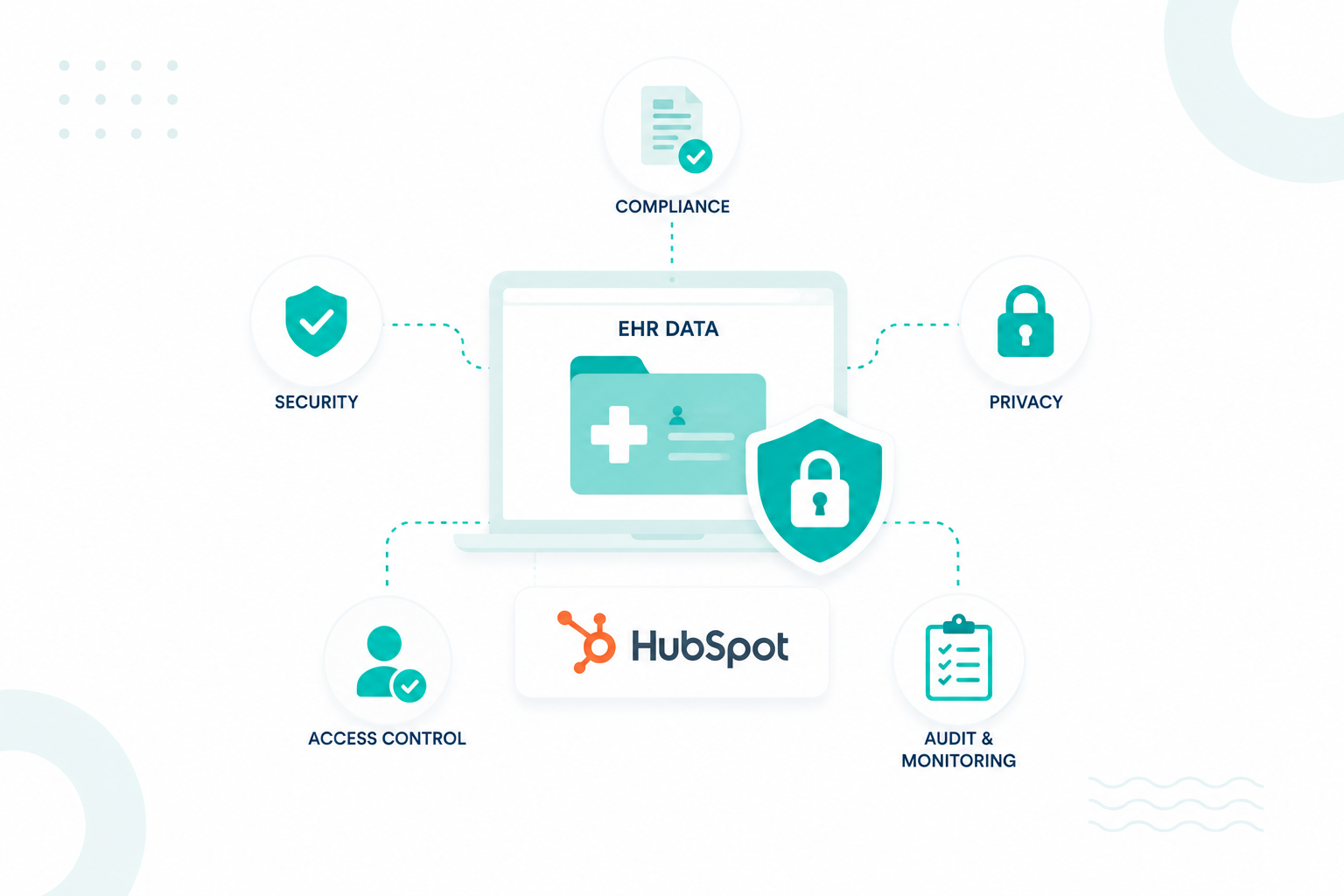
The answer is yes in some situations, but only if strict HIPAA requirements, security controls, and governance processes are in place. HubSpot...
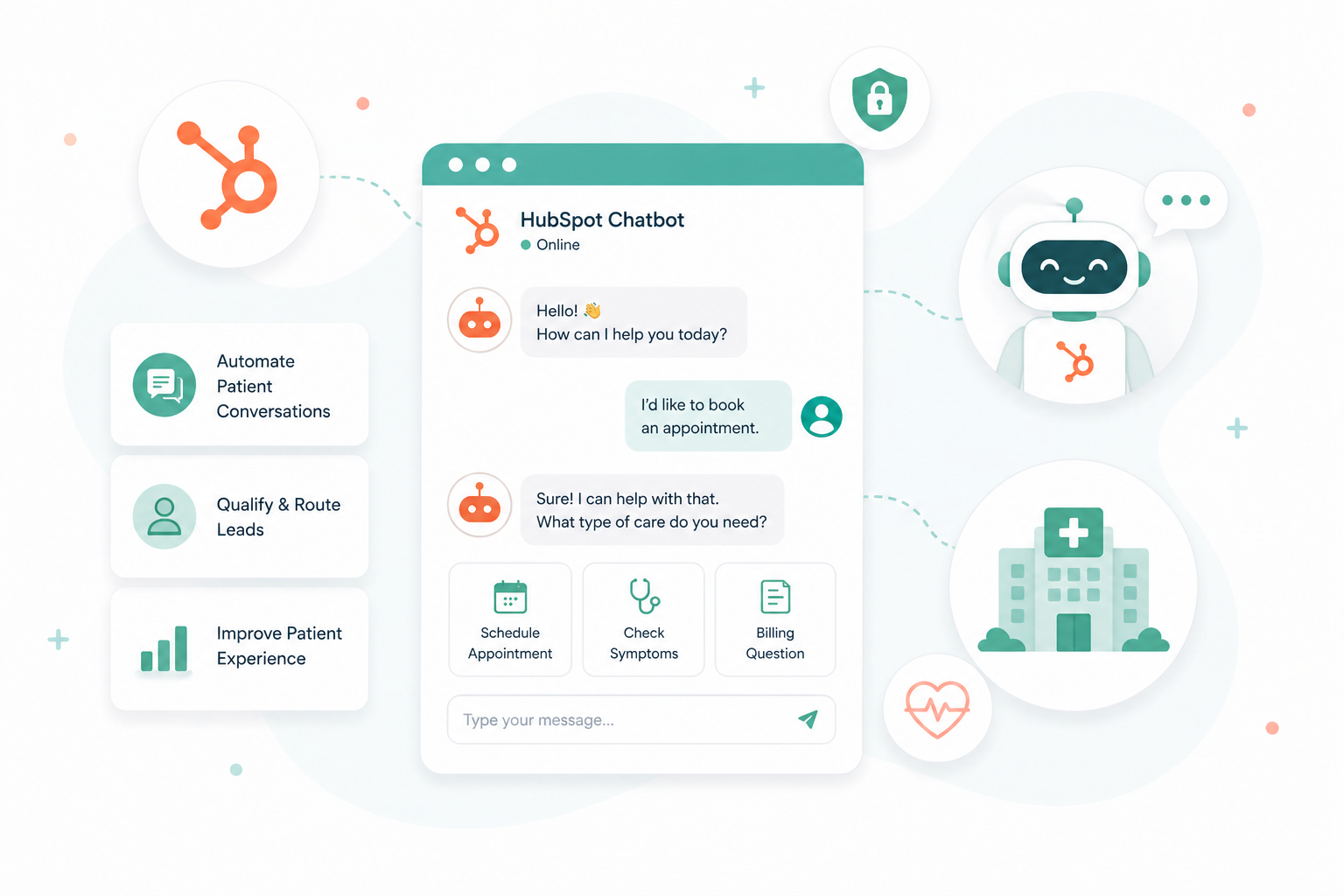
Yes, you can use HubSpot chatbots in healthcare, but not for anything involving patient health information.
HubSpot supports HIPAA compliance for its core CRM under an Enterprise plan with a signed Business Associate Agreement. That protection does not extend to chatbots or live chat. Because of that gap, any patient data shared through these tools is not protected under HIPAA.
You can still use chatbots for general communication, lead capture, and basic inquiries. The moment a conversation involves symptoms, diagnoses, or treatment details, the setup falls outside what HIPAA allows. Below, you will learn how to use chatbots safely, where the risks come from, and what to avoid.
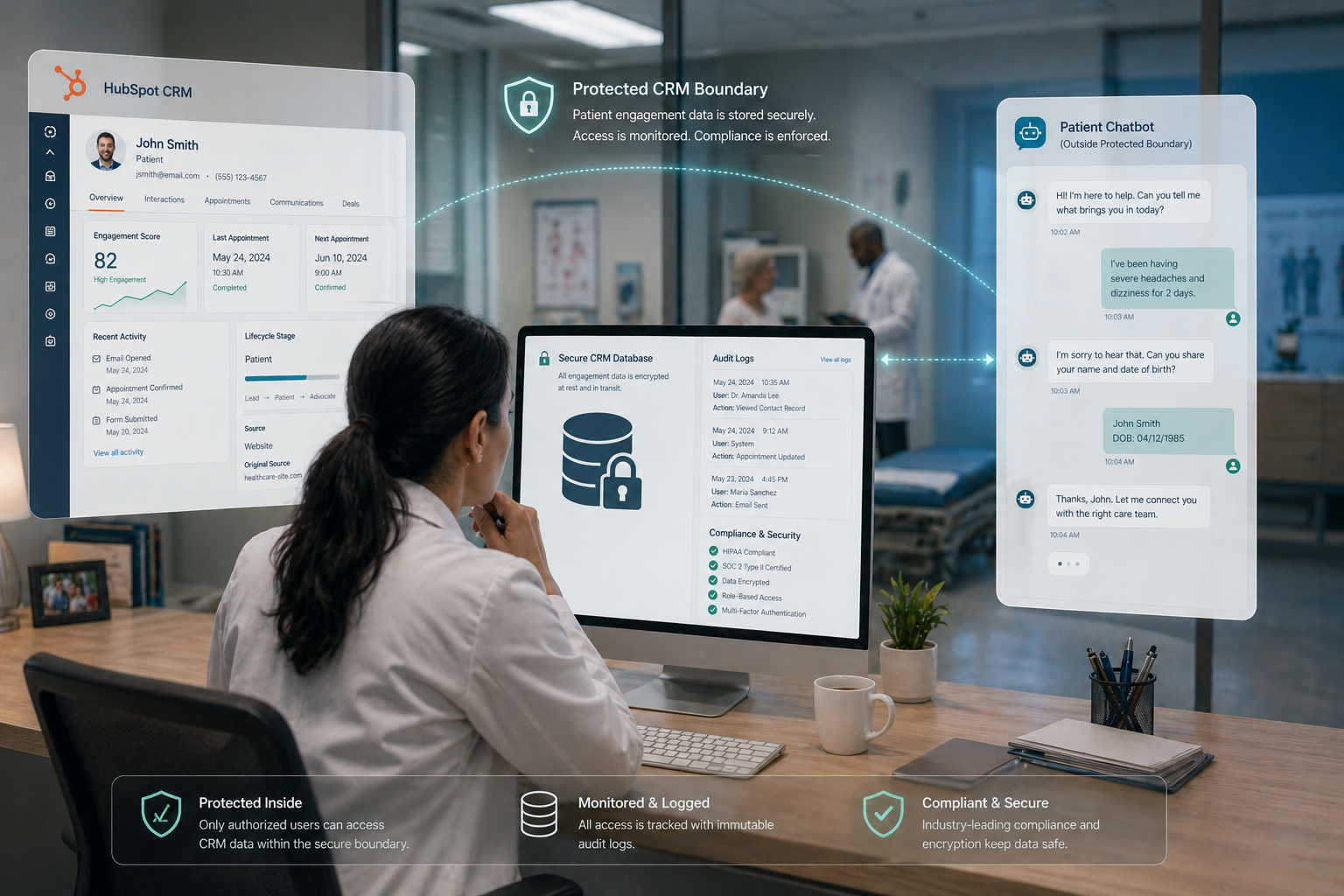
The primary risk comes from the limited scope of the Business Associate Agreement (BAA) that HubSpot offers to healthcare organizations. A signed BAA covers the core CRM, but it does not extend to every feature. Interactive tools such as chatbots and live chat are not included. This creates a gap for any practice expecting full platform coverage.
These interactive features do not meet the technical safeguards required for electronic protected health information (ePHI). Chat transcripts may be stored in environments that do not align with federal security standards. In addition, chatbots usually lack immutable audit logs needed to track access to patient data. HubSpot also limits its own sensitive data properties within chatbot interfaces.
When patient information is collected through a non-covered feature, it is considered an impermissible disclosure. This applies even with an active Enterprise subscription. Regulators treat these interactions as unauthorized because the vendor has no legal obligation to protect health data in those tools.
When a patient shares health information through a standard chatbot, that interaction can immediately trigger a compliance issue. Once personal identifiers are connected to health details, the conversation becomes electronically protected health information.
If that data is captured in a system that is not covered under a Business Associate Agreement, it is treated as an impermissible disclosure. This classification activates obligations under the HIPAA Breach Notification Rule.
Healthcare organizations must notify affected individuals within 60 days. If the breach meets reporting thresholds, it must also be reported to the Department of Health and Human Services. Larger incidents may require notification to the media.
Financial exposure can be significant, with penalties reaching up to a million per year, depending on severity and repeat violations. Beyond fines, organizations are expected to document the incident, review internal handling procedures, and maintain records for compliance audits.
There is also a reputational cost. Incidents like this can reduce patient trust and open the door to civil or criminal liability.
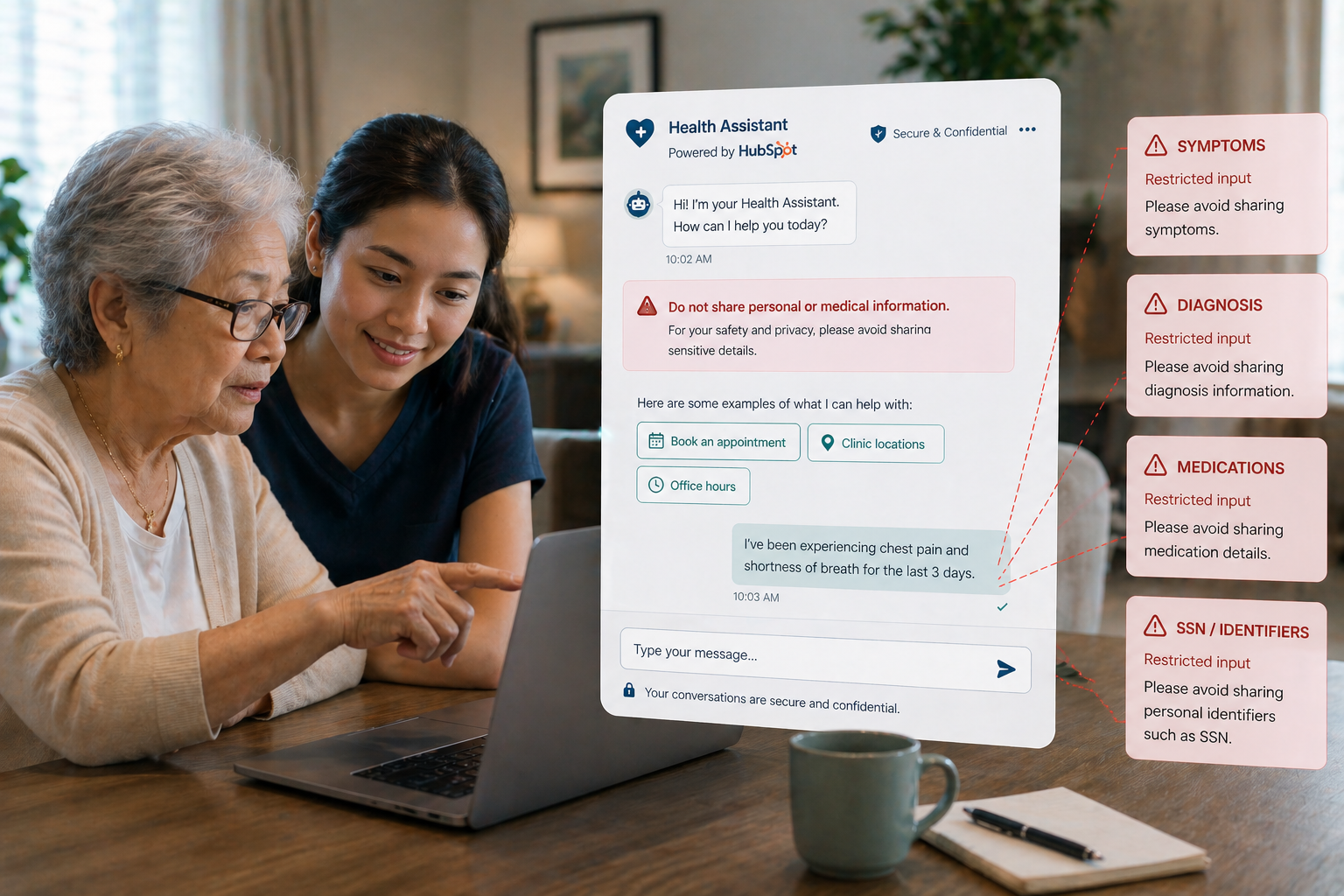
Organizations must specifically avoid gathering clinical information such as symptoms, diagnoses, medications, or test results through a chatbot. Additionally, personal identifiers like Social Security numbers, medical record numbers, and home addresses should stay out of chat transcripts. Even seemingly minor details, such as an appointment reason or an insurance policy number, create a risk if the system records them alongside a name or email address.
Federal guidelines identify 18 specific identifiers that require strict protection when they appear in a health context. This list includes telephone numbers, fax numbers, device serial numbers, and full-face photographs. If a patient volunteers this information in a non-covered chat interface, it constitutes an impermissible disclosure.
Practices should use chatbots only for general inquiries that do not involve patient-specific data,. Examples of safe interactions include sharing office hours, providing directions to a clinic, or linking to a secure, authenticated intake form that operates within the covered CRM properties.
Once a conversation starts to involve symptoms, diagnoses, or treatment, the chatbot has already moved outside what’s considered safe under HIPAA. The safest setups use chatbots to guide, filter, and redirect.
You can safely rely on chatbots to handle basic operational questions that don’t connect to an individual’s health. This includes:
In this scenario, the chatbot works like a digital receptionist. No personal health data enters the system, so there’s no compliance exposure.
Chatbots can also support top-of-funnel engagement as long as users remain anonymous. Safe examples:
The key distinction: You’re speaking to a visitor and not a patient.
As soon as messaging shifts into “your condition,” “your symptoms,” or anything tied to an individual’s health, that line gets crossed.
You can allow users to request appointments, but only if the chatbot avoids collecting sensitive context. Safe structure:
An unsafe chatbot asks questions such as “What symptoms are you experiencing?” or “What condition are you being treated for?” because these prompts directly solicit sensitive health information.
One of the strongest uses of chatbots is acting as a gatekeeper. Instead of capturing sensitive data, the chatbot:
This keeps all protected data inside environments designed to meet HIPAA standards, rather than inside chatbot transcripts that aren’t covered under HubSpot’s protected data features.
Healthcare organizations often use HubSpot for growth. Chatbots can support this if you limit the data collected. Safe qualification questions:
Always avoid anything that connects to a diagnosis, symptoms, or treatment history. This helps your team to segment and follow up without ever touching PHI.
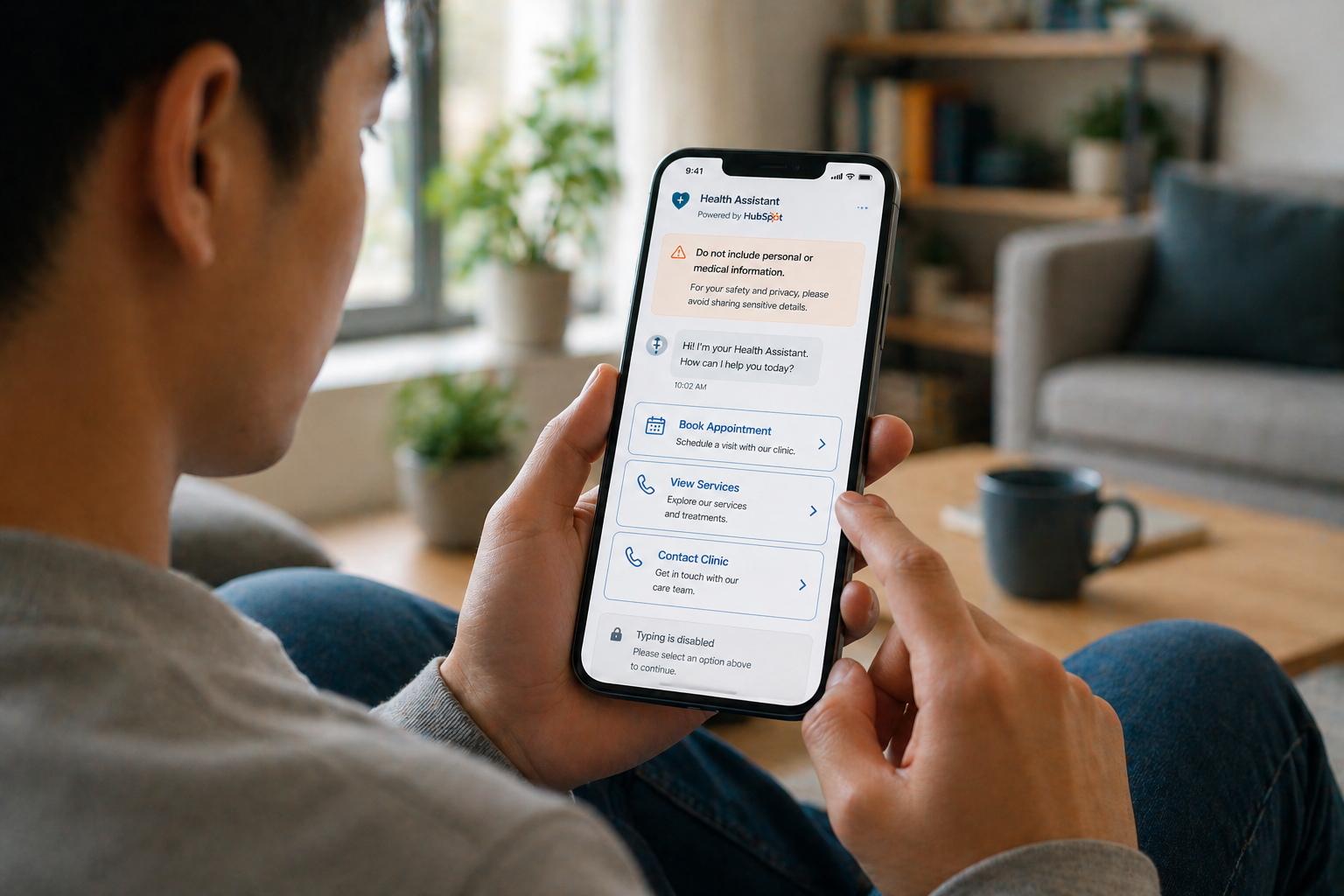
Risk often begins with the first interaction. If the chatbot opens with a blank input field and a broad question, users tend to share detailed personal information.
A more controlled setup replaces that open-ended start with guided choices. In HubSpot, this means building flows with buttons, quick replies, or predefined paths instead of relying on free-text input. Users select from options rather than describing their situation.
When free text is necessary, the experience should still set boundaries before the user types. A short notice, such as “Please do not include personal or medical information in this chat,” helps reduce accidental oversharing.
Even with these controls, some users will share sensitive details. You can configure chatbot logic to detect keywords such as symptoms, medications, or conditions. When detected, the chatbot can interrupt the flow, show a warning, and redirect the user to a secure channel instead of continuing the conversation.
If a user selects options such as booking an appointment or contacting a provider, the next step should lead to a secure intake form, patient portal, or scheduling system aligned with HIPAA requirements.
Inside HubSpot, this usually involves linking out to secure forms instead of collecting details directly in the chat. The chatbot helps users move forward without storing information in chat transcripts.
Even general conversations can become sensitive once they are tied to a specific person. A safer approach avoids collecting identifiers such as names, phone numbers, or email addresses within the chatbot. When identification is required, it should happen in a secure form outside the chat.
It also helps to review how chat data is stored. Chat transcripts are often saved automatically, which can create unnecessary exposure over time. Reducing retention periods, deleting older conversations, and limiting access to chat histories lowers that risk.
Less stored data means fewer points of exposure.
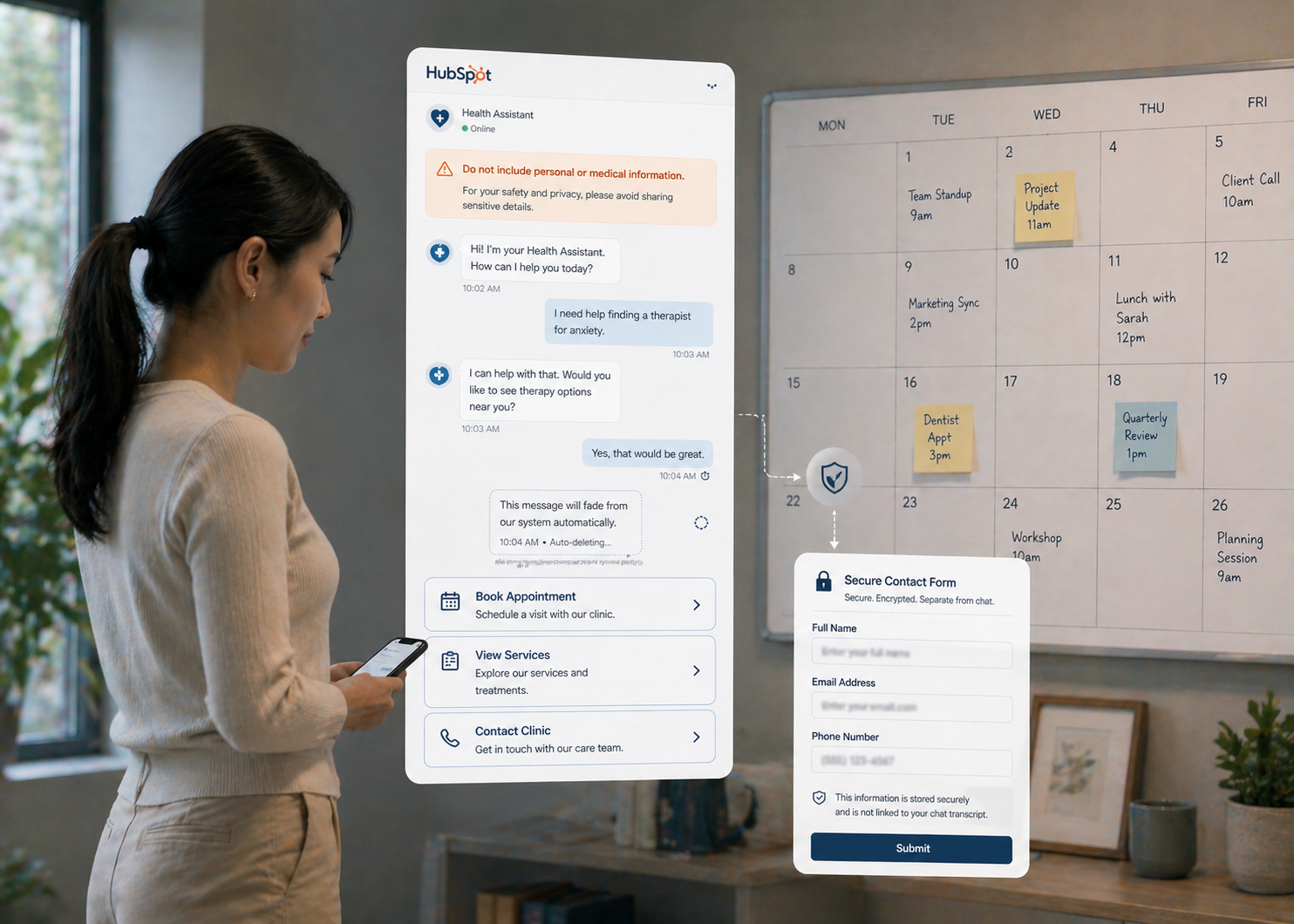
Technical controls only work if team behavior matches them. If a conversation shifts from automated responses to a human, the same boundaries should apply. When a user begins sharing sensitive details, the conversation should move to a secure system instead of continuing inside the chat.
Clear internal guidelines help prevent situations where sensitive information ends up in chat transcripts. Every interaction should follow the same standard, whether handled by automation or a team member.
Learn more tips on how to stay compliant with HIPAA using HubSpot.
If a chatbot collects protected health information, you must act fast to minimize damage and maintain compliance. Here’s what you need to do:
The priority is to halt the data exposure immediately. This involves restricting system access or securing the digital environment to prevent further unauthorized viewing of the sensitive information.
You must notify your Privacy Officer or compliance team as soon as you discover the incident. Quick escalation ensures the right corrective action plan starts moving forward. Preserve all evidence relating to the event; avoid deleting or modifying data during the initial investigation because this could compromise regulatory reporting.
You must keep detailed records of the incident. Precise documentation serves as the foundation for internal reviews and mandatory federal reports. Your records should include:
If the data resides in a HubSpot environment, specialized steps are necessary. Health data stored in a standard property or a notes field lacks the encryption of a sensitive property. You cannot fix the error by simply switching the field type to "sensitive" later. You must delete the data from the non-protected field and re-import it into a properly designated sensitive property. Audit logs must capture that the system received PHI so compliance officers can review the handling procedures.
The exposure of PHI triggers the HIPAA Breach Notification Rule. You must notify affected individuals without unreasonable delay and no later than 60 days following the discovery. These notifications should explain what happened, what data was involved, and what actions you are taking to prevent future errors.
You are also required to report the incident to the Department of Health and Human Services (HHS). For breaches involving fewer than 500 people, you may submit an online report at the end of the calendar year. If the breach involves 500 or more individuals, you must notify HHS within sixty days.
And that is what you need to do when protected health information is unintentionally captured through a chatbot, with the final step involving a corrective action plan and targeted staff retraining to prevent recurrence.
HubSpot chatbots can support your healthcare operations, especially for answering general questions, guiding visitors, and helping people take the next step.
The risk starts when conversations shift into anything tied to a person’s health. At that point, the interaction no longer sits inside a protected environment, which creates compliance exposure and potential reporting obligations if data is captured.
Because these risks often come from how the chatbot is configured and used, working with a HubSpot expert can help. A proper setup reduces the chance of misconfigurations, keeps your use aligned with the BAA, and builds a system that supports your operations without exposing patient data.
At Campaign Creators, we help organizations design and implement HubSpot environments that align with HIPAA from the ground up.

Campaign Creators : 06/04/26
The answer is yes in some situations, but only if strict HIPAA requirements, security controls, and governance processes are in place. HubSpot...
Campaign Creators : 09/21/26
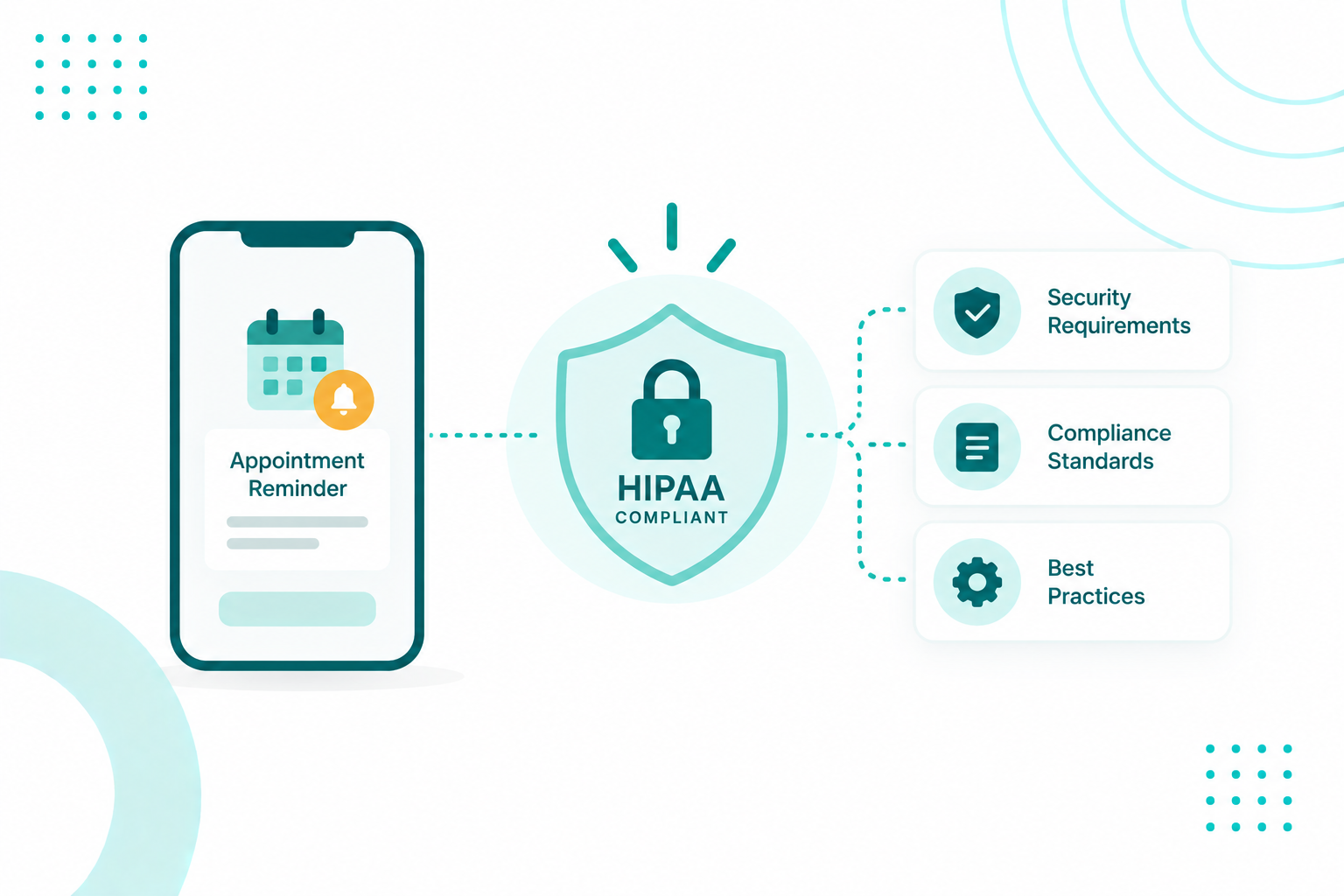
Healthcare organizations can use AI appointment reminders without automatically violating HIPAA. Appointment reminders are a permitted communication...
Campaign Creators : 05/01/26
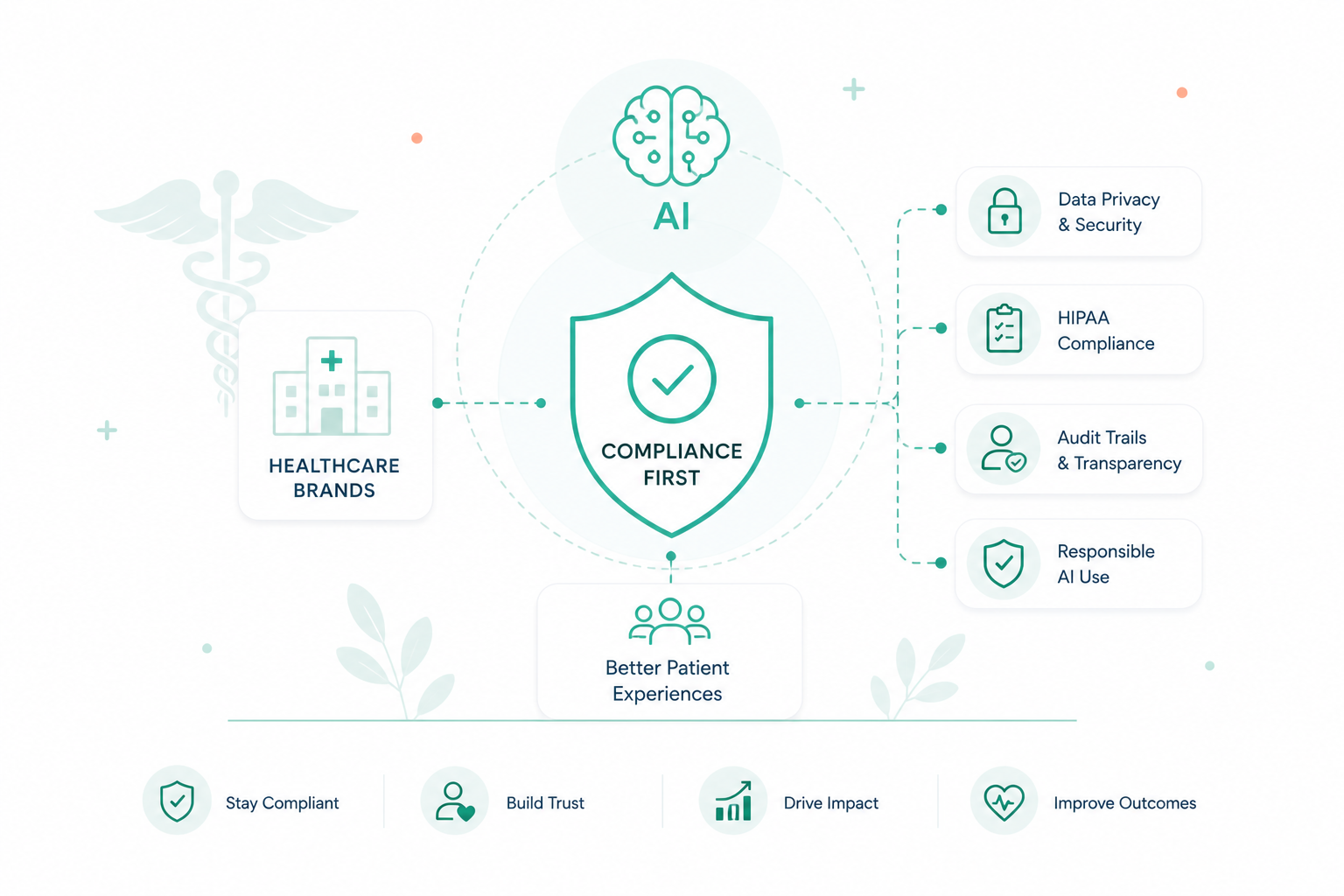
AI is changing how patients find care, ask questions, and decide where to go next. Search engines now surface instant answers, and many patients turn...