Every modern digital business depends on two connected systems: a Customer Relationship Management (CRM) platform and a Content Management System (CMS). A CMS manages your website content and pages, while a CRM stores customer and lead data, tracks interactions, and supports your sales process. When these systems work together, your website becomes more than a place to publish content. It becomes a tool for capturing leads, tracking engagement, and driving conversions.
Many businesses still manage their website and customer data separately, which can create disconnected information, missed follow-ups, manual data entry, and limited visibility into the customer journey. Integrating HubSpot CRM with your website connects visitor activity directly to your customer data, giving your marketing and sales teams a shared view of every interaction.
In this article, you’ll see how HubSpot’s integrated tools support conversion growth through lead capture, meeting scheduling, automation, personalization, and attribution tracking.
The Fundamental Link Between Your CMS and CRM
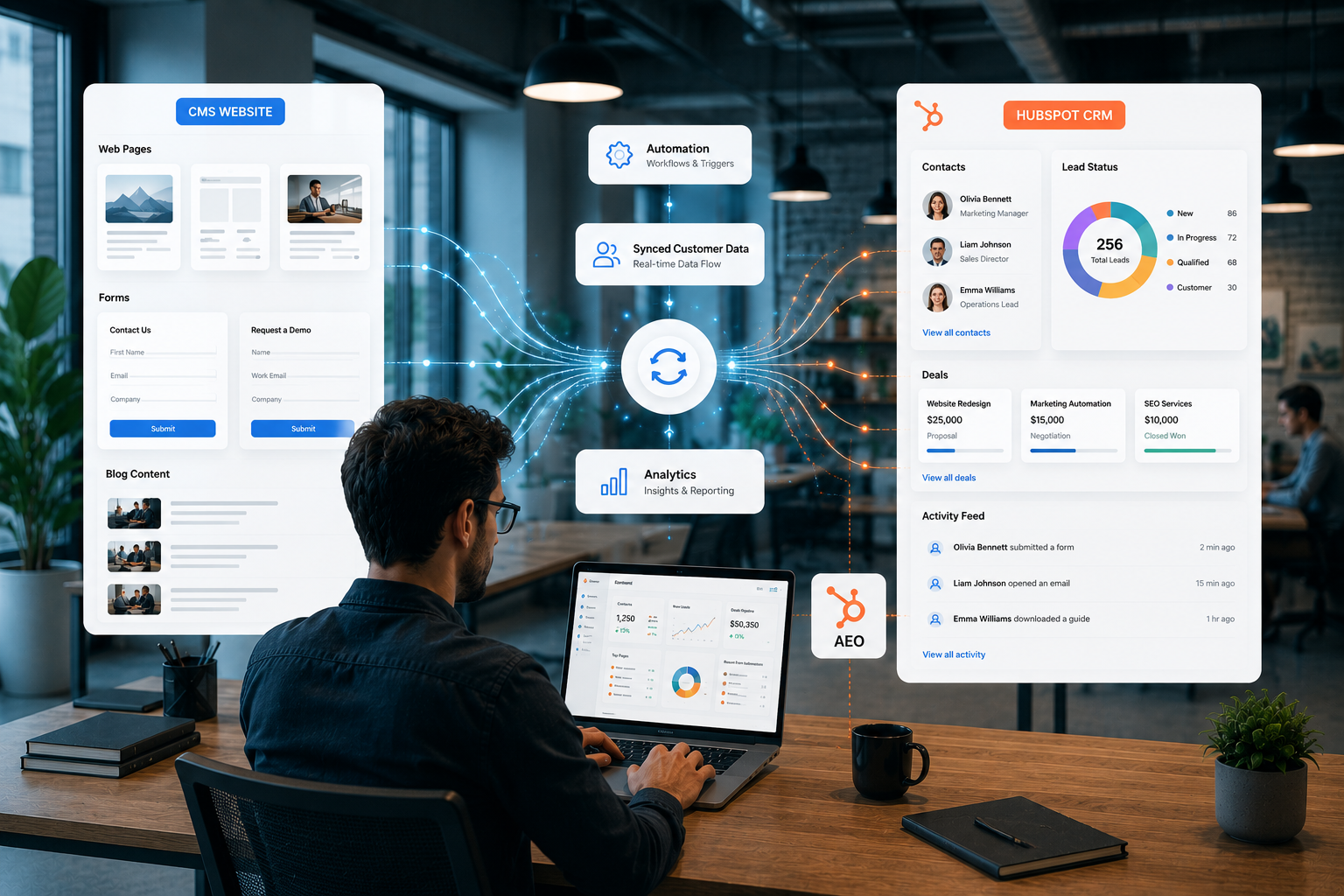
The fundamental link between a Content Management System and a Customer Relationship Management system is the integration of website visitor behavior with centralized customer data. The connection between these systems is built on three core technical and operational similarities:
- Centralized Data Storage: Both systems act as repositories; the CMS stores content like blog posts and images, while the CRM stores contact information and interaction histories.
- Analytics and Reporting: Integrating the two helps businesses measure how specific website content, such as a blog post, directly influences a closed deal in the sales pipeline.
- Workflow Automation: The link enables automated tasks, such as a website form submission (CMS action), triggering an immediate follow-up task for a salesperson (CRM action).
For this link to function, the CRM must be able to see what is happening on the website managed by the CMS.
- Tracking Codes: For websites hosted on external platforms, this link is established by adding a HubSpot tracking code, which makes it possible for the CRM to record page visits and interactions.
- Automatic Synchronization: In unified platforms like HubSpot, the CMS (Content Hub) is built directly on top of the CRM, meaning visitor interactions are automatically stored without manual technical implementation.
- Unified Customer Records: Every interaction, including email opens, form responses, and website visits, is curated into a single contact record. This helps sales and marketing teams to understand a lead's journey at a glance.
This connection ensures that when a visitor engages with a website, the business can respond with deeper personalization, using stored CRM data like purchase history or industry to serve dynamic content that matches the visitor's specific stage in the buyer's journey.
Seamless Lead Capture through Forms and Lead Flows
HubSpot’s lead capture tools, including Forms and Lead Flows, connect website engagement directly to your CRM and create a simple way to collect visitor data. This integration automatically records every form submission and conversion action in HubSpot, giving marketing and sales teams immediate access to new leads.
Automated Data Capture via Integrated Forms
HubSpot forms help turn anonymous website visitors into identifiable CRM contacts by collecting information such as names, email addresses, and company details. Each form submission automatically creates or updates a contact record in HubSpot, giving your team accurate lead data without relying on manual entry or spreadsheets.
HubSpot also includes smart form capabilities that adjust form questions based on information already collected from a visitor. This supports progressive profiling, which helps you gather additional details such as job title, company size, or industry over multiple visits without repeatedly asking for the same information.
Lead Flows: Engaging Pop-up Experiences
Lead Flows are HubSpot's version of strategically placed pop-up ads designed to engage visitors without disrupting their browsing experience. Studies have shown that these dynamic elements can convert better than traditional static opt-in forms. They are available in several formats:
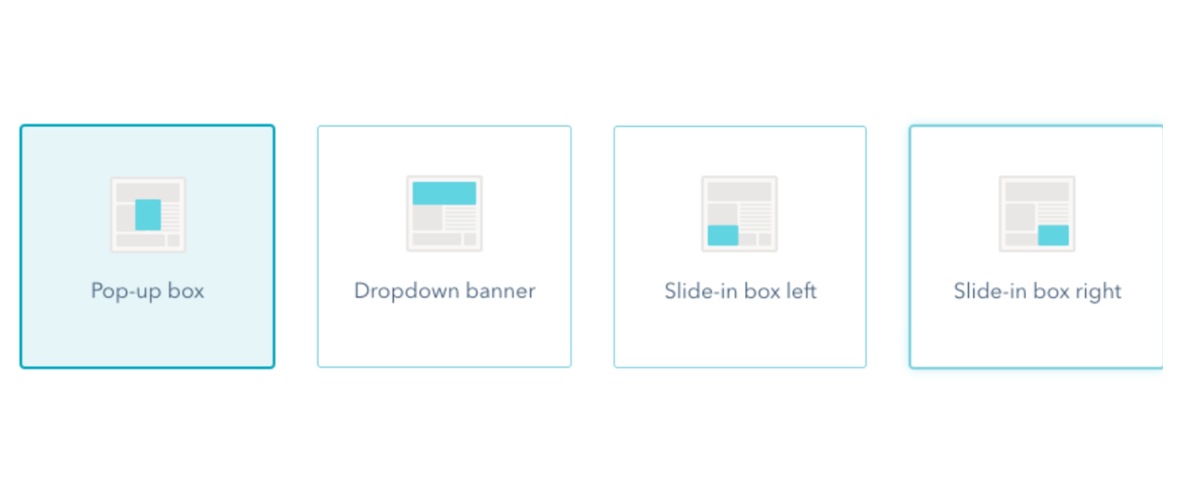
Traditional pop-up boxes appear in the center of the screen and are commonly used to promote high-value content, newsletter sign-ups, or downloadable resources. Drop-down banners display as thin bars across the top of a page and work well for highlighting limited-time offers, webinars, or announcements without disrupting the browsing experience. Slide-in boxes appear more subtly in the corners of the screen and are often used for blog subscriptions, content recommendations, or lower-friction conversion offers.
To ensure lead capture is effective and not annoying, HubSpot helps you set specific triggers so pop-ups appear only when a visitor has demonstrated interest.
- 50% Page Scroll: Triggers the Lead Flow once the visitor has engaged with at least half the page content, indicating a higher likelihood of conversion.
- Elapsed Time: Shows the offer after a visitor has spent a minimum amount of time on a page (at least seven seconds), ensuring you don’t interrupt them the moment they land.
- Browser Exit Intent: A "last chance" trigger that appears when a visitor moves their cursor to close the window or leave the site, helping to capture leads that would otherwise be lost.
Modern lead capture has evolved from simple one-field forms into interactive multi-step experiences. By starting with questions about a prospect's goals or pain points before asking for personal information, businesses can engage visitors more deeply and capture higher-quality data.
How Integrated Meeting Tools Reduce Conversion Friction
HubSpot’s integrated meeting tools help remove the delays and frustration that often come with traditional scheduling processes. Without an automated system, leads may submit a contact form and then wait hours or even days for a reply, creating a gap where interest can fade or competitors can step in.
A meeting scheduler keeps momentum moving forward because prospects can immediately choose a time that works for them without relying on long back-and-forth email exchanges.
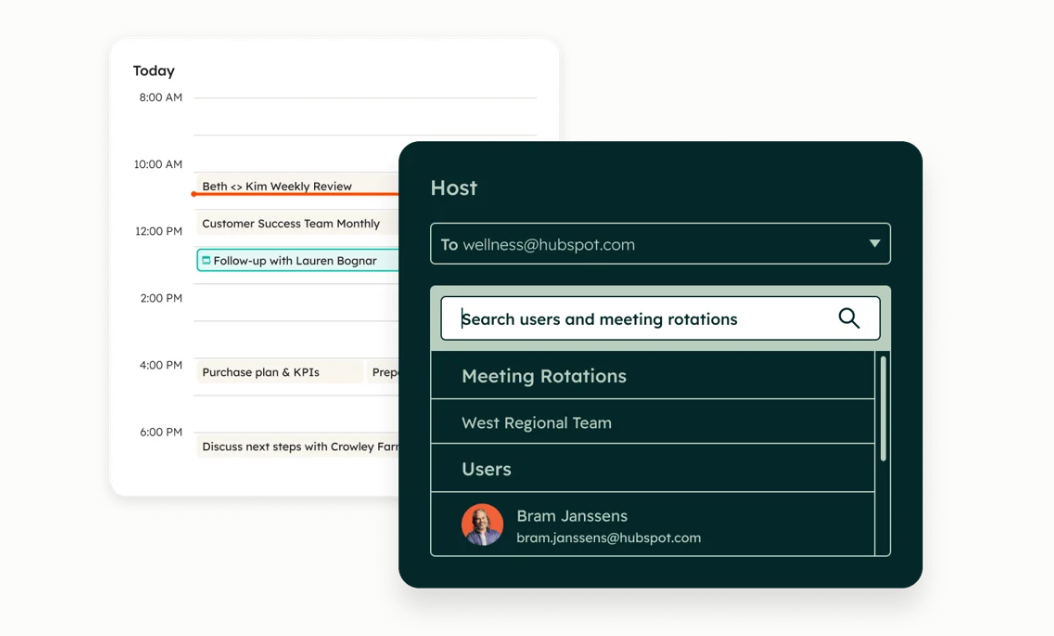
The flexibility of integrated meeting tools also makes it easier to capture leads across multiple touchpoints:
- Omnichannel Access: Meeting links can be shared through email signatures, sales sequences, templates, or embedded directly on high-intent website pages where visitors are already considering taking action.
- Real-Time Engagement: Businesses can use chatbots or live chat tools to present booking options during active conversations, helping convert engagement into a scheduled meeting before interest fades.
- Automated Prep: Minimum notice periods can prevent last-minute bookings, and buffer times between meetings give representatives time to prepare and complete follow-up tasks between calls.
At the same time, the timing of when scheduling tools appear on a website also affects conversions. Displaying a calendar widget immediately after a visitor arrives can sometimes create friction because the request may feel too early or too demanding. This can increase bounce rates, especially for visitors who are still gathering information or evaluating their options.
A more effective approach involves guiding visitors through a short qualification process before presenting scheduling options. Using a multi-step form to ask about goals, challenges, or interests helps create engagement gradually without overwhelming the prospect early in the interaction. This process also improves meeting quality because sales representatives receive valuable context before the conversation begins, giving them a clearer understanding of the prospect’s needs and pain points.
The integration also reduces friction through automated scheduling coordination behind the scenes:
- Time Zone Alignment: HubSpot automatically syncs a representative’s availability with the prospect’s local time zone to avoid confusion during international scheduling.
- Platform Integration: The system works alongside existing tools such as Google Calendar and Office 365, helping businesses maintain their current workflows without replacing familiar platforms.
- Flexible Meeting Types: Businesses with more complex sales cycles can use Group meetings to coordinate multiple internal schedules or Round Robin meetings to distribute leads across available representatives more efficiently.
Together, these features create a smoother scheduling experience for both prospects and sales teams, helping businesses capture interest at the right moment without creating unnecessary barriers in the conversion process.
Website Personalization with HubSpot Smart Content
HubSpot Smart Content, also referred to as dynamic content, is designed to provide website visitors with a highly personalized experience by adapting content based on their specific preferences or previous behavior. Here are the primary types of smart content:
- Smart Text: This helps marketers to dispatch tailored messages to various contacts based on specific criteria, such as the user’s device type or particular interests.
- Smart CTAs (Calls-to-Action): These adapt according to a user's behavior and their position in the purchase journey. Available as buttons, banners, or pop-ups, they ensure that the prompt remains pertinent, for example, showing a "Request a Demo" button to a qualified lead while showing a "Welcome Back" banner to an existing customer.
- Smart Forms: These enhance information gathering by tailoring questions to the details already known about a visitor. For instance, you can show different form options depending on a visitor’s country or current lifecycle stage.
Automation within the system relies on Smart Rules. These rules determine exactly what content is shown to a viewer based on several categories:
- Ad and Referral Source: Displaying content based on the specific ad clicked or the source that brought the visitor to the site (e.g., search engines or backlinks).
- Geographic and Language Data: Showing content tailored to the visitor’s country (determined by IP address) or their preferred language (set in their web browser).
- Device Type: Targeting visitors based on whether they are using a mobile, tablet, or desktop device.
- CRM Data: Leveraging Lifecycle Stage or List Membership to show content relevant to where a contact is in the buyer’s journey or their presence in a specific segment.
Beyond structural smart rules, HubSpot uses personalization tokens. These are dynamic placeholders that automatically insert data directly from the CRM, such as names, company details, and job titles, into landing pages, emails, and web content. This allows a returning customer to see a headline that greets them by name and references their specific industry, fostering a deeper connection with the brand.
The Business Impact of Personalization
Personalized content captures attention more effectively than generic messaging because it reflects a visitor’s interests, behavior, or stage in the decision-making process. Tailored messages and calls-to-action also improve conversion rates because visitors are more likely to engage with content that feels directly connected to their needs.
Beyond improving engagement, personalization helps businesses create a smoother, more consistent customer experience across digital channels. Automated systems can deliver relevant messaging across websites, emails, and other touchpoints without requiring constant manual updates. Providing the right information at the right moment makes the experience feel more helpful and seamless for visitors, which can improve satisfaction and support better business results over time.
How Lead Scoring Prioritizes Website Interactions
When HubSpot’s lead scoring tool is integrated with your website, it turns website activity into a prioritization system that helps sales and marketing teams focus on high-intent leads instead of treating every visitor the same. HubSpot lead scoring typically combines two categories: engagement and fit.
Engagement scores measure how visitors interact with your website and digital content. Actions like visiting pricing pages, clicking CTAs, downloading resources, or submitting forms increase a lead’s score based on buying intent.
Fit scores evaluate whether a lead matches your ideal customer profile using details such as:
- Job title
- Industry
- Company size
- Business type
A lead showing strong engagement but a poor fit may not become a qualified opportunity. Combining both scores helps businesses prioritize leads who are both interested and likely to convert.
Website Actions Carry Different Weight
Not every website interaction has the same value. HubSpot supports businesses in assigning different weights to specific actions so higher-intent activities contribute more to a lead’s score.
For example:
- General blog visits may add only a few points
- Pricing page visits may add more points
- Sales form submissions or booked meetings may contribute to the highest scores
Businesses can also score leads based on frequency and recency. Someone who visits your pricing page multiple times within a week is usually a stronger sales opportunity than someone who visited once several months ago.
AI and Automation Help Teams Act Faster
For Marketing Hub Enterprise users, HubSpot’s AI-powered scoring can analyze historical customer data to identify patterns among converted leads.
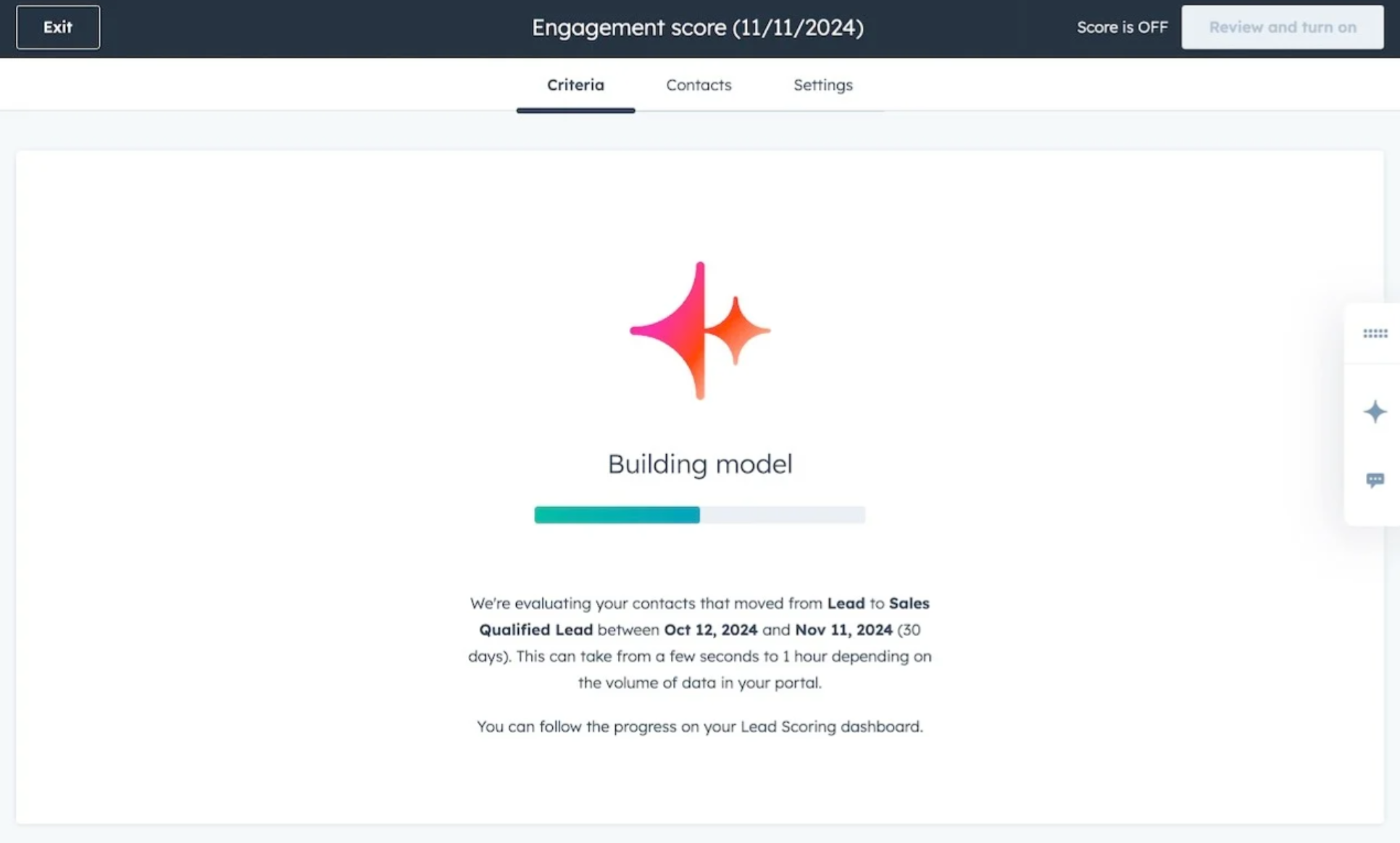
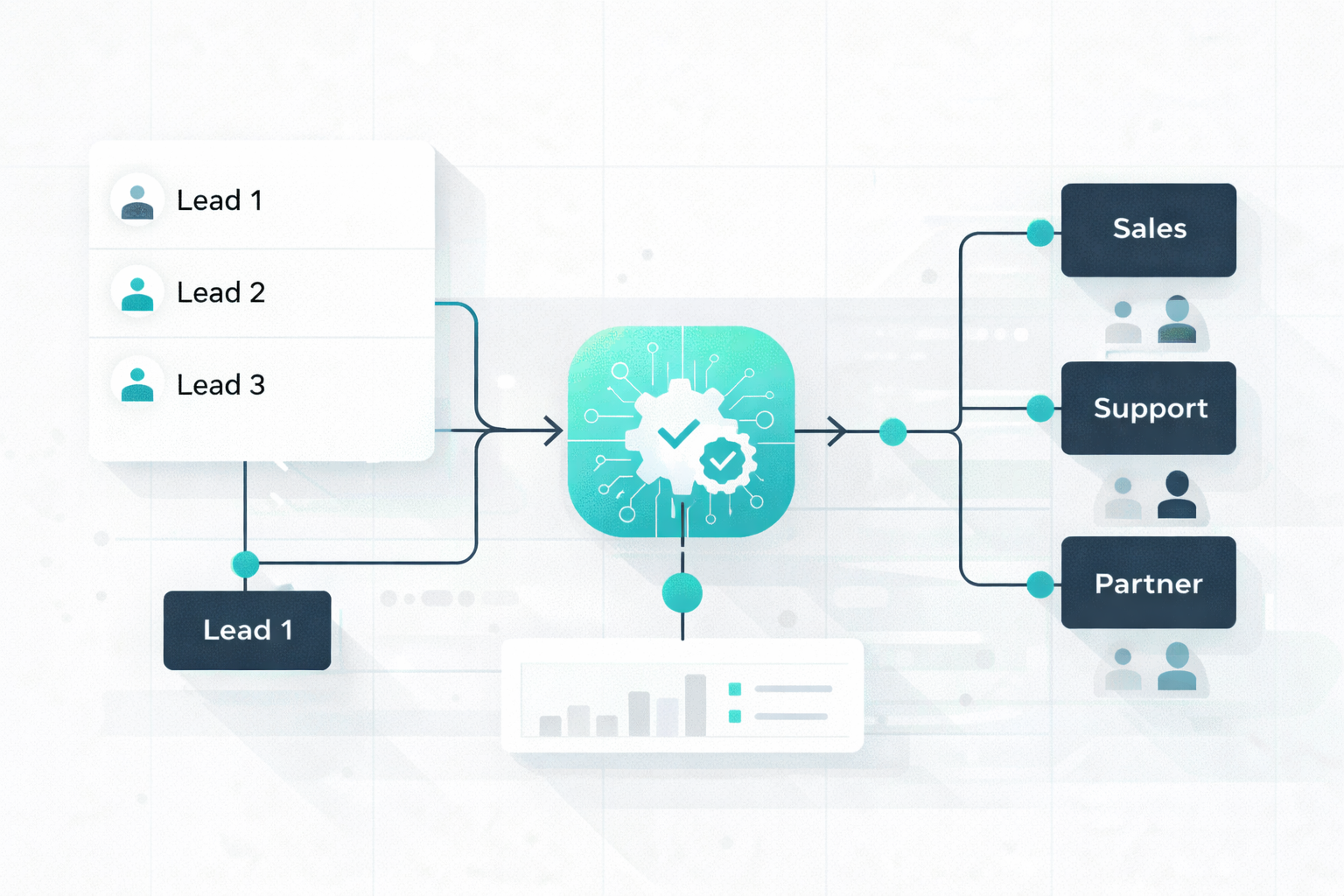
The system can then prioritize new prospects who show similar behaviors. Once leads reach specific score thresholds, HubSpot can automatically trigger CRM actions such as:
- Assigning leads to sales representatives
- Sending internal notifications
- Triggering follow-up workflows
- Categorizing leads as high, medium, or low priority
Businesses can also compare lead scores across channels like organic search, paid ads, and email campaigns to identify which traffic sources generate the most qualified prospects.
Performance Tracking and Attribution Reporting
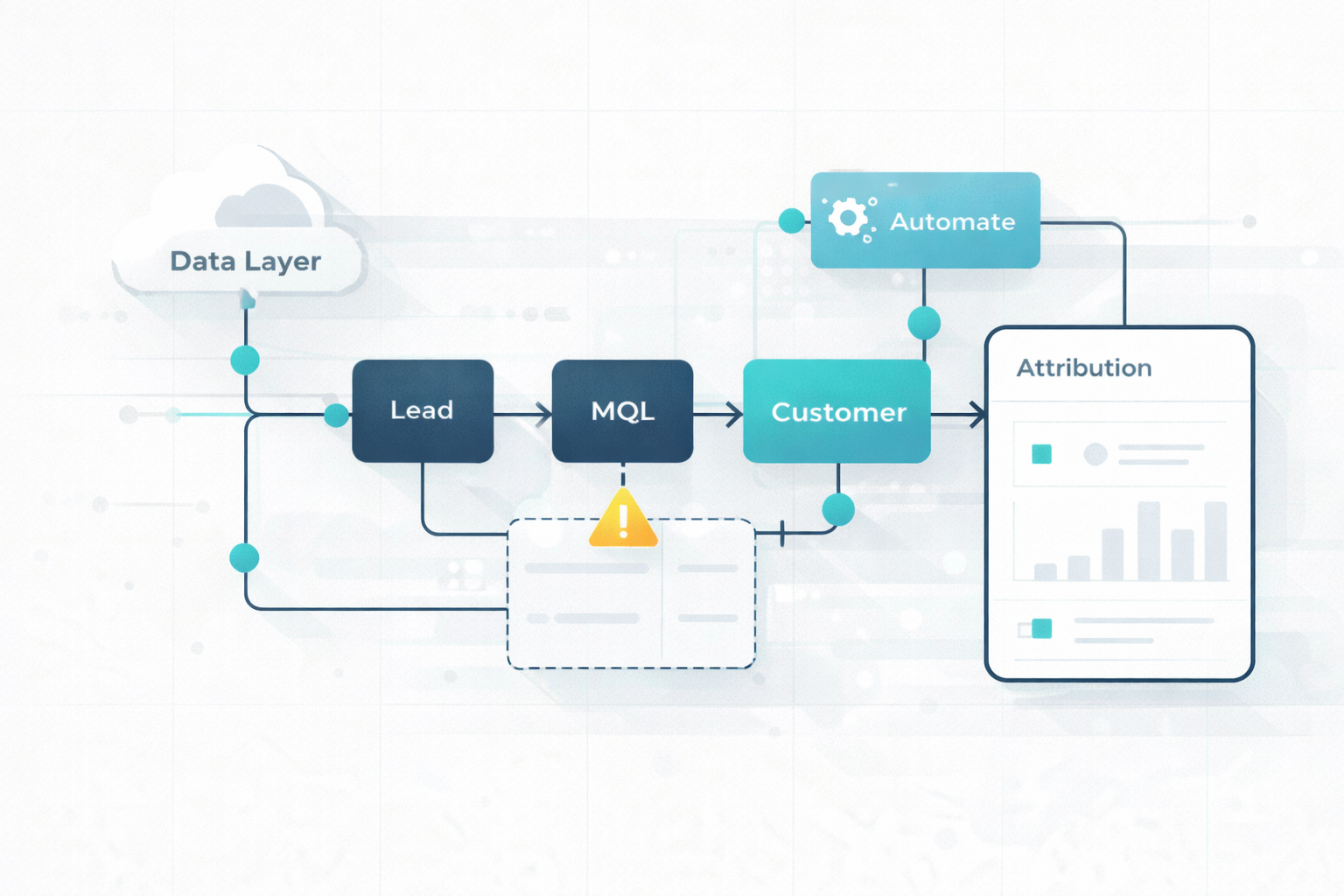
The final stage of integrating HubSpot CRM with your website involves moving beyond vanity metrics such as traffic counts and gaining visibility into how digital interactions contribute to leads, conversions, and revenue. Connecting website activity directly to CRM data gives businesses a clearer understanding of marketing performance and customer behavior throughout the buying journey.
To support this level of tracking, HubSpot provides several reporting tools that help businesses analyze website performance:
- Sources Report: This breaks down exactly where your traffic originates, such as organic search, social media, email marketing, or paid channels. Pairing this data with self-reported lead information helps clarify the complex B2B buying journey.
- Pages Report: You can monitor individual page performance using metrics like time on page and conversion rates. This helps identify "high-performing" content that consistently engages your audience.
- Custom Event Tracking: For more granular data, you can create up to 500 unique events to track specific interactions, such as button clicks, product feature usage, or even offline meetings.
For enterprise-level users, HubSpot offers Customer Journey reports, which provide a deeper visual analysis of how visitors transition into customers. These reports are designed to identify conversion paths, spot friction points, and analyze content influence.
These reporting and automation capabilities represent only part of what businesses can achieve through HubSpot CRM integration. From lead management and personalization to conversion tracking and sales alignment, HubSpot provides a connected system that helps businesses improve customer experiences and support long-term growth across multiple digital channels.
Now Is the Time to Improve Your Website Conversions!
If you want stronger results from your website, focus on creating a clear and connected customer journey. Track how visitors interact with your pages, identify where people lose interest, and use automation to support faster and more personalized communication. Connecting your website with HubSpot can help bring all of these efforts together in one system.
Partnering with a HubSpot expert can also help you set up the right tools, improve your workflows, and create a system designed to support long-term growth and higher conversions.
At Campaign Creators, you get support connecting your website, CRM, automation, and lead tracking tools inside HubSpot to create a smoother customer journey aligned with your business goals.
.png?width=420&height=121&name=cc-logo-color%20(2024).png "Campaign Creators - logo in dark blue and transparent background")


 Campaign Creators

 Campaign Creators : 02/21/20