









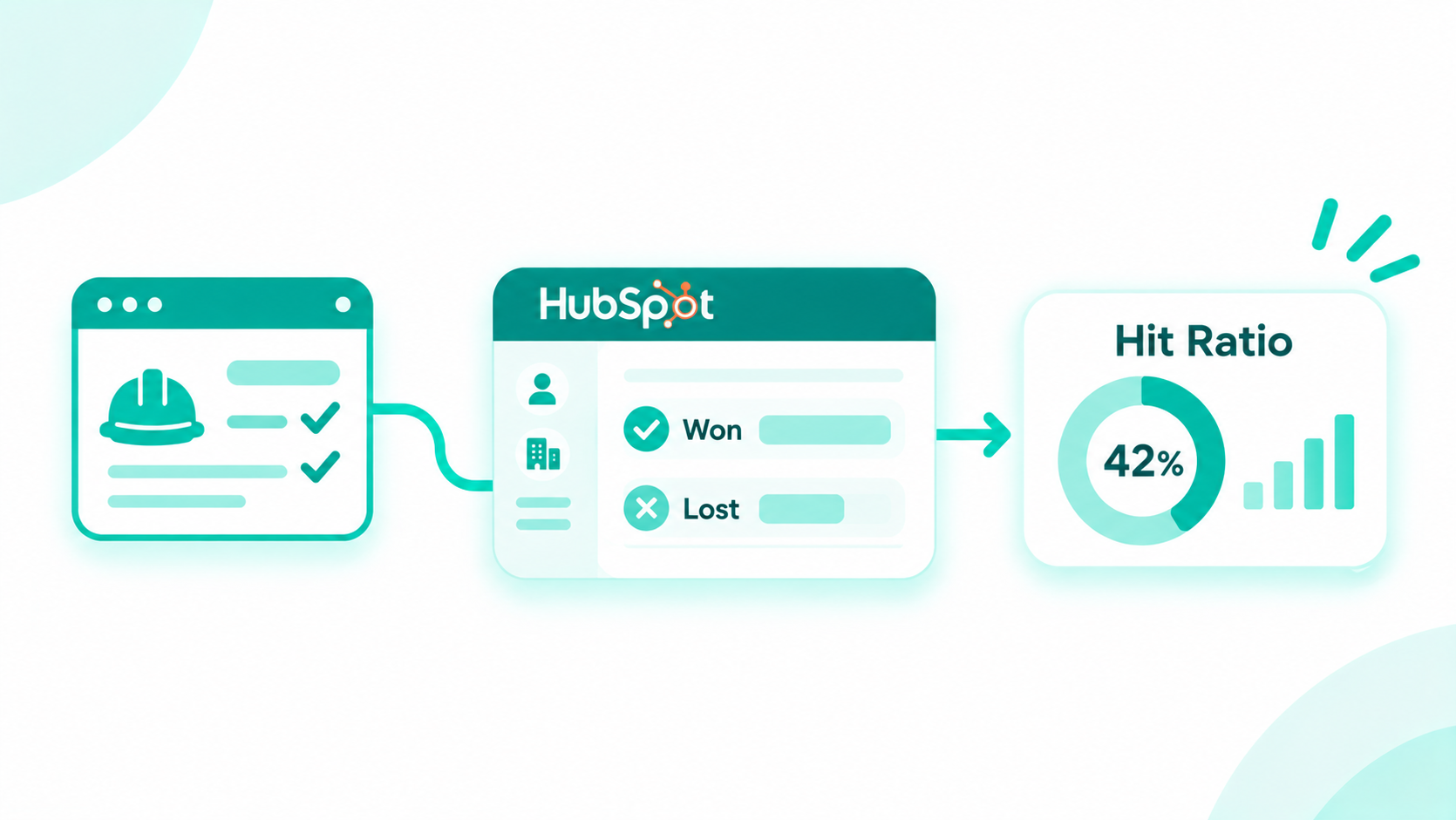


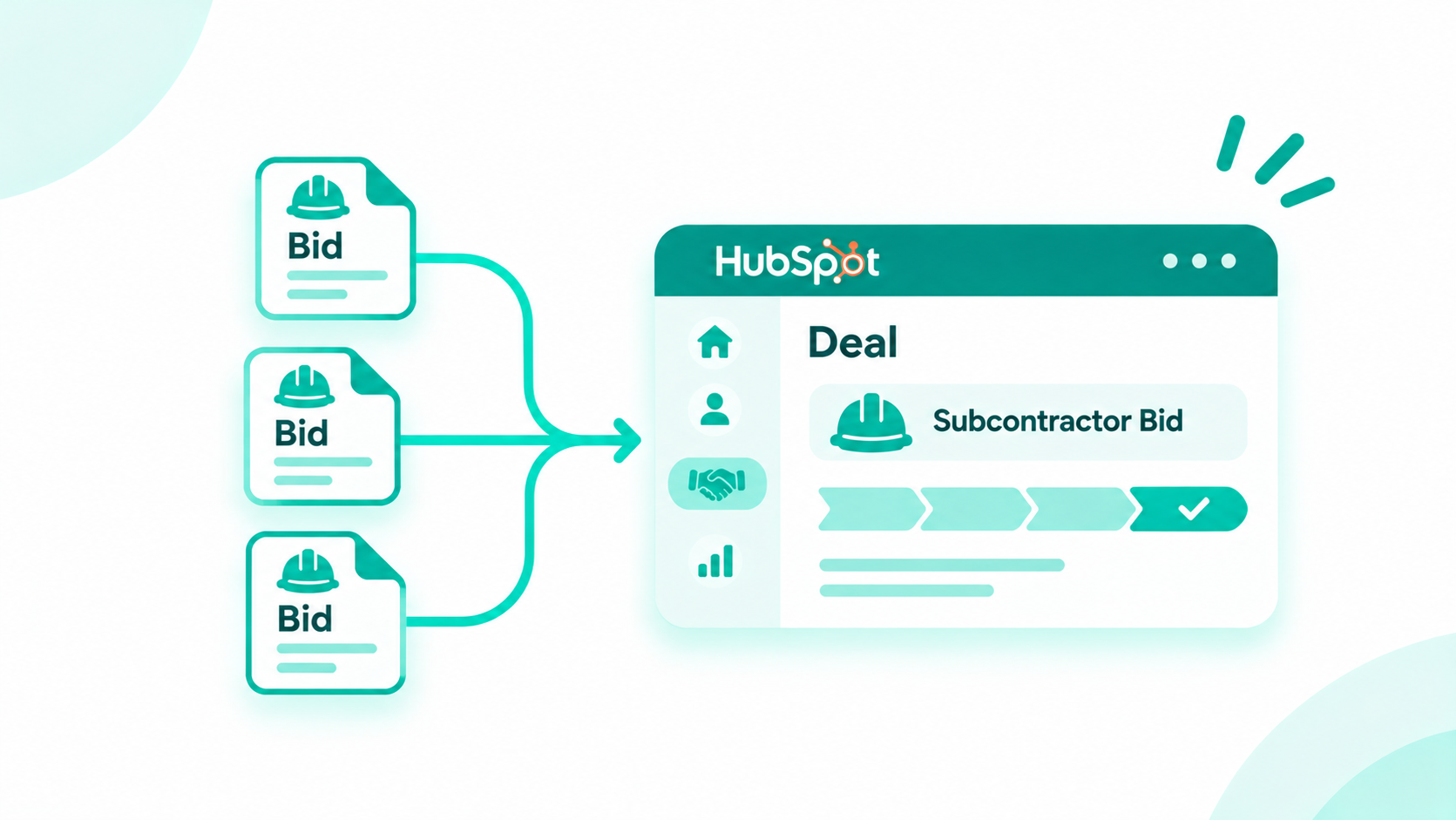
Construction Bidding Software: How Subcontractors Connect Every Bid to One HubSpot Deal
Subcontractors connect construction bidding software to HubSpot by identifying each job with a matching key, creating one HubSpot deal per job, and...
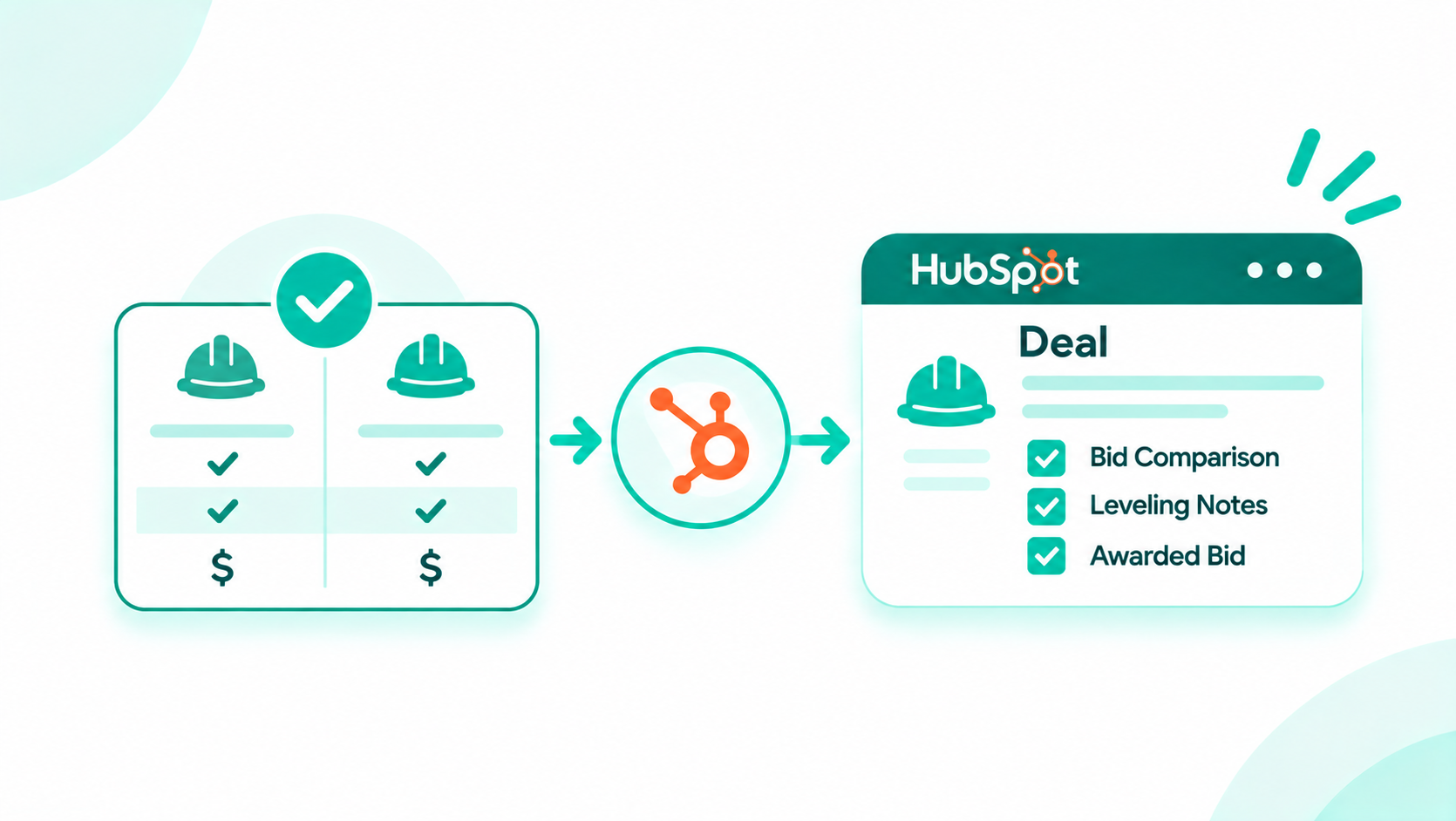
Subcontractors measure bid hit ratio accurately by counting each job once at the job level, tracking every GC bid as a labeled association or bid record under that job, and reporting hit ratio on one defined basis: jobs, bids, or dollars. Bids can arrive through bid management software, email, or phone calls, and the same counting rules keep pipeline value and hit ratio honest in HubSpot.
The problem starts when five general contractors ask for a price on the same job. Logged as five deals, that one job shows five times the pipeline value, one possible win, and a hit ratio that looks far worse on paper. As a HubSpot Elite Solutions Partner, Campaign Creators designs RevOps and reporting architecture for construction teams that run on HubSpot, and this guide gives you the definitions, three ways to model multi-GC bids, the reports to build, and a cleanup path for a pipeline that already holds duplicates.

Count one job bid to five GCs as one job and five bids. The job carries one job key and one pipeline amount, and each GC bid sits under it as a labeled association or a bid record.
Here's an illustrative example with sample numbers. A striping and sealing contractor gets five invitations to restripe the same retail parking lot.
| GC | Bid submitted | Result |
|---|---|---|
| GC A | $48,000 | Not awarded |
| GC B | $48,000 | Awarded the job |
| GC C | $48,000 | Not awarded |
| GC D | $46,500 | Not awarded |
| GC E | $48,000 | Not awarded |
| Counting method | Pipeline value while open | Jobs won | Hit ratio |
|---|---|---|---|
| Five deals, one per GC | $238,500 | 1 | 1 of 5 deals |
| One deal per job, five GC bids | $48,000 | 1 | 1 of 1 jobs, or 1 of 5 bids |
The first method reports a pipeline almost five times the size of the real opportunity. The second reports the job once and still keeps all five bids visible.
When every GC request becomes its own deal, pipeline value, forecasts, and hit ratio all inflate or deflate at once. Leadership sees more backlog in the pipeline, and estimators look less effective at winning work.
Scale the example to a month, again with sample numbers:
| Metric | Counted per GC request | Counted per job |
|---|---|---|
| Records in the pipeline | 34 deals | 10 jobs |
| Bid value | $4,080,000 | $1,200,000 |
| Jobs won | 3 | 3 |
| Hit ratio | 3 of 34, about 9% | 3 of 10, 30% |
Both columns describe the same month of work. The left column tells the owner the firm has over $4 million in play and wins under one bid in ten. The right column shows $1.2 million in real opportunity and a 30% hit ratio by jobs. A HubSpot portal audit shows how many duplicate deals your pipeline holds today.
Bid hit ratio is the share of bids or jobs a contractor wins, usually written as a ratio such as 5:1, meaning one win for every five bids. A guide republished by the Construction Management Association of America describes how contractors track wins and losses with bid-hit ratio, and it suggests aspiring to 4:1 on private projects and 10:1 on public projects.
Those benchmarks only hold if you know what's in the denominator. Define each metric before you build a report.
| Metric | Definition | Best for |
|---|---|---|
| Job count | Unique jobs invited to bid in the period, counted by job key | Market activity and invitation volume |
| Jobs bid | Unique jobs where your firm submitted at least one bid | Sales effectiveness |
| Bid count | Every bid submitted, one per GC per job | Estimator workload |
| Hit ratio by jobs | Jobs won divided by jobs bid | Primary measure of winning work |
| Hit ratio by bids | Jobs won divided by bids submitted | Estimating effort per win |
| Hit ratio by dollars | Value won divided by job-level value bid | Backlog and revenue planning |
| Win rate by GC | Jobs awarded through a GC divided by jobs bid to that GC | GC relationship decisions |
| Pipeline value | Sum of one job amount for each open job | Forecasting and backlog |
Pick one primary definition for leadership reporting. Hit ratio by jobs works well as the primary measure for subcontractors, since a sub can only win a job once, and bid count stays alongside it as a workload measure.
HubSpot supports three models for multi-GC bids: one deal per job with labeled GC associations, one deal per job with a custom Bid object, or one deal per GC bid linked by a shared job key. Each counts some metrics cleanly and needs extra rules for others.
Model A counts jobs correctly by design, since every job is exactly one deal. Per HubSpot's guide to creating and using association labels, custom labels need a Professional or Enterprise subscription, and each object pair holds up to 50 labels.
Model B adds a Bid record for every GC bid, so each bid has its own amount, submitted date, and status. HubSpot's guide to creating custom objects notes they need an Enterprise subscription and can carry their own properties, pipelines, and association labels. The same Bid records can hold the scope notes from our guide to recording bid leveling decisions in HubSpot.
Model C keeps a deal for every GC bid and uses a shared job key plus a Counts in pipeline flag to report jobs. It fits firms whose bidding tool or habits already create one deal per invitation.
Start with Model A. It counts jobs correctly without extra filters and works on Professional. Choose Model B when you're on Enterprise and per-GC pricing changes often enough to report on. Use Model C as a bridge while you clean up an existing per-GC pipeline or when a connector can't stop creating one deal per invitation. Our list of integration risks to check before go-live covers how connectors create duplicate records, and our technology consulting team can help you weigh the models against your tier and tools.
Our bid tracker article walks through building each model's properties and pipeline.
Every metric comes from one counting rule and one HubSpot source. This table uses the five-GC parking lot job from the start of this guide.
| Metric | How it's counted | Example with five GCs | HubSpot source |
|---|---|---|---|
| Job count | Unique job keys | 1 | Count of deals (Models A and B), or deals with Counts in pipeline set to Yes (Model C) |
| Bid count | One per GC bid submitted | 5 | Bid submitted labels (A), Bid records (B), or deals (C) |
| Pipeline value | One job amount per open job | $48,000 | Deal amount (A and B), or the primary deal's amount (C) |
| Jobs won | Jobs with an Awarded GC | 1 | Closed won deals (A and B), or flagged deals closed won (C) |
| Hit ratio by jobs | Jobs won divided by jobs bid | 1 of 1 | Deal reports by stage |
| Hit ratio by bids | Jobs won divided by bids submitted | 1 of 5, or 5:1 | Jobs won against bid count |
| Hit ratio by dollars | Value won divided by job-level value bid | $48,000 of $48,000 | Deal amount by stage |
| Win rate by GC | Jobs awarded through a GC divided by jobs bid to that GC | GC B 1 of 1, others 0 of 1 | Awarded GC and Bid submitted labels |
Want a second look at your bid reporting? The Architecture Blueprint maps your current HubSpot setup against where it needs to be, including the deal model and reports behind an honest hit ratio.
Report pipeline value on one amount per job, weight it by stage, and replace it with the awarded GC's amount once the job is won. Summing every GC bid multiplies the forecast by the number of GCs.
When your price is the same to every GC, the job amount is that price. When prices differ, pick one rule and write it down, such as using the price most of your GC bids share. After award, set the deal amount to the awarded GC's amount so closed won revenue matches the contract.
HubSpot's forecast tool rolls up the amounts on open deals, so duplicate deals land in the forecast as duplicate revenue. Per HubSpot's guide to setting up the forecast tool, the forecast deal amount can be a weighted amount, the deal amount multiplied by deal probability, or the total amount. Forecast categories include a Not forecasted value for deals in the pipeline that shouldn't count toward the forecast. The forecast tool is part of Sales Hub Professional and Enterprise.
| Model | How to keep the forecast honest |
|---|---|
| A and B | One deal per job means one amount per job, weighted by stage probability |
| C | Set non-primary deals to the Not forecasted category, so only the flagged deal counts |
Build reports on the job level first, then add bid-level and GC-level views. Label every hit ratio report with its basis so no one compares a job ratio with a bid ratio.
| Report | Built from | What it answers |
|---|---|---|
| Jobs bid and won by month | Deals by create date and closed won date | Is win volume rising or falling? |
| Hit ratio by basis | Jobs won against jobs bid, bids submitted, and dollars bid | How effective is the team on each definition? |
| Win rate by GC | Awarded GC and Bid submitted labels, or Bid records | Which GCs award you work? |
| Hit ratio by project type | Project type deal property | Which work do you win most often? |
| Hit ratio by estimator | Deal owner or Estimator property | Where does coaching or workload balance help? |
| Hit ratio by size range | Job amount bands | Which job sizes fit your firm best? |
| Bids due this week | Bid due date in the next seven days | What does the estimating team owe this week? |
| Pipeline by stage, deduplicated | Deal amount on one deal per job | What's the real open opportunity? |
| Lost reasons | Lost reason property on closed lost deals | Why do you lose, and to whom? |
Reports that join deals with companies or Bid records use HubSpot's custom report builder, which is available on Professional and Enterprise subscriptions. HubSpot's guide to understanding the custom report builder notes that when a report includes multiple data sources, a record might be counted multiple times depending on the filters. Build job counts from single-object deal reports, and use multi-source reports for GC-level views. When your team wants help keeping these dashboards current, ongoing HubSpot support covers report fixes and new views as your process changes.

Fix a duplicate-heavy pipeline by exporting it, assigning a job key to every historical deal, and then merging or flagging duplicates before you rebuild reports. Validate the new counts against an outside source before leadership sees them.
Keep the original export as a record of the pre-cleanup counts in case anyone asks how the numbers changed. Large cleanups follow the same mapping and validation steps as a HubSpot data migration, and clean deal records also help when you prepare HubSpot data for AI agents.
Reconcile bid data with accounting at the awarded job level: every job won in HubSpot should match a job, customer, or invoice in your accounting system. Bids and lost jobs live only in HubSpot, so reconciliation starts at award.
HubSpot's QuickBooks Online integration, a native data sync built by HubSpot, syncs contacts, products, and invoices between the two systems and shows payment details on the deal record timeline. It doesn't write to HubSpot's Accounting deal property group, so HubSpot recommends using the invoice object for reports and workflows. When your accounting system has no native connection, HubSpot integration development can bring the accounting job ID onto each won deal.
Agree on these definitions with your controller before you compare numbers:
| Question | Why it needs agreement |
|---|---|
| Which date marks a win: award notice, signed subcontract, or first invoice? | Monthly win counts shift depending on the date |
| Is the won amount the bid price or the contract value with change orders? | Dollar hit ratio and backlog depend on it |
| Which identifier ties a HubSpot deal to the accounting job? | An accounting job or customer ID on the deal makes matching repeatable |
Governance keeps a clean model clean: required properties at each stage, one naming convention, one owner for deal creation, and a monthly count check. Without these rules, duplicates creep back within a quarter.
Our article on connecting construction bidding software to HubSpot covers how invitations reach the right deal automatically. New required properties change how estimators work every day, so plan the rollout with HubSpot change management and short role-based training.
Subcontractors measure bid hit ratio accurately by counting each job once, tracking every GC bid under it, and reporting on one defined basis. One deal per job with labeled GC associations works for most firms, a custom Bid object on Enterprise adds per-GC pricing, and a shared job key with a primary flag bridges an existing per-GC pipeline. Pipeline value uses one amount per job, the forecast follows that amount, and a monthly check against unique job keys and accounting keeps the numbers your leadership trusts.
Campaign Creators designs bid models, cleans up duplicate pipelines, and builds the reports subcontractors use to track hit ratio and backlog. As a HubSpot Elite Solutions Partner, we apply RevOps and CRM architecture expertise to the way specialty contractors win work.
We audit your current pipeline, assign job keys to historical deals, choose the right model, implement it in HubSpot, and deliver hit ratio and pipeline reports your owners and controllers agree on.
Ready to clean up your bid reporting? Book a consultation with our team.
Count it as one job and five bids. Give the job one job key and one pipeline amount, and track each GC bid as a labeled association or bid record under that job.
Bid hit ratio is the share of bids or jobs a contractor wins, usually written as a ratio such as 5:1, which means one win for every five bids or jobs.
Use hit ratio by jobs as the primary measure, since a subcontractor can only win a job once, and track hit ratio by bids alongside it to show estimating workload.
Report one amount per job, weight it by stage, and replace it with the awarded GC's amount after award, so the pipeline never sums every GC's bid.
Yes. A custom Bid object on Enterprise gives each GC bid its own amount, date, and status, and on Professional you can track key per-GC details in deal properties.
Export the bid pipeline, assign a job key to every deal, merge or flag duplicates so each job counts once, and validate the new counts against your spreadsheet or accounting system.
Subcontractors connect construction bidding software to HubSpot by identifying each job with a matching key, creating one HubSpot deal per job, and...

Bid leveling compares bids on equal scope, so every price reflects the same work before anyone picks a winner. The record should capture each bid's...
A CRM for financial advisors works best when each household is one record with labeled members, referral sources and centers of influence sit on that...