A HubSpot Elite Solutions Partner built to help organizations unify strategy, systems, and execution. We design HubSpot systems that scale.

See how we've solved complex HubSpot challenges across migrations, integrations, CMS, automation, and optimization.

Join a team building smarter HubSpot systems. We value strategic thinkers who move proactively, care about quality, and want to do meaningful work.

7 min read

HubSpot EHR Integration: Can HubSpot connect with Epic, Cerner, and athenahealth?

HubSpot EHR Integration: Can HubSpot connect with Epic, Cerner, and athenahealth?

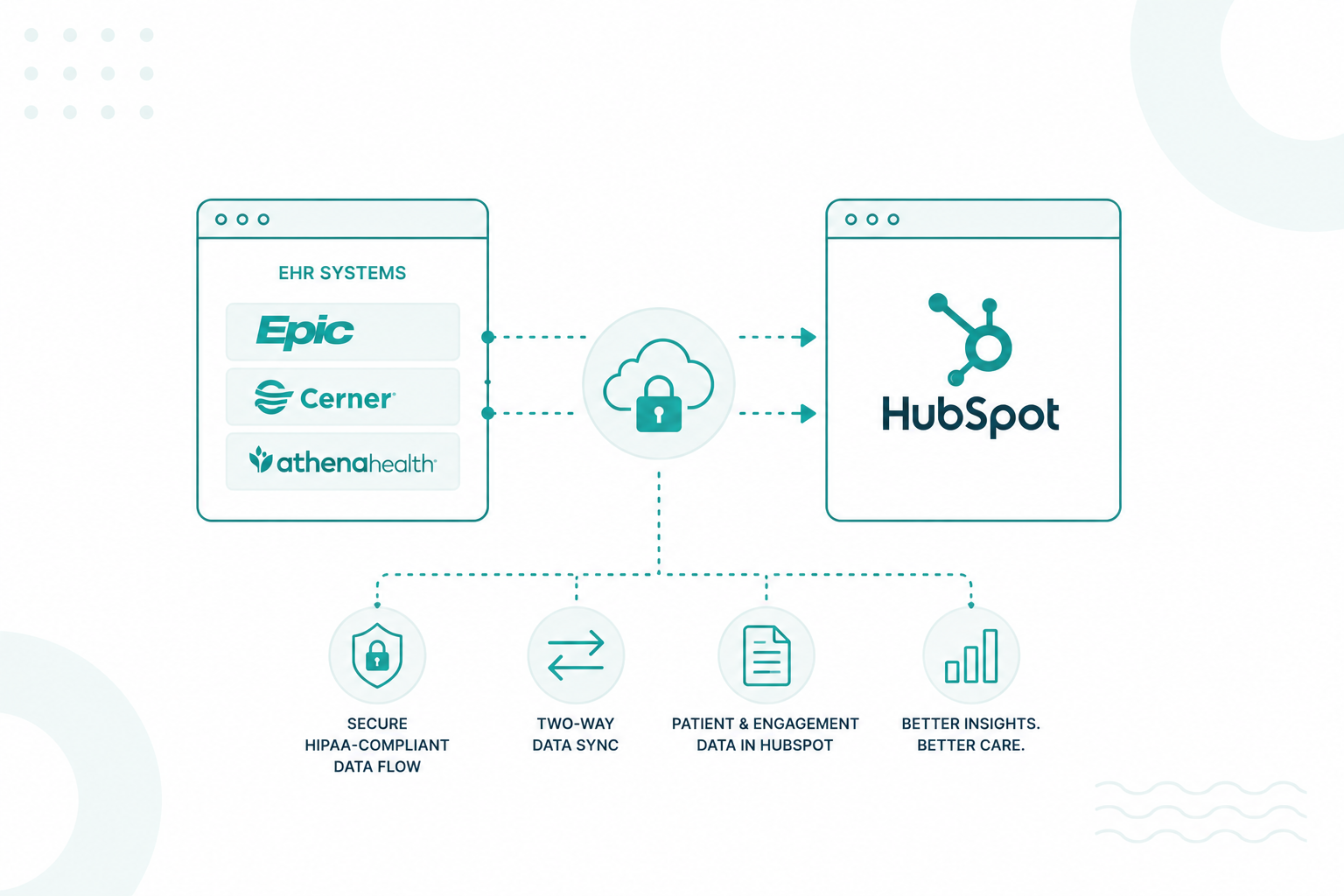
Yes, HubSpot can connect with Epic, Oracle Health (Cerner), and athenahealth. Depending on the EHR platform and your organization's requirements, the integration can be built using vendor APIs, FHIR standards, middleware platforms, or custom development.

HubSpot works alongside your EHR. The EHR remains the system of record for clinical data, while HubSpot supports patient communications, marketing, referrals, customer service, and CRM activities. This integration can reduce manual data entry and help teams work with more accurate, up-to-date information.

This article explains the available integration methods, how HubSpot connects with leading EHR systems, what data can be shared, and the factors to consider when planning a secure and scalable integration.

Key Takeaways

  • HubSpot can integrate with Epic, Oracle Health (Cerner), and athenahealth using APIs, FHIR, middleware, or custom integrations.
  • Most healthcare organizations use middleware and APIs to securely connect HubSpot to multiple healthcare systems.
  • HubSpot manages patient engagement and CRM activities, while the EHR remains the system of record for clinical data.

What Integration Options Are Available for HubSpot and EHR Systems

Healthcare organizations generally use five primary integration methods: native integrations, middleware platforms, REST APIs, FHIR APIs, and custom integrations.

two professionals looking at five ways to connect HubSpot with an Electronic Health Record (EHR) system. Five connected panels are labeled Native Integrations, Middleware Platform (iPaaS), REST APIs, FHIR APIs, and Custom Integrations. Each panel includes simple icons and example connections such as appointment scheduling, patient portals, workflow automation, clinical data exchange, and custom enterprise systems.

1. Native Integrations

Native integrations are the simplest option when both HubSpot and another healthcare application already support a direct connection. They usually require minimal development and are appropriate for organizations that only need to synchronize contacts, form submissions, appointment reminders, or marketing activities.

The limitation is that native integrations often expose only the features supported by the vendor. They may not support custom workflows, complex field mapping, or bi-directional synchronization with an EHR, which means organizations often outgrow them as operational requirements become more advanced.

2. Middleware Platforms (iPaaS)

Middleware platforms act as the integration layer between HubSpot and multiple healthcare systems. The middleware manages authentication, data transformation, routing, monitoring, and error handling from one central location.

This architecture is common in larger healthcare organizations because it reduces the number of direct integrations that must be maintained. Middleware can also coordinate data between HubSpot, the EHR, patient portals, scheduling software, billing systems, laboratory systems, and business intelligence platforms without requiring every application to communicate directly with one another.

3. REST APIs

HubSpot provides REST APIs that enable developers to create custom integrations with external applications. REST APIs are commonly used when organizations need real-time communication between HubSpot and internally developed systems or third-party applications.

For example, a REST API integration can automatically create or update CRM records after a patient schedules an appointment, submits an intake form, or completes an online registration. REST APIs also help organizations to trigger HubSpot workflows based on events that occur in external healthcare systems.

4. FHIR APIs

FHIR (Fast Healthcare Interoperability Resources) is the modern interoperability standard for exchanging healthcare information across different systems. Many certified EHR platforms now expose FHIR APIs that provide standardized access to resources such as patients, appointments, providers, medications, conditions, encounters, and observations.

Because FHIR uses standardized resource definitions and modern web technologies, it reduces the amount of custom mapping required when integrating clinical systems. Healthcare organizations frequently use FHIR APIs to exchange structured patient information between EHRs, patient engagement platforms, care management applications, and CRM systems like HubSpot.

However, organizations should understand that some EHR vendors still expose certain operational or financial data only through legacy interfaces such as HL7 v2 or proprietary APIs, making hybrid integration architectures common.

5. Custom Integrations

Some healthcare organizations operate highly customized environments that include proprietary applications, legacy EHR systems, specialized clinical software, or unique operational workflows. In these situations, organizations often build custom integrations tailored to their specific business processes.

Custom integrations provide maximum flexibility for complex data mapping, advanced automation, custom reporting, and integration with internal systems that do not support standard connectors. They also require more development, testing, maintenance, and governance than other integration approaches, making them more common in enterprise healthcare environments.

Healthcare organizations frequently combine several of these approaches within the same architecture rather than relying on a single integration method. For example, a middleware platform may manage communication between HubSpot, the EHR, scheduling software, and billing systems, REST APIs may support custom operational workflows, and FHIR APIs may provide standardized access to clinical data.

It’s best to work with a HubSpot integration expert to choose the approach that fits your systems, workflows, and long-term goals.

How HubSpot Connects with Epic, Oracle Health, and athenahealth

In most healthcare environments, the EHR remains the system of record for clinical information, patient charts, diagnoses, medications, and treatment history. HubSpot serves as the customer relationship management (CRM) platform that supports patient engagement, marketing, referrals, communications, and service operations.

Depending on the EHR platform, HubSpot may connect through vendor APIs, FHIR APIs, REST APIs, middleware platforms, or a combination of these technologies. Enterprise healthcare organizations often use an integration platform to coordinate data between HubSpot, the EHR, scheduling software, patient portals, billing systems, call centers, identity management platforms, and analytics tools.

The table below summarizes how organizations commonly connect HubSpot with the three largest EHR platforms.

EHR Platform

Common Connection Methods

Typical Business Use Cases

Epic

Epic APIs, FHIR APIs, middleware

Appointment reminders, referral management, patient outreach, CRM synchronization

Oracle Health (formerly Cerner)

FHIR APIs, REST APIs, and integration platforms

Care coordination, patient engagement, operational reporting, workflow automation

athenahealth

Open APIs, middleware, custom integrations

Appointment scheduling, patient communications, marketing automation, and contact synchronization

Epic Integration

Epic supports interoperability through both proprietary APIs and industry-standard FHIR APIs. Healthcare organizations frequently use these interfaces to exchange patient demographics, appointments, provider information, and referral data with external applications.

HubSpot typically receives operational information that supports patient engagement rather than complete clinical records. For example, appointment scheduling events can trigger reminder emails, referral submissions can create CRM records, and completed visits can start patient satisfaction surveys or follow-up communication workflows.

In larger organizations, middleware platforms often sit between Epic and HubSpot to manage authentication, data transformations, auditing, and communication with multiple downstream systems.

Oracle Health (formerly Cerner) Integration

Oracle Health provides interoperability through FHIR APIs, REST services, and enterprise integration technologies. Organizations commonly integrate HubSpot with Oracle Health to improve communication across patient acquisition, service operations, and care coordination.

Rather than exposing every clinical record inside HubSpot, organizations typically synchronize operational information such as appointment status, provider assignments, referral activity, and communication preferences. This helps marketing, contact centers, and patient service teams to work from current operational data without accessing sensitive clinical documentation that remains inside the EHR.

athenahealth Integration

athenahealth offers an open API framework that enables approved third-party applications to integrate with its cloud-based EHR platform. Healthcare organizations commonly connect HubSpot through these APIs or middleware platforms to automate patient engagement workflows.

Examples include creating CRM contacts after online appointment requests, updating communication preferences, tracking referral sources, sending appointment reminders, and triggering post-visit surveys. Because athenahealth is cloud-based, organizations often build API-driven integrations that provide near real-time synchronization between HubSpot and operational systems.

For more information, read our guide to HubSpot EHR integration for healthcare organizations.

Which Healthcare Data Can Be Synced Between HubSpot and an EHR

Healthcare organizations exchange information that supports patient engagement, business operations, and workflow automation while keeping the EHR as the authoritative source for clinical records. The exact data available depends on the EHR platform, integration method, organizational policies, patient consent requirements, and the APIs exposed by the healthcare system.

Most organizations synchronize operational information rather than complete medical histories because HubSpot functions as a CRM instead of a clinical system.

Common data synchronized between HubSpot and an EHR includes:

  • Patient contact information
  • Appointment dates, times, and status
  • Referral sources and referral status
  • Provider assignments
  • Communication preferences
  • Marketing consent records
  • Form submissions
  • Service requests
  • Care navigation milestones
  • Patient engagement history

Organizations may also synchronize operational metrics that improve reporting and automation, including appointment completion rates, referral conversion, patient satisfaction survey responses, marketing attribution, campaign engagement, call center activity, and service ticket status.

Bringing these data points into HubSpot gives marketing, patient access, and service teams a unified view of the patient journey without duplicating manual work across systems.

Read our HubSpot HIPAA compliance guide to understand the security and compliance requirements for healthcare organizations.

Why HIPAA Compliance, FHIR, and APIs Matter for Healthcare Integrations

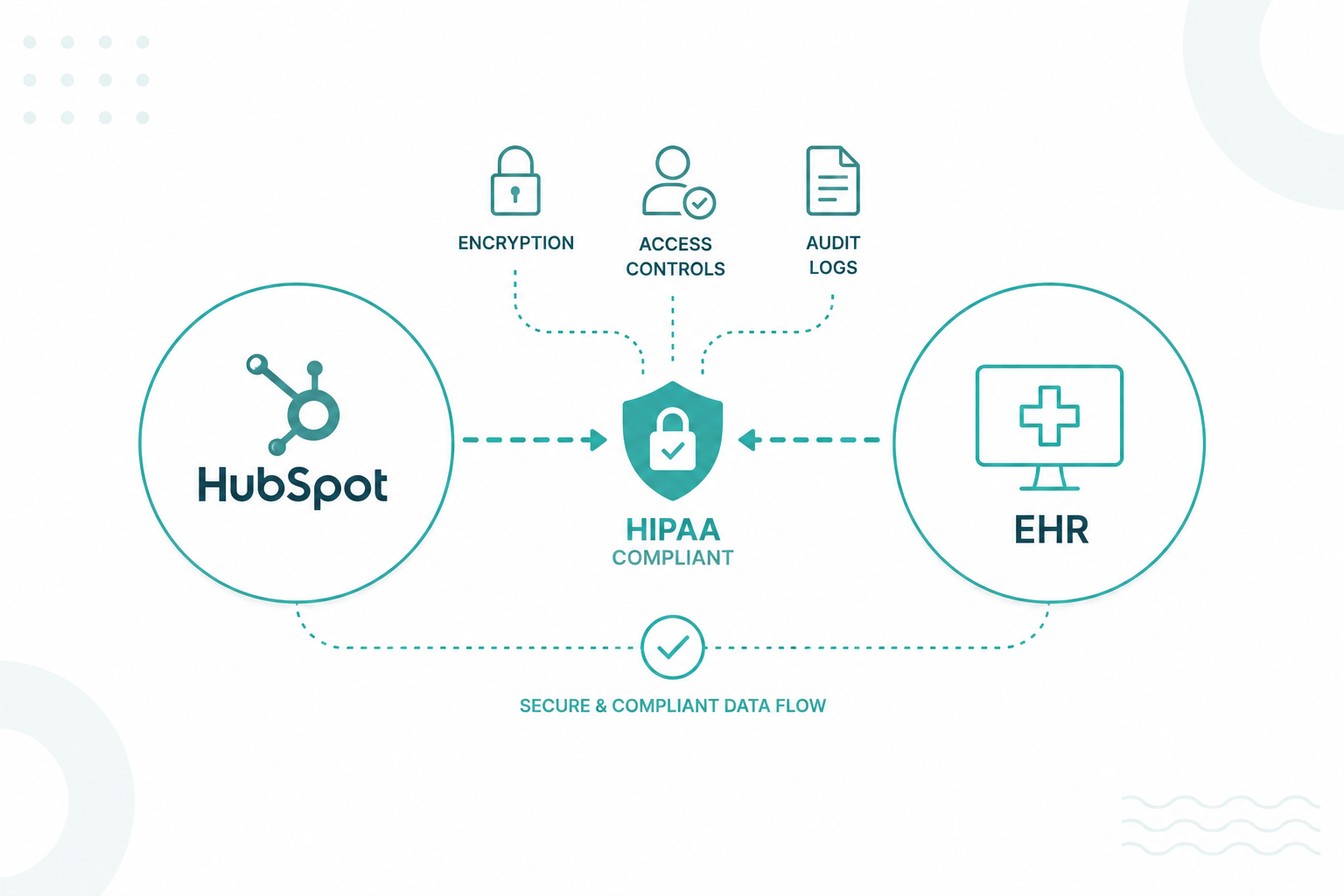
HIPAA compliance, FHIR, and APIs create the foundation for secure, reliable, and standardized healthcare integrations. They protect sensitive patient information, support accurate data exchange, and help healthcare organizations connect HubSpot with EHR platforms without compromising privacy or data integrity.

Each element serves a distinct role within the integration architecture.

  • HIPAA compliance establishes requirements for protecting protected health information (PHI), controlling access, and maintaining security safeguards.
  • FHIR provides a common standard for structuring and exchanging healthcare data across different systems.
  • APIs transfer information between HubSpot, EHR platforms, and other business applications through secure communication channels.

Healthcare organizations also need governance policies that define which information enters HubSpot, who can access it, and how long records remain available. Clear governance supports compliance, improves reporting accuracy, and reduces unnecessary exposure of sensitive information.

HubSpot introduced HIPAA support, Sensitive Data capabilities, and Business Associate Agreements (BAAs) for eligible customers, making the platform a stronger fit for regulated healthcare environments.

How to Choose the Right HubSpot EHR Integration Approach

professional checking an SOP document for step-by-step process for choosing the right HubSpot and EHR integration approach. The diagram begins with Define the Business Problem, followed by Identify Your EHR Platform, Determine Which Systems Need to Connect, Decide What Data Should Sync, Choose Sync Direction (One-Way or Two-Way), Select Update Frequency (Real-Time, Scheduled, or On-Demand), Review Security and HIPAA Requirements, and ends with Choose the Best Integration Method.

The best integration architecture supports the workflows your organization wants to improve, the systems you already use, and the security requirements that govern healthcare data.

For example, a small medical practice that only wants to automate appointment reminders may only need a standard API connection or middleware solution. A regional health system with multiple hospitals, patient portals, billing applications, and call centers will typically require a more scalable integration architecture that coordinates data across dozens of systems.

Before choosing an integration method, determine what information needs to move between HubSpot and your EHR and how each department will use that data. Defining these requirements first makes it easier to choose the integration approach that provides the right functionality, scalability, and long-term maintenance.

Start by answering the following questions:

  • What business problem should the integration solve?
  • Which EHR platform do you use?
  • Which applications need to exchange data with HubSpot?
  • Which records should synchronize automatically?
  • Does the information need to move in one direction or both directions?
  • How often should data update—real time, scheduled, or on demand?
  • Which teams will use the synchronized data?
  • Which compliance, security, and access policies apply?

Organization Need

Recommended Approach

Why It Fits

Simple appointment reminders or contact synchronization

Native integration or standard API

Minimal development with basic automation

Connect multiple business applications

Middleware platform

Centralizes data exchange and reduces point-to-point integrations

Build custom workflows and automation

REST API or custom integration

Supports organization-specific business processes

Exchange standardized healthcare information

FHIR-based integration

Uses industry standards that improve interoperability between healthcare systems

Connect enterprise systems across multiple departments

Middleware with APIs and FHIR

Provides a scalable architecture for healthcare organizations with complex technology environments

Many healthcare organizations also adopt a phased implementation instead of connecting every system at once. Initial projects often focus on patient contacts, appointment scheduling, referral management, or communication preferences because these workflows deliver measurable business value with relatively low implementation risk.

After validating security controls, field mapping, workflow automation, and data quality, organizations gradually expand the integration to include additional operational processes such as service requests, patient engagement reporting, marketing attribution, and referral analytics. This incremental approach reduces disruption, simplifies troubleshooting, and helps technical teams to refine the integration before larger deployments.

Every healthcare organization has different integration requirements. Working with an experienced HubSpot integration partner can help you plan an approach that aligns with your systems and workflows.

Build a Connected Healthcare CRM Strategy

If your organization needs a HubSpot and EHR integration, start by defining your business goals, identifying the data that supports those goals, and choosing an integration approach that fits your technology environment and compliance requirements. A well-planned integration improves data quality, reduces manual work, and creates a better experience for both staff and patients.

Campaign Creators helps healthcare organizations integrate HubSpot with EHR platforms through secure, scalable solutions designed around their systems, workflows, and compliance requirements.

Frequently Asked Questions

Does HubSpot have a native integration with Epic?

No. Most Epic integrations use Epic APIs, FHIR APIs, middleware platforms, or custom development to exchange data securely?

Can small healthcare practices integrate HubSpot with an EHR?

Yes. Small practices can use middleware or custom integrations based on their budget, technical resources, and workflow requirements.

Is coding required to integrate HubSpot with an EHR?

Not always. Many middleware platforms provide low-code or no-code tools, though complex projects often require developer support.

Does HubSpot replace an electronic health record system?

No. HubSpot serves as a CRM platform, and the EHR remains the system for clinical documentation and patient records.

Is real-time data synchronization possible between HubSpot and an EHR?

Yes. Real-time synchronization depends on the APIs, integration platform, and technical architecture used.

Can multiple EHR systems connect to one HubSpot account?

Yes. Large healthcare organizations often connect multiple systems through middleware or enterprise integration platforms.

What is the difference between HL7 and FHIR?

HL7 is a family of healthcare messaging standards. FHIR is a newer standard that supports faster, API-based data exchange.

Designing Safe Integrations Between HubSpot and EHR Systems

Designing Safe Integrations Between HubSpot and EHR Systems

You can integrate HubSpot with an EHR system without violating HIPAA by carefully controlling how data moves between platforms, limiting the use of...
Read More
How to Use EHR Data for Patient Segmentation in HubSpot

How to Use EHR Data for Patient Segmentation in HubSpot

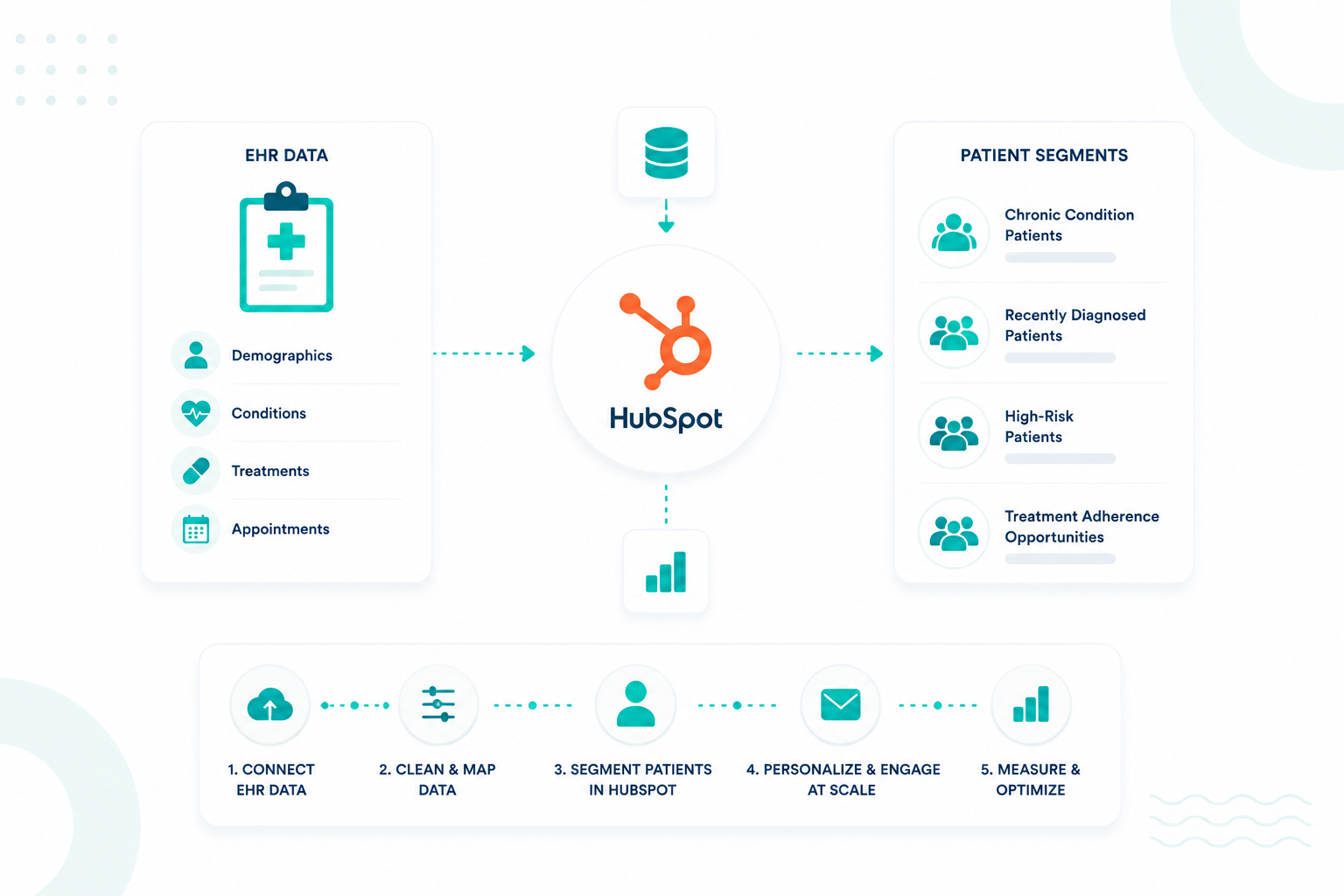
Healthcare organizations use patient segmentation to create more relevant communication, improve engagement, and support care coordination throughout...

Read More
HubSpot + EHR Integration: What Healthcare Organizations Need to Know

HubSpot + EHR Integration: What Healthcare Organizations Need to Know

HubSpot and EHR Integration: What Healthcare Organizations Need to Know Healthcare organizations often use separate systems for clinical data and...

Read More