Skip to the main content.

WEBSITE GROWTH & CONVERSION

• Web Design & Development


• SEO & AEO


• Conversion Rate Optimization


• Lead Generation Strategies


HUBSPOT SUPPORT & ENABLEMENT

• HubDesk


• HubSpot Training


• HubSpot Change Management

FREE TOOLS & ASSESSMENTS

• HubSpot Portal Audit


• HubSpot Al Readiness Scorecard


• HubSpot Al Solutions Design


LEARN & WATCH

• View All Resources


• Ebooks & Templates


• Webinars On-Demand


• Expert Videos

HUBSPOT INSIGHTS

• AEO & AI Search


• Automations


• HubSpot Software


• Migration & Replatforming

• Marketing & Content


• Lead Generation


• Integrations


INDUSTRY & PLATFORM GUIDES

• HubSpot for Healthcare


• HubSpot for IT Services


• HubSpot for Saas


• HubSpot for Franchises


• HubSpot for Consumer Products & Retail


• HubSpot for Financial Services


• HubSpot for Construction


• HubSpot for Real Estate


• HubSpot vs. Zendesk

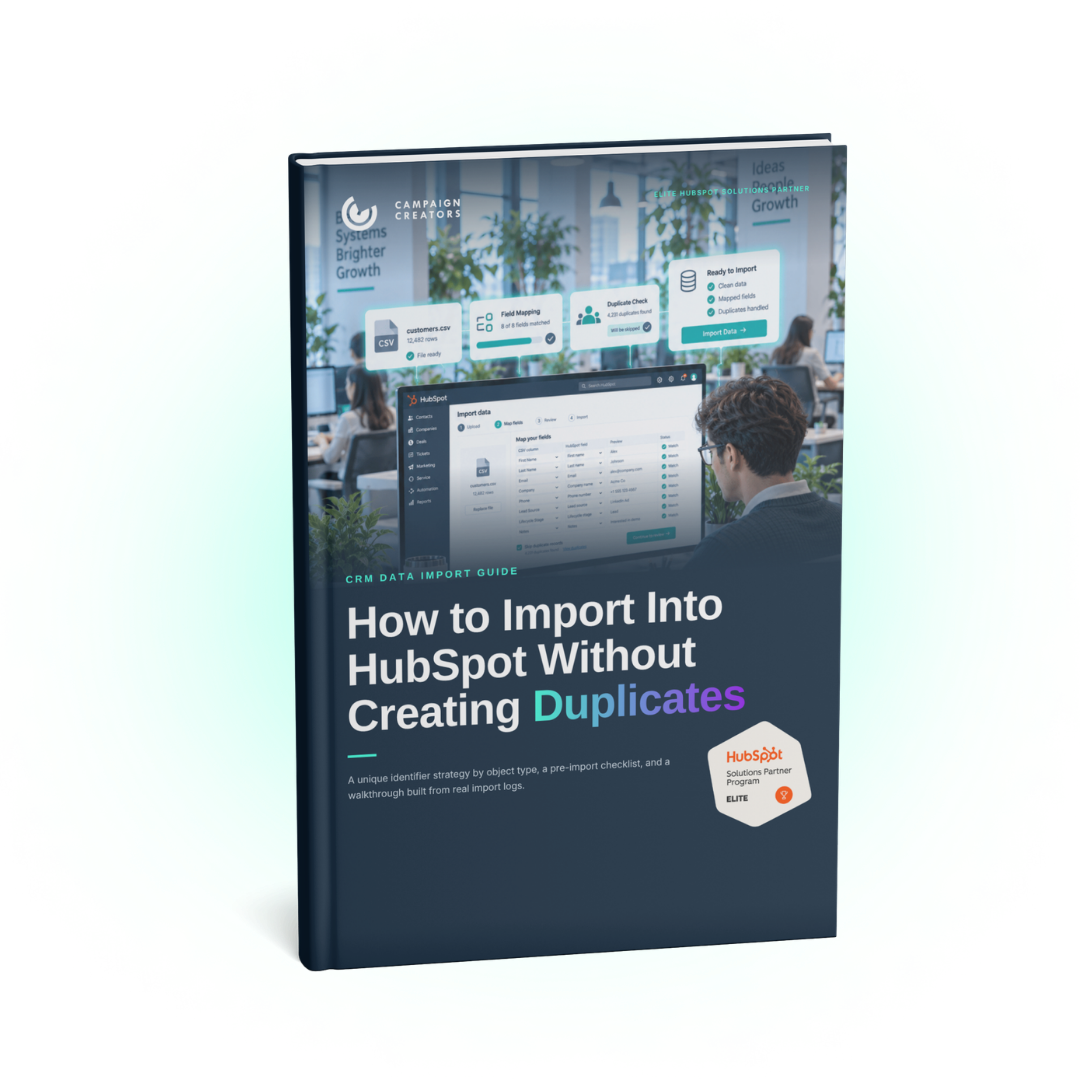
Import Into HubSpot Without Duplicates

Someone on your team runs an import. The record count goes up, and everything looks fine until a contact gets the same email twice or a sales rep opens a record with missing history. Duplicates are easiest to prevent the moment data enters HubSpot. This guide covers the full process, from choosing the right unique identifier to preparing your file, configuring import settings, verifying the results, and closing the entry points that allow duplicates to return.

CC Square Image (4)
 

What You’ll Find Inside

Run your next import knowing exactly which records it will update and which it will create. The guide covers the unique identifier each HubSpot object matches on, a file prep sequence with the formulas to run it, the import settings that decide how much damage a bad file can do, a verification pass built around the results screen and error file, a merge order for the duplicates you already have, and the entry points beyond imports that keep producing more.


Cloud Upload_40px_teal_light

Who This Is For

  • Marketing, sales ops, and RevOps teams who own imports in HubSpot
  • Anyone loading event lists, purchased lists, or enrichment exports into the CRM
  • Teams migrating from another CRM or consolidating several systems into HubSpot
  • Admins who inherited a portal with a duplicate count nobody can explain
  • Non-technical users, since every step runs in the HubSpot interface and a spreadsheet
Hero Image Templates (30)
 
What's New

CRM Insights from Campaign Creators.

10 min read

What Subscriber Data Should Newspaper Subscription Management Software Sync Into HubSpot?

Newspaper subscription management software should sync the fields that marketing, sales, and service teams act on into...
9 min read

How Magazine Publishers Use HubSpot to Connect Readers and Advertisers

A magazine CRM keeps every reader, paying subscriber, advertiser, and agency contact on one shared record. Audience and...
10 min read

How Publishers Can Automate Renewals With HubSpot Integrations

Magazine subscription management software and HubSpot do different jobs, so publishers run them together. The...