











Skip to the main content.

WEBSITE GROWTH & CONVERSION

• Web Design & Development


• SEO & AEO


• Conversion Rate Optimization


• Lead Generation Strategies


HUBSPOT SUPPORT & ENABLEMENT

• HubDesk


• HubSpot Training


• HubSpot Change Management

FREE TOOLS & ASSESSMENTS

• HubSpot Portal Audit


• HubSpot Al Readiness Scorecard


• HubSpot Al Solutions Design


LEARN & WATCH

• View All Resources


• Ebooks & Templates


• Webinars On-Demand


• Expert Videos

HUBSPOT INSIGHTS

• AEO & AI Search


• Automations


• HubSpot Software


• Migration & Replatforming


• Marketing & Content


• Lead Generation


• Integrations


CC Square Image (20)


HubSpot Solutions by Industry

INDUSTRY & PLATFORM GUIDES

• HubSpot for Healthcare


• HubSpot for Software


• HubSpot for IT Services


• HubSpot for Franchises


• HubSpot for Consumer & Retail


• HubSpot for Manufacturing


• HubSpot for Real Estate


• HubSpot for Construction


• HubSpot for Automotive


• HubSpot for Financial Services


• HubSpot for Professional Services


• HubSpot for Life Sciences


• HubSpot for Marketing & Advertising


10 min read

Should Consulting Firms Track Engagements With HubSpot Projects or Custom Objects?

Should Consulting Firms Track Engagements With HubSpot Projects or Custom Objects?

Consulting firms track engagements in HubSpot as their own records, separate from deals and tied to the client company, its contacts, and the deal that won the work. The native Projects object handles this on every plan, with automation from Professional up. HubSpot custom objects, available only on Enterprise, fit firms that need engagement-specific data, several engagement types, or SOW and contract hierarchies.

Modern Office Client Engagement Dashboard

When delivery lives in a post-sale deal stage or a separate tool, the link between what the firm sold and what it delivered breaks, and nobody can answer "what's in play with this client?" without a meeting. Choosing the right object early saves a painful rebuild, since some custom object settings can't be changed once the object exists.

If you're weighing your options now, our HubSpot technology consulting team can help you pick the right setup before the first record is created.

Key Takeaways

  • Track each consulting engagement as its own record, associated with the client company, its contacts, and the deal that won the work.
  • The Projects object is available on every HubSpot plan, and the workflow that creates a project when a deal closes needs Professional or Enterprise.
  • HubSpot custom objects need an Enterprise subscription, with up to 10 object definitions and 1 million records per object on Smart CRM Enterprise.
  • Firms with one engagement type and standard delivery stages can usually run engagements on Projects without upgrading.
  • Internal names of a custom object can't be edited after it's created, so design the engagement data model before anything is built.

Table of Contents

  1. How Do Consulting Firms Track Engagements in HubSpot?
  2. What Is the Difference Between HubSpot Projects, Services, and Custom Objects?
  3. When Does a Consulting Firm Need HubSpot Custom Objects for Engagements?
  4. What HubSpot Edition Do You Need for Engagement Records?
  5. How Do You Set Up an Engagement Record in HubSpot?
  6. What Can You Report On Once Engagements Are Records?
  7. How Do Engagement Records Connect to PSA and Billing Tools?
  8. How Can a HubSpot Partner Help Build Engagement Tracking?
  9. What Is the Best Way to Track Consulting Engagements in HubSpot?
  10. Frequently Asked Questions

How Do Consulting Firms Track Engagements in HubSpot?

Consulting firms track engagements by creating a separate engagement record when a proposal becomes a signed statement of work (SOW). The deal stays the sales record, and the engagement record becomes the delivery record, linked to the same client company, contacts, and originating deal.

Keeping the two apart protects your sales data. When delivery runs through extra deal stages after Closed Won, win rates, pipeline coverage, and forecasts start counting work that's already sold.

What the Engagement Record Holds

An engagement record holds the details a managing partner or engagement manager asks about every week. A typical consulting setup includes these properties.

  • Engagement name and practice, such as "Acme Co, Operating Model Redesign, Strategy practice"
  • Engagement type, such as strategy project, transformation program, retainer, or fractional executive
  • Fee model, such as fixed fee, time and materials, or monthly retainer
  • Contract value and dates, including start date, planned end date, and renewal date
  • Engagement manager, set as the record owner so tasks and notifications go to the right person
  • Delivery stage and status, such as kickoff, discovery, delivery, and final sign-off, marked on track, delayed, or on hold
  • SOW reference, the document number or signed file that defines scope and fees

Each property answers a question a partner would otherwise ask in a status meeting. Keep the list short at launch, and add fields only when someone reports on them.

Who and What the Engagement Connects To

Associations are the links between records in HubSpot, and they're what make an engagement record useful to the rest of the firm. A consulting engagement usually connects to five things.

  1. The client company, so the account view shows every past and active engagement.
  2. The client contacts, labeled by role, such as client sponsor, day-to-day lead, and procurement.
  3. The originating deal, so leadership can trace delivered revenue back to the proposal and the partner who won it.
  4. Follow-on deals, such as extensions and phase two proposals that grow out of the work.
  5. Tickets or tasks, for change requests and delivery to-dos.

Role labels come from association labels in Professional and Enterprise. With labels in place, a partner can open any client and see who sponsors each engagement in a few seconds.

What Is the Difference Between HubSpot Projects, Services, and Custom Objects?

HubSpot gives consulting firms three record types for engagements. Projects is a ready-made delivery object on every plan, Services is a ready-made object for ongoing offerings, and custom objects are records you design yourself on Enterprise. Many firms also use a deal stage after Closed Won, but that mixes sales and delivery data.

Option HubSpot plans Built for Pipelines and automation Best consulting fit
Deal stage after Closed Won All plans Sales opportunities Shares the deal pipeline and deal reports Short, one-off engagements with no delivery reporting
Projects object All plans, with workflows and pipeline rules on Professional and Enterprise Delivery work with stages, tasks, owners, and dates Its own pipelines, Gantt and board views, stage rules on Professional and Enterprise Firms with one main engagement type and standard delivery phases
Services object Activated by a Super Admin in the data model Intangible offerings delivered to customers Its own records and associations Retainers and recurring advisory work
Custom object Enterprise only Any record you define, with your own name and properties Its own pipelines, workflows, and reports on Enterprise Several engagement types, SOW and MSA hierarchies, or PSA-driven data models

Projects Object

The Projects object is the quickest way to separate delivery from sales. You can activate it in the data model, build a project pipeline with stages like kickoff and final sign-off, add tasks, and view every engagement on a Gantt timeline. On Professional and Enterprise, pipeline rules stop people from skipping stages, and a deal workflow can create the project automatically at Closed Won.

Services Object

The Services object stores intangible offerings such as onboarding and consulting, and a Super Admin has to activate it before anyone can create service records. For a consulting firm, it suits recurring advisory work, such as a monthly retainer, better than a one-time project with a fixed end date. Check the object in your own data model before you plan around it, since HubSpot keeps adding objects to its library.

Custom Objects

Custom objects let you name the record "Engagement" (or "SOW" or "Program"), choose every property, and define its associations from scratch. That flexibility costs more design work, an Enterprise subscription, and a few settings you can't reverse. Use custom objects when the native objects can't describe how your firm sells and delivers.

For many firms, the right starting point is the Projects object, with custom objects saved for the cases below.

When Does a Consulting Firm Need HubSpot Custom Objects for Engagements?

A consulting firm needs HubSpot custom objects for engagements when the engagement carries a data structure the Projects object can't hold cleanly. The usual triggers are several engagement types with different fields, a contract hierarchy, or a delivery system that expects its own record type.

Signs Custom Objects Are Worth It

  • You run several engagement types with different data. A strategy project, a managed retainer, and a fractional CFO placement each need their own properties and stages.
  • One contract covers many pieces of work. A master services agreement (MSA) sits above several SOWs, and each SOW holds one or more engagements, so modeling the chain takes at least two related record types.
  • Engagements span several client entities. A program for a holding company may involve three subsidiaries, each a separate company record.
  • A PSA or billing system expects a matching record. If your professional services automation (PSA) tool tracks engagements as their own object, a matching custom object in HubSpot makes the sync cleaner.
  • Leadership reports on engagements by practice, type, and fee model at once. Custom properties and reports on one dedicated object keep those views simple.

The decision follows the same custom object test technology companies use, applied to SOWs and engagements in place of licenses and subscriptions.

What Custom Objects Look Like in Practice

When our client Equisoft moved its UK division from Zoho, its product and contract data lived in Zoho custom modules with no direct HubSpot match. We built 5 HubSpot custom objects, including Contracts, Product Instances, and Product Licenses, and validated the build and migrated data in a sandbox before production. Contract and product data is now structured and searchable in HubSpot, the same result a consulting firm wants for its SOWs.

For our client RedWeek, 2 custom objects replaced the deal pipeline for listings and bookings, with labels for owners, renters, brokers, and affiliates. A consulting firm can use the same pattern with labels for client sponsor, engagement manager, and subcontractor.

When Properties and Pipelines Are Enough

Some firms don't need a new object at all. When we worked with our client Advisor Growth Strategies, a consulting and M&A advisory firm with over 400 RIA clients, we built one pipeline split by a Project Type property that separates consulting engagements from M&A advisory work. All 15,750 migrated records ended up with an active owner who can act on them.

If you're unsure where your firm falls, the Custom Object vs. Property decision guide walks through nine questions that decide between a new object and a few new fields.

What HubSpot Edition Do You Need for Engagement Records?

You can track engagements with the Projects object on any HubSpot plan, but automation and role labels need Professional, and custom objects need Enterprise. Custom objects unlock with an Enterprise edition of any hub, including Smart CRM, Sales Hub, Service Hub, and Data Hub.

Edition Engagement options What you can get
Free and Starter Projects object, deal pipelines Project records, Gantt view, and on Starter, project tags and up to 15 pipelines in total
Professional Projects object with automation Workflows that create projects at Closed Won, pipeline rules, association labels, and up to 100 pipelines in total
Enterprise Projects object and custom objects Everything in Professional, plus custom Engagement, SOW, or MSA objects, one sandbox, and up to 350 pipelines in total

Smart CRM Enterprise includes 10 custom object definitions and 1 million records per object, with 50 association labels on Professional and Enterprise. Ten definitions sounds like plenty, but an MSA, SOW, engagement, and deliverable chain uses four before any other team asks for one. You can check usage against these caps in the Limits tab of the data model.

If your firm is on Professional, start with Projects and revisit custom objects when one of the signs above shows up.

How Do You Set Up an Engagement Record in HubSpot?

You can set up an engagement record by agreeing on its properties and associations first, then building the record type, its pipeline, and the workflow that creates it at Closed Won. The order is the same for the Projects object and a custom object. Only step 2 changes.

  1. Agree on the fields with the people who use them. Sit down with two or three partners, an engagement manager, and finance, list the questions they ask about an engagement, and turn each answer into one property. Decide who owns the record, usually the engagement manager.
  2. Create the record type. For Projects, a Super Admin activates the object in Data Management > Data Model. For a custom object, open the same Data Model, click Edit data model, add a custom object, and enter a singular and plural name, such as Engagement and Engagements. Set "Engagement name" as the primary display property, and add practice and delivery stage as secondary display properties. Internal names can't be edited later, and a deleted custom object can't be restored, so confirm the names before you click Create.
  3. Define associations and labels. Associate the engagement with companies, contacts, deals, and tickets. On Professional and Enterprise, add contact labels such as Client Sponsor, Day-to-Day Lead, and Procurement, and deal labels such as Originating Deal and Extension.
  4. Build the delivery pipeline. Create stages that match how your firm delivers, such as Kickoff, Discovery, Delivery, Final Review, and Closed. On Professional and Enterprise, add pipeline rules so engagements can't skip stages, and make Kickoff the default first stage.
  5. Automate creation from the deal. Build a deal-based workflow triggered when the deal stage is Closed Won. Add the Create record action, choose Project or your Engagement object, and copy over the company, client contacts, practice, contract value, and fee model. Assign the engagement manager as owner.
  6. Test before go-live. Enterprise accounts include a sandbox, so build and test the setup there first. On Professional, run the workflow on a handful of recently closed deals and check that every association, label, and copied value lands where you expect.
  7. Set up views for each role. Create saved views such as "My active engagements" for engagement managers, "Delayed or on hold" for practice leaders, and a Gantt timeline of every engagement for leadership.

A setup like this has to fit your CRM architecture, so check naming, permissions, and property groups against your existing standards before go-live.

What Can You Report On Once Engagements Are Records?

Once engagements are their own records, you can report on active work, backlog, delivery speed, and follow-on revenue without exporting to a spreadsheet. The custom report builder connects engagements to their companies, contacts, and deals, with up to 100 custom reports on Professional and 500 on Enterprise.

Report Built from Question it answers
Active engagements by practice and stage Engagement pipeline, Practice property Where does each practice's delivery work stand today?
Backlog by practice Sum of contract value on engagements still open How much signed work is still to be delivered?
Average time in each delivery stage by owner Cumulative time in stage, Owner Where do engagements slow down, and for whom?
Delivered revenue by originating partner Engagement associated with its originating deal Who wins work that turns into delivered revenue?
Extensions and renewals due in 90 days Renewal date, associated follow-on deals Who needs a renewal conversation this quarter?
Engagements without a client sponsor Contact association label Where is the relationship at risk because no sponsor is named?

HubSpot's own Projects example uses the time-in-stage report as a quarterly executive view of average cumulative time in each stage by owner. It works the same way on a custom Engagement object.

Backlog is usually the first report partners ask for, and it only works if contract value is copied from the deal at Closed Won. Build that property into the step 5 workflow from day one, since backfilling values across past engagements takes far longer than capturing them at the start.

How Do Engagement Records Connect to PSA and Billing Tools?

Engagement records connect to PSA and billing tools through native integrations, data sync apps, or custom API integrations. Before you pick a connector, decide the owning system for each field so two systems never overwrite the same value.

Assign an Owning System to Each Field

Data Owning system Synced to HubSpot as
Client company, contacts, sponsor, originating deal HubSpot Native records and associations
Engagement name, practice, contract value, fee model, stage HubSpot Engagement properties
Hours logged, utilization, resource plan PSA tool Read-only summary properties, such as hours to date
Invoices, payments, outstanding balance Accounting system Read-only properties, such as invoiced to date

Read-only summary fields give a partner the full picture on the engagement record without turning HubSpot into a second timesheet.

Confirm the Integration Supports Your Object

Before you pick Projects or a custom object, confirm that your PSA and accounting integrations can read and write it. Integrations often map standard objects such as contacts, companies, and deals first, and support for newer or custom objects varies by app. If the app you rely on can't reach your Engagement object, a custom HubSpot integration can sync it through HubSpot's CRM API.

Test the sync with a few live engagements before you connect the full backlog, and check that each field updates only in its owning system.

How Can a HubSpot Partner Help Build Engagement Tracking?

Engagement tracking works best when the data model, pipeline, and automation are designed together before anyone builds. Our onboarding team maps your firm's proposals, SOWs, and engagements into HubSpot, chooses between the Projects object and custom objects based on your tier and reporting needs, and tests every workflow before launch.

If you're planning engagement records for your firm, learn how our HubSpot onboarding and setup service works.

What Is the Best Way to Track Consulting Engagements in HubSpot?

The best way to track consulting engagements in HubSpot is a dedicated engagement record, separate from the deal and linked to the client company, its contacts, and the originating deal. Start with the Projects object on any plan, and move to HubSpot custom objects on Enterprise when you need several engagement types, contract hierarchies, or a PSA-matched data model.

Get your engagement records set up right the first time. Talk to our onboarding team before you create your first project or custom object.

Frequently Asked Questions

Can You Import Existing Engagements From a Spreadsheet Into HubSpot?

Yes, you can import engagements from a spreadsheet as project or custom object records. Clean duplicates first, and include columns for the associated company and deal so each engagement links to the right client during the import.

Should a Consulting Retainer Be a Deal or an Engagement?

A retainer should be both. Track the sale and each renewal as deals, and track the ongoing work as one engagement record, so renewal forecasts stay in the deal pipeline while scope and delivery status stay on the engagement.

How Do You Keep Engagement Records Confidential Between Practices?

Use teams and permission sets so each practice can see only its own engagement records. On Enterprise, property access settings can also hide sensitive values, such as fees, from people outside the practice.

Can an Engagement Have Its Own Tasks and Deliverables?

Yes, you can add tasks to project records and custom object records and assign them to team members. Track deliverables as tasks for simple engagements, or as a separate object when each deliverable needs its own dates, status, and approver.

What Happens to Engagement Records When a Partner Leaves the Firm?

The engagement records stay in HubSpot because they belong to the firm, not the partner. Reassign ownership to another partner or engagement manager, and the history, contacts, and associated deals stay connected to the record.

When Should Agencies Use HubSpot Custom Objects for Service Lines?

When Should Agencies Use HubSpot Custom Objects for Service Lines?

Agencies should use HubSpot custom objects for service lines when each client engagement needs its own owner, pipeline, renewal date, and reports. A...
Read More
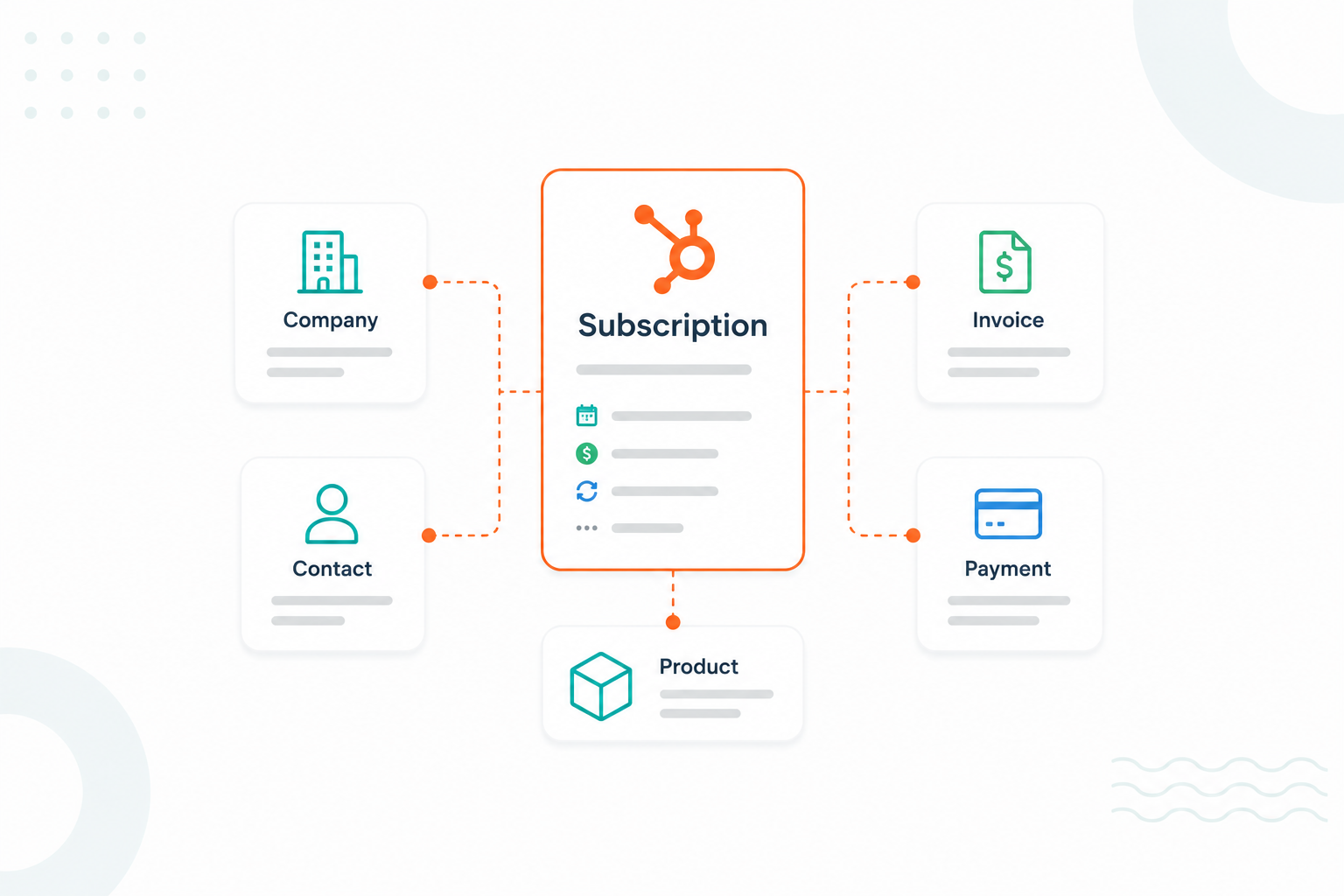
HubSpot Subscription Data Model: How to Structure Subscription Records for Reporting and Automation

HubSpot Subscription Data Model: How to Structure Subscription Records for Reporting and Automation

As more businesses adopt subscription-based revenue models, keeping subscription data organized becomes a bigger priority. Teams need accurate...

Read More
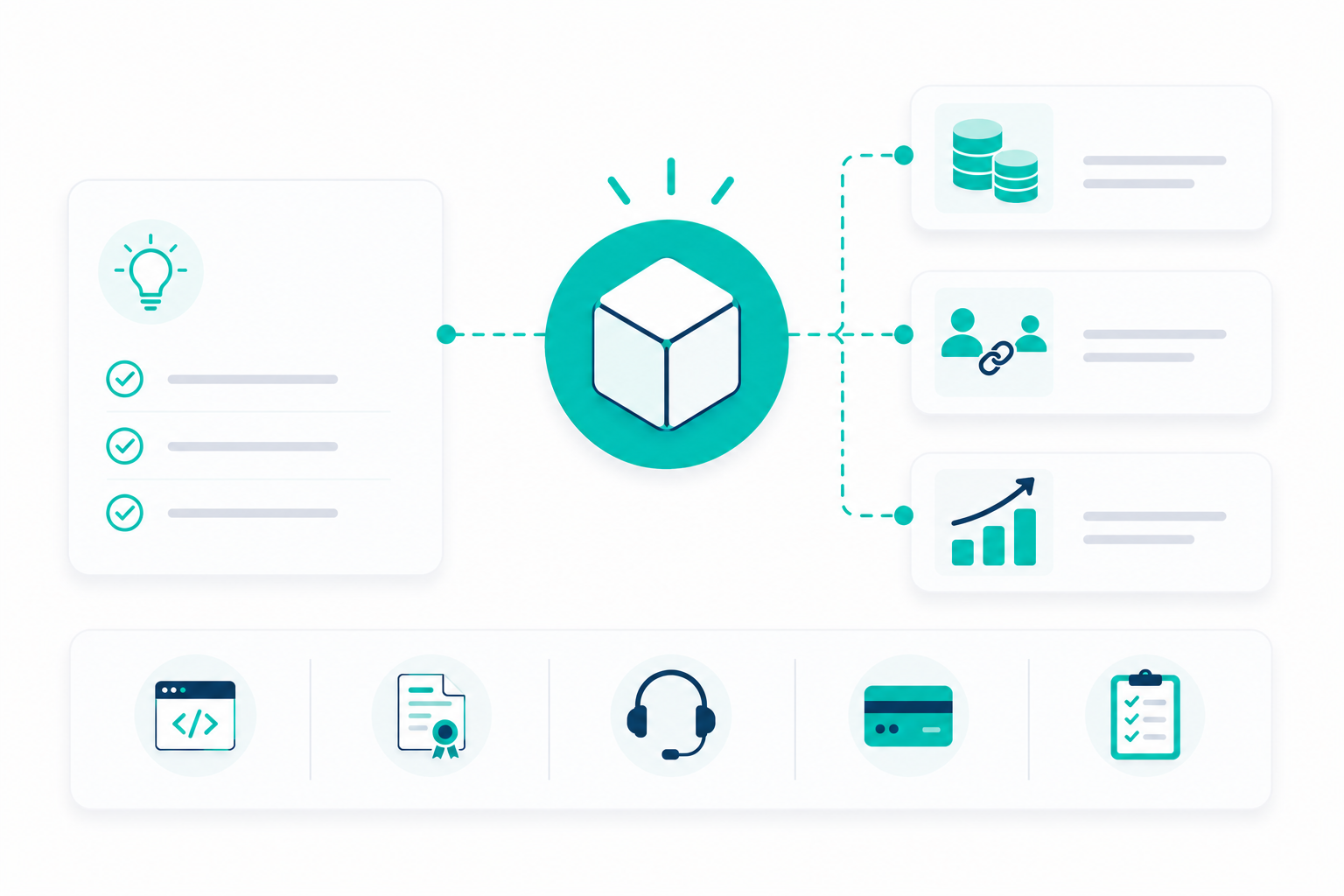
When Should Technology Companies Use HubSpot Custom Objects?

When Should Technology Companies Use HubSpot Custom Objects?

Technology companies can use HubSpot custom objects once standard CRM records can no longer support how the business operates. For SaaS companies,...

Read More