A HubSpot Elite Solutions Partner built to help organizations unify strategy, systems, and execution. We design HubSpot systems that scale.

See how we've solved complex HubSpot challenges across migrations, integrations, CMS, automation, and optimization.

Join a team building smarter HubSpot systems. We value strategic thinkers who move proactively, care about quality, and want to do meaningful work.

8 min read

How to Structure HubSpot Data Without Storing Protected Health Information

How to Structure HubSpot Data Without Storing Protected Health Information

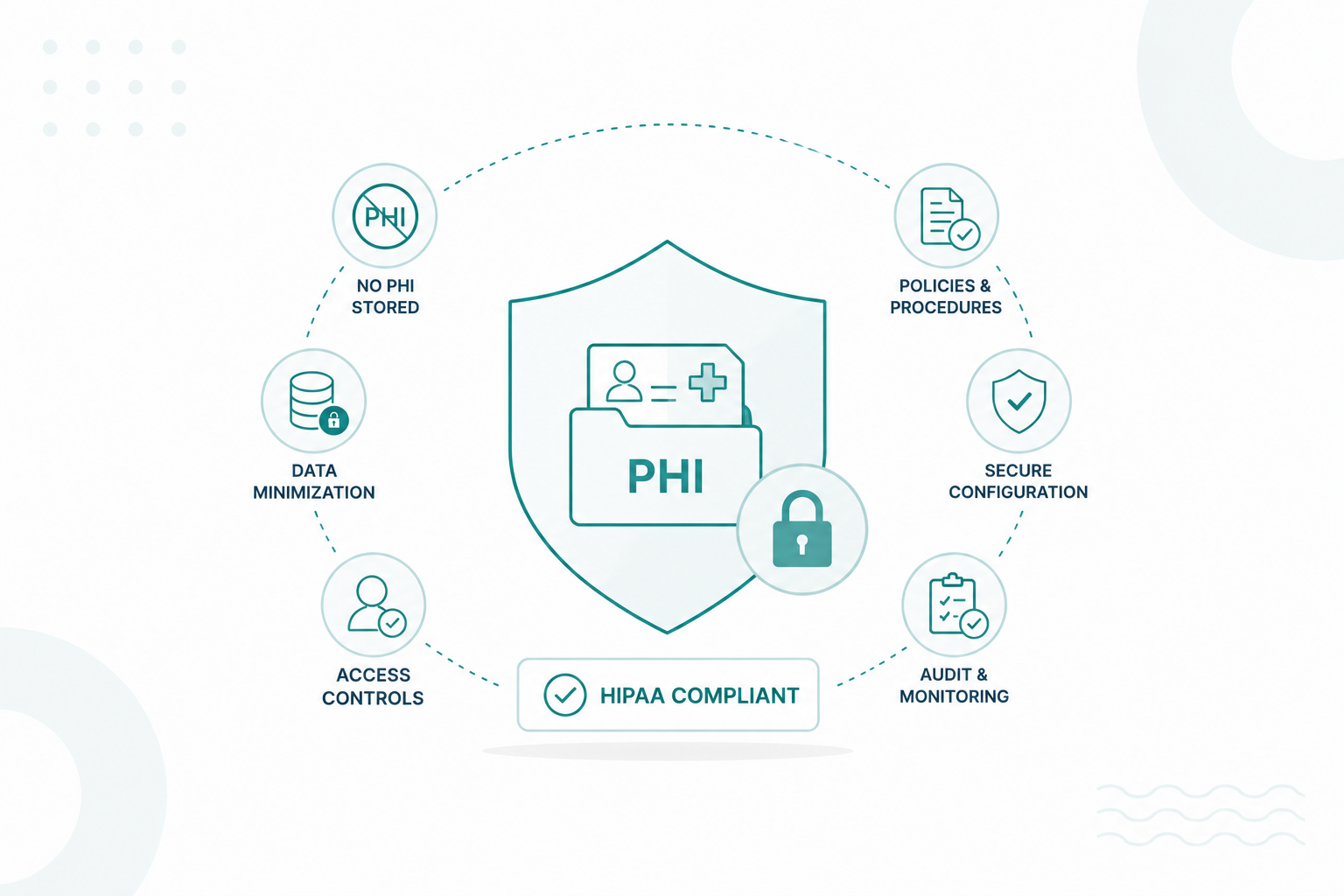
Healthcare organizations can use HubSpot while maintaining HIPAA compliance, but only if the platform is configured correctly and Protected Health Information (PHI) is handled appropriately. For many organizations, the safest approach is to keep PHI out of HubSpot and use it only for customer relationship management, marketing, sales, and service data.

Keeping PHI separate from your CRM helps reduce compliance risks, limits unnecessary exposure of sensitive patient information, and makes it easier to meet HIPAA's minimum necessary standard. When PHI is required, it should be stored only with HubSpot's supported HIPAA features or in a dedicated HIPAA-compliant healthcare system.

This article explains what HIPAA compliance means for HubSpot users, what data is safe to store, how to prevent PHI from entering your CRM, and the best practices for keeping your HubSpot portal PHI-free.

Key Takeaways

  • HubSpot should only store non-sensitive CRM and marketing data, not PHI.
  • Configure forms and integrations to prevent PHI from entering HubSpot.
  • Keep PHI in your EHR and sync only the data HubSpot needs.
  • Regular audits and user training help keep your HubSpot portal PHI-free.

What Does HIPAA Compliance Mean for HubSpot Users

HIPAA compliance means using the platform in a way that protects Protected Health Information and meets the administrative, technical, and physical safeguards required by the Health Insurance Portability and Accountability Act (HIPAA).

HubSpot can support HIPAA compliance, but it is not HIPAA compliant by default. Your organization must configure the platform correctly and follow HIPAA requirements in how you collect, store, access, and share PHI.

For most HubSpot users, HIPAA compliance involves four key responsibilities:

a professional using HubSpot in a HIPAA-compliant way with pop-up icons for he steps include Sign a BAA → Enable Sensitive Data Settings → Classify PHI Fields → Configure User Permissions → Enable Security Controls → Use HIPAA-Compliant Integrations → Ongoing Governance & Employee Training. Each step is connected with arrows leading to the laptop ton indivate a secure HubSpot CRM containing protected patient information.

  1. Sign a Business Associate Agreement (BAA). If your organization is a HIPAA-covered entity or business associate, you must have a BAA with HubSpot before storing PHI in supported services. HubSpot now provides a BAA for eligible customers through its Sensitive Data settings.
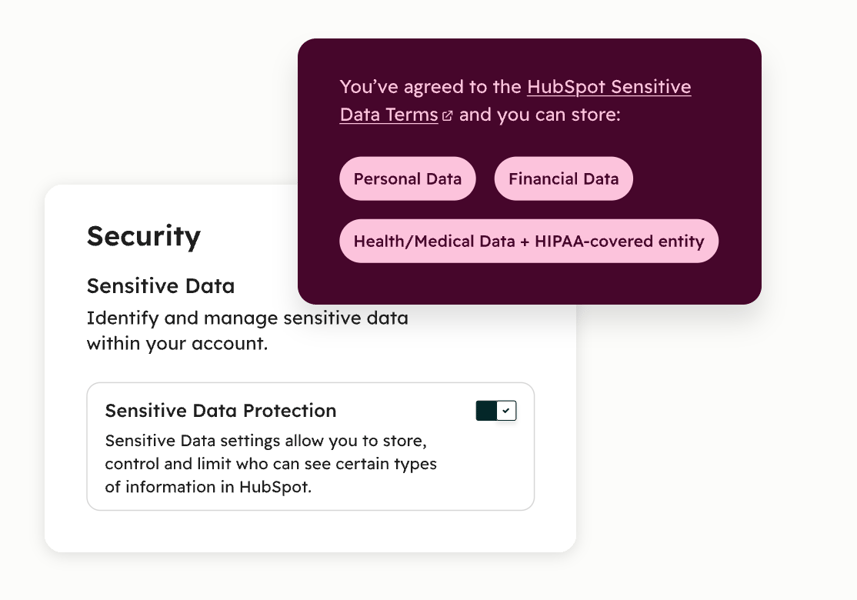
  2. Enable Sensitive Data settings. Administrators must identify the organization as a HIPAA-covered entity or business associate, enable Health/Medical Data, and classify CRM properties that contain PHI as sensitive. This applies additional security controls to those fields.
  3. Limit who can access PHI. HIPAA requires organizations to apply the minimum necessary standard. In HubSpot, this means using role-based permissions, multifactor authentication, audit logs, and other security controls to restrict access to sensitive records.
  4. Use only covered features and compliant integrations. A signed BAA does not make every HubSpot feature or connected app HIPAA compliant. Organizations must understand which HubSpot services are covered and ensure any third-party integration that handles PHI also supports HIPAA and has its own BAA where required.

Simply purchasing HubSpot or storing patient information in the CRM does not automatically satisfy HIPAA requirements. Compliance depends on your organization's policies, user permissions, employee training, data handling procedures, and ongoing security practices in addition to the platform's technical safeguards.


Why You Should Avoid Storing PHI in HubSpot

Even though HubSpot now offers HIPAA-supported features for eligible Enterprise customers, storing PHI unnecessarily increases your compliance obligations and the risk of data exposure. Here are the main reasons to avoid storing PHI in HubSpot:

Not every HubSpot feature supports PHI

HIPAA coverage applies only to specific Enterprise features included in HubSpot's Sensitive Data terms. Popular tools such as chatbots, live chat, call recordings, some analytics, personalization tokens, and sandbox environments either have restrictions or are excluded from HIPAA coverage. Accidentally using PHI in these tools can create a compliance issue.

A mistake can become a HIPAA violation

If PHI is entered into unsupported properties, emails, notes, attachments, workflows, or third-party integrations, your organization could violate HIPAA. Following the "minimum necessary" principle reduces the chance of exposing sensitive patient information.

Third-party integrations can increase risk

Many HubSpot portals connect to scheduling tools, marketing apps, customer support platforms, and analytics software. If any connected application is not HIPAA compliant or does not have a BAA, PHI may be exposed outside your protected environment.

Security management becomes more complex

Once PHI is stored in HubSpot, administrators must configure Sensitive Data settings, classify PHI fields, manage user permissions, enforce multifactor authentication, monitor audit logs, and regularly review access. These safeguards help protect patient information but also add ongoing compliance responsibilities.

For many healthcare organizations, a better practice is to store PHI only in a dedicated HIPAA-compliant system, such as an EHR, and synchronize only the minimum non-sensitive data needed for marketing, sales, or customer relationship management into HubSpot. This reduces your compliance scope and helps protect patient privacy.

Which Data Can Be Safely Stored in HubSpot

If you're not using HubSpot's HIPAA-supported features, you should store only non-sensitive customer and business information. Examples of data you can safely store in a standard HubSpot portal include:

Safe to Store

Examples

Contact information

Name, business email address, phone number, company, job title

Company information

Organization name, industry, company size, website, location

Sales data

Deal stage, pipeline status, quotes, products purchased, contract dates

Marketing engagement

Email opens, clicks, form submissions, page views, content downloads, event registrations

Customer relationship data

Lifecycle stage, lead status, customer segment, account owner, communication preferences

Support information

Ticket status, issue category, service history, satisfaction scores (without medical details)

Information to keep out of HubSpot

Unless you've enabled HubSpot's Sensitive Data features, signed a Business Associate Agreement, and configured your portal for HIPAA support, you should avoid storing information such as:

  • Medical diagnoses
  • Treatment plans
  • Lab results
  • Prescription information
  • Insurance member IDs
  • Medical record numbers
  • Clinical notes
  • Any information that identifies a person and relates to their past, present, or future health, healthcare, or payment for healthcare

This information is considered PHI under HIPAA and requires additional safeguards. Learn more about what you should and shouldn’t automate in HubSpot for HIPAA compliance.


How You Should Configure HubSpot to Keep PHI Out

1. Review every data collection point

Start by identifying every place data enters HubSpot, including forms, chatflows and live chat, meeting schedulers, imports, integrations, and manual CRM updates.

Remove any fields that ask for medical conditions, diagnoses, treatment details, insurance information, or other PHI. Collect only the information needed for sales and marketing activities.

2. Design forms to collect only business information

Your forms should request only non-sensitive information, such as name, email address, phone number, company, job title, and reason for contacting your business.

Avoid open-ended text fields that encourage visitors to describe symptoms, medical history, or treatment needs. If detailed health information is required, direct users to a secure patient portal or HIPAA-compliant intake system instead.

3. Create clear data entry guidelines

Train employees to avoid entering PHI into:

  • Contact records
  • Notes
  • Tasks
  • Deal descriptions
  • Ticket comments
  • Attachments
  • Internal comments

Reference a patient or case using an internal identifier when appropriate and store medical information only in your designated healthcare system.

4. Configure integrations carefully

Review every connected application to ensure it only synchronizes the data needed for CRM and marketing. Exclude medical records, diagnoses, treatment information, and other PHI from synchronization whenever possible.

Many accidental HIPAA issues occur when integrations automatically copy sensitive information into HubSpot.

5. Restrict user permissions

Even if you don't intend to store PHI, limit who can import contacts, create custom properties, edit forms, connect integrations, and export CRM data. Strong role-based permissions help prevent accidental collection or exposure of sensitive information.

6. Use HubSpot's Sensitive Data settings only when PHI is necessary

If your organization must store PHI in HubSpot, first:

  • Enable Sensitive Data settings

sensitive-data-protection-settings-in-hubspot


  • Identify your organization as a HIPAA-covered entity or business associate
  • Accept the Business Associate Agreement
  • Store PHI only in designated sensitive properties

If your objective is to avoid storing PHI altogether, you typically don't need to enable these settings because no protected health information should enter your CRM.


Where Should Protected Health Information Be Stored Instead

Depending on your organization's needs, PHI is typically stored in one of the following systems:

1. Electronic Health Record (EHR) or Electronic Medical Record (EMR)

An EHR or EMR is the primary location for storing patient health information, including medical histories, diagnoses, medications, treatment plans, lab results, and clinical notes. These systems are built for healthcare workflows and are designed to support HIPAA compliance through robust security controls and audit capabilities.

Learn how HubSpot integrates with major EHR platforms in this guide.

2. HIPAA-compliant Patient Portals

Patient portals provide a secure way for patients to complete forms, access medical records, review test results, schedule appointments, and communicate with healthcare providers. The portal securely connects to the organization's EHR rather than exposing sensitive information through a CRM or email.

3. HIPAA-compliant Document Management Systems

Organizations often use secure document repositories to store consent forms, referrals, insurance documents, imaging files, and other healthcare records. These systems include encryption, permission controls, version history, and audit trails to help protect sensitive information.

4. Healthcare Information Systems (HIS)

Larger healthcare organizations may use integrated healthcare information systems that combine EHRs, billing, scheduling, laboratory systems, and other clinical applications. These platforms are designed to securely store and exchange PHI across departments while maintaining appropriate access controls.

How HubSpot Fits Into This Architecture

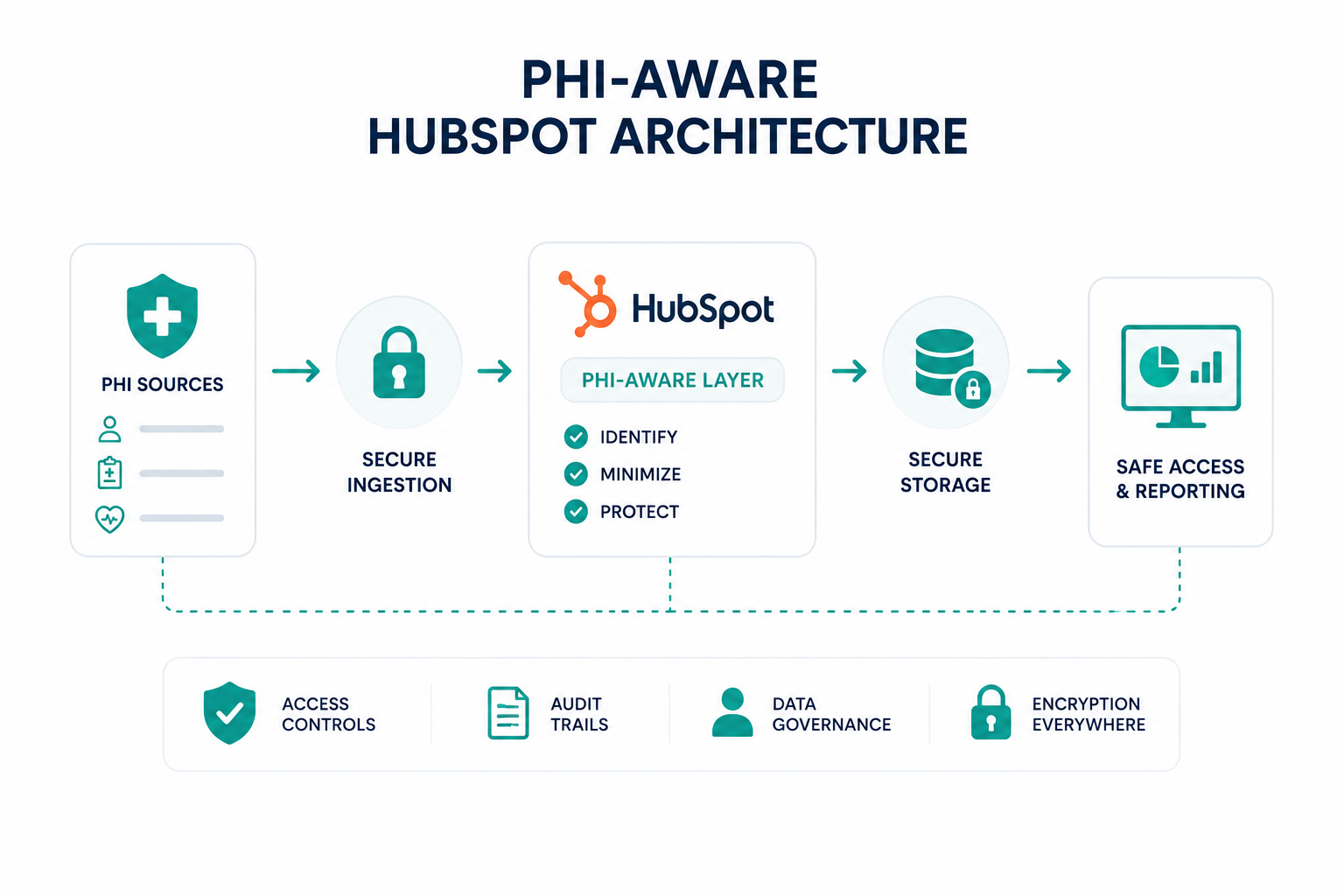
For many healthcare organizations, HubSpot works best as the customer relationship management (CRM) layer, while the EHR remains the system of record for PHI.

Store in HubSpot

Store in EHR or HIPAA-compliant system

Contact information

Medical history

Marketing preferences

Diagnoses

Sales pipeline

Treatment plans

Appointment requests (without clinical details)

Lab results

Marketing engagement

Clinical notes

Customer service interactions (without PHI)

Insurance and billing records containing PHI

This separation helps marketing, sales, and service teams to work in HubSpot without routinely accessing sensitive medical information.

What Mistakes Could Put Your HIPAA Compliance at Risk

Most HIPAA violations happen because of human error, poor processes, or improper handling of PHI, not because the software itself fails. In fact, many reported breaches are linked to employee mistakes and noncompliance with HIPAA requirements.

Here are some of the most common mistakes to avoid:

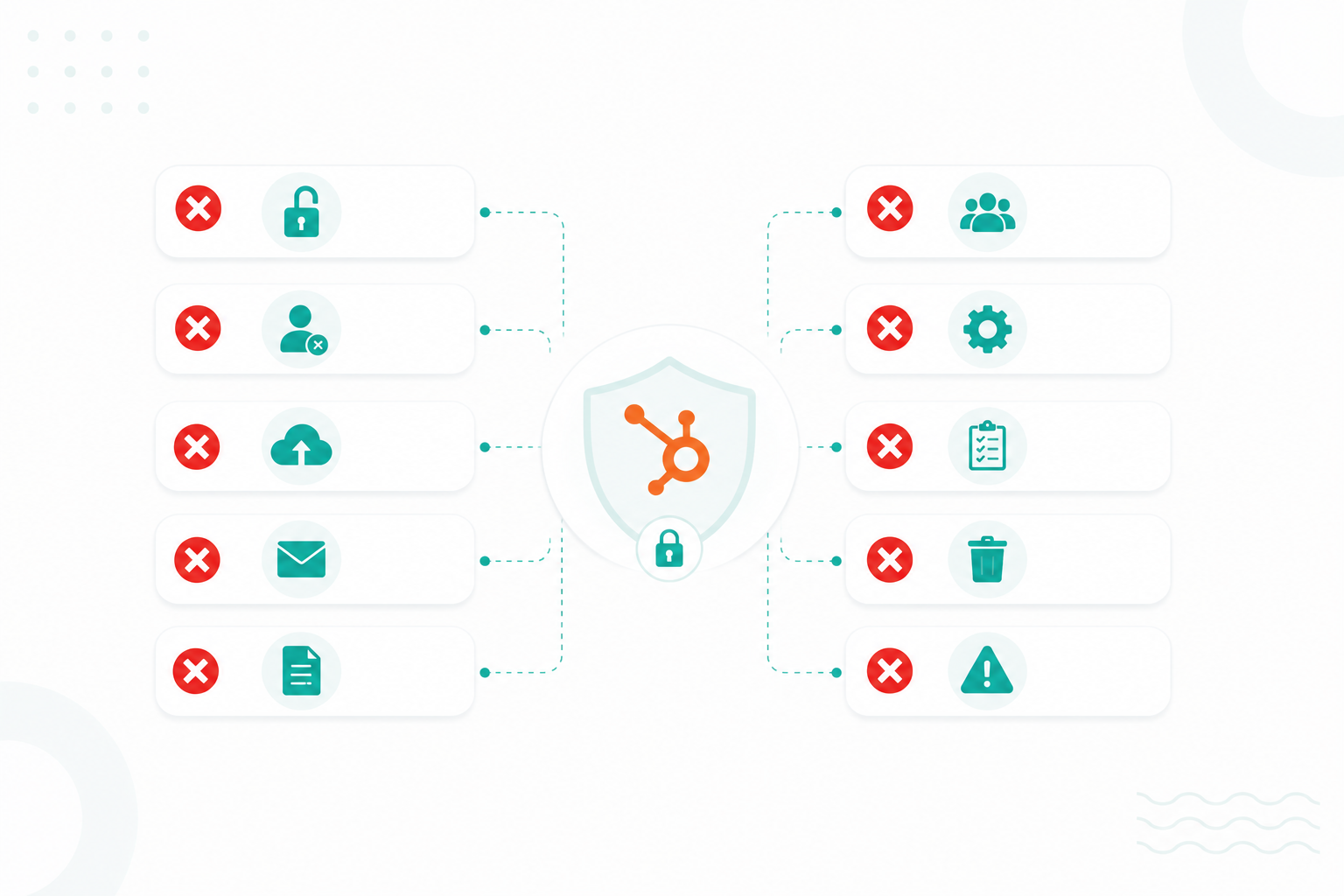
1. Storing PHI in unsupported HubSpot features

Even if your organization has a BAA, not every HubSpot tool is covered for HIPAA use. Entering PHI into emails, notes, attachments, chat conversations, or unsupported integrations can create compliance issues if those features are not designed to handle protected data.

2. Collecting more information than necessary

HIPAA's "minimum necessary" standard requires organizations to use and disclose only the amount of PHI needed for a specific purpose. Asking patients to provide diagnoses, treatment details, or insurance information in marketing forms or CRM records often creates unnecessary compliance risk.

3. Giving employees broader access than they need

Allowing all users to view, edit, or export records containing PHI increases the risk of unauthorized access. Access should be limited based on job responsibilities, with role-based permissions and regular access reviews.

4. Failing to train employees

Employees who are unaware of HIPAA requirements may accidentally enter PHI into CRM notes, upload medical documents, email sensitive information, or disclose patient data without authorization. Regular HIPAA training is an important administrative safeguard.

5. Using third-party integrations without reviewing their compliance

Integrations that sync data between HubSpot and other applications can unintentionally transfer PHI into systems that are not covered by a BAA or lack appropriate security controls. Every connected application that handles PHI should be evaluated for HIPAA compliance.

6. Not implementing required security safeguards

HIPAA requires organizations to protect electronic PHI through administrative, technical, and physical safeguards. Weak passwords, missing multifactor authentication, poor access controls, inadequate encryption, and a lack of audit logging can all increase the risk of a data breach.

7. Sharing PHI without proper authorization

Sending patient information to the wrong recipient, discussing PHI with unauthorized individuals, or disclosing more information than necessary can violate the HIPAA Privacy Rule. Organizations should establish clear procedures for when and how PHI may be shared.

To help you avoid these common mistakes, we've created a guide with seven ways to better protect PHI in HubSpot.

Move Forward With a Secure HubSpot Setup

Keeping PHI out of your CRM whenever possible reduces compliance risk and helps your teams to manage marketing, sales, and customer relationships without exposing sensitive patient data.

If your organization needs to store PHI in HubSpot, use the platform's HIPAA-supported features, execute a BAA, and apply the required security controls. Otherwise, keep PHI in your EHR or another HIPAA-compliant system and sync only the non-sensitive data your teams need.

Campaign Creators help healthcare organizations configure HubSpot to support compliance goals without adding unnecessary risk. If you want to build a secure CRM that supports your marketing and sales efforts, our team can help you create a HubSpot environment that fits your workflows and HIPAA requirements.

Frequently Asked Questions

Do all HubSpot plans support HIPAA compliance?

No, HIPAA support is available only on eligible Enterprise plans with Sensitive Data settings enabled and a Business Associate Agreement in place.

Does HubSpot automatically sign a Business Associate Agreement?

No, you must enable HIPAA-related Sensitive Data settings and accept HubSpot's Business Associate Agreement before storing PHI.

Can HubSpot AI tools process Protected Health Information?

No, you should not enter PHI into HubSpot AI prompts because the AI tools are not part of the platform's HIPAA-supported features.

How do you migrate PHI into HubSpot securely?

Migrate PHI only after enabling Sensitive Data settings, executing a BAA, and importing it into designated sensitive properties using supported methods.

Do third-party HubSpot integrations also need a BAA?

Yes, any third-party integration that handles PHI must support HIPAA compliance and provide its own Business Associate Agreement where required.

What security features does HubSpot provide for sensitive healthcare data?

HubSpot provides encryption, field-level permissions, audit logging, advanced authentication, and other security controls to help protect sensitive healthcare data.

HubSpot HIPAA Compliance Risks: 10 PHI Mistakes Healthcare Organizations Should Avoid

HubSpot HIPAA Compliance Risks: 10 PHI Mistakes Healthcare Organizations Should Avoid

Protected health information (PHI) can become exposed in HubSpot in more ways than many healthcare organizations realize. Common mistakes, such as...
Read More
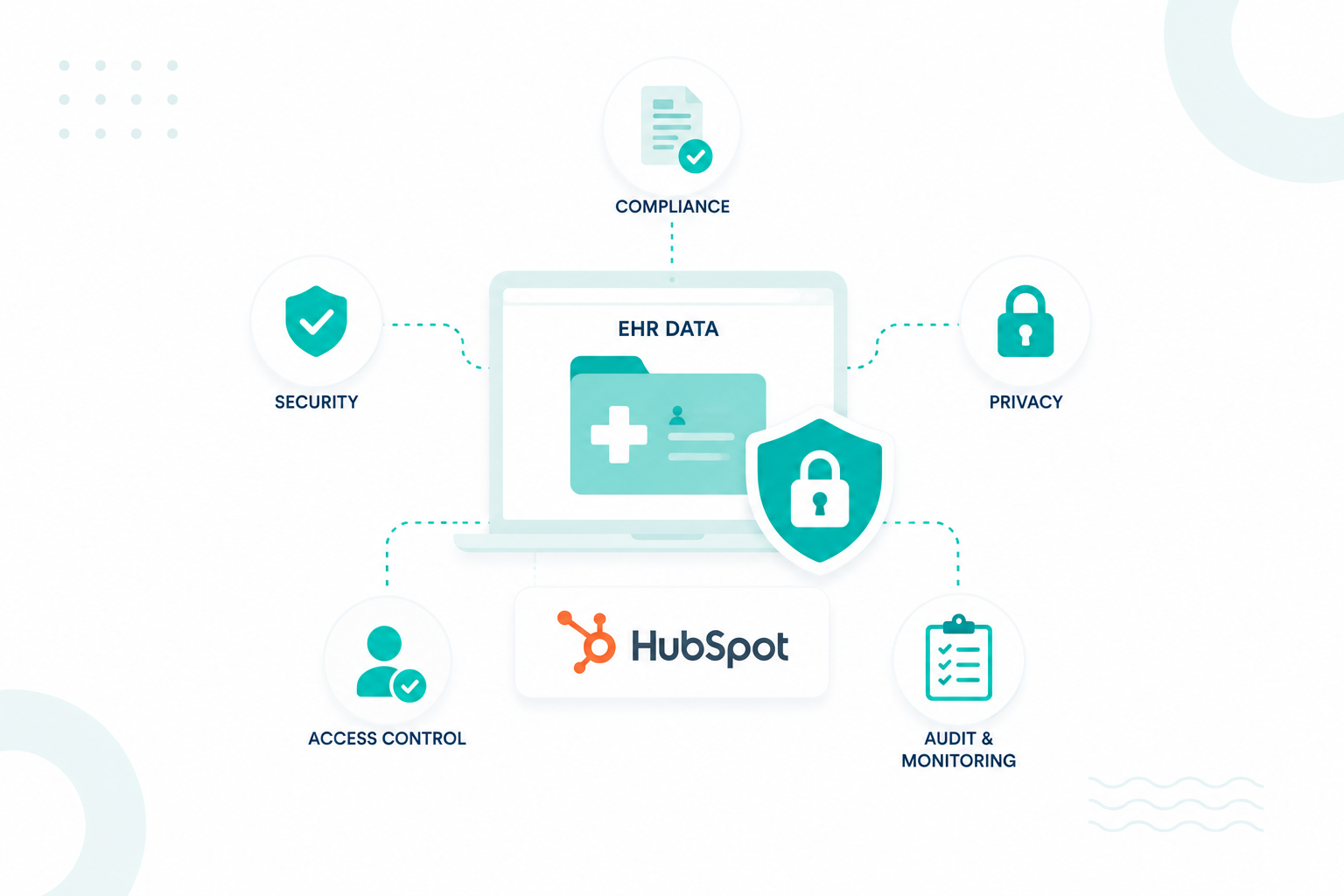
Is It Safe to Use EHR Data in HubSpot? It Depends

Is It Safe to Use EHR Data in HubSpot? It Depends

The answer is yes in some situations, but only if strict HIPAA requirements, security controls, and governance processes are in place. HubSpot...

Read More
HubSpot HIPAA Compliance: How to Protect PHI Without Slowing Growth

HubSpot HIPAA Compliance: How to Protect PHI Without Slowing Growth

Healthcare companies need customer data to support marketing, sales, onboarding, customer success, and support. At the same time, they must protect...

Read More