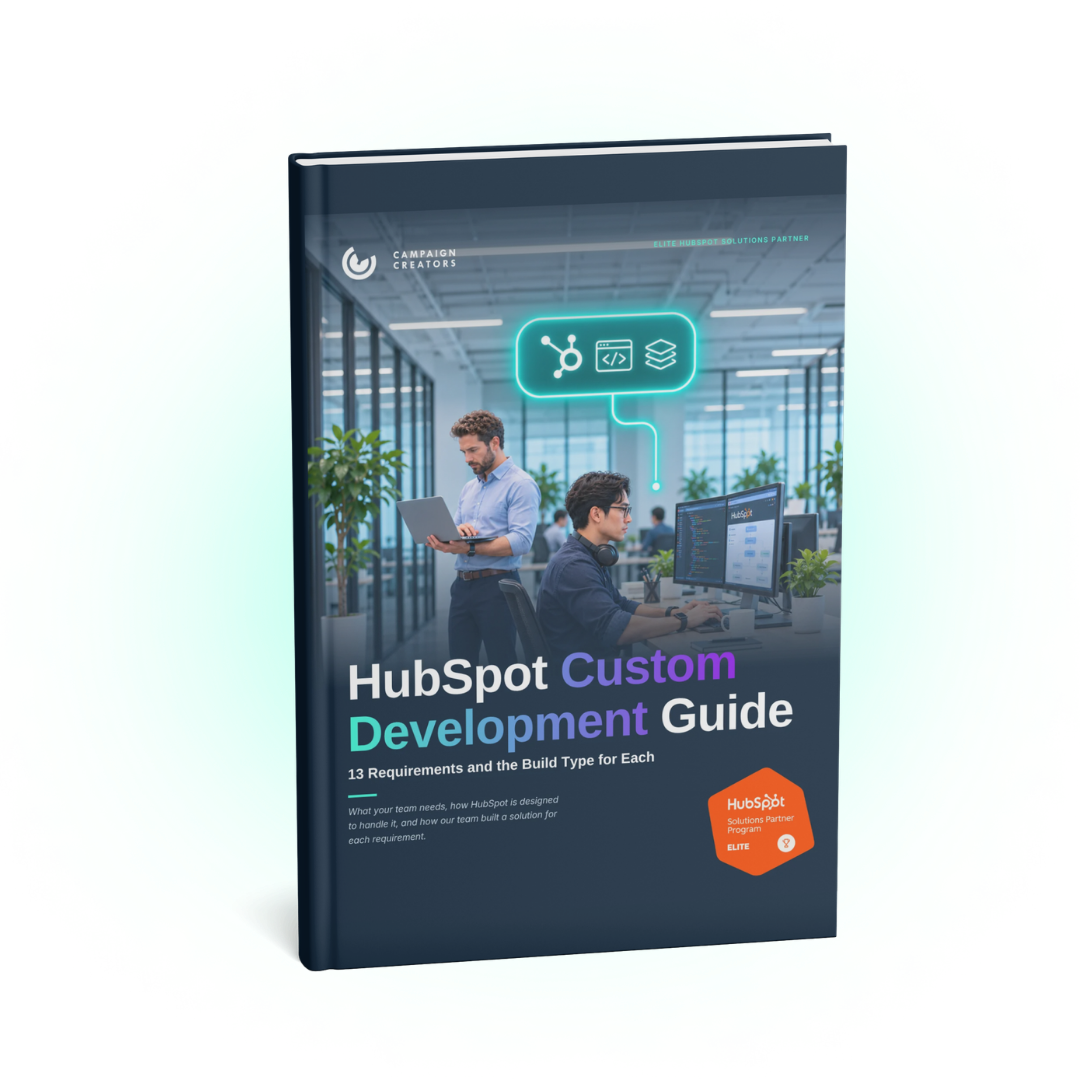
The HubSpot Custom Development Guide
HubSpot covers a wide range of CRM and marketing needs through its standard settings, but some teams have requirements those settings weren't set up for, such as separate consent for marketing texts and appointment reminders, or lead routing across outside dealers. Meeting them takes a custom build, which can be anything from properties and workflows set up in a new way to code that connects HubSpot to another system. This free guide walks through 13 of these requirements, explains how HubSpot is designed to handle each one, shows the build Campaign Creators shipped for a client, and includes a worksheet to plan your own.
What You’ll Find Inside
Know whether a requirement needs a custom build, and which kind, before anyone writes code. The guide covers 13 requirements with HubSpot's native design for each, the client build our team shipped, a build type tag from Configuration through Middleware, and a scoping worksheet you can hand to an admin or partner.
-
What is a custom HubSpot build?
A custom HubSpot build is anything added on top of HubSpot's native settings to meet a specific requirement, such as a coded workflow action, a HubDB table, or middleware that connects HubSpot to another system.
-
Do custom objects require HubSpot Enterprise?
Yes, creating custom objects requires an Enterprise subscription, and Professional accounts can model many relationships with custom properties and association labels.
-
What is HubDB in HubSpot?
HubDB is HubSpot's built-in database tool that stores structured data in tables your website pages can read, and using it for dynamic pages requires Content Hub Professional or Enterprise.

-
What is a custom code action in a HubSpot workflow?
A custom code action runs JavaScript or Python as a step inside a HubSpot workflow and requires a Data Hub Professional or Enterprise subscription.
-
What is middleware in a HubSpot integration?
Middleware is hosted code that runs between HubSpot and other systems, moving and translating data when an event happens or on a set schedule.
-
How many custom objects can the HubSpot-Salesforce integration sync?
On Enterprise subscriptions, the HubSpot-Salesforce integration maps up to 10 custom objects per HubSpot account.
-
Can Breeze AI help with a custom HubSpot build?
Yes, Breeze Assistant can create custom properties and custom objects from a plain-language request and can add a custom code action to a workflow.
- HubSpot admins and RevOps leads with a requirement the settings pages don't cover
- Marketing operations teams managing preference centers, subscription types, or SMS consent
- Teams connecting HubSpot to Salesforce, an event platform, a clinical system, or a dealer network
- Professional-tier accounts working out what they can model without Enterprise custom objects
- Anyone about to brief a developer or partner on a custom build
What's New
Integration Insights from Campaign Creators.
5 min read
How to Make Vibe-Coded Tools Comply with HubSpot GDPR Delete Requests
Nov 10, 2026
6 min read
Should You Build a Custom Ticketing System With AI or Use HubSpot Service Hub?
Nov 4, 2026