







 Campaign Creators
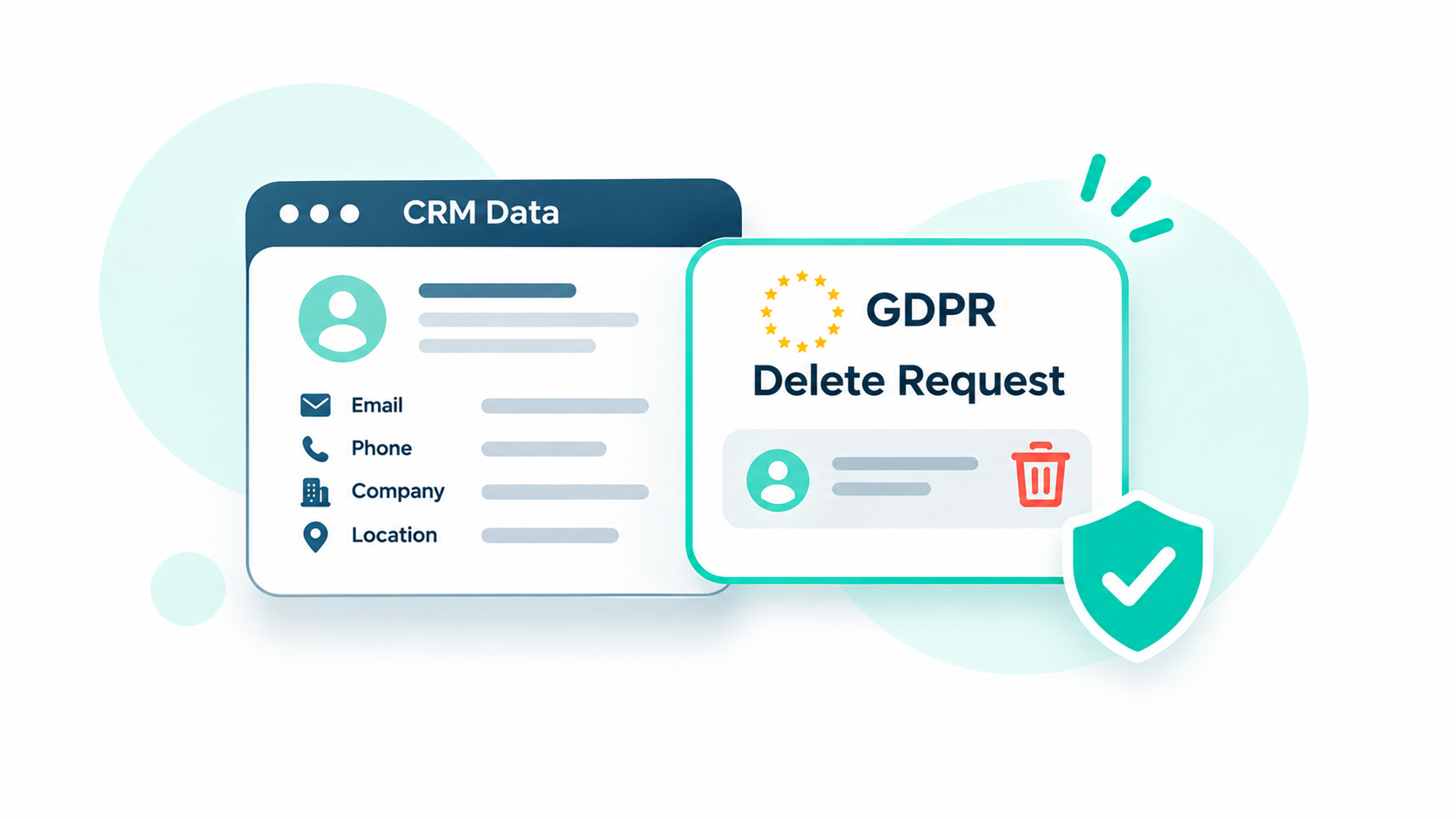
A HubSpot GDPR delete request removes a contact's record and activity from HubSpot, but it does not automatically delete copies stored in other tools. For a vibe-coded tool to comply, it must receive HubSpot's privacy deletion webhook and remove that person's data from its own database, logs, files, and connected AI services. It must also stop syncing the deleted contact back into HubSpot.
The problem starts when a custom-built tool copies contact data from HubSpot without a plan for handling deletion requests. That data can remain in databases, files, and connected services even after the original HubSpot record is gone. By the time someone spots the issue, a legal deadline may already be approaching.
If your team has built custom tools that connect to HubSpot, our team can help ensure deletion requests reach every connected system and remove the relevant contact data.
Key Takeaways
- A permanent delete in HubSpot can take up to 30 days to purge, and copies in connected tools stay put.
- GDPR gives you one month to act on an erasure request, and the CCPA gives you 45 calendar days.
- A tool that creates contacts through the API can bring a deleted contact back, because API requests get past HubSpot's blocklist.
- Every place a tool stores contact data needs its own delete step, including logs, file exports, and AI prompt history.
Table of Contents
- What Happens When You GDPR-Delete a Contact in HubSpot?
- Why Do Vibe-Coded Tools Miss HubSpot Deletion Requests?
- Where Does a Vibe-Coded Tool Keep Copies of Contact Data?
- How Do You Sync HubSpot GDPR Deletions to a Custom Tool?
- How Long Do You Have to Complete a Deletion Request?
- When Should a Vibe-Coded Tool Become a Proper HubSpot Integration?
- Frequently Asked Questions
What Happens When You GDPR-Delete a Contact in HubSpot?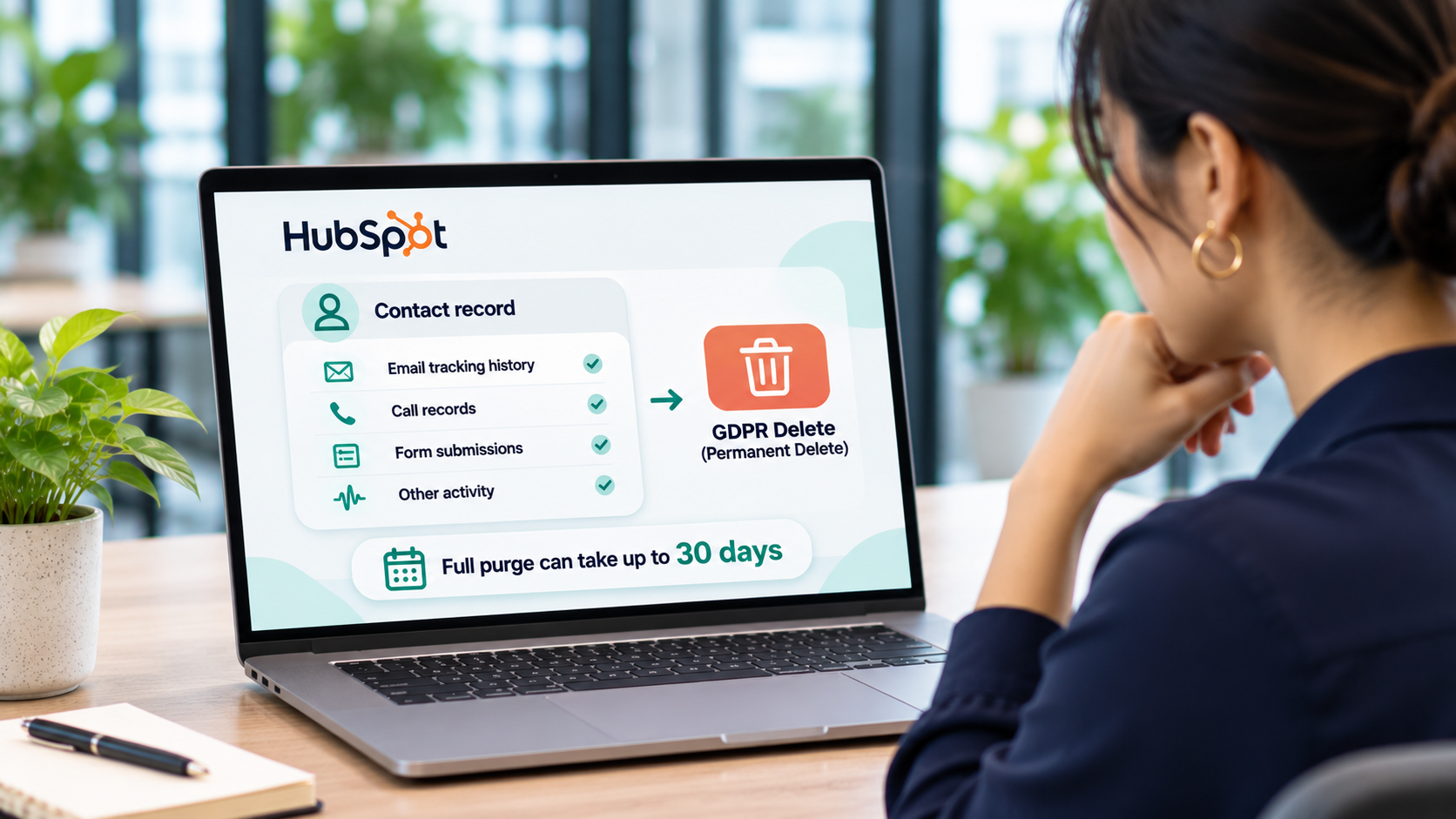
A GDPR delete in HubSpot, called a permanent delete, removes the contact record along with its email tracking history, call records, form submissions, and other activity. The full purge can take up to 30 days after you start it.
A few details decide how the permanent delete plays out in practice.
- Permissions: You need both the Delete contacts and Permanently delete contacts permissions.
- One record at a time: Permanent deletes happen on individual contact records. You can't run them in bulk through segments or workflows.
- Blocklist: HubSpot adds the person's email to a blocklist, so nobody can add them back through the UI or an import.
- Ways back in: A deleted contact can return by submitting a form, emailing a connected team inbox, or through an API request. Each return creates a brand-new record.
- What stays: Blog comments aren't removed automatically, and anonymized analytics such as email opens and session counts remain.
Developers can trigger the same purge with the Contacts API GDPR delete endpoint, which needs the crm.objects.contacts.write scope. That endpoint is useful when a request reaches your custom tool first.
Every item on that list happens inside your HubSpot portal. HubSpot cleans its own database, and a connected tool only finds out if it subscribed to the deletion notification.
Why Do Vibe-Coded Tools Miss HubSpot Deletion Requests?
Vibe-coded tools miss deletion requests because AI builders write the path the prompt describes. Someone asks for a tool that pulls contacts in, and nobody asks what should happen when a contact disappears.
The tools also tend to ship fast and unreviewed. In a scan of 380,000 assets on platforms like Lovable, Replit, and Base44, 40% of 5,000 corporate apps exposed sensitive data. A tool built without basic access controls rarely has a deletion process.
The gap usually comes from one of four patterns.
- One-time copies: The tool imports contacts into its own database during setup and never checks HubSpot again.
- No subscription: The tool never registered for deletion events, so HubSpot has nobody to notify.
- The wrong event: A tool that listens only for routine deletions can't tell a privacy request from a cleanup, because a privacy deletion also fires the regular deletion event.
- No owner: The person who built the tool moved on, and nobody else knows where its data lives.
We cover incomplete deletion requests as one of the common failures of AI-built business tools. To prevent this, you need to know every place your tool stores contact data so you can find and delete it when requested.
Where Does a Vibe-Coded Tool Keep Copies of Contact Data?
A vibe-coded tool keeps contact data in more places than its main database. Logs, file exports, and AI prompts often hold names and emails too, and each one needs its own delete step.
|
Location |
What it usually holds |
How to delete |
|
App database (Supabase, Firebase, Postgres) |
Synced contact rows, notes, and scores |
Delete rows by HubSpot record ID |
|
Logs and error trackers |
Emails and names inside request payloads |
Mask personal data at write time, and set short retention |
|
File storage |
CSV exports, generated PDFs, and uploads |
Delete the files and any shared links |
|
AI provider history |
Prompts that included contact details |
Use a company plan with retention controls, and clear stored threads |
|
Third-party services |
Email, enrichment, or SMS tools the app calls |
Send each service its own delete request |
|
Backups |
Database snapshots |
Let them expire on schedule, and purge again after any restore |
The third-party row carries a legal duty. Under GDPR, you must tell each recipient about the erasure unless that's impossible or takes disproportionate effort. Write this inventory down before you build the deletion sync.
How Do You Sync HubSpot GDPR Deletions to a Custom Tool?
You can sync HubSpot GDPR deletions by subscribing your tool to the contact.privacyDeletion webhook and purging every copy when it fires. The webhook lets an integration delete the contact without anyone taking a second step in your system.
- Key every copy to the HubSpot record ID. Store the contact's HubSpot ID next to each row, file, and log entry. Without it, the tool can't find what to delete.
- Connect the tool through a HubSpot app. Webhooks run through a HubSpot app, and the privacy event needs the crm.objects.contacts.read scope.
- Subscribe to the privacy event. On HubSpot's newer developer platform, contact.privacyDeletion goes in the hubEvents array of the webhook configuration.
- Verify each request. Check the signature HubSpot sends with every webhook before your tool deletes anything.
- Purge every location. Delete the database rows, files, cached records, and log entries from your inventory, and send delete requests to any third-party services.
- Log the deletion without personal data. Record the HubSpot ID, the date, and the systems purged. Leave out the name and email.
- Block the write-back. Check a suppression list before the tool creates contacts, since an API request can re-add a deleted contact as a new record.
- Test with a dummy contact. Create a test contact, let the tool sync it, permanently delete it in HubSpot, and confirm it's gone everywhere.
Requests can also reach the custom tool first, for example through a delete-my-account button. In that case, have the tool call HubSpot's GDPR delete endpoint, and let the webhook clean up every other connected system.
Step 7 is the most important one. A tool that re-syncs a deleted person brings them back into HubSpot as a fresh contact, and nobody notices until the person complains.
How Long Do You Have to Complete a Deletion Request?
Under GDPR, you have one month from receiving an erasure request. Under the CCPA, you have 45 calendar days. Both deadlines cover every system holding the data, including your vibe-coded tools.
|
Law |
Standard deadline |
Extension |
|
GDPR |
Up to two more months, with notice to the person in the first month |
|
|
CCPA |
45 calendar days from receipt, with confirmation within 10 business days |
Up to 45 more days, for a 90-day maximum, with notice and a reason |
HubSpot's own purge can take up to 30 days, so start the deletion in HubSpot as soon as you verify the request. A webhook sync helps here, because your tools act the moment HubSpot does and no one has to remember a manual step.
Your legal team should confirm what laws apply to your contacts. The deadlines above are the starting point for planning your process.
When Should a Vibe-Coded Tool Become a Proper HubSpot Integration?
A vibe-coded tool should become a proper HubSpot integration once it stores customer data, serves more than one person, or has to honor deletion requests. At that point, the tool needs an owner, documentation, and a sync that treats HubSpot as the system of record.
Prototypes on test data can stay as they are. The risk starts when a tool becomes a second home for customer data, or when sales activity moves outside the CRM and nobody tracks where it went.
Deletion gaps usually come from data living in places nobody mapped. Our integration team maps every object and sync rule before building, then connects your tools to HubSpot through scoped, documented APIs.
Recap
A HubSpot GDPR delete cleans HubSpot, and every connected tool has to clean itself. Map where each tool stores contact data, subscribe it to the contact.privacyDeletion webhook, and block any write-back that could re-create a deleted contact.
Need your custom tools to honor HubSpot deletions without manual follow-up? See how we build custom HubSpot integrations that keep every system in step.