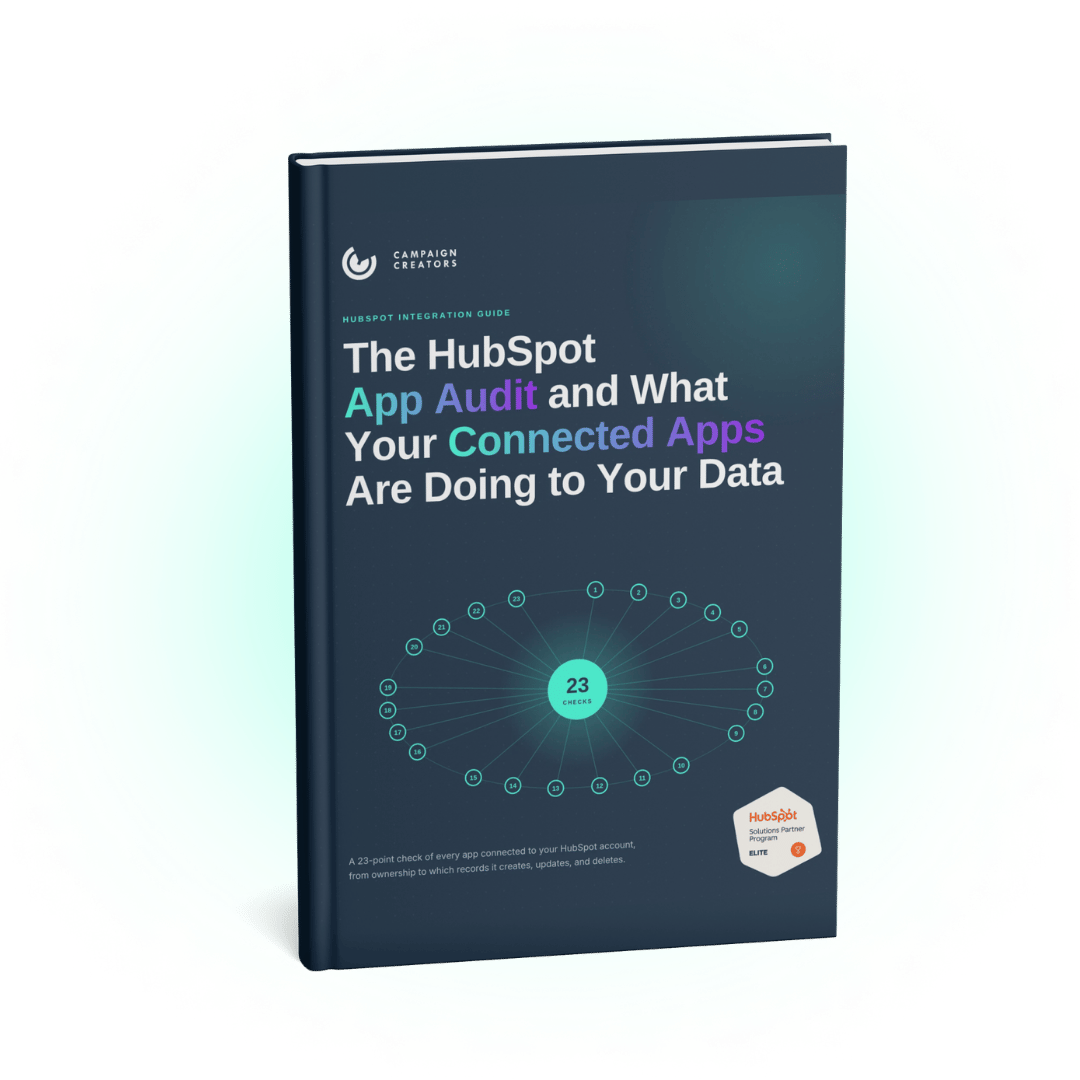
Your HubSpot account holds connected apps that no one on your team can fully account for, and each one can create, update, merge, or delete records on its own schedule. This guide helps you find every app, give it an owner, and see exactly what it does to your data before a sync rule or a forgotten install breaks a report. It walks through 23 checks across inventory, permissions, record changes, workflows, API usage, and ongoing monitoring, using HubSpot’s Connected Apps insights and Breeze Assistant.
What You’ll Find Inside
Know what every connected app does to your data and who answers for it. The guide covers 23 checks with current HubSpot navigation, a safe order for removing apps, Breeze Assistant prompts for a faster first pass, and a bundled Connected App Audit Worksheet with a one-page 23-point checklist.
No, the feature stays on once it's active, though you can delete an individual brand or ask your HubSpot Customer Success Manager to cancel the add-on.
Who This Is For
HubSpot admins, RevOps leads, and systems owners on any HubSpot plan
Teams running a two-way sync with an ERP, sales tool, or event platform
Accounts where reps, agencies, or developers have installed apps over several years
Teams adding AI tools that ask for CRM access
Anyone taking over a HubSpot account from a previous admin