










 Campaign Creators
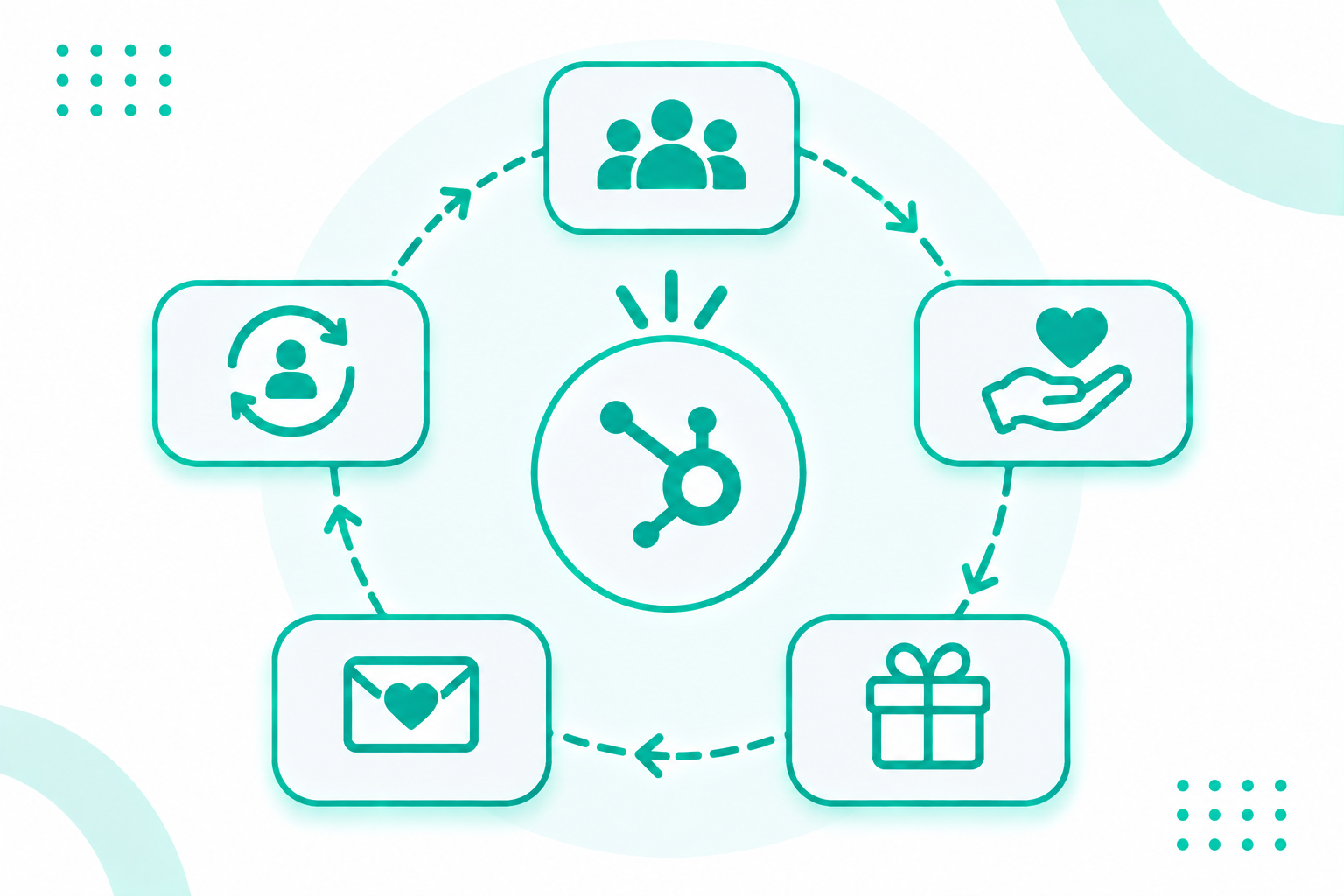
The donor lifecycle is the set of stages a supporter moves through with a nonprofit. It runs from first contact to a first gift, repeat giving, and larger gifts, and it loops through lapse and reactivation when giving stops. In HubSpot, you can map it with custom lifecycle stages, a donor status property, gift pipelines, and workflows that move records between stages.

Development teams usually know these stages by heart, but the CRM often doesn't. When stage definitions and handoffs live only in people's heads, first-time donors miss the second ask. Major gift prospects sit unassigned, and lapsed donors keep getting the general appeal.
If you're setting up HubSpot for a development team, our HubSpot onboarding team builds stages, pipelines, and automation around how you raise money.
Key Takeaways
- The donor lifecycle has no single official model, so each nonprofit should define its own stages, entry rules, and owners before building anything in HubSpot.
- HubSpot's default lifecycle stage only moves forward automatically, so lapsed donors belong in a separate donor status property.
- Custom lifecycle stages work on every HubSpot plan, but rollup properties and workflows need a Professional or Enterprise subscription.
Table of Contents
- What Is the Donor Lifecycle?
- What Are the Stages of the Donor Lifecycle?
- Who Owns Each Stage, and Where Do Handoffs Happen?
- How Do You Map Donor Lifecycle Stages in HubSpot?
- How Do You Track Lapsed Donors in HubSpot?
- How Do Fundraising Platform Integrations Keep Stages Accurate?
- What HubSpot Reports Show Donor Retention by Stage?
- How Can a HubSpot Partner Help Map Your Donor Lifecycle?
- Recap
- Frequently Asked Questions
What Is the Donor Lifecycle?
The donor lifecycle is a model of how a person's relationship with your nonprofit changes over time, from stranger to supporter to loyal donor. It gives every team the same words for where a donor stands and what should happen next.
Fundraising sources describe the lifecycle in different ways. Some use three phases of acquisition, retention, and upgrade. Others break it into more steps and add lapsed status and possible reactivation at the end. Both views describe the same journey at different levels of detail.
The lifecycle also loops. A donor can stop giving at any stage, and a lapsed donor can come back as a reactivated donor. A model that only runs in one direction, from prospect to major donor, hides the donors you're losing.
Donor loss is normal across the sector. Across 15,102 organizations, overall donor retention was 43.3% in 2025, up only slightly from 43.1% the year before. Clear stages help a development team spot those losses while there's still time to win donors back.
What Are the Stages of the Donor Lifecycle?
A practical donor lifecycle has six stages, from Supporter to Advocate, plus a status that tracks lapsed and reactivated donors at any stage. Rename them to fit your organization, but keep each stage tied to a behavior you can measure.
| Stage | What it means | What moves a donor into it |
|---|---|---|
| Supporter | Knows your mission but hasn't given | Signs up for email, attends an event, volunteers, or follows a campaign |
| First-Time Donor | Has made one gift | First donation is recorded |
| Repeat Donor | Has given more than once | Second gift is recorded, or a recurring gift processes twice |
| Major Gift Prospect | Shows capacity and interest for a larger gift | Gift history, wealth screening, or a gift officer's qualification |
| Major Donor | Has made a gift above your major gift threshold | A major gift or pledge closes |
| Advocate | Promotes your cause beyond their own giving | Runs a peer-to-peer page, serves on a committee, or makes a planned gift |
Who Owns Each Stage, and Where Do Handoffs Happen?
Every stage needs one owner and one clear trigger for passing the donor to the next owner. Without named owners, donors stall between marketing, the annual fund, and major gifts.
Different roles use the lifecycle for different jobs. Development directors use it to prioritize outreach, and marketers use it to plan stage-based campaigns. Major gift officers use it to find high-potential donors who need personal cultivation.
| Stage | Owner | Handoff trigger | What happens in HubSpot |
|---|---|---|---|
| Supporter | Marketing and communications | First gift is recorded | A donation record closes and the lifecycle stage updates |
| First-Time Donor | Annual fund or donor relations | Second gift is recorded | A workflow moves the contact to Repeat Donor |
| Repeat Donor | Annual fund | Giving history or screening shows major gift capacity | A gift officer is assigned, and a major gift deal is created |
| Major Gift Prospect | Major gift officer | A major gift or pledge closes | The deal moves to won and the stage updates to Major Donor |
| Major Donor | Major gift officer and stewardship | Donor takes on a public role or a planned gift | A task or form submission sets the stage to Advocate |
| Advocate | Executive director and stewardship | No further stage | Stewardship plan and recognition continue |
Run a Lifecycle Mapping Workshop
A two-hour workshop with the right people settles stage definitions before anyone touches HubSpot settings. Follow these steps.
- Invite the executive director, development director, marketing lead, a major gift officer, and whoever manages the database.
- List every stage your team already talks about, including informal labels such as "warm prospect" or "monthly donor."
- Agree on one measurable entry rule for each stage, such as "two or more gifts in the past 24 months."
- Name one owner per stage, using a role and not a person's name, so the map survives staff changes.
- Write the handoff trigger between each pair of stages and decide who gets notified.
- Match each rule to a HubSpot field, such as lifecycle stage, a donation pipeline stage, or a calculated property.
- Set a review date six months out to check the definitions against real donor movement.
The output is a one-page stage map that becomes the build spec for HubSpot. It also gives leadership a lifecycle architecture they can read at a glance, so board reports and campaign plans use the same definitions.
How Do You Map Donor Lifecycle Stages in HubSpot?
You can map the donor lifecycle in HubSpot by renaming objects, editing lifecycle stages, building gift pipelines, adding rollup properties, and automating stage changes. Do the steps in this order, because each one depends on the one before it.
- Rename your default objects. You can rename them on any HubSpot plan, so Contacts can read Constituents and Deals can read Donations. Staff adopt the CRM faster when it uses their own words.
- Edit the lifecycle stages. Custom lifecycle stages are available on all HubSpot plans for contacts and companies, and you need Super Admin access to change them. Replace the B2B defaults, such as MQL and SQL, with the stages from your workshop map. Before you delete a default stage that holds records or appears in lists and reports, move those records and update those tools first.
- Build a donations pipeline and a major gifts pipeline. Creating custom pipelines takes a Starter subscription or higher, and Starter includes 15 custom pipelines shared across all objects. Use stages such as Identified, Qualified, Cultivating, Ask Made, Pledged, and Declined for major gifts. Include both a won and a lost stage so reports count them correctly.
- Turn on lifecycle stage sync for donations. In the lifecycle stage settings, you can set a contact's stage automatically when a deal is created or won. Set "deal won" to First-Time Donor. Later gifts won't pull a Repeat Donor back, because automatic updates only move forward.
- Add rollup properties for giving history. Calculation and rollup properties need a Professional or Enterprise subscription. Create Lifetime Giving as a sum of associated donation amounts. Then create Last Gift Date as the latest close date of associated donations.
- Automate stage changes with workflows. Workflows are available on Professional and Enterprise tiers of Marketing Hub, Sales Hub, Service Hub, Data Hub, Smart CRM, and Revenue Hub. Build one workflow per stage change, such as moving a First-Time Donor to Repeat Donor when a new donation closes.
Name each donation stage after something that happened, such as "Ask Made," so a gift officer's hunch never moves a deal forward.
How Do You Track Lapsed Donors in HubSpot?
Track lapsed donors with a separate Donor Status property and leave the lifecycle stage alone. HubSpot's default lifecycle stage is built to show how far a donor has progressed, not if they're giving right now.
HubSpot's imports, forms, the API, and workflows can only move the default lifecycle stage forward. To set an earlier stage, you first have to clear the value manually or with a workflow. Moving a lapsed Major Donor back to Supporter would also erase the history your gift officers need for a reactivation conversation.
Create Donor Status as a dropdown property with these values.
- Active for donors who gave in the current fiscal year
- LYBUNT for donors who gave "last year but unfortunately not this year"
- SYBUNT for donors who gave "some year but unfortunately not this year"
- Lapsed for donors past your cutoff, often 12 to 24 months since the last gift
- Reactivated for lapsed donors who give again
Build a scheduled workflow that reads Last Gift Date and updates Donor Status. When a new donation closes for a Lapsed or SYBUNT donor, the workflow sets Reactivated and notifies the stage owner. If you're new to building these, our HubSpot workflow best practices guide explains when to use contact-based and deal-based workflows.
How Do Fundraising Platform Integrations Keep Stages Accurate?
Integrations keep stages accurate by writing every gift, registration, and membership change onto the right HubSpot record without manual imports. Lifecycle automation can only be as current as the gift data feeding it.
HubSpot's nonprofit program names Fundraise Up, GoFundMe Pro, Donorbox, and Stripe as fundraising integrations that push donation data into contact records. Eventbrite, Humanitix, and event•hapily cover event registrations. Once donation data lands in HubSpot as a donation record, the lifecycle sync and Donor Status workflows can run on their own.
Gaps appear when a key system has no native integration. Our client GTIA is a technology industry association with a global membership program. Its staff exported member lists to Cvent by hand so members could get event fee waivers. We built a custom two-way HubSpot and Cvent integration that syncs membership status automatically. It also writes registration, attendance, no-show, and cancellation data to HubSpot's Marketing Event object. The project synced 230,000+ contacts and backfilled event data to January 1, 2022.
Donor activity needs the same treatment. Attending a gala or volunteering is a strong signal for moving a Repeat Donor to Major Gift Prospect. That signal only helps if the activity lands on the donor's record.
What HubSpot Reports Show Donor Retention by Stage?
Four reports cover donor retention by stage. Put them on one development dashboard so leadership can review the lifecycle in one place.
- A contacts-by-lifecycle-stage report shows how many donors sit in each stage today and where the file is thin.
- A stage conversion report uses the "Date entered" property for each stage to show how many First-Time Donors became Repeat Donors within 12 months. These calculated properties keep their values even if a stage is later cleared.
- A yearly retention rate divides donors who gave this year and last year by all donors who gave last year. In one example, 159 returning donors out of 300 works out to a 53% retention rate.
- A Donor Status breakdown counts Active, LYBUNT, SYBUNT, Lapsed, and Reactivated donors so you can size each win-back campaign.
Track donor counts next to revenue. In the 2025 FEP data, total dollars rose 5.0% while the number of donors fell 3.6%. A dashboard that tracks revenue alone can look healthy while the donor base shrinks underneath it.
How Can a HubSpot Partner Help Map Your Donor Lifecycle?
A donor lifecycle in HubSpot only works when stages, pipelines, and gift data line up. In many portals, the stage design is sound, but gifts arrive through a fundraising platform, event tool, or legacy database that doesn't sync cleanly. As a HubSpot Elite Solutions Partner, our team maps stages with your development staff. We configure lifecycle stages and pipelines, then connect the systems that feed them.
If your gift data lives outside HubSpot, our HubSpot integration development team can connect it so every stage updates on its own.
Recap
The donor lifecycle tracks how supporters move from first contact to first gift, repeat giving, major gifts, and advocacy, and how some lapse and return. In HubSpot, you can map it with custom lifecycle stages, gift pipelines, rollup properties, and workflows, plus a separate Donor Status property for lapsed donors.
Already running HubSpot with stages built for a sales team? Get a HubSpot specialist on call to remap your lifecycle around donors.
