HubSpot for Tech: How to Build a CRM Around Trials, Onboarding, Renewals, and Expansion
SaaS companies do not operate on a one-time sales cycle. Revenue depends on converting trial users, onboarding customers successfully, retaining...
A team of data-driven marketers obsessed with generating revenue for our clients.
Because the proof is in the pudding.
At Campaign Creators we live by three principles: Autonomy, Mastery, Purpose.
7 min read
Campaign Creators
:
06/03/26
SaaS companies often reach a point where subscriptions, renewals, onboarding, customer success, and partner relationships can no longer be managed effectively through standard CRM records. As these operations grow, reporting becomes fragmented, automation becomes difficult to maintain, and teams lose visibility across the customer lifecycle.
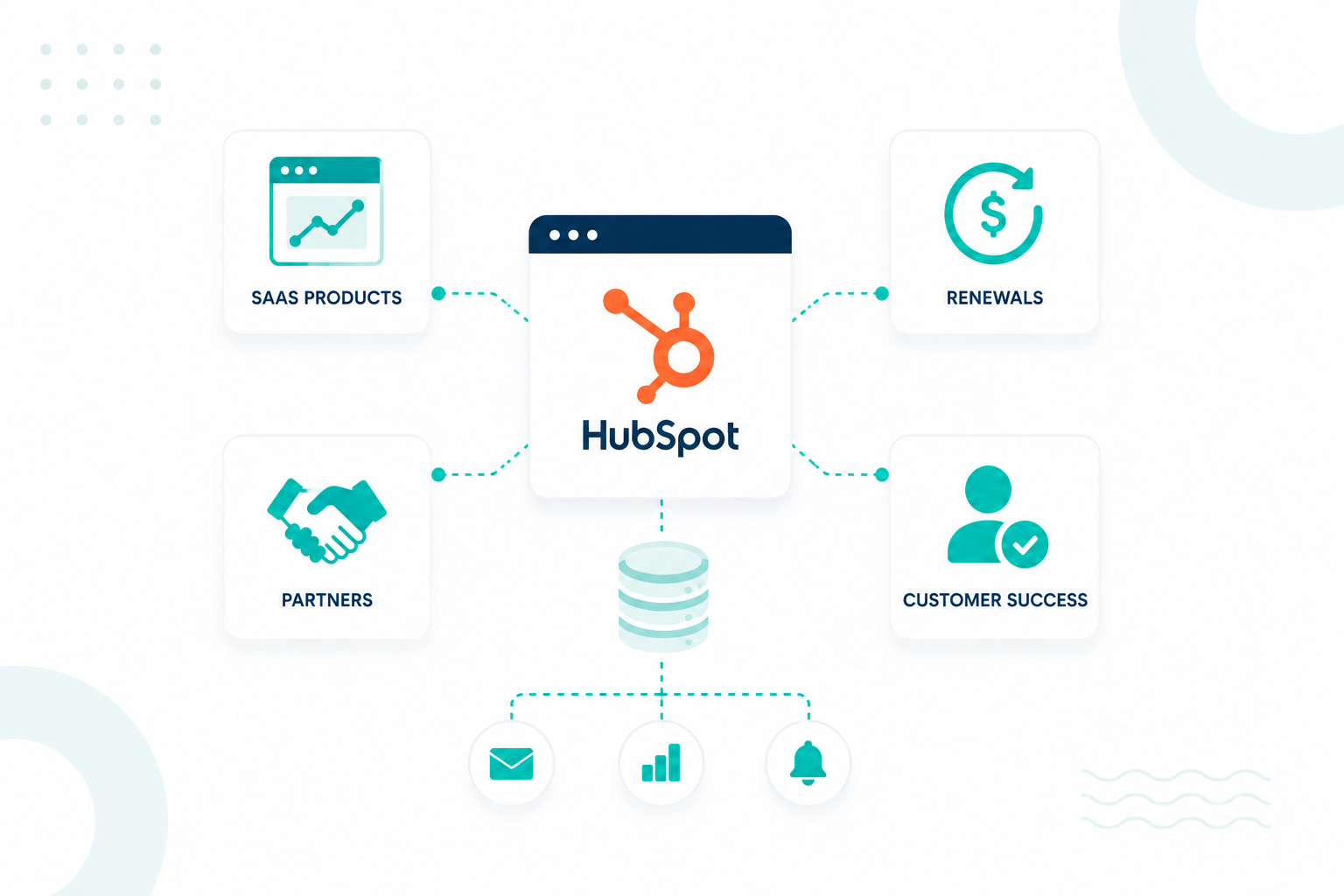
A scalable HubSpot architecture connects customer, product, subscription, and revenue data through a structured model. This guide explains how to structure HubSpot for SaaS businesses, including renewals, customer success, partners, custom objects, and automation that support long-term growth.

A standard HubSpot setup works well during early growth stages when customer relationships are relatively straightforward. As SaaS companies scale, the CRM must support operational processes that extend beyond the original sales opportunity.
A single customer may have:
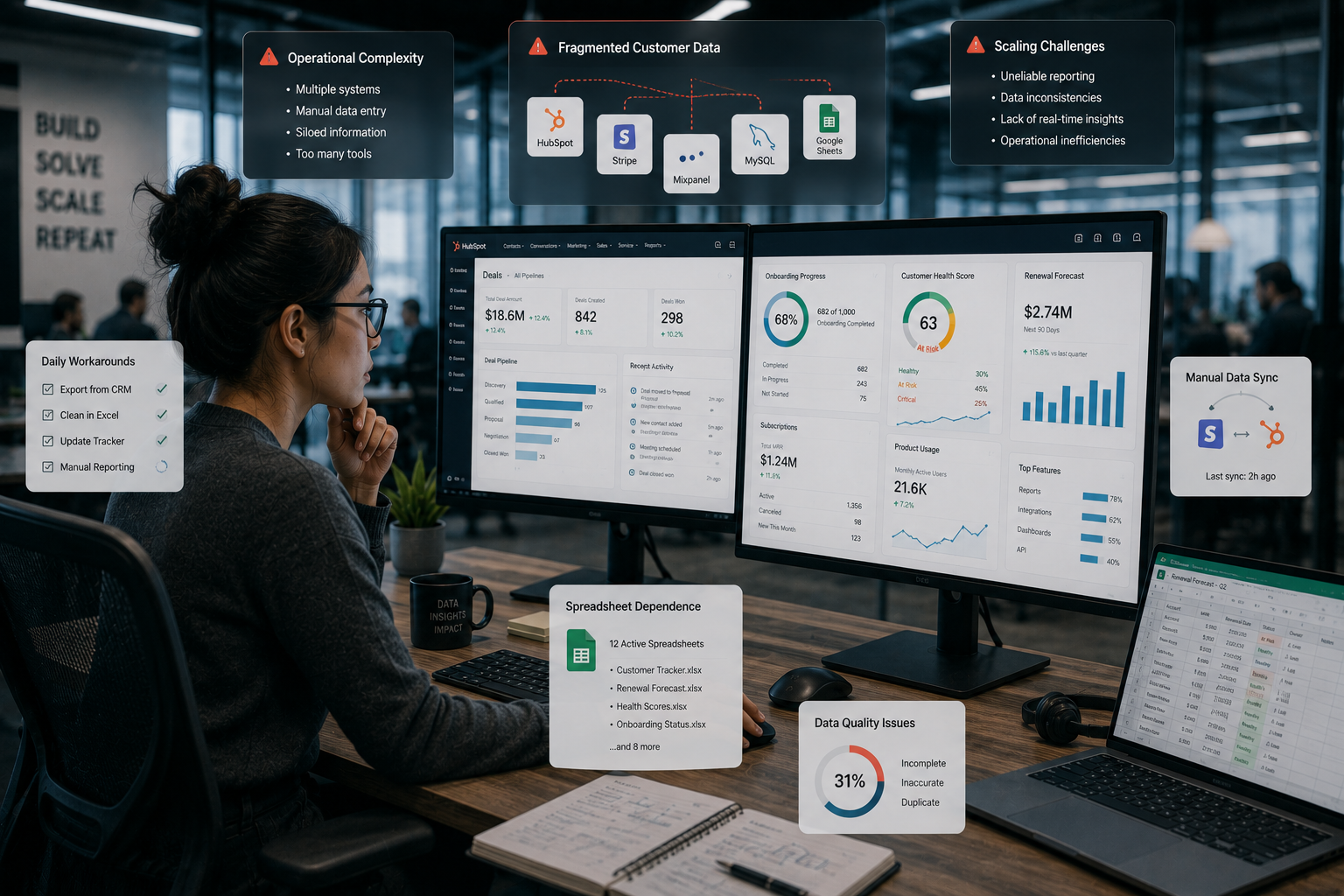
Many SaaS companies encounter limitations when teams start managing onboarding, renewals, or customer success activities in spreadsheets, exporting CRM data for recurring revenue reporting, or creating duplicate pipelines to track customer lifecycle activities. These workarounds often indicate that subscriptions, implementations, licences, and renewals are being managed through CRM objects designed for sales opportunities rather than ongoing customer operations.
The impact is often fragmented customer data. According to HubSpot, 92% of businesses have valuable customer insights stored outside their CRM, and 34% report revenue loss linked to fragmented customer data. When onboarding, customer success, billing, renewals, and product usage data are spread across multiple systems, reporting and automation become increasingly difficult to manage.
That is why many organizations move beyond standard HubSpot configurations and implement custom data models aligned with the operational realities of recurring revenue businesses.
What Your SaaS HubSpot Data Model Should Include Before Building Workflows
A HubSpot data model should define business entities, relationships, ownership structures, reporting requirements, and lifecycle stages before any workflows are created.
Workflows depend entirely on how records relate to one another. If the underlying structure is unclear, automation often spreads inconsistent data throughout the CRM.
A strong SaaS data model typically includes:
|
Data Layer |
Purpose |
|
Contacts |
Individual users, stakeholders, decision-makers, and champions |
|
Companies |
Customer accounts and organizations |
|
Deals |
New business opportunities and expansion opportunities |
|
Subscriptions |
Active contracts, recurring revenue, and billing terms |
|
Products |
Purchased products, plans, or services |
|
Partners |
Referral, reseller, or implementation relationships |
|
Customer Success Records |
Adoption, onboarding, health, and retention activities |
HubSpot's CRM architecture relies on objects, records, properties, and associations working together as a connected system. Each object represents a business entity, while associations define how those entities interact throughout the customer lifecycle.
Creating this structure before workflow development improves reporting accuracy and prevents operational confusion later.
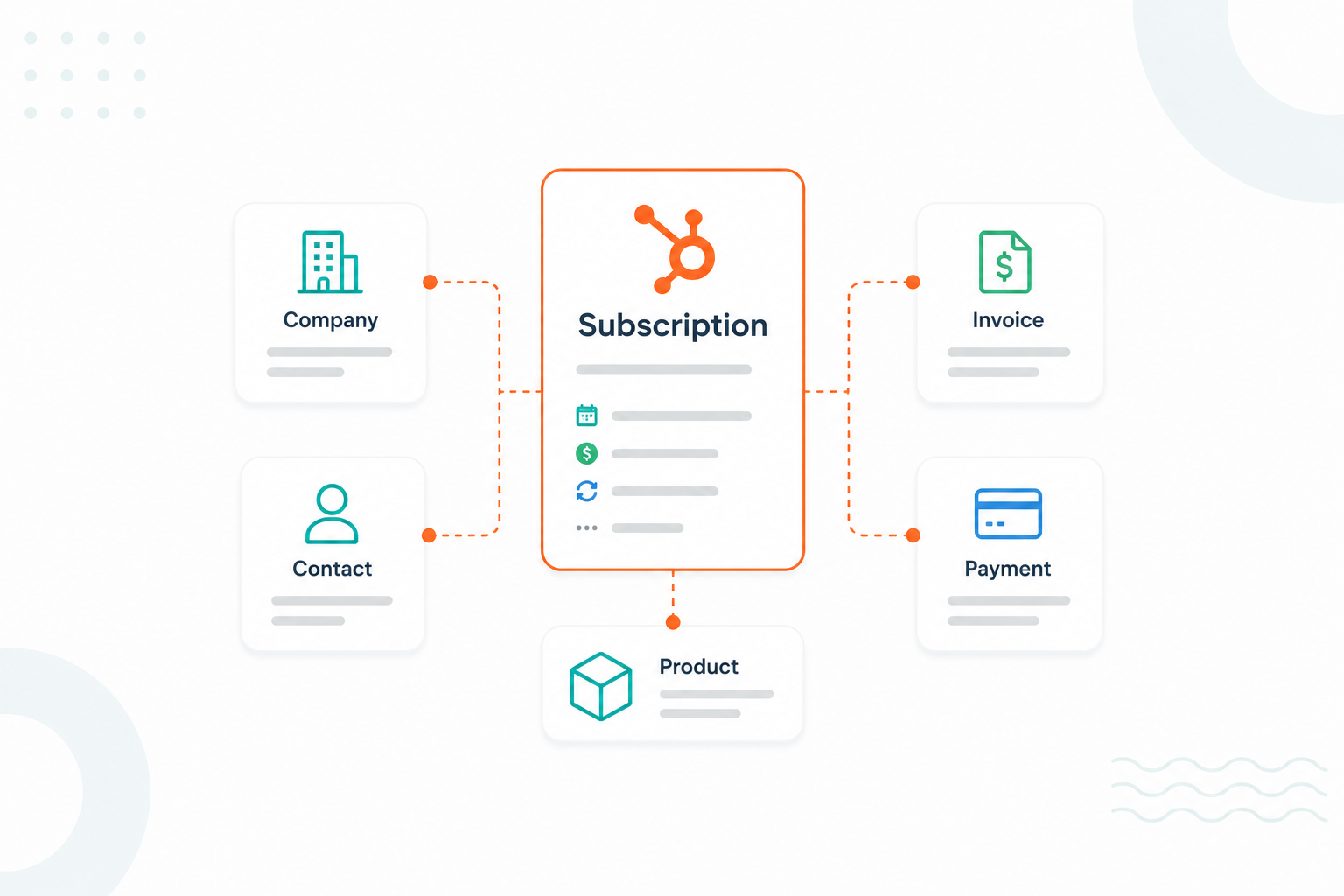
Products define what customers can buy, line items capture what was purchased, subscriptions manage active recurring billing relationships, and renewal deals track future revenue opportunities. Separating these records gives SaaS teams clearer visibility into recurring revenue, renewals, churn, and expansion activity.
HubSpot Products function as a product catalogue for plans, licences, add-ons, onboarding services, and other offerings.
Products store pricing, billing frequency, and product information that can be added to deals, quotes, invoices, and subscriptions through line items. Products represent the offering itself rather than a customer agreement.
When a product is added to a deal, quote, invoice, or subscription, it becomes a line item. Line items store transaction-level details such as:
For example, an Enterprise Plan – Annual line item may be associated with a new business deal, an Analytics Add-On – Monthly line item may be associated with an expansion deal, and an Onboarding Service line item may be associated with an implementation deal.
Line items help SaaS companies to separate recurring subscription revenue from one-time implementation or service revenue and support recurring revenue reporting.
HubSpot subscriptions are designed to manage recurring payments and billing schedules after a purchase is completed.
Subscription records can track:
Subscriptions answer the question: What recurring billing agreement is active today?
Renewals are typically managed through separate deal records in a dedicated renewal pipeline. A renewal deal helps teams manage forecasting, pipeline visibility, deal ownership, expansion opportunities, and downgrades and churn risk.
For example:
|
Renewal Deal |
Purpose |
|
2027 Enterprise Renewal |
Annual contract renewal |
|
Analytics Add-On Renewal |
Product renewal |
|
Enterprise Expansion Renewal |
Renewal with seat growth |
Subscriptions track the active billing relationship, while renewal deals track the future revenue opportunity associated with extending, expanding, or modifying that relationship. Dedicated renewal pipelines also improve forecasting and renewal management.
Custom objects become useful when operational processes require their own records, lifecycle stages, ownership structures, workflows, and reporting.
Examples include:
Many organizations can support early operations using Companies, Contacts, Deals, Products, Line Items, and Subscriptions. Custom objects typically become necessary once operational processes require their own lifecycle management beyond standard CRM records.
A common SaaS HubSpot structure looks like this:
|
Object |
Associated With |
|
Company |
Contact |
|
Deal |
Company |
|
Subscription |
Company |
|
Subscription |
Line Items |
|
Renewal Deal |
Company |
|
Renewal Deal |
Line Items |
|
Customer Success Record (Custom Object) |
Company |
|
Customer Success Record (Custom Object) |
Subscription |
This structure gives sales, RevOps, finance, and customer success teams visibility into products sold, active recurring billing relationships, upcoming renewals, customer health, and expansion opportunities without forcing all lifecycle data into a single CRM record.
Read this informative guide for more information.

Partner relationships should be connected directly to deals, customer accounts, subscriptions, and revenue records through dedicated associations and relationship labels.
Many SaaS companies store partner information inside text fields such as “Referral Partner” or “Reseller Name.” This creates reporting issues because the CRM cannot reliably connect partner activity to revenue outcomes. Reports often break when partner names change, records are duplicated, or multiple partners influence the same account.
A more practical structure treats partners as a separate entity inside HubSpot.
For example:
|
CRM Record |
Association |
|
Partner |
Company |
|
Partner |
Deal |
|
Partner |
Subscription |
|
Partner |
Customer Success Account |
|
Partner Contact |
Deal |
|
Partner Contact |
Company |
This creates a direct relationship between partner activity and customer lifecycle records. A SaaS company working with implementation agencies may associate:
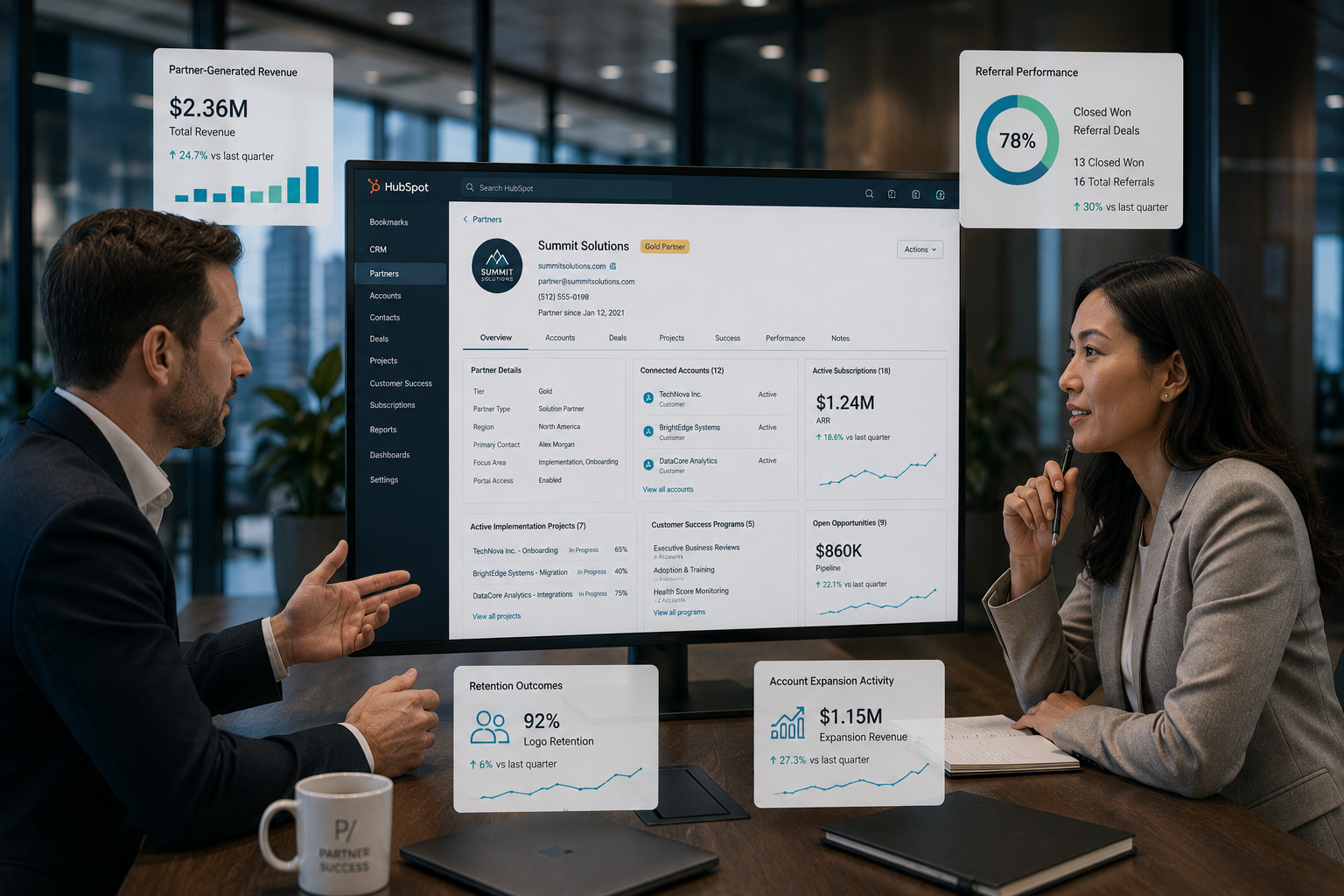
This gives teams visibility into which partners generate revenue, influence renewals, contribute to onboarding success, or support expansion opportunities.
Association labels also improve reporting clarity. A deal may include multiple relationships, such as Referral Partner, Reseller Partner, Implementation Partner, and Technology Partner.
HubSpot association labels help distinguish these roles across the same customer account and revenue record. Reports, workflows, and automation can then filter activity based on partner type rather than relying on manual categorisation.
For larger organizations, partners are often managed through a dedicated custom object. The partner object contains information such as:
The partner record then becomes the central source for attribution reporting, channel performance, and partner-generated revenue analysis. HubSpot custom objects support associations with companies, deals, contacts, and other operational records, making them useful for complex partner ecosystems.
A simple reporting framework usually tracks:
|
Report |
Purpose |
|
Revenue by Partner |
Measures partner-generated ARR and MRR |
|
Deals by Partner Type |
Identifies acquisition sources |
|
Renewals by Partner |
Tracks retention performance |
|
Expansion Revenue by Partner |
Measures the influence of account growth |
|
Customer Health by Partner |
Evaluates long-term customer outcomes |
When partner relationships are connected directly to customer, revenue, and subscription records, reporting becomes more accurate because every stage of the customer lifecycle remains linked back to the original partner influence.
Customer success data should connect directly to customer accounts, subscriptions, products, and revenue records so retention activity remains visible alongside commercial performance.
Customer success teams often manage onboarding, adoption, implementation progress, customer health, expansion opportunities, and churn prevention. If these activities sit separately from revenue records, leadership teams lose visibility into how customer engagement affects retention and growth.
Customer success records often include:
Once you connect customer success activity to subscriptions and revenue records, it creates a clearer operational picture. Teams can identify whether customer health, onboarding progress, product adoption, or engagement levels influence retention and expansion outcomes.

Renewal, expansion, and customer health workflows should operate from the same CRM data model, so every team works from consistent customer lifecycle data.
In HubSpot, workflows can automate actions across standard objects, subscriptions, deals, payments, quotes, and custom objects. This helps SaaS companies to connect customer activity, recurring revenue operations, and renewal management through a single automation framework.
Common SaaS automation workflows include:
A shared workflow structure connecting renewals, customer health, expansion opportunities, and onboarding data gives sales, RevOps, finance, and customer success teams a single source of truth for managing the customer lifecycle.
It is time to redesign your HubSpot architecture when reporting accuracy, lifecycle visibility, and operational coordination begin deteriorating across departments.
Many SaaS companies continue adding properties, pipelines, and workflows to compensate for structural limitations. Eventually, the CRM becomes difficult to maintain because multiple teams rely on different processes to manage the same customer information.
Common signs that a redesign may be necessary include:
|
Warning Sign |
Operational Impact |
|
Duplicate pipelines |
Inconsistent reporting |
|
Spreadsheet tracking |
Data fragmentation |
|
Conflicting lifecycle stages |
Customer visibility issues |
|
Manual renewal tracking |
Revenue forecasting problems |
|
Limited partner attribution |
Acquisition reporting gaps |
|
Expansion reporting issues |
Revenue visibility challenges |
A redesign becomes most valuable when the CRM structure no longer reflects how the business operates. In these situations, consulting a HubSpot specialist can help ensure the CRM is structured correctly for reporting, automation, and growth.
Structuring HubSpot for SaaS is about creating a CRM that supports subscriptions, renewals, customer success, partnerships, and recurring revenue at scale. A well-designed data model helps keep reporting, automation, and customer lifecycle management connected as the business grows.
As operations become more complex, HubSpot specialists can help design the right architecture, workflows, and reporting framework to improve visibility, reduce manual work, and support long-term growth.
At Campaign Creators, we help companies build scalable HubSpot systems that connect revenue, customer success, and operational data into a single source of truth.
A subscription record tracks the active recurring customer contract, including billing and subscription status. A renewal deal tracks the upcoming revenue opportunity when that contract approaches its renewal date.
A SaaS company usually needs custom objects when subscriptions, licences, onboarding projects, product entitlements, or customer success processes require their own lifecycle stages, workflows, and reporting structures.
Yes. HubSpot can manage multi-product customer accounts through products, line items, subscriptions, associations, and custom objects when separate products have different contracts, renewal dates, or customer success requirements.
Customer onboarding is commonly tracked through tickets, custom objects, lifecycle stages, or onboarding pipelines that monitor implementation milestones, training progress, and activation status.
HubSpot should connect with product usage platforms and billing systems so subscription activity, payment data, customer health signals, and product adoption metrics remain connected to customer and revenue records.
SaaS companies do not operate on a one-time sales cycle. Revenue depends on converting trial users, onboarding customers successfully, retaining...
Technology companies can use HubSpot custom objects once standard CRM records can no longer support how the business operates. For SaaS companies,...