











Skip to the main content.

WEBSITE GROWTH & CONVERSION

• Web Design & Development


• SEO & AEO


• Conversion Rate Optimization


• Lead Generation Strategies


HUBSPOT SUPPORT & ENABLEMENT

• HubDesk


• HubSpot Training


• HubSpot Change Management

FREE TOOLS & ASSESSMENTS

• HubSpot Portal Audit


• HubSpot Al Readiness Scorecard


• HubSpot Al Solutions Design


LEARN & WATCH

• View All Resources


• Ebooks & Templates


• Webinars On-Demand


• Expert Videos

HUBSPOT INSIGHTS

• AEO & AI Search


• Automations


• HubSpot Software


• Migration & Replatforming

• Marketing & Content


• Lead Generation


• Integrations


INDUSTRY & PLATFORM GUIDES

• HubSpot for Healthcare


• HubSpot for IT Services


• HubSpot for Saas


• HubSpot for Franchises


• HubSpot for Consumer Products & Retail


• HubSpot for Financial Services


• HubSpot for Construction


• HubSpot for Real Estate


• HubSpot vs. Zendesk

10 min read

How to Automate Email Marketing for Financial Advisors

How to Automate Email Marketing for Financial Advisors

Automated marketing for financial advisors works when life-event campaigns are built from approved templates, every new or changed message goes through a documented compliance review before send, and every communication lands in the firm's archive after send. HubSpot workflows, approvals, and compliance copy emails carry that process, and your compliance team owns the rules behind it.

Life events give those campaigns their timing. It is projected that $124 trillion in wealth will transfer through 2048, and retirements, rollovers, and inheritances are the moments when clients look for guidance. A well-timed message opens the conversation, and the advisor's follow-up carries it forward.


Key Takeaways

  • Build life-event campaigns from a template library your compliance team approves once, and restart review whenever a message changes.
  • Use triggers clients provide, such as details shared in a review meeting, under a trigger policy your compliance team approves.
  • Content approvals for marketing emails need Marketing Hub Enterprise, and approvers can request changes before anything sends.
  • Compliance copy email, on Marketing Hub Professional or Enterprise, sends a copy of every outgoing marketing email to an archive address you set.
  • Advisor emails and sequences go out through connected inboxes, so confirm your firm's mail journaling captures them.

Table of Contents

  1. How Do Financial Advisors Automate Marketing and Stay Compliant?
  2. Why Life-Event Campaigns Work for Advisory Firms
  3. Step 1: Choose Triggers Your Compliance Team Approves
  4. Step 2: Build an Approved Template Library
  5. Step 3: Add a Compliance Review Step Before Send
  6. Step 4: Capture Every Message in Your Archive
  7. Step 5: Manage Consent and Subscriptions
  8. What Does the SEC Marketing Rule Mean for Campaign Content?
  9. Three Life-Event Campaigns to Build
  10. How Should You Measure Life-Event Campaigns?
  11. Life-Event Campaign Launch Checklist
  12. Recap
  13. Frequently Asked Questions

How Do Financial Advisors Automate Marketing and Stay Compliant?

Financial advisors automate marketing and stay compliant by building the review step and the archive step into each campaign. Messages come from approved templates, compliance signs off before any new or changed message sends, and a copy of every send reaches the firm's archive.

Here's how that loop runs in HubSpot, with the evidence each step leaves behind.

Step Owner HubSpot tool Evidence produced
Draft from an approved template Marketing operations Marketing email editor, template library A draft tied to an approved template version
Request approval Marketing operations Content approvals (Marketing Hub Enterprise) An approval request on the email
Compliance review Chief compliance officer or delegate Approval sidebar, request changes Approver, decision, date, and change notes
Turn on the automation Marketing operations Workflows (Professional or Enterprise) Workflow settings and enrollment history
Send and copy HubSpot Compliance copy email (Marketing Hub Professional or Enterprise) A copy of each sent email at the archive address
Advisor follow-up Advisor Tasks, connected inbox, sequences Logged emails on the record, plus the firm's mail journaling
Periodic review Compliance Approval history, audit log Review notes and exceptions


Why Life-Event Campaigns Work for Advisory Firms

Life-event campaigns work because they reach clients when they're already making financial decisions. Each message is a conversation starter, and the advisor's outreach is the next step.

Inheritance shows the scale. ThinkAdvisor reported Cerulli's finding that $54 trillion of that transfer will first pass to surviving spouses, which makes the surviving spouse a client your firm needs to support well.

Life event Trigger or signal Message goal Channel Review requirement
Approaching retirement Target retirement date the client shared at a review Invite a retirement income planning conversation Email series, advisor task Approved templates, review on any change
Rollover or job change Client tells the advisor about a job change, or submits a form Explain options at an educational level and invite a call Email series, advisor call Review for balanced treatment of options
Inheritance Client shares the news with the advisor Offer support and a planning meeting Advisor-sent email, advisor task Review of each message and its tone
Marriage Client update at a review Prompt a beneficiary and account review Email Approved template
New child Client update at a review Invite an education savings and coverage check-in Email Approved template
Home purchase Client update at a review Invite a cash flow and planning check-in Email Approved template
Business sale Advisor-set trigger after a client conversation Open a liquidity planning conversation Advisor 1:1 email Review of each message

Want a second look at your campaign setup? The Architecture Blueprint maps your current HubSpot setup against where it needs to be, including the properties, workflows, and approvals behind life-event campaigns.

Step 1: Choose Triggers Your Compliance Team Approves

Trigger life-event campaigns from information clients give your firm for planning purposes, captured in properties by advisors, and document the allowed triggers in a policy your compliance team approves. Avoid inferring sensitive life events from data a client didn't provide for that purpose.

Approved Trigger Sources

Trigger source Example How it enters HubSpot
Client-provided information A client mentions a target retirement date at a review The advisor updates a Life event or Target retirement date property
Advisor-set trigger An advisor learns a client is selling a business The advisor sets the Life event property after the conversation
Review dates A household's next review is 60 days out The household's next review date property
Form responses A client submits an "I'm changing jobs" form A form field mapped to the Life event property

Our guide to running households, referrals, and client reviews in a CRM for financial advisors covers the household record and review dates these triggers rely on.

Write the Trigger Policy

Keep the policy short: the allowed sources, the properties that can trigger a campaign, who can set them, and the life events that always need an advisor conversation first, such as an inheritance. Keep identifiers and account details out of these properties entirely, following the placement rules in our guide to HubSpot sensitive data for financial services.

Workflows enroll contacts when a trigger property changes. Per HubSpot's guide to creating workflows, workflows need a Professional or Enterprise subscription.

Step 2: Build an Approved Template Library

Build a library of email templates your compliance team approves once, with locked disclosure sections and a fixed set of personalization tokens. Every edit to an approved template restarts review.

What Each Template Includes

  • A locked footer with required disclosures, the firm's postal address, and the unsubscribe link
  • Approved personalization tokens only, such as first name and advisor name
  • One clear call to action, usually a meetings link with the client's advisor
  • A version number and approval date in the template name

Set the Change-Control Rule

Treat any change to copy, links, images, or disclosures as a new version that goes back through review. Keep a register your compliance team owns with each template's version, approver, approval date, and the campaigns that use it.

Step 3: Add a Compliance Review Step Before Send

Add review with HubSpot's content approvals, so no marketing email in a life-event campaign can send until an approver signs off. Per HubSpot's guide to approving HubSpot content, approvals for marketing emails and social posts need Marketing Hub Enterprise, and a Super Admin sets them up.

How Approvals Work

  • Approvers can approve content or request changes with a note describing what to update.
  • Content pending approval can only be published by its assigned approvers.
  • An approval can have up to 10 stages and 10 approvers, with at least one approver per stage.
  • Super Admins can skip approvals, so set the skip list in Approval settings to match your compliance policy.

Plan for Every Email Type

HubSpot's guide to requesting approval for a marketing email notes that RSS and blog subscription emails only need approval once, and later updates publish without a new approval. Route those templates through a separate review before you turn them on.

If your account doesn't use content approvals, run the same review outside HubSpot and record it in your approval register. Keep workflow emails in draft until compliance signs off, then turn the workflow on.

Step 4: Capture Every Message in Your Archive

Capture marketing emails with HubSpot's compliance copy email, and capture advisor emails through your firm's mail journaling. Your archiving vendor and IT team confirm each route before launch.

Marketing Emails

According to HubSpot's guide to compliance copy emails, the setting sends a copy of every outgoing marketing email, including automated workflow emails, to a designated address on Marketing Hub Professional or Enterprise. A Super Admin turns it on, and the address must confirm before copies start. HubSpot sends a separate copy for each recipient, and copies count toward your send limit, so confirm your archive address can handle the volume.

Advisor Emails and Sequences

Compliance copy email covers marketing emails only, so advisor emails need their own route. One-to-one emails and sequence emails go out through each advisor's connected inbox, so your firm's mail journaling to the archive can capture them. Sequences need a Sales Hub or Service Hub Professional or Enterprise subscription, per HubSpot's guide to understanding objects.

Match Each Channel to Its Archive Route

Channel Archive route What to confirm
Marketing email and workflow email Compliance copy email to your archive address The address confirms and your archive ingests the volume
Advisor 1:1 email Firm mail journaling through the connected inbox Journaling covers every advisor mailbox
Sequences Firm mail journaling through the connected inbox Enrollment rules and templates match the approval register
Social posts Your archiving vendor's social capture Each connected account is covered
Text messages Your archiving vendor's mobile capture Texting runs only on approved, captured channels

Every email also stays on the contact record in HubSpot as an activity, which gives advisors the history they need for the next conversation.

Step 5: Manage Consent and Subscriptions

Manage consent with email subscription types, so each life-event series sends only to contacts opted in to that kind of email. HubSpot's guide to setting up email subscription types notes they're available on Marketing Hub Starter, Professional, and Enterprise, and contacts can update their preferences or unsubscribe from all email.

Set Up Subscription Types for Life-Event Series

Create subscription types that match how clients think about your email, such as Planning insights, Retirement planning updates, and Firm news. HubSpot won't deliver an email to a contact who has opted out of that email's subscription type.

Cover the CAN-SPAM Basics

The FTC's CAN-SPAM Act compliance guide asks senders to include a valid postal address, give a clear way to opt out, and honor opt-out requests within 10 business days. Put the address and unsubscribe link in your locked template footer, and add contacts who ask for no marketing to a suppression list your team reviews.

What Does the SEC Marketing Rule Mean for Campaign Content?

The SEC Marketing Rule sets standards for advertisements by SEC-registered investment advisers, so compliance should review any campaign content that touches the categories it covers. The SEC's small entity compliance guide for investment adviser marketing lays out those categories, with a compliance date of November 4, 2022.

Area the rule addresses What the SEC guide describes What to route to compliance
Definition of advertisement Communications that offer advisory services to prospective clients, or new services to current clients, with an exclusion for one-on-one communications Any series sent to many contacts
General prohibitions Seven prohibitions, including fair and balanced treatment of benefits and material risks Every claim about outcomes or benefits
Testimonials and endorsements Disclosure, oversight, and written agreement conditions Any client quote, review, or referral language
Third-party ratings Disclosure and preparation criteria Any award or ranking mention
Performance and hypothetical performance Conditions on net and gross, time periods, and hypothetical figures Any number about returns or projections
Recordkeeping Advisers make and keep copies of the advertisements they disseminate Your archive route for every send

Broker-dealers and dual registrants also follow FINRA's rules for communications with the public. Your compliance team decides which rules apply to each campaign.

Three Life-Event Campaigns to Build

These three campaigns are illustrative starting points. Each one pairs an email series with an advisor task, since the advisor's conversation is what the campaign exists to start.

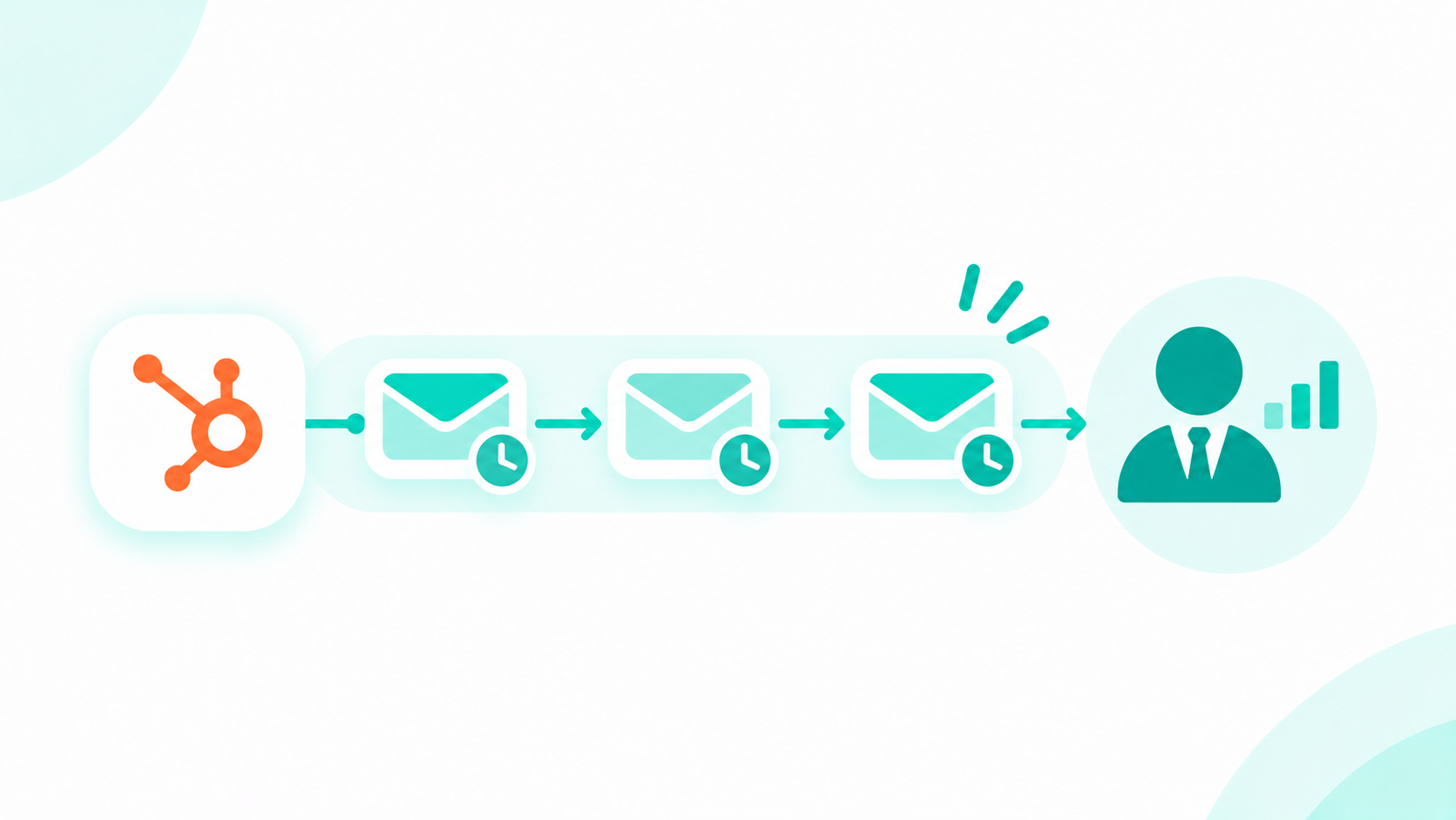
how financial advisory marketing teams plan coordinated email campaigns around important client life events, with advisor follow-up built into every campaign

Pre-Retirement Planning Series

  • Trigger: The client's target retirement date is within five years, and the contact is opted in to Retirement planning updates.
  • Message sequence: Email 1 covers what changes in the five years before retirement. Email 2, two weeks later, shares an income planning checklist. Email 3, two weeks after that, invites the client to book a retirement planning meeting through the advisor's meetings link.
  • Review needs: All three emails come from approved templates, and the checklist gets a review for fair and balanced treatment.
  • Advisor task: If no meeting is booked five days after Email 3, a workflow creates a call task for the advisor.
  • Sign it's working: Retirement planning meetings booked from the series.

Rollover Education Series

  • Trigger: An advisor sets the Life event property to Job change after a client conversation, or the client submits a job-change form.
  • Message sequence: Email 1 explains the general options for an old workplace plan at an educational level. Email 2 lists questions to ask before moving money. Email 3 invites a call.
  • Review needs: Compliance reviews the rollover content for balanced treatment of each option, since recommendations belong in the advisor conversation.
  • Advisor task: A call task within two business days of the trigger, before Email 1 sends.
  • Sign it's working: Logged advisor calls and meetings within 30 days of the trigger.

Inheritance Support Series

  • Trigger: An advisor sets the Life event property to Inheritance after the client shares the news. This trigger never comes from inference.
  • Message sequence: Email 1 is a short, plain-text note from the advisor offering support and a meeting. Email 2, three weeks later, lists what to gather before an estate conversation. Email 3 invites a planning meeting.
  • Review needs: Compliance reviews each message for content and tone, and the advisor can pause the series at any time.
  • Advisor task: A personal call before Email 1 sends, with the workflow waiting until the advisor marks the call complete.
  • Sign it's working: Planning meetings held and household members added to the record.

How Should You Measure Life-Event Campaigns?

Measure life-event campaigns by the conversations they start: meetings booked, reviews scheduled, and household growth, reported at a summary level. Email engagement shows which messages land, and advisor outcomes show which campaigns work.

Metric Where it comes from What it shows
Email engagement by series Marketing email reports Which messages clients open and click
Meetings booked Meetings logged on the household Which series start advisor conversations
Reviews scheduled Household next review date If campaigns keep reviews on track
Referral requests Referral source on new households If engaged clients introduce others
Household growth New households and members added If campaigns deepen relationships

Report results by series and by life event, and keep balances and account details out of campaign reports.

Life-Event Campaign Launch Checklist

  • Compliance approved the trigger policy and the list of trigger properties.
  • Every email uses an approved template version listed in the approval register.
  • Content approvals are on for marketing emails, with the skip list set to match your policy.
  • Compliance copy email is on, and the archive address is confirmed and tested.
  • Advisor inboxes are connected and covered by mail journaling.
  • Each series uses the right subscription type, and the footer has the postal address and unsubscribe link.
  • Any content on testimonials, ratings, or performance went through compliance review.
  • Every series has an advisor task and a named owner.
  • Campaign reports are set at a summary level.

Recap

Automated marketing for financial advisors runs on life-event campaigns built from approved templates, a compliance review before any new or changed message sends, and archive capture after every send. HubSpot workflows trigger each series from client-provided information, content approvals and compliance copy emails support the review and archive steps, and advisor tasks turn each message into a conversation. Your compliance team owns the rules, and the campaign design makes them easy to follow.

How Can Campaign Creators Help You Automate Marketing in HubSpot?

Campaign Creators designs life-event campaigns, approval steps, and archive routes in HubSpot for firms that run on regulated client communication. As a HubSpot Elite Solutions Partner, we apply marketing automation and CRM expertise to the way advisory firms reach their clients.

We map your trigger policy into properties and workflows, build the approved template library, set up approvals and compliance copy email, and connect each campaign to the advisor tasks that follow.

Not sure where your portal stands today? The free HubSpot AI Readiness Scorecard is a 12-question diagnostic that takes about three minutes.

Ready to design compliant, automated marketing in HubSpot? Book a consultation with our team.

Frequently Asked Questions

How Do Financial Advisors Automate Marketing and Stay Compliant?

Build life-event campaigns from approved templates, route every new or changed message through a documented compliance review before send, and capture every communication in the firm's archive after send.

Which HubSpot Plan Supports Approvals for Marketing Emails?

Content approvals for marketing emails and social posts need Marketing Hub Enterprise, and a Super Admin sets them up.

How Do You Archive Marketing Emails Sent From HubSpot?

Turn on compliance copy email, available on Marketing Hub Professional and Enterprise, to send a copy of every outgoing marketing email to an archive address your vendor confirms.

Does the SEC Marketing Rule Apply to Automated Emails?

Automated emails that offer advisory services to many contacts can fall within the rule's definition of an advertisement, so have your compliance team review them before they send.

Can You Trigger Campaigns From Life Events a Client Didn't Share?

Use information clients share with your firm for planning, under a trigger policy your compliance team approves, and avoid inferring sensitive events like an inheritance.

Do Advisor Sequences Need a Separate Archive Route?

Yes. Compliance copy email covers marketing emails only, so confirm your firm's mail journaling captures the emails advisors send through connected inboxes and sequences.

How Financial Advisors Manage Households, Referrals, and Client Reviews in HubSpot

How Financial Advisors Manage Households, Referrals, and Client Reviews in HubSpot

A CRM for financial advisors works best when each household is one record with labeled members, referral sources and centers of influence sit on that...
Read More
HubSpot Sensitive Data for Financial Services: Where Account Numbers and Tax IDs Should Live

1 min read

HubSpot Sensitive Data for Financial Services: Where Account Numbers and Tax IDs Should Live

Full account numbers and tax IDs belong in your system of record, such as your custodian, core banking platform, or loan origination system. HubSpot...

Read More
Structured vs. Unstructured CRM Data and What AI Needs From Each in HubSpot

Structured vs. Unstructured CRM Data and What AI Needs From Each in HubSpot

Structured CRM data lives in defined fields, like lifecycle stage, deal amount, or industry, so software can filter, count, and report on it....

Read More