How RealNetworks Moved Freshdesk and Freshsales Into One HubSpot Platform With Jira Connected to Tickets
RealNetworks had to move its support operation off Freshdesk ahead of the December 31, 2025 Freshworks sunset. Campaign Creators rebuilt the ticket pipeline, email intake and Jira connection in HubSpot Service Hub Enterprise and migrated the Freshdesk data through the API.
0K
Freshsales contacts imported
0K
Freshdesk tickets in the migrated
0
Freshdesk ticket statuses mapped
RealNetworks (SAFR) operates across North America, LATAM, EMEA, and APAC. The company uses HubSpot to manage sales and customer relationships, while NetSuite serves as its financial and fulfillment system.
Before this project, support tickets lived in Freshdesk and CRM records in Freshsales, two separate point solutions that reporting could not span. Support needed SLA targets by priority and by region across those same four regions, with escalation notifications, and it had to manage duplicate tickets from customers’ own help desks and reopened tickets that reset SLA clocks. With Freshworks sunsetting, both products had to be replaced.
Campaign Creators partnered with RealNetworks to move support from Freshdesk into HubSpot Service Hub Enterprise, with a ticket pipeline matched to its Freshdesk stages, Help Desk email intake, a Jira connection to engineering, and SLA targets by priority and region. Campaign Creators also migrated the Freshdesk and Freshsales data into HubSpot and trained administrators, service agents, and sales users, so support and CRM records now sit on one platform.
Industry
Software
Tools Used
HubSpot Service Hub Enterprise
Jira
Slack
Services
Helpdesk migration
Service Hub implementation
Workflow automation
Role-based training
The Challenge
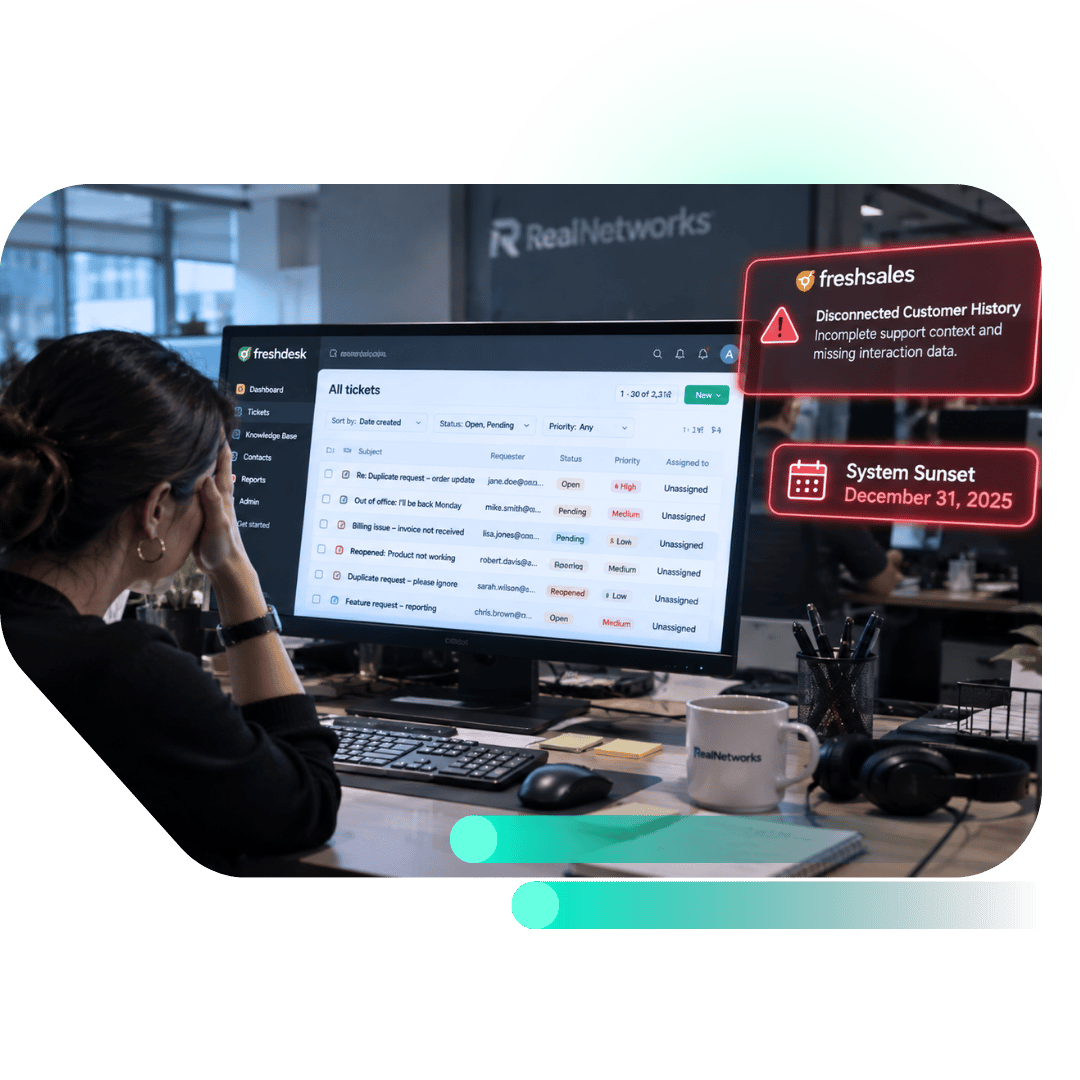
RealNetworks ran support tickets in Freshdesk and CRM records in Freshsales, and Freshworks was sunsetting both on December 31, 2025. Each system needed a working replacement before that hard deadline, for a support operation spanning North America, LATAM, EMEA, and APAC.
The setup behind the tickets added its own pressure. Duplicate tickets from customers’ help desks, SLA clocks that restarted when a ticket reopened, and out-of-office replies counted as tickets all distorted what support could report, and the team needed SLA targets by priority and region with escalation. A replacement had to answer each of those, so the migration meant redesigning how tickets behave as much as moving them.
Five Support Gaps RealNetworks Had to Close
1. Separate tools and no unified reporting.
Support and CRM work ran in separate point solutions. Reporting could not span them, and CRM processes stayed manual.
2. Duplicate tickets from customers' help desks.
Customers' own help desks created duplicate tickets for the same issue. Merged and parent-child tickets stayed unclear, so a single customer thread could produce multiple tickets.
3. SLA clocks that reset on reopen.
Reopened tickets reset their SLA clocks. SLA reporting then understated how long a customer had waited.
4. Regional SLAs with escalation.
Support needed SLAs by priority and by region: North America, LATAM, EMEA and APAC. The same requirement called for escalation notifications.
5. Out-of-office replies to marketing campaigns.
Replies to marketing campaigns landed in the sales inbox, and each multilingual out-of-office auto-reply created its own ticket in Freshdesk. Ticket counts in Freshdesk therefore included automated replies.
"RealNetworks wanted to avoid the cost of a licensed email seat, so we routed intake through Help Desk with forwarded addresses and tested a custom From address to keep HubSpot’s internal inbox addresses hidden. The same discipline shaped the ticket pipeline, where every stage mirrors Freshdesk, so the migration had a clean target."
RealNetworks needed a partner that could move a help desk and a CRM onto one platform on a tight timeline and keep support connected to engineering. The project's requirements were:
Migrate Freshdesk and Freshsales data into HubSpot with hands-on migration support
Consolidate point solutions with unified reporting
Set SLA targets by priority and region with escalation notifications
Handle duplicate, merged and reopened tickets
Keep a Jira link between the help desk and engineering
Train administrators, service agents and sales users
Campaign Creators is a HubSpot Elite Solutions Partner. Its Inside-Out Experience Framework builds connected customer experiences from the core outward, and this project drew on three of its layers: Data Foundation for the Freshdesk migration, Architecture for the ticket pipeline and Help Desk intake, and Platform Adoption for the training sessions.
How Campaign Creators Moved RealNetworks' Support Operation From Freshdesk to Service Hub
Matching the Service Hub Ticket Pipeline to Freshdesk Stages
The Freshdesk migration needed a HubSpot pipeline whose stages matched Freshdesk's stages one to one. Campaign Creators rebuilt the stages in the standard HubSpot Tickets object, kept the statuses non-sequential because support tickets move in both directions, and built two reply automations into the pipeline settings: an agent reply moves a ticket to Waiting on Customer, and a customer reply moves it to Pending. Pipeline management was covered in Administrator Part 3 on November 20.
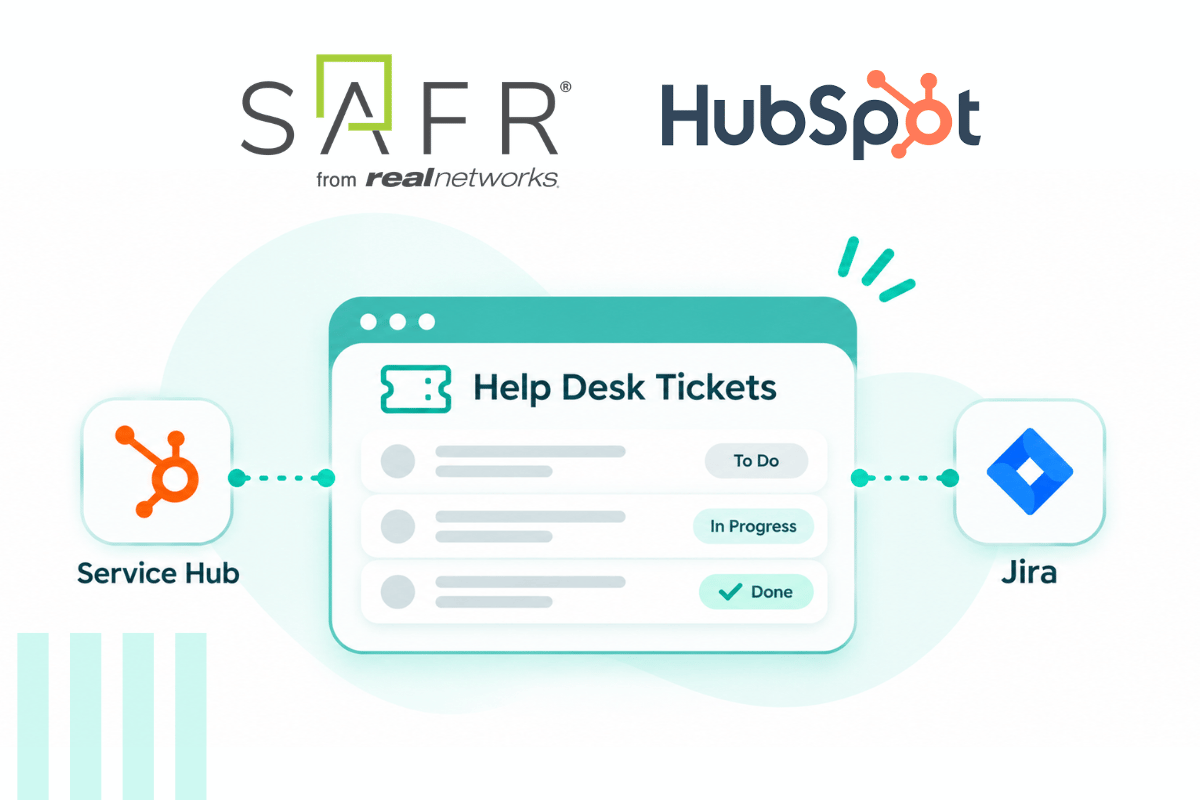
Connecting Jira and Help Desk Email Intake to Service Hub
A direct email connection needs a licensed Outlook or Gmail user, which RealNetworks wanted to avoid for cost. Campaign Creators connected Help Desk channels to forwarded addresses and tested a custom From address on the support channel so forwarding did not expose HubSpot's internal inbox addresses. The team decided to move the sales address to Help Desk so every inquiry creates a ticket and a conversation. Jira connects to HubSpot tickets, and the December 3 service training covered two-way comment sync with Jira users who do not work in HubSpot.
Migrating Freshdesk Tickets Through the Freshdesk API
Archived Freshdesk tickets cannot move through the API, and delta runs need a 2-day window because of API caching. Campaign Creators ran the full Freshdesk migration through the Freshdesk API on December 10 and imported the Freshsales data last to limit data drift. The mapping decisions kept original create dates on Deals and Tickets, took the closed date of closed tickets from the last-updated date, left Resolved Time out, and created former agents as view-only users. The edits made after the sample review are recorded in the CRM Strategy and Data Modeling notes.
Defining Required Properties for Freshdesk and Freshsales Data
Freshdesk and Freshsales fields had to exist as HubSpot properties before the migration could map to them. RealNetworks listed the Freshdesk fields to keep, and Campaign Creators created the custom properties. Legacy Freshdesk Ticket ID was renamed Original ID, so each migrated ticket carries a property that points back to its Freshdesk record.
Configuring Users, Teams and Permission Sets for Service Hub Agents
HubSpot routes a ticket by team, and a user on two teams receives tickets under the primary team only. Campaign Creators configured users, teams, permission sets and seats, and limited editing of the Record Source Detail 1 property to Super Admins.
Building Ticket Workflows That Notify Owners, Contacts and the SE Channel
A HubSpot workflow cannot mark conversations or contacts as spam, so spam and out-of-office handling had to run as notifications. Campaign Creators built workflows in HubSpot. Three examples, each with its trigger and recipient:
Trigger: a Jira issue changes status. Recipient: the ticket owner, by Slack message with the issue ID, link, status and summary
Trigger: a ticket stays Resolved for 4 days with no customer reply. Recipient: all associated contacts, by Ticket Closed email
Trigger: a ticket description contains "urgent" or "cancel". Recipient: the client's #safer-SE Slack channel, with the ticket owner unchanged
SLA targets update reports only, so the notifications run as workflows.
Training Administrators, Service Agents and Sales Users in Role-Based Sessions
The scope included 7 hours of training for administrators, service agents and sales users. Campaign Creators delivered 7 sessions: three administrator sessions on November 19 and 20, a service user session on December 3, a sales user session on December 4, and a workflow training session and a Q&A session on December 30. Service agents saw snippets and Jira comment sync in their own December 3 session.
The Results
RealNetworks moved support from Freshdesk to HubSpot Service Hub Enterprise ahead of the Freshworks sunset.
A soft go-live on December 15, 2025, 16 days before the December 31 sunset
The full Freshdesk migration ran on December 10, and the initial Freshsales import of contacts, companies and deals finished on December 12
A customer email reply moved a ticket to Pending in the December 10 test
The client marked the Freshdesk-matched ticket pipeline and the Jira connection Complete and Approved in the project Bug Log
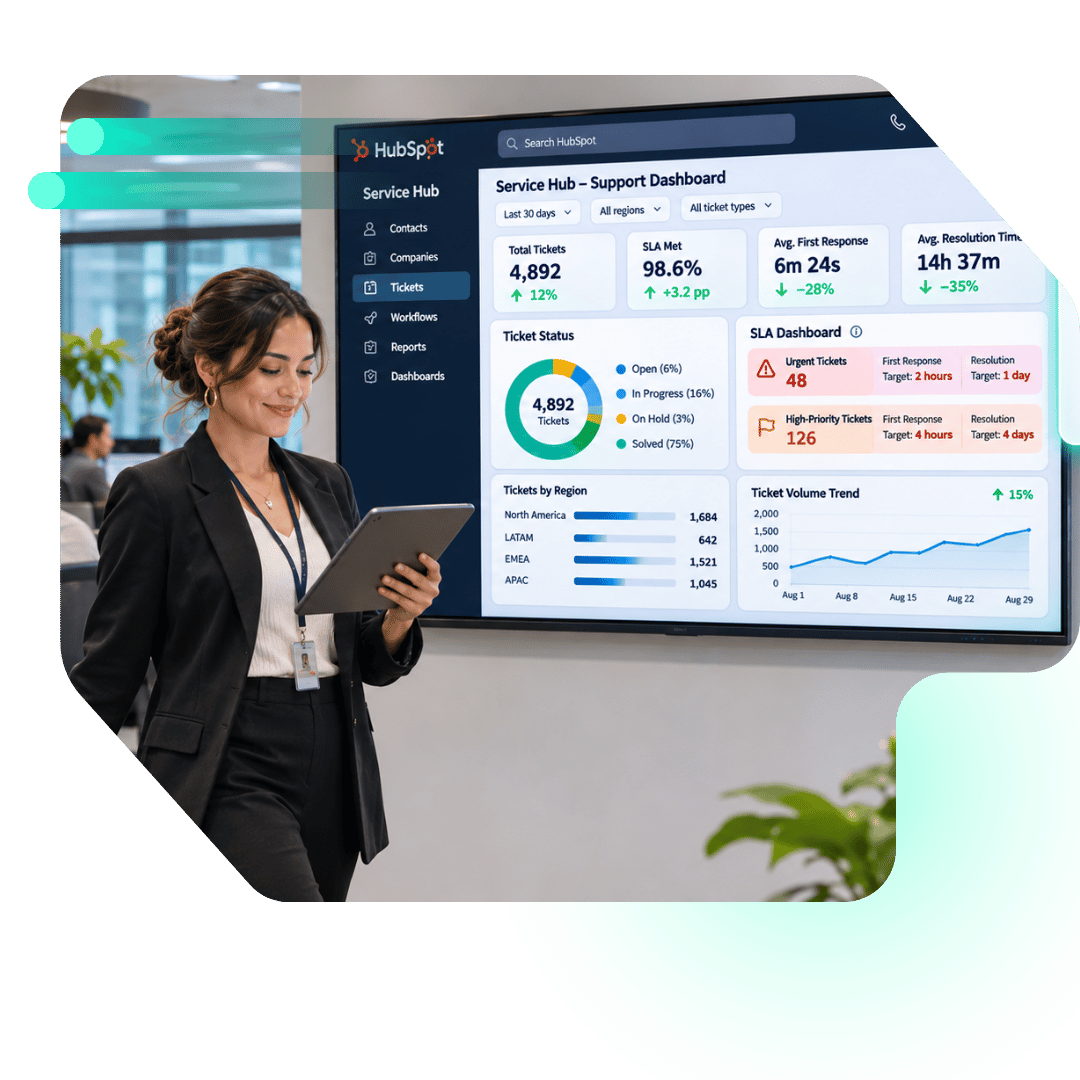
SLA targets were configured by priority and region: urgent tickets carry 2 hours to first response and 1 day to close, and high tickets carry 4 hours and 4 days
RealNetworks' Freshdesk and Freshsales records were migrated into one HubSpot platform.
Impact: Support Records on Standard HubSpot Objects
RealNetworks’ support tickets, contacts, and companies sit on HubSpot’s standard Tickets, Contacts, and Companies objects. The Service Hub Enterprise ticket pipeline keeps the stage set of the Freshdesk setup it replaced, and the client approved it. Each migrated ticket carries an Original ID that points back to its Freshdesk record.
Freshdesk and Freshsales records were migrated into one HubSpot platform, with Jira connected to tickets for the handoff to engineering. Administrators, service agents, and sales users each had a role-based session of their own, and editing of the Record Source Detail 1 property is limited to Super Admins.
Solve Helpdesk Migration, SLA Reporting and Support Automation With Campaign Creators
Moving a help desk to HubSpot Service Hub touches the ticket pipeline, email intake, SLA targets, automations and the connection to engineering tools. Closing that gap takes a pipeline that matches how the team works, a migration with a fixed cutover plan, and workflows tied to ticket events.
Campaign Creators builds Service Hub ticketing, Help Desk intake, Jira connections and migrations from legacy help desks, and trains each audience in its own session.
One Partner for Your Help Desk Migration to HubSpot
Campaign Creators handles every part of a Service Hub move: the API-based migration, the ticket pipeline, Help Desk email intake, SLA targets, the Jira connection, and ticket workflows. We train administrators, service agents, and sales users in sessions built for each role. As a HubSpot Elite Solutions Partner, we scope the move around the tools you already run.