Vibe-Coded CRMs: The Risks of Creating a Second Source of Truth
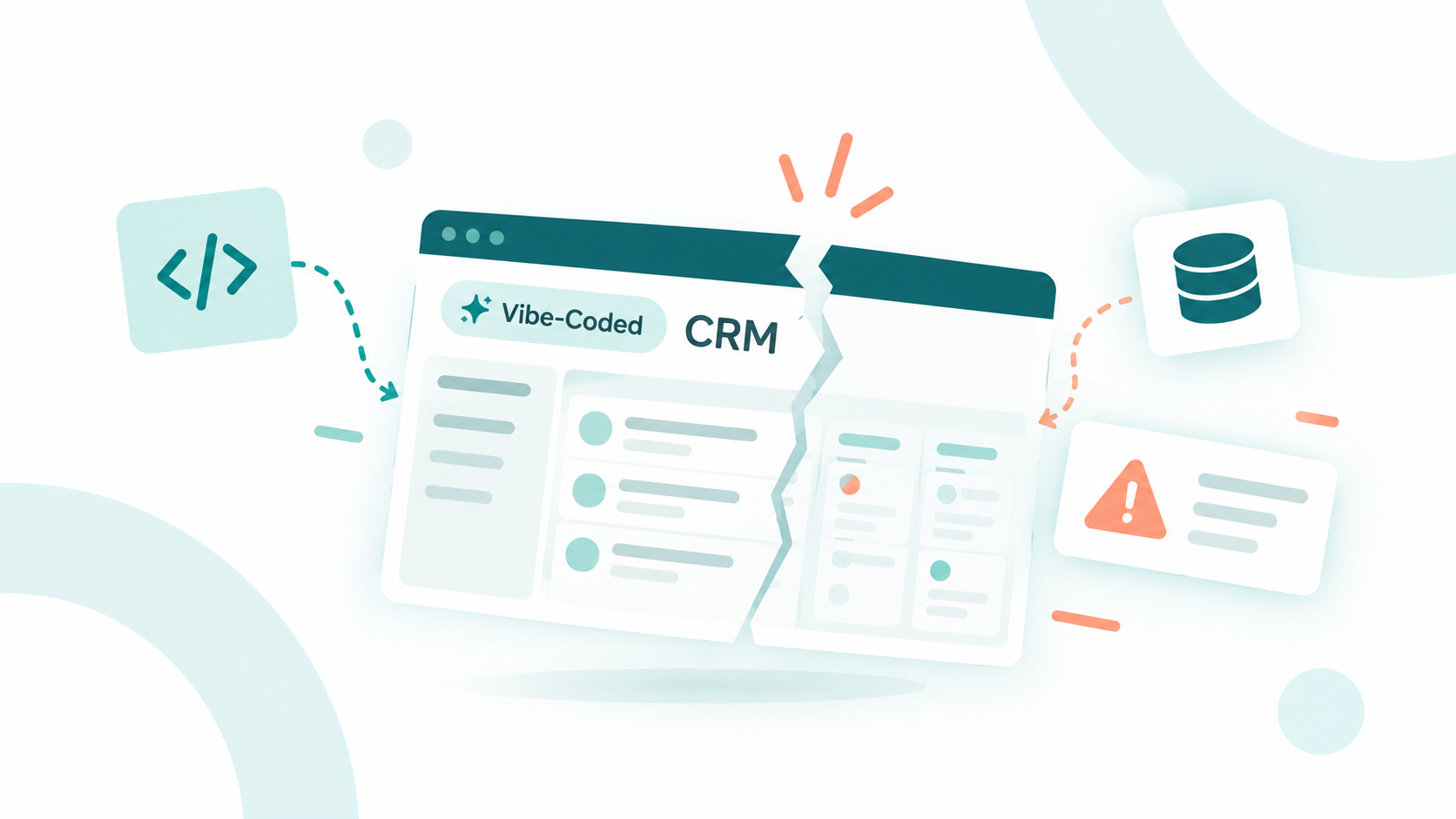
No, a vibe-coded CRM can't reliably serve as a second source of truth. It's a CRM built by describing what you want to an AI coding tool, which then...
9 min read
Campaign Creators
:
10/06/26
A vibe-coded CRM tool becomes a liability the moment it starts keeping its own version of the customer. Your marketing team builds a lead qualification tool, sales creates an ROI calculator, and customer success develops an onboarding portal. Each one solves a real problem, but each also raises a question that goes beyond its interface: which customer record is it working from?
That question is coming up in more companies. In a Superblocks survey of enterprise executives, 50% said non-engineering teams such as operations, product, and data analysts now use AI to build internal applications. Security ranked as the top challenge in adopting AI for those tools.
Campaign Creators helps teams keep that building capacity tied to one customer record. As a HubSpot Elite Solutions Partner, we design the CRM architecture, integrations, and data ownership rules that let a qualification tool and an onboarding portal serve different needs without maintaining competing versions of the customer.
Here are the six customer data pitfalls vibe-coded tools create, and how to connect each tool to HubSpot so the extra flexibility strengthens your customer data instead of splitting it.
A vibe-coded CRM tool is a purpose-built app someone creates by describing what they want to an AI coding tool, then uses to collect, calculate, or act on customer information. It usually sits at the edge of your go-to-market system rather than replacing your CRM, which is why it's easy to overlook as a customer data source.
Vibe coding lowers the barrier to building these tools, so more teams create their own forms, calculators, portals, and dashboards. Each one introduces new interactions, calculations, and workflows, and each becomes another place where customer information is collected, transformed, and stored.
|
Tool |
Customer data it creates |
Where it should land in HubSpot |
|---|---|---|
|
Lead qualification tool |
Implementation timeline, current systems, business priorities |
Contact and company records, scored by your qualification framework |
|
ROI calculator |
Cost inputs, adoption assumptions, projected savings, model version |
The related deal, kept separate from booked revenue and forecasts |
|
Event registration page |
Registration, attendance, campaign source |
The contact record and campaign attribution |
|
Onboarding portal |
Completed steps, implementation blockers |
The company record, next to purchased services and milestones |
|
Customer health dashboard |
Risk indicator, methodology, timestamp |
The company record, visible to sales by permission |
The number of tools tells you little on its own. Several connected applications can support a coherent customer journey, while a handful of disconnected ones can leave marketing, sales, and service acting on incompatible information. What matters is how each tool participates in your broader CRM architecture.
Worth a read: Vibe-Coded CRMs: The Risks of Creating a Second Source of Truth
Vibe-coded tools put customer data at risk because they make it easy to build an application without deciding where its customer information lives, who owns it, or how it moves. Without defined ownership and integration rules, information accumulates in separate databases, exports, and app-specific fields that no other team can see.

That adds strain to CRMs that are already under pressure. Validity's research found that 76% of CRM users say less than half of their CRM data is accurate and complete. Every disconnected tool adds another source of drift on top of that.
The pattern is part of a bigger shift in who builds go-to-market systems. Application creation is becoming more distributed, but the responsibility for shared definitions, customer identity, and controlled data movement still has to stay coordinated. The more flexible your application layer becomes, the more your data layer has to hold steady beneath it.
Worth a read: AI Is Changing Who Gets to Build the GTM System
The six biggest pitfalls are duplicate records, trapped customer signals, overwritten source data, conflicting definitions, overexposed permissions, and silent integration failures. Each one can happen even when the tool itself works exactly as its builder intended.
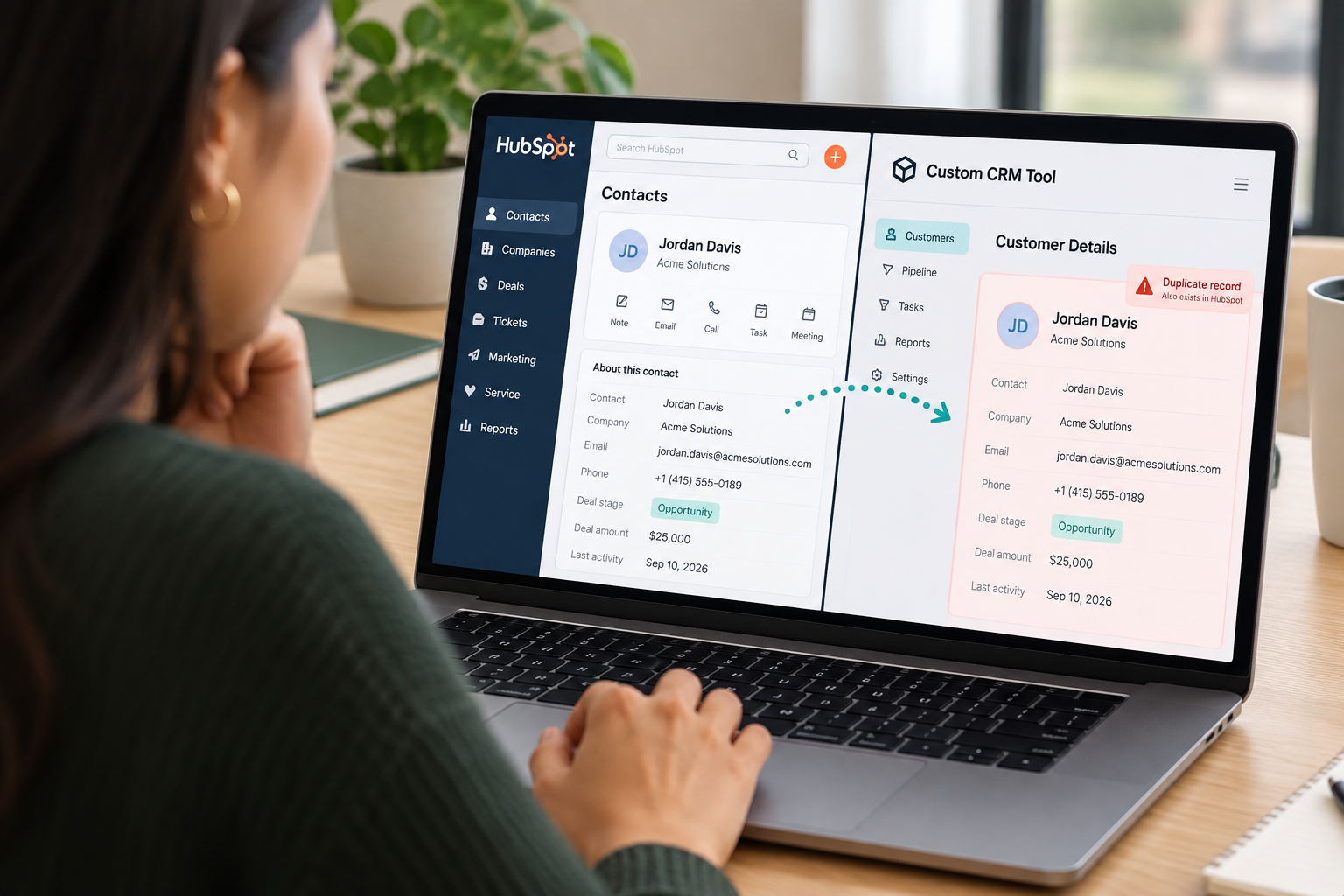
A person who registers for an event, completes a calculator, and logs into a portal shouldn't become three unrelated records. Yet a registration page that never checks for an existing contact will create a new one every time, and your follow-up workflows may send acquisition messaging to someone who's already a customer.
Email matching helps, but addresses change, shared inboxes exist, and a company domain match can't confirm who an individual is. Ambiguous matches need an exception path for human review rather than an automatic merge. AWS's guide to solving customer identity fragmentation shows why matching, normalization, and traceability belong in the infrastructure design.
A qualification tool might capture a prospect's implementation timeline, current systems, and business priorities. If those answers stay inside the tool, the sales rep preparing for discovery never sees them, and marketing keeps nurturing the prospect as though the answers were never given.
A connected version checks for an existing contact and company, pulls in relevant context, and adds the new answers to the right record. Your agreed qualification framework then weighs those answers with existing fit and engagement data, so the tool contributes evidence without redefining what a qualified lead is.
An ROI calculator produces projected savings, not booked revenue, and an integration has to preserve that difference. A modeled figure should land on the related deal with its calculation date and model version, never silently replacing an approved forecast or closed amount.
The same risk applies to stale copies. A portal's outdated account owner shouldn't overwrite a deliberate reassignment in HubSpot, and blank fields shouldn't erase authoritative values unless the deletion is intentional. Shared customer context includes what a value means and where it came from, not just the value itself.
A tool that labels every engaged prospect as qualified creates inconsistent data even when its integration works perfectly. Your tools need the same definitions for lifecycle stage, account ownership, product interest, and onboarding status.
They also need agreement on formats, allowed values, and record relationships, plus the difference between a current attribute and a historical event. A central record only becomes useful when every team agrees on what its data means and how it should influence action.
Access risk grows with every new tool. A registration page may need to create an attendance event without viewing deal values, and a health dashboard may need account-level summaries without exposing private support conversations.
The highest-stakes case is a customer-facing portal. It should never show one account another account's information just because its integration credential has broad access. Keep credentials out of client-facing code, limit each tool's reads and writes, and authorize every request for the specific user or account making it.
A first successful connection doesn't mean the integration is reliable. A registration submitted twice shouldn't create two attendance records or enroll the same customer in a follow-up sequence twice.
Writes need validation, retry handling, and protection against duplicate processing. Failures need visible alerts and a reconciliation path, so someone finds out before the sales team acts on incomplete data.

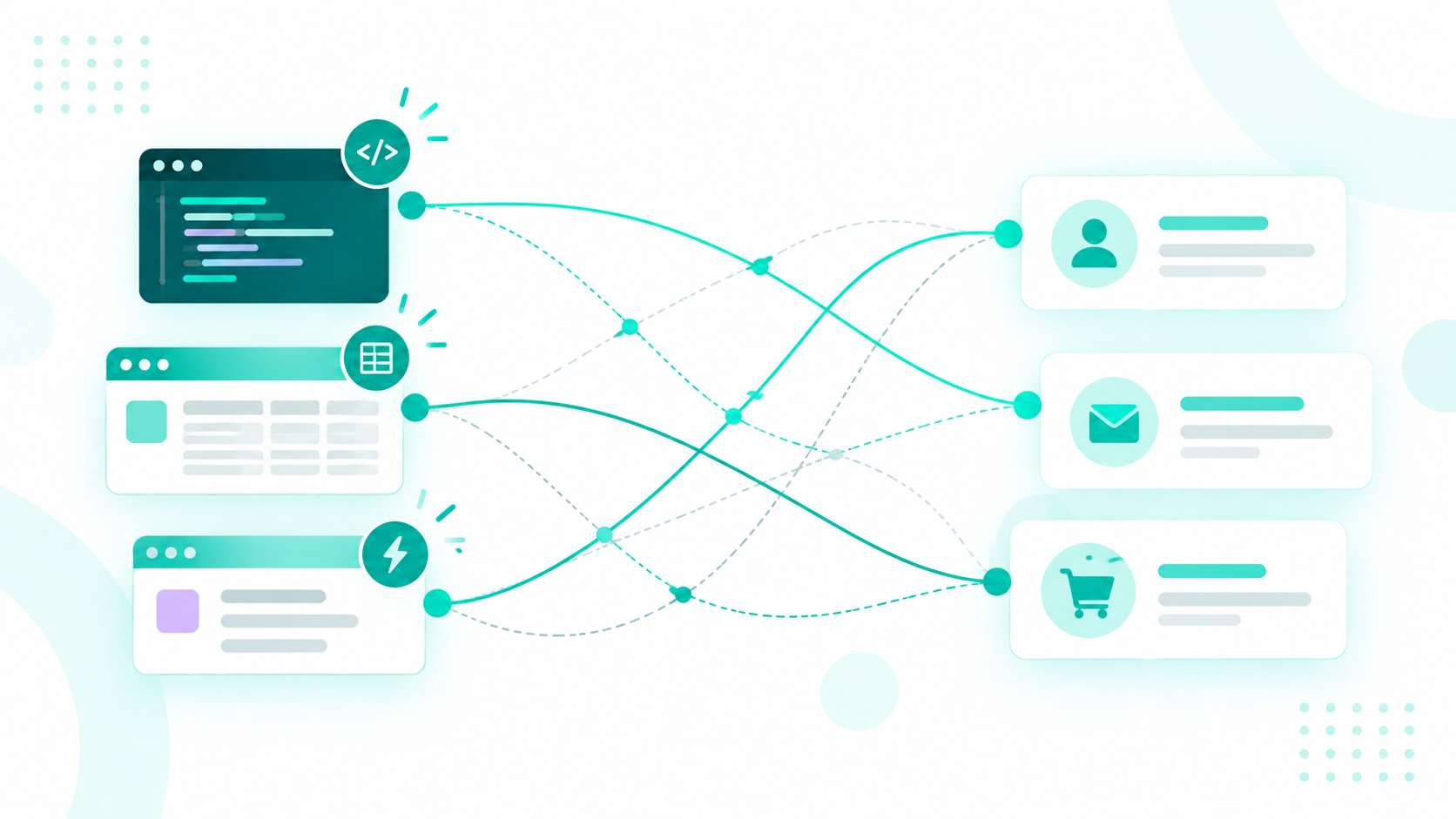
Authoritative customer identity and shared operational context should live in your central system of record, such as HubSpot's Smart CRM. Each connected tool should know which information it can read, which it can contribute, and which it can't change.
Centralization doesn't mean putting every raw event or financial transaction into one application. A billing platform can stay authoritative for subscription status, and a product system can own usage events. The customer data layer connects those domains through stable identifiers, agreed definitions, and accessible summaries, with ownership spelled out at the field or domain level.
A vibe-coded tool may still need local storage for drafts, calculation state, or a temporary cache. That storage should have a defined purpose, retention period, and refresh policy so it never turns into an ungoverned customer database.
An onboarding portal shows how this works. It reads the account's purchased services, assigned team, and agreed milestones from HubSpot, then sends completed steps and implementation blockers back. Customer success gets context from the sale, and sales can see whether the commitments made during evaluation are being met.
Writing these boundaries down before a tool goes live turns each integration into a simple data contract.
|
Tool |
Can read |
Can contribute |
Off limits |
|---|---|---|---|
|
Lead qualification tool |
Existing contact and company context |
Qualification answers |
Lifecycle stage criteria |
|
ROI calculator |
Deal details |
Assumptions, result, model version, calculation date |
Booked revenue and approved forecasts |
|
Event registration page |
Contact lookup |
Registration, attendance, campaign source |
Deal values |
|
Onboarding portal |
Purchased services, assigned team, milestones |
Completed steps, blockers |
Account owner and other accounts' records |
|
Customer health dashboard |
Usage, support, and renewal summaries |
Risk indicator with methodology and timestamp |
Private support conversations |
With those contracts in place, a health dashboard's risk indicator can surface in an internal sales tool before an expansion conversation, subject to that rep's permissions.
Worth a read: Should HubSpot Be the Center of Your Tech Stack? It Depends
Connect vibe-coded tools to HubSpot through approved integration patterns that look up the customer first, follow shared definitions, respect permissions, and fail visibly. These six steps give teams room to build while keeping every tool tied to the same customer record.

Every tool should search for an existing contact and company before it creates a record. Use stable identifiers and maintained mappings so activity attaches to the right contact, company, and deal, and route uncertain matches to a review queue instead of merging them automatically.
Document what each shared property means, which values it allows, and how records associate. In HubSpot, this starts with clear property descriptions, consistent lifecycle stage and deal stage definitions, and clean associations between contacts, companies, deals, and tickets.
For each field a tool touches, decide what moves, in which direction, how often, and which source wins when values disagree. Write down how blank values are handled too, so an empty field in a tool never wipes out a real value in HubSpot.
Authorize each request for the specific user or account behind it, and give each tool only the scopes it needs. Keep credentials out of client-facing code and log every change for review.
Set approval boundaries as well. A tool can contribute a signal, like a risk score, without being allowed to make a consequential decision, like putting an account on hold.
Validate every write, retry failed requests safely, and protect against processing the same submission twice. Alert an owner when something breaks, and keep a reconciliation path so missed or doubled records can be fixed quickly.
The more people who build, the more valuable reusable data contracts, approved integration patterns, and documented ownership become. Give teams approved ways to look up customers, retrieve context, and submit new information, and scale oversight to each tool's data sensitivity and operational impact.
Worth a read: Why AI Needs Business Context Not Just Data
Vibe coding can't settle customer identity, field ownership, access policies, or cross-team process definitions. It reduces the effort to create an interface or prototype a workflow, but production engineering, security review, and ongoing maintenance are still separate disciplines.
A shared customer data layer concentrates risk as well as value. An unavailable integration service can affect several tools at once, and an incorrect shared rule can spread across every system that relies on it.
Define how fresh each tool's data needs to be, monitor the shared layer, and decide how each application behaves when that layer is down. A read-only cached view may be fine, but a tool should never silently create a new authoritative record while the connection is unavailable.
The future likely holds more decentralized tool creation on top of a more centralized customer data layer. That's a design opportunity, as long as your team has answered four questions.
With those answers documented, integrations become the way shared customer context grows across a widening set of applications instead of the way it breaks apart.
The quickest way to find out is to map where your customer data lives today and which tools read from or write to it. The Architecture Blueprint maps your current setup against where it needs to be, so you can plan integrations before the next tool goes live.
If you're also preparing HubSpot for AI agents, the free HubSpot AI Readiness Scorecard takes about three minutes. It grades your portal across five areas of a connected growth system and shows the three changes that would raise your score fastest.
Ready to connect your team's tools to HubSpot? Campaign Creators builds the HubSpot integrations, data contracts, and ownership rules that keep every tool working from one customer record. Talk to our team.
Yes, you can build a basic one, but it will still need identity resolution, permissions, sync rules, and ongoing maintenance that platforms like HubSpot already provide, so teams usually get more value building tools around their CRM than replacing it.
They can be, as long as each tool uses scoped access, keeps credentials out of client-facing code, and only reads and writes the fields it's approved to touch.
Only for working data like drafts, calculation state, or a temporary cache, with a defined purpose, retention period, and refresh policy, while authoritative customer data stays in your CRM.
Have every form look up existing contacts and companies before creating a record, use stable identifiers, and send ambiguous matches to a review queue instead of merging them automatically.
Business teams like sales, RevOps, and customer success should define terms such as a qualified lead or onboarding status, while an operations or technical owner makes those definitions work the same way across every tool.
No, a vibe-coded CRM can't reliably serve as a second source of truth. It's a CRM built by describing what you want to an AI coding tool, which then...
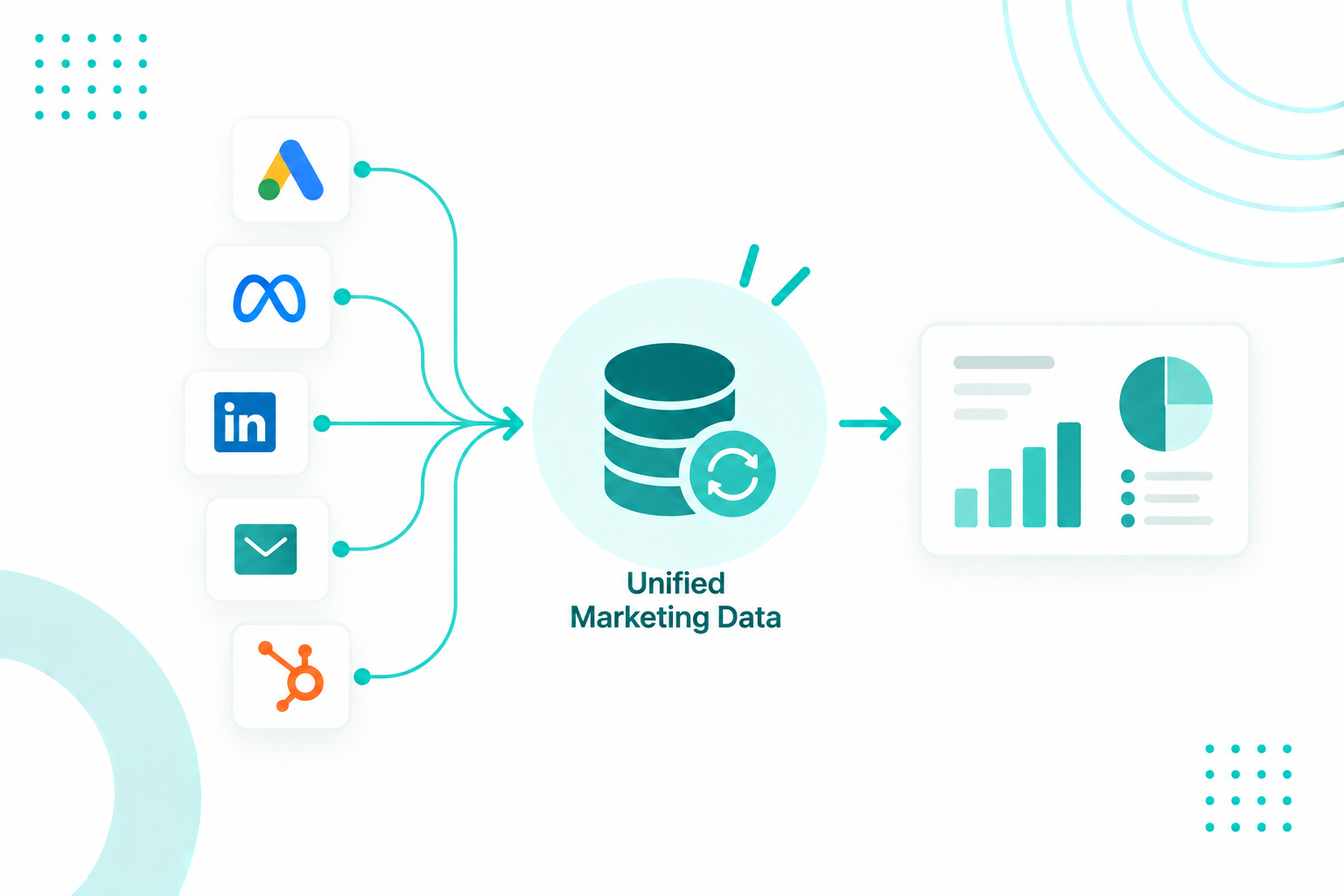
Your ad platform knows about the click. Analytics knows about the visit. Your CRM knows a deal closed six weeks later. Integrating marketing data...
HubSpot can be the center of your tech stack when it gives marketing, sales, service, and revenue teams one reliable view of the customer while...