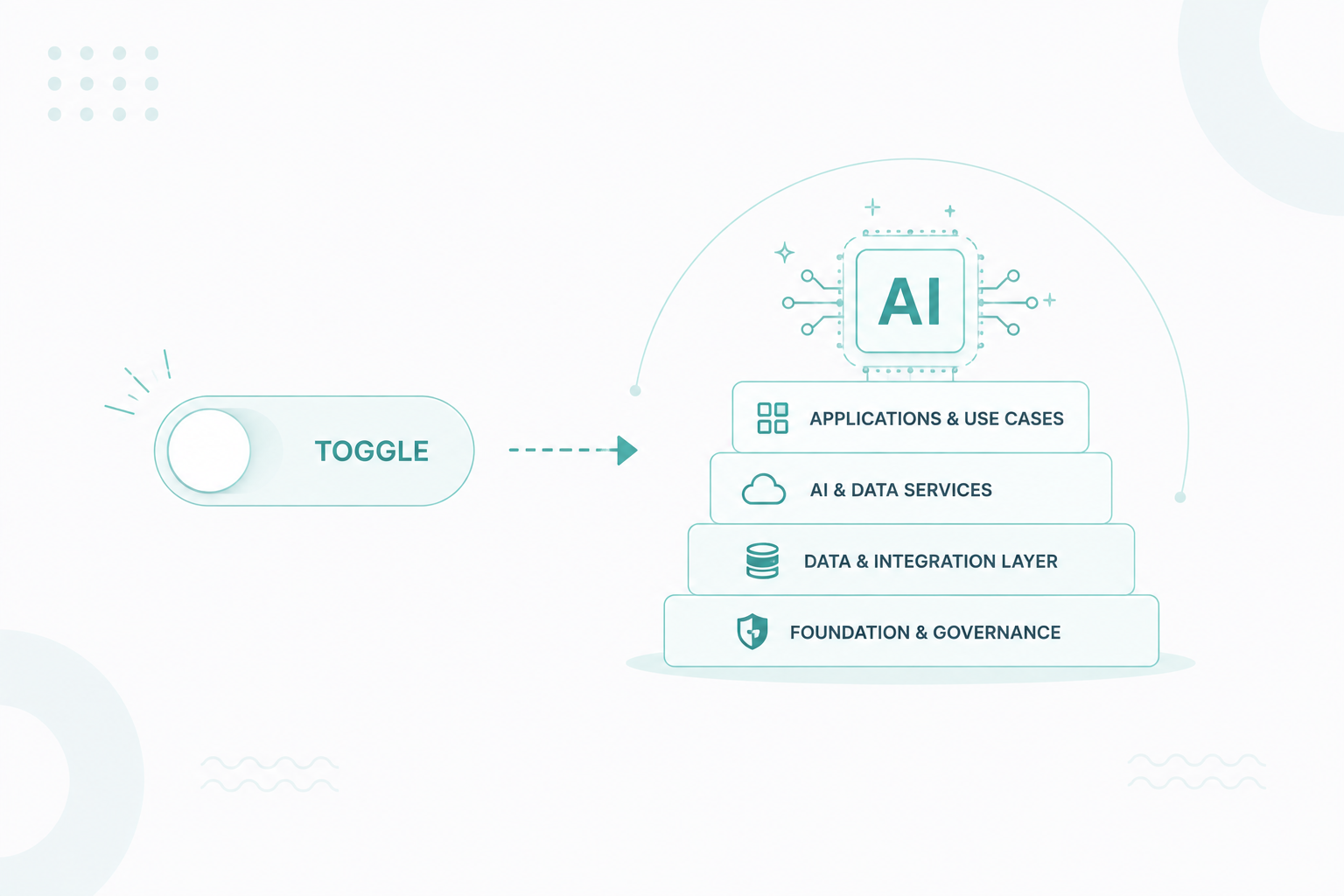
Why AI-Ready Is an Architecture Problem, Not a Feature Toggle
AI is changing how businesses use HubSpot. Turning AI features on, however, doesn't make your portal AI-ready. Before AI can produce accurate...

10 min read
Campaign Creators
:
10/05/26
HubSpot Work is HubSpot’s new AI-powered workspace for managing business work alongside your CRM. It connects everyday business workflows to the data already in your CRM. You can describe what you need in plain language, have AI help build the workflow, and use AI agents to keep tasks moving. This expands HubSpot from a system that tracks business activity into a platform that can also help teams execute the work.
At Campaign Creators, we help teams build the systems and data foundation needed to make tools like HubSpot Work effective. That includes HubSpot onboarding and setup, AI agent implementation, and technology consulting for teams connecting their processes to the CRM.

HubSpot Work is HubSpot's AI-first work management product for organizing, coordinating, and automating business processes inside HubSpot. HubSpot introduced it as part of its Fall 2026 product launch on September 16, 2026, and it's currently in public beta.
It's built for the work your CRM data creates, like the onboarding that starts after a deal closes, the timeline and owners a webinar needs, or the approvals behind a deal desk request. In many companies, that work lives in project tools, spreadsheets, and shared documents that don't connect to the CRM.
Splitting work across tools has a real cost, since workers switch between apps about 1,200 times a day and lose almost four hours a week just getting refocused. Knowledge workers also spend 58% of their day on coordination tasks like chasing updates and searching for information, not on the work they were hired to do.
HubSpot Work brings that coordination into the CRM, so projects start with the contacts, companies, deals, and conversation history you already have, and each piece of work stays linked to the record behind it.
Your CRM has always told you who the customer is and where the deal stands, and HubSpot Work extends it to what happens next, giving AI the information it needs to help with that work.
Work is part of HubSpot's bigger push to have AI agents do real work. The same release added a self-updating Smart CRM and Context Home, a tool that scores how complete your business, customer, and team information is, so AI has a fuller picture to work from. HubSpot customers on Professional and Enterprise plans who use AI with high-quality data generate 3.6x more marketing-qualified leads and win 3.2x more deals than those who don't use AI.
The rest of the software world is moving the same way, with 33% of business software apps expected to include AI agents by 2028 and at least 15% of everyday work decisions expected to be made by AI on its own.
HubSpot Work gives teams one place to plan a process, collect the information it needs, document it, and automate the repetitive parts, all organized into workspaces, projects, and four types of assets.

A workspace holds related projects and their assets, and HubSpot suggests using one workspace for processes that involve several teams, like client onboarding, and separate ones for unrelated work like IT management or campaign operations.
Each project covers one initiative or process, and you can start it from your own prompt, a HubSpot template, or a blank page.
Tables are the foundation of every project and hold the data your other assets and agents use. They can pull in CRM records directly, so you don't have to keep a second copy of your customer data.
A client onboarding table, for example, could track the client, owner, stage, target completion date, implementation status, blockers, and handoff date, and you can view that same data as a list, a board grouped by stage, or a calendar of deadlines.
Documents hold what doesn't fit in a table, such as briefs, operational playbooks, and meeting recaps. The AI assistant can also generate a document from a table, like an onboarding playbook built from the stages, owners, and timelines in your onboarding tracker.
Work forms collect information for a project and send each submission straight into a specific Work table. An onboarding questionnaire, for example, can create a new onboarding record with its stage set to New and trigger automation from there.
Agents handle recurring tasks tied to one goal, like watching onboarding milestones, flagging delays, and creating follow-up tasks, and you decide when they run and what they can change.
You can control access at the workspace, project, and asset level. Workspaces can be private or open to your whole company; projects give people Owner, Contributor, or Viewer roles; and any project or asset can be made invite-only, so several teams can share a process without everyone getting full control.
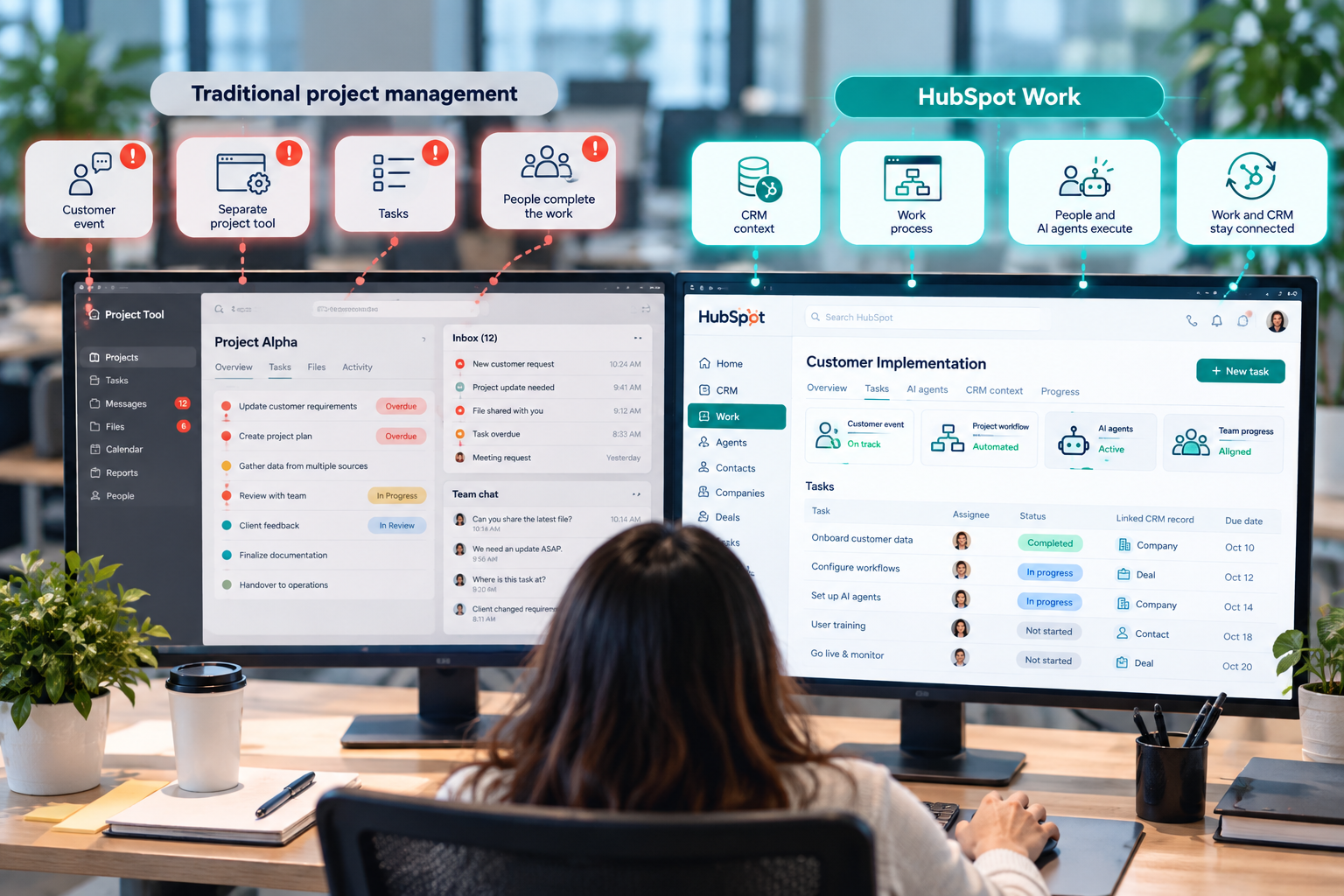
Traditional project management tools start with the work itself, while HubSpot Work starts with the customer and revenue data that creates the work.
In platforms like Asana and Jira, a team creates a project, breaks it into tasks, assigns owners and deadlines, and tracks progress. These tools also offer forms, automation, reporting, and more and more AI features, but customer information still has to be linked or copied in from another system.
HubSpot Work flips that around, since your contacts, companies, deals, tickets, and campaigns already live in HubSpot and a process can use them from day one. 
In a typical project tool, an onboarding project mentions the customer, while in HubSpot Work, the onboarding table links to the actual CRM record and requests can be routed based on real deal details.
Project tools have handled task assignments, reminders, and rule-based automation for years, but HubSpot Work adds AI agents to the project itself, so jobs like updating statuses, creating follow-ups, and alerting owners can run in the background.
HubSpot Work isn't a full replacement for established project management platforms, especially while it's in beta, and teams that run complex software development, detailed resource planning, or large project portfolios will probably keep a dedicated tool.
HubSpot Work uses an always-on AI assistant to turn a plain-language description of a process into a working project, then keeps helping as the work runs.
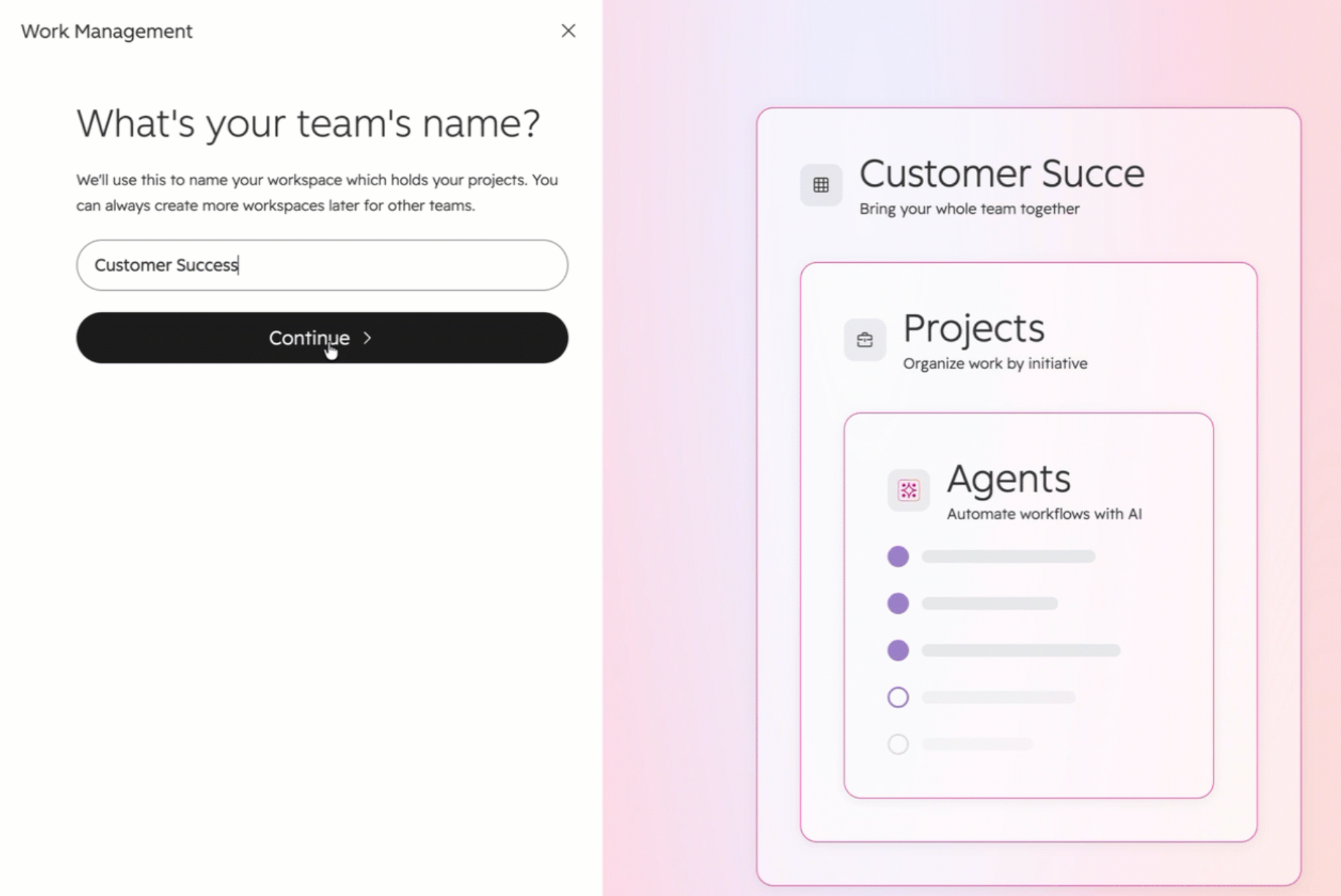
You can start by describing what you need, such as a client onboarding process that tracks customers, assigns owners, collects requirements, and flags accounts that fall behind. The assistant may ask a few clarifying questions, then proposes a plan listing the tables, documents, forms, and agents it will create.
You can review and edit that plan before approving it, and once you do, the assistant builds everything, keeps working in the background if you minimize it, and lists what it did with links to each new asset.
HubSpot's setup guide recommends prompts that cover three things.
Because Work sits inside HubSpot, the assistant builds with the information already in your CRM, so a request can go to the right owner based on deal details, an onboarding record can update when a deal closes, and handoff notes can pull from deal history.
The assistant stays available after setup. You can ask it to add a status column, create a filtered view of overdue work, update a playbook, make bulk updates, change an agent's instructions, or tell you which work is on track or at risk.
The assistant helps you build and manage the work, while agents handle specific parts of it inside a project. Put together, the flow looks like this.
Intent → AI builds the process → CRM supplies context → agents execute defined actions → people review exceptions and outcomes
HubSpot Work brings business processes that are connected to your CRM into the same platform. It can support workflows such as client onboarding, deal desk coordination, webinar planning, and content production. You can also use the same tools to build other processes that fit your team’s needs.
A closed-won deal becomes the start of an onboarding tracker with the client, contacts, services purchased, owner, milestones, and risks, all linked to CRM records. An agent then watches progress and flags delays, which keeps post-sale work tied to the deal that created it.
Marketing teams can run a webinar or event from one project with its timeline, deliverables, owners, and supporting documents. That replaces the separate spreadsheet and scattered docs that tend to pile up around a launch date.
Deals often create requests for legal, finance, security, or operations, and Work puts those requests in one queue and sends each one to the right team based on the deal's details.
A content team can track each piece from idea to drafting, review, and publication in a table, with the working document attached. An agent can flag pieces that need attention or nudge the right owner.
Operations, IT, HR, finance, and marketing teams get requests through email, chat, and quick conversations, and a Work form turns all of that into one organized process.
Request submitted → details captured → request routed → owner completes work → status updated → escalation when conditions are met
Work also handles processes that don't fit a standard CRM object. A team can build a table of target accounts from CRM data with an action plan for each, or set up launch coordination, approval queues, and recurring team reviews without creating a new custom object for every one.
In each case, an event or request creates work. That work needs owners and CRM data, and AI handles the repeatable steps while people handle the exceptions.
HubSpot Work is where teams organize and run a process, workflows automate rule-based steps, and Agent Hub is where businesses build and manage AI agents across HubSpot.
Workflows are HubSpot's automation engine and follow set rules, like creating an onboarding task when a deal reaches Closed Won. Agent Hub, launched in public beta on July 23, 2026, is the central place for HubSpot's ready-made agents and the custom agents you build in Agent Builder, all sharing the same CRM data across sales, marketing, and service.
|
Category |
HubSpot Work |
Workflows |
Agent Hub |
|
Primary purpose |
Organize and run business processes |
Automate defined, rule-based steps |
Build, deploy, and manage AI agents |
|
Starting point |
A project or operational process |
A trigger, schedule, or action |
An agent or agentic workflow |
|
Building blocks |
Projects, tables, documents, forms, agents |
Triggers, branches, and actions |
Pre-built agents, Agent Builder, agentic steps |
|
Logic |
People and AI working inside a project |
Rule-based automation |
AI reasoning within guardrails |
|
Typical uses |
Onboarding, events, content operations, internal requests |
Routing, property updates, notifications |
Prospecting, customer service, research, custom agents |
A workflow follows fixed rules, while an agent works toward a goal, looks at the situation in front of it, and chooses from the actions it's set up to take.
The two are starting to overlap, since workflows built in Agent Hub can include an agent step that runs an agent and passes its results to the next action.
A client onboarding operation could use all three.
Closed-won deal → workflow starts onboarding → Work project tracks the client → form collects requirements → workflow handles routine updates → AI agent monitors risks and exceptions
Use a workflow when the process is predictable, and the rules are explicit. Use Agent Hub when you need AI agents for contextual work across the business, like prospecting or customer service. Use HubSpot Work when a process that spans several teams needs organized data, intake forms, documents, collaboration, and agents in one place.
Worth a read: Which Breeze Agent Should You Turn On First?
HubSpot Work is designed for teams that manage business processes across different departments and tools. It can be useful for operations, customer experience, marketing, and RevOps teams, as well as sales reps and customer success managers who need to manage work connected to CRM data.
A small team with simple processes may do fine with HubSpot's existing tasks, pipelines, and workflows, and teams with specialized project management needs will likely keep a dedicated platform. Work is most useful when you're juggling cross-team coordination, work that depends on CRM data, and repetitive steps all at once.
Yes. HubSpot Work is available now as a public beta, and HubSpot customers can opt in from their portal once they meet the subscription, seat, and admin requirements below.
HubSpot Work is available with these subscriptions:
Each user also needs an assigned Core, Sales, or Service seat.
After enrollment, it can take a few minutes for Work to appear in the account.
AI workflow actions inside Work agents consume HubSpot Credits, and HubSpot marks those actions with a credits icon. If you plan to run a lot of agents, budget for credit usage and check current rates, since pricing for beta features can change.
Beta features are still being tested, so access may depend on your subscription, permissions, and rollout stage. HubSpot may also change features or limit access as it collects feedback. HubSpot Work will continue to evolve during the beta, so teams can start by testing it with one process before moving critical work into it.
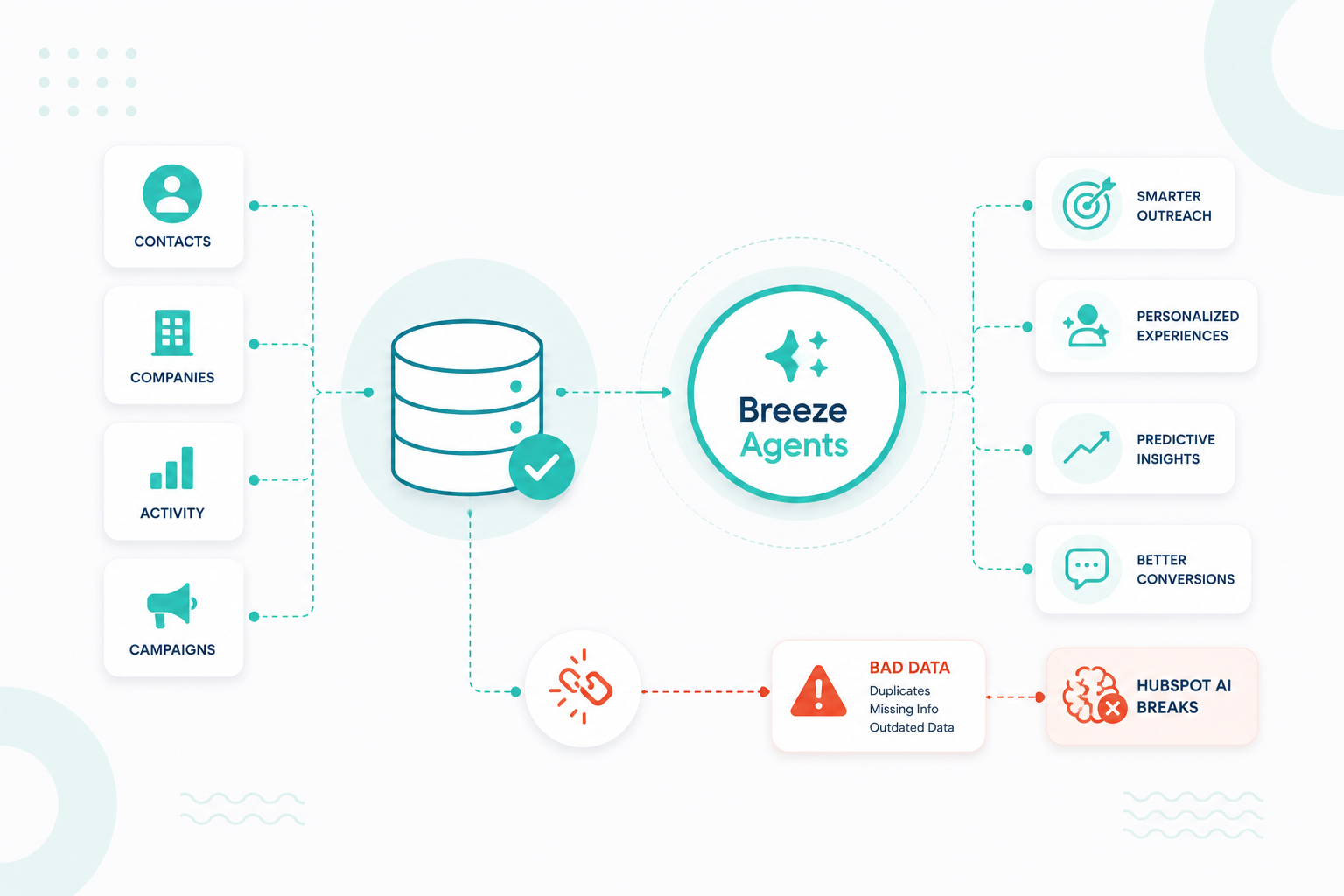
HubSpot Work's agents are only as reliable as the data and processes behind them, so messy records and unclear ownership can leave agents stuck or acting on the wrong information.
The free HubSpot AI Readiness Scorecard takes about three minutes, needs no portal login, and scores your portal across five areas of a connected growth system. It then shows you three areas to focus on based on your results. Ready to set up your first Work project or agent? Talk to our team.
No, HubSpot currently includes Work with eligible subscriptions during the beta, though AI actions inside Work agents use HubSpot Credits.
Click More in the main navigation and select Work Management, or open Work Management directly if More doesn't appear.
No, projects in HubSpot Work are separate from both the projects object and Breeze Assistant projects.
Yes, you can start from scratch with a blank project and set up views manually.
Yes, the custom prompt option includes an Import files button so the assistant can use your documents as context.
No, basic if-then steps like notifying someone don't use AI, while AI-powered steps use credits.
Yes, indirectly, because Context Home scores how complete your business, customer, and team information is, and HubSpot's AI features rely on that information.
AI is changing how businesses use HubSpot. Turning AI features on, however, doesn't make your portal AI-ready. Before AI can produce accurate...
Start with the agent that solves your biggest bottleneck. If your CRM data is incomplete or unreliable, start with Data Agent. If reps lack time to...