Skip to the main content.

WEBSITE GROWTH & CONVERSION

Web Design & Development


SEO & AEO


Conversion Rate Optimization


Lead Generation Strategies


HUBSPOT SUPPORT & ENABLEMENT

HubDesk


HubSpot Training


HubSpot Change Management

FREE TOOLS & ASSESSMENTS

AEO Auditor


HubSpot Al Readiness Scorecard


LEARN & WATCH

View All Resources


Ebooks & Templates


Webinars On-Demand


Expert Videos

13 min read

Local SEO: How to Rank Higher in Google Maps and Local Search

Local SEO: How to Rank Higher in Google Maps and Local Search

Google explains that local search results are based mainly on relevance, distance, and prominence, which work together to determine the best match for each search. Ranking higher starts with giving Google complete information that shows what your business does, where it operates, and how established it is.

That work spreads across more than one property. Your Google Business Profile supplies the core business facts, your website proves what you do and where, and your reviews and third-party mentions establish how well known you are. Buyers now ask ChatGPT, Gemini, and Perplexity for local recommendations too, and those tools read the same listings, pages, and reviews Google does, so weak information in one place shows up in both sets of results.

Campaign Creators runs SEO and AEO programs that improve how your business appears in search and AI results. The work starts with an audit and visibility roadmap, then moves into content optimization and AEO setup. Every engagement follows three steps: audit, map, and action.

Key Takeaways

  • Google builds your local listing from your website, licensed third-party data, user contributions, and its own data about the place.
  • Complete and accurate business information makes a profile more likely to appear for relevant local searches.
  • Reviews and positive ratings feed prominence, and Gemini now summarizes those reviews for searchers before they read any of them.
  • Near-identical city pages fall under Google's doorway abuse policy.

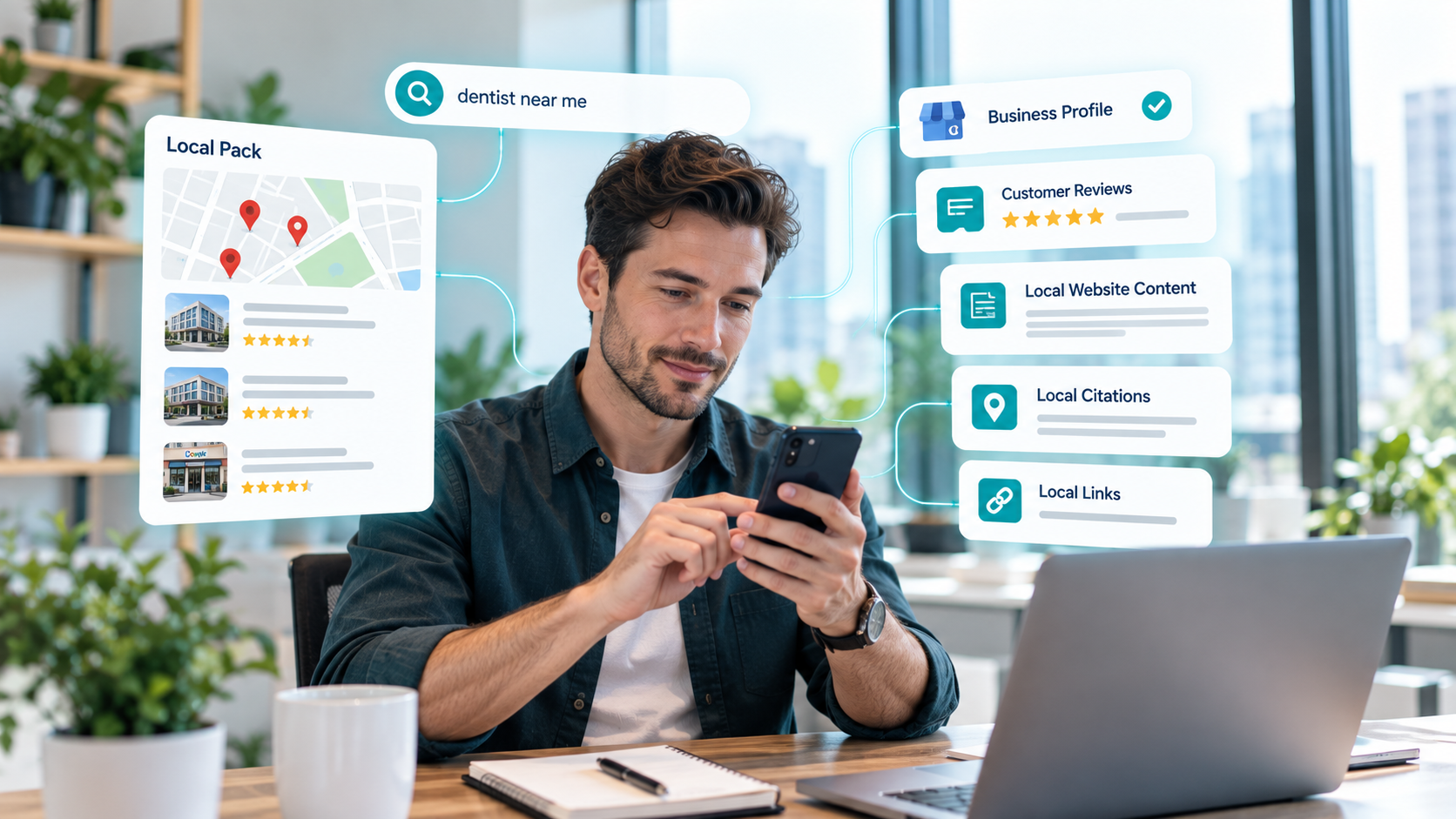
What Is Local SEO?man-searching-local-seo-on-smartphone

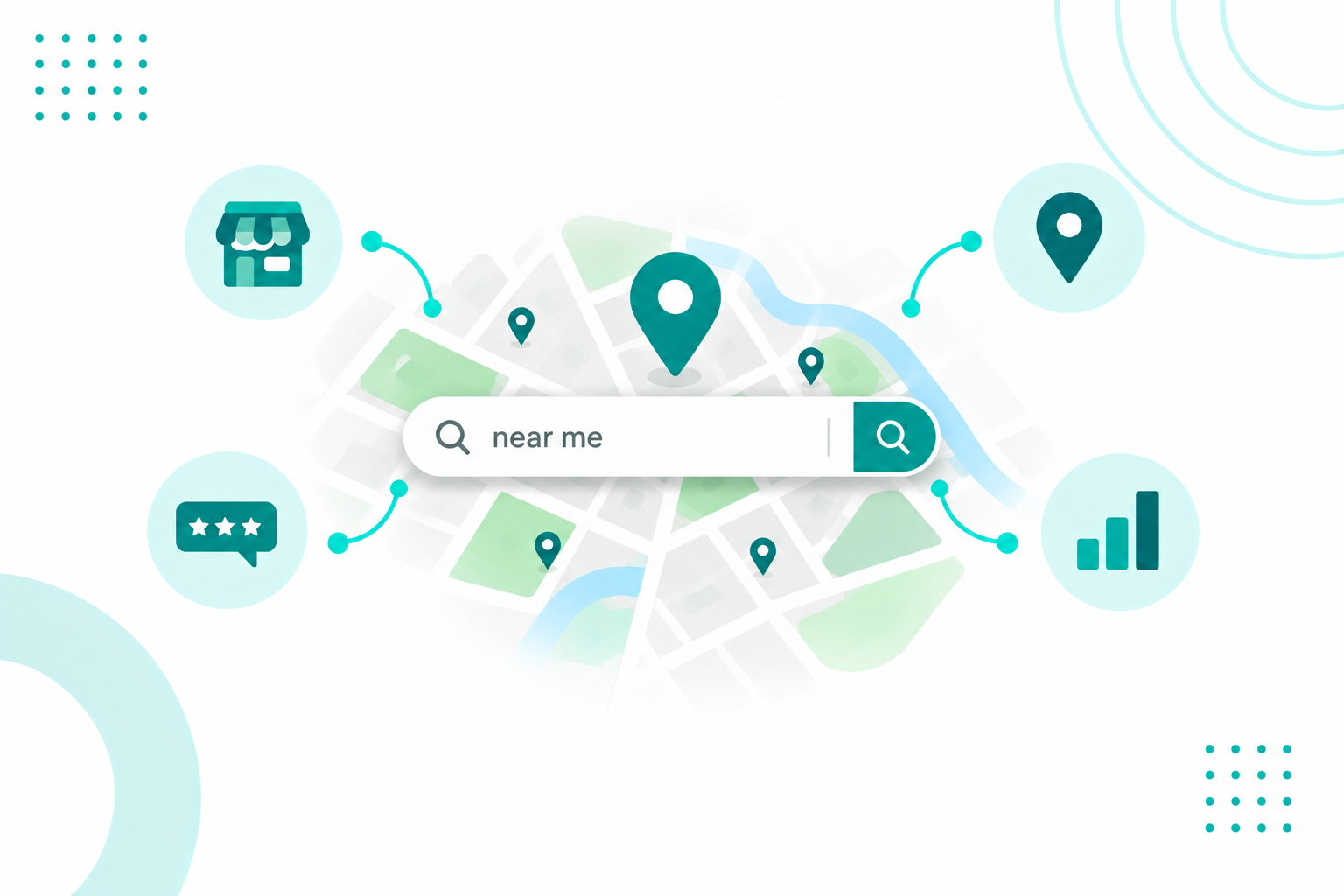
Local SEO helps your business appear in searches connected to a specific location, such as “dentist near me,” “HubSpot consultant in Boston,” or “best coffee shop in Austin.” These searches can show two types of results: the Local Pack with a map and list of businesses, followed by the organic results.

Local SEO also involves more than your website. Your Google Business Profile, business listings, customer reviews, local website content, links from trusted local sources, and service-area information all help Google understand your business and where you operate.

The Businesses That Need Local SEO

Local SEO can help any business that serves customers in a specific area. This includes storefronts, offices, multi-location brands, and service-area businesses that travel to customers.

Local searches do not always include a city or location. Someone searching for “CRM consultant” may see different results depending on where they are searching from. Google uses geographic context to determine which businesses to show. That means businesses that only target “city + service” keywords can miss searches where Google determines the location automatically.

How Is Local SEO Different From Traditional SEO?

Traditional SEO focuses on helping a page rank in search results, while local SEO focuses on helping a business rank for searches in a specific location. Local SEO therefore relies on more than website content and links. It also considers your Google Business Profile, reviews, online listings, and distance from the searcher. The signals also vary by result type. Website signals have a stronger influence on organic listings, while your profile and reviews have a greater influence on Google Maps results.

Local search often happens when someone is already choosing a provider, so visibility can lead to calls, direction requests, form fills, and walk-ins on the same day. Search behavior has also shifted beyond the click. Our own analysis reports that 59% of US Google searches end without a click, meaning your profile, reviews, and the information Google displays can influence decisions before someone reaches your website. The same analysis reports a 4x higher conversion rate from AI search visitors, suggesting that people who arrive through AI search may already have compared their options.

Local SEO needs to build visibility and trust both in search results and across the business assets that support them. Learn more SEO strategies for ecommerce sites with this guide.

What Factors Influence Local Search Rankings?

Google identifies three main factors in local search rankings: relevance, distance, and prominence.

Relevance

Relevance is how well a Business Profile fits what someone is searching for. Google asks businesses to provide complete and detailed information so its systems can understand the business and match it to the right searches.

In practice, that means an accurate primary business category, a full list of services, a clear profile description, and website content that describes the same work in the same terms. A company offering commercial HVAC repair competes well for "commercial HVAC repair near me" when every one of those fields says exactly that.

Distance

Distance is how far each business sits from the customer searching. When someone does not share a location, Google uses what it knows about where they are.

This is why two people in the same city see two different Local Packs, and it sets a hard limit on what optimization can do. No amount of content makes a business physically closer to someone across town, which is why the other two factors deserve attention.

Prominence

Prominence is how well known a business is, and Google notes that prominent places are more likely to show up in results. The factor draws on information such as how many websites link to your business and how many reviews you have, and Google states plainly that more reviews and positive ratings can help local ranking.

This is the pillar with the most room to move. Credible mentions, industry links, an active review profile, and a website that earns references all give Google more evidence that the business is established, and that same evidence travels into AI answers.

How Does Google Determine Local Search Rankings?

Google keeps the details of its ranking systems confidential and says so directly, which is part of how it keeps the system fair. What it does publish is the shape of the process, which is that relevance, distance, and prominence are combined to find the best match for each searcher.

Two businesses with identical profiles can therefore rank differently for the same words, depending on who is searching and from where.

Where Google Gets Your Business Information

Your profile is one input among several. Google compiles business information from four sources.

  • Publicly available information, such as crawled web content from a company's official website
  • Licensed data from third parties
  • Users who contribute factual information, photos, and reviews, including owners who claim their profile
  • Information based on Google's own interactions with a local place or business

Correcting one field in your profile does not fix a conflicting address sitting on a dozen directories. Google says businesses with complete and accurate information are more likely to show up in local results, and that accuracy has to hold across all four sources at once.

Why A Closer Business Can Rank Lower

Being nearest does not guarantee the top spot, since relevance and prominence are weighed alongside distance.

Someone searching for a specialized service often sees a specialist several miles out above a generalist down the street, because the specialist's profile matches the query more closely and carries more supporting signals. Proximity opens the door, and the other two factors decide the order.

Can Businesses Pay Google For Better Local Rankings?

No. Google states that there is no way to request or pay for a better local ranking. Google Ads and Local Services Ads are a separate placement with their own auction. They can put you at the top of the page, and they do not affect where you sit in the organic map results below.

Interesting read: SEO Lead Generation Services vs. Paid Ads

How Do Local Citations Affect Search Visibility?

Local citations are online mentions of your business name, address, and phone number (NAP) on directories, review platforms, industry sites, and local publications. They feed the "publicly available information" and "licensed data" inputs Google uses to build your listing, and they give AI tools a second and third source that agrees with your own site.

Quality beats volume here. A listing on a respected industry directory, a chamber of commerce, a professional association, or a local news site carries more context than fifty scraped directories nobody visits. For a specialized firm, one strong industry listing often does more than a dozen general ones.

NAP Consistency

NAP consistency means your business name, address, and phone number are accurate and consistent wherever they appear online.

Small formatting differences, such as “St.” versus “Street,” are usually harmless. The bigger issue is conflicting information, such as an old suite number, disconnected phone number, outdated business name, or an address from a previous location. Multi-location businesses should also have a separate listing for each location so each branch can appear in relevant local searches.

How To Audit Your Citations

Start with one accurate source of truth for your business information. Then check how that information appears across the web and fix anything outdated or inconsistent.

Look for incorrect business names, old addresses, wrong phone numbers, duplicate listings, inconsistent website URLs, incorrect categories, and closed locations. Google also lets users suggest edits to business profiles, so keeping your listings accurate requires ongoing checks. Set a regular date for these audits to catch changes before they become a problem.

Worth reading: The Power of Citations and Mentions in AI Search

Do Online Reviews Influence Local SEO Rankings?

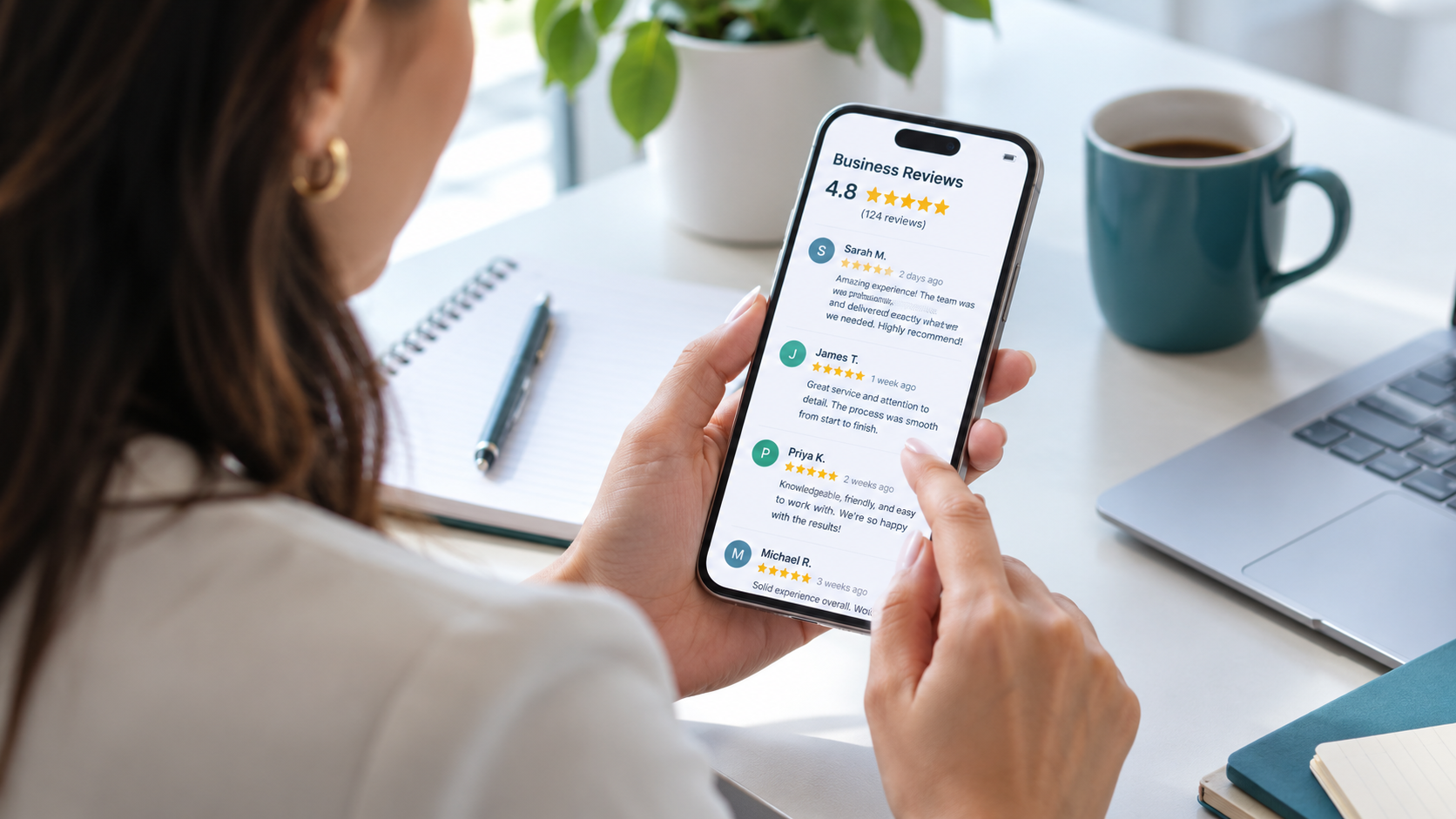
woman-reading-online-reviews-on-smartphone

Yes. More reviews and positive ratings can help a business's local ranking, and reviews sit inside the prominence factor alongside links and other public information.

Reviews also do a second job that has nothing to do with position. They decide if someone picks you once they see you, and they now feed the summary Google shows before a searcher reads a single review.

Review Volume, Ratings, And Recency

Volume establishes credibility with both audiences. A profile with a handful of reviews gives Google little to work with and gives a prospect even less, while a deep review history shows a business that has been serving customers consistently.

Recency does similar work. A profile with hundreds of reviews and nothing new in a year reads as inactive, so a slow and continuous flow beats an annual push. Build the request into moments that already exist, such as a completed project, a delivery, a support resolution, or a renewal, and use email, SMS, QR codes on printed material, or a review link in follow-up sequences. Google publishes its own tips for getting more reviews, and the one rule worth repeating is to ask for honest feedback and never for a specific rating.

Responding To Reviews

Replying to customer reviews shows that you value their feedback. Helpful responses can also give potential customers more context about your business.

Keep each response specific and genuine. Mention the service, project, or team member when relevant. Avoid using the same template for every review. Negative reviews deserve the same attention. A calm response that addresses the concern gives future customers more context and can also reveal recurring problems in your business.

Reviews In AI Search

Google now generates AI-powered review summaries built solely from user reviews, synthesizing place attributes and reviewer sentiment into a short overview. Those summaries appear on profiles and in Maps, and they are generated by Gemini, not written by the business.

You cannot edit that summary, so the only way to change it is to change the reviews behind it. When customers describe the specific service, the turnaround, or the outcome, those themes have something to work with. AI assistants answering questions like "which dentist near me has the best reviews" pull from the same public review data, which makes review content part of AI visibility as well as local ranking.

Which Local Keywords Should You Target?

You need to combine your service and location terms with the questions and problem-based keywords people actually use when searching online. This helps you target searches that match what your business offers and where you serve.

Service And Location Terms

Start with the services that generate revenue, such as CRM consulting, emergency plumbing, dental implants, or commercial landscaping. Those are the anchors.

Then layer geography on top using cities, neighborhoods, postal codes, counties, or regions, depending on how the business operates. Combinations such as "CRM consultant Boston" or "commercial electrician Dallas" carry the clearest commercial intent because the searcher has named both the need and the place. "Near me" belongs in your research and not in your copy, since Google uses the searcher's location to serve nearby results and a page does not need the literal phrase to appear for those searches.

Question And Problem Keywords

Some people search for a problem before they name a service, using phrases such as "website not generating leads," or "emergency water leak." These sit earlier in the journey and suit guides, FAQs, and diagnostic content.

Full questions have become their own category, including "how much does local SEO cost," "how long does local SEO take," and "which SEO agency works with SaaS companies in Denver." Covering the short phrase and the full question together gives you coverage in traditional results and in AI answers, where people type complete sentences. Long-tail terms belong in the same group, since "HubSpot consultant for SaaS companies in Boston" names the platform, the industry, the service, and the market, and converts better than the two-word version.

How To Prioritize And Map Keywords

A local keyword is worth targeting when it has local intent, matches a service you actually provide, and could realistically lead to an inquiry.

Search volume should not be the only factor. A keyword with 40 monthly searches can be more valuable than one with 4,000 searches when it closely matches a high-value service. Once you have your keyword list, group related terms and assign each group to one relevant URL. This keeps each page focused on a clear topic and location.

Use these keywords naturally in page titles, headings, body copy, URLs, FAQs, and relevant Google Business Profile information. Service-area businesses should also focus only on locations they genuinely serve.

What Type of Local Content Helps Businesses Rank?

Since Google uses your website as a source of business information, your service pages, location pages, and helpful educational content can support both your Google Business Profile and your organic search visibility.

Service Pages

A dedicated page for each service gives Google a clear target for each thing you sell, which makes service pages the foundation of the whole structure.

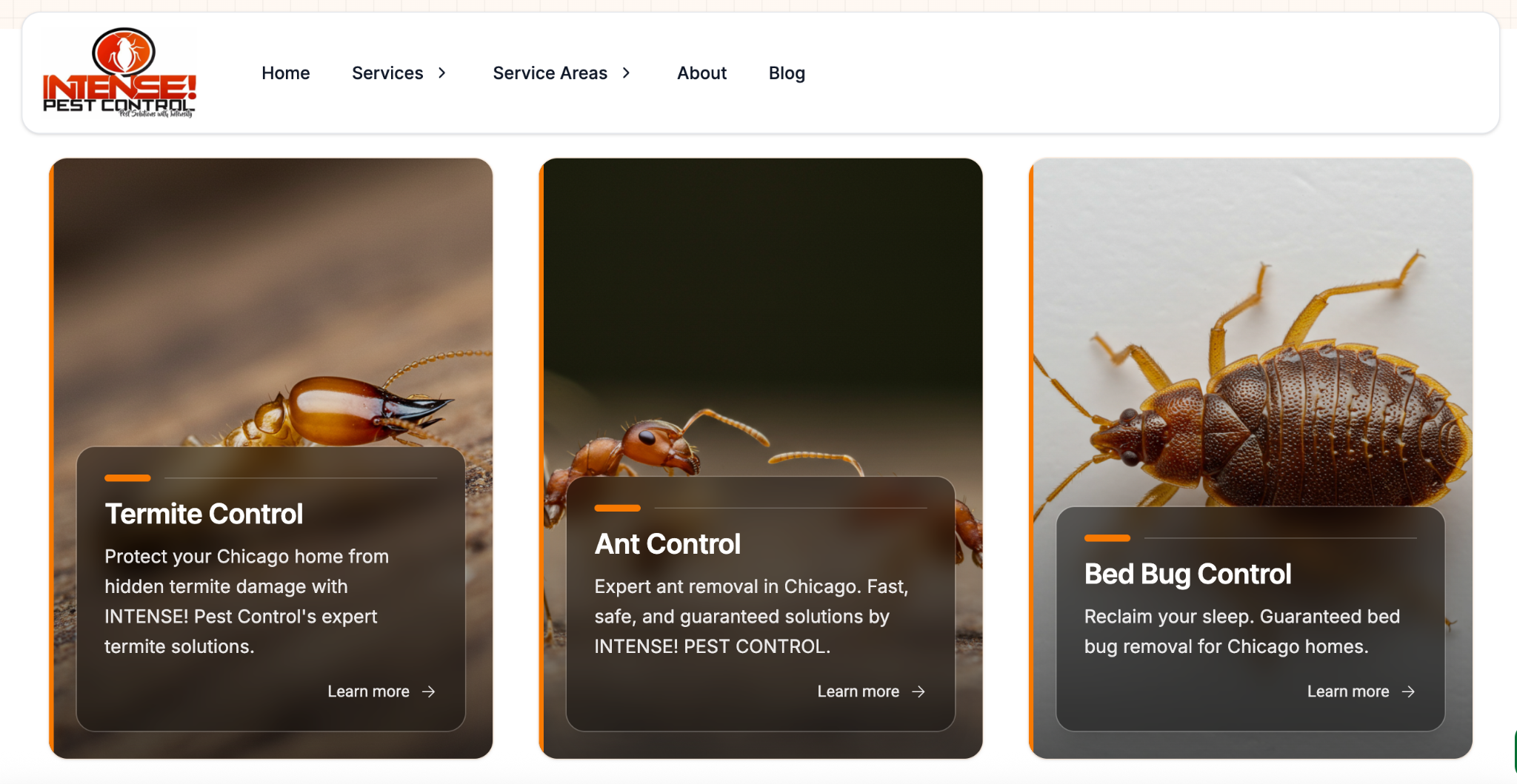
INTENSE! PEST CONTROL, for example, a Chicago pest control company has a service page that explains how quickly a type of bug can spread, what the treatment process involves, and how customers should prepare their homes before treatment, all of which are relevant to Chicago homeowners. example-of-a-service-page-intense-pest-control-company

A strong local service page explains the work itself and then gets specific about the market, covering the service area, typical customer situations, availability, and what the engagement looks like.

Location Pages

Useful location pages cover the services available there, the address or service area, hours and contact details, neighborhoods served, local customer needs, and examples of work in that market.

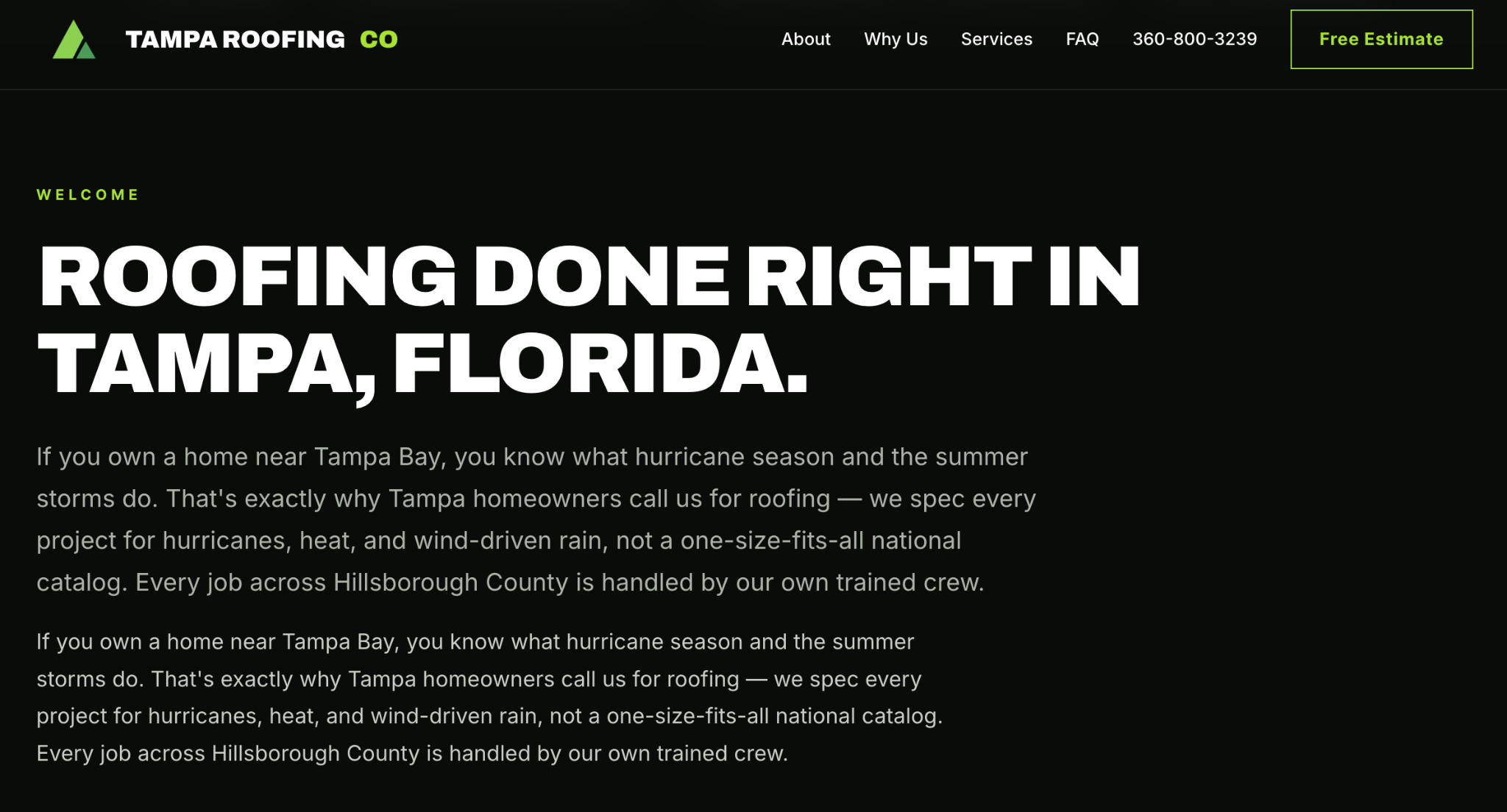
Aside from the Chicago pest control example above, Tampa Bay Roofing Company also connects its roofing services directly to the Tampa market. Its website identifies Hillsborough County as part of its service area and discusses issues that are particularly relevant to Tampa-area homeowners, including hurricanes, heat, and wind-driven rain.

example-of-location-page-tampa-bay-roofing

Create location pages only for places where you have a real physical presence or genuinely serve customers. Google considers it doorway abuse when websites create multiple city or regional pages that are nearly identical and simply send visitors to the same destination.

Blog Content, Guides, And Case Studies

Blog content catches people earlier, before they are ready to contact anyone. Local angles that work include regional regulations, seasonal issues, neighborhood guides, market-specific buying considerations, and questions customers ask repeatedly.

A roofing company writing "What Tampa Homeowners Should Check Before Hurricane Season" has a meaningful local angle that a generic article such as "10 Roof Maintenance Tips" does not. The same approach could apply to a landscaping business covering drought-tolerant plants for its local climate, or an electrician explaining local permit requirements for a common residential project.

Case studies do a different job by combining service relevance, local context, and proof in one asset. A case study about helping a Boston office reduce tenant complaints, for example, can show the type of customer served, the operational problem, the work performed, and the measurable result. That gives prospective customers concrete evidence they can use to judge whether the business is a fit.

Longer guides can also attract mentions and links from relevant local organizations, publications, and community resources, giving the content value beyond the initial search query.

What To Avoid

Dozens of near-identical city pages, templated copy with the location swapped, generic articles with a city name dropped in, pages for places you do not serve, repeated local keywords, and high-volume low-value publishing.

Each of those creates work without creating value, and several of them appear by name in Google's spam policies.

How Should You Optimize Your Website for Local Search?

1. Make Services And Service Areas Obvious

A visitor should be able to understand what you do, where you work, who you serve, and how to contact you without having to search through the page. Contact details, business hours, service areas, and next steps should be easy to find because local visitors often arrive ready to call, request a quote, or book an appointment.

2. Consistent Business Information And Internal Linking

Your name, address, phone number, hours, and service areas should read the same on your site as they do on your Google Business Profile and directories. This gets missed after a move, a phone system change, or a new location opening, when the footer gets updated and three older landing pages do not.

Internal linking shows search engines how your services and locations relate and gives visitors a path forward. A clear structure connects the homepage to a location page, then to the relevant service pages, then to supporting content and case studies, and ends at a conversion point.

3. Structured Data And Mobile Experience

LocalBusiness structured data helps Google understand important information about your business, such as your name, address, phone number, hours, and services. The markup should match what visitors can actually see on the page. Adding information that is inaccurate, hidden, or misleading can cause Google to ignore the markup or take manual action.

Local searches often happen on a phone when someone has a specific task in mind, such as finding a nearby business, making a call, or booking an appointment. Pages should load quickly, use easy-to-read text, make phone numbers easy to tap, keep forms short, and make important information simple to find.

Real photos of your location, team, and completed work can also help visitors feel more confident about contacting you.

How Can HubSpot Support Local SEO?

HubSpot can support the content, customer data, and reporting behind a local SEO strategy. Google determines where your business appears in local search, while HubSpot helps you track what happens after someone finds you, from the first visit to the final inquiry or customer.

Optimize Local Pages With The SEO Tool

HubSpot's SEO recommendations flag issues affecting how content is discovered and understood, covering metadata, broken links, internal linking, and other on-page factors.

To scan a whole domain, click More in your HubSpot account, then go to Marketing > SEO, click Scan new URL, and enter your root domain. Results are grouped by category, impact, technical difficulty, and role, so a marketer can separate their own fixes from developer work

For a single page, go to Content > Website Pages, Content > Landing Pages, or Content > Blog, open the page, and click the gauge Optimize icon in the left sidebar. The SEO tool requires Marketing Hub or Content Hub Professional or Enterprise, while the in-editor recommendations are available in every account.

Build Location Pages With HubDB And Dynamic Pages

Dynamic pages pull content from a structured data source and generate a listing page plus one detail page per row or record, which suits a store locator or a regional directory. A developer sets up the HubDB table or CRM objects and the template, then a content creator connects it by opening the page, clicking Settings in the top right, choosing Advanced in the left menu, and selecting a source under Dynamic pages.

HubDB includes a location column type that stores latitude, longitude, and a formatted address, which is what makes map-based location pages possible. Dynamic pages require Content Hub Professional or Enterprise, and you can create up to 10 dynamic pages per data source. The SEO value still depends on what each generated page says, so location-specific content has to sit behind the structure.

Track AI Visibility With HubSpot AEO

HubSpot AEO measures how often your brand appears in answers from ChatGPT, Gemini, and Perplexity. To set it up, click More, then go to Marketing > AEO and click Get started, where you confirm your brand details, competitors, products, ideal customer profiles, and the prompts you want tracked. The dashboard then reports brand visibility, sentiment, share of voice against competitors, and citation analysis showing which domains and content types answer engines reference.

Access comes through Marketing Hub Professional or Enterprise or a standalone HubSpot AEO subscription, with a 28-day free trial available. Professional accounts track 25 prompts daily against 2,500 monthly answers, and Enterprise accounts track 50 prompts against 5,000 answers.

Before choosing either option, our free AEO Auditor, powered by HubSpot, can help you establish a baseline for your current AI search visibility.

Ready to Turn Local Visibility Into Revenue?

Getting found in local search is just the start. Once someone finds your business, they still need to reach the right page, understand what you offer, and know what to do next.

Campaign Creators builds the HubSpot infrastructure that connects those pieces, from location and service pages to CRM architecture, lead routing, and reporting. The result is a clearer connection between local search activity, leads, and customers. Talk to our team about a HubSpot and local search review.

Frequently Asked Questions

How Long Does Local SEO Take To Show Results?

Profile and listing corrections can show within weeks, while review growth, content, and links usually take three to six months to change rankings meaningfully.

Why Do Local Rankings Look Different For Different People?

Distance is part of the ranking system, so results shift based on where each person is searching from.

Where Does Google Get The Information In My Business Profile?

From crawled web content, licensed third-party data, user contributions such as photos and reviews, and Google's own interactions with the place.

Should You Create A Page For Every City You Want To Rank In?

No, build pages only for locations you genuinely serve, since near-identical city pages match Google's description of doorway abuse.

How Do You Appear In AI Answers For Local Searches?

Publish a dedicated page for each service, keep your business information consistent across third-party sites, build reviews on multiple platforms, and track prompt-level visibility so you can see which gaps to close.

Does HubSpot Improve Google Maps Rankings?

No, HubSpot supports the website, content, CRM, and reporting behind local SEO, while rankings stay with Google, your profile, and your reviews.

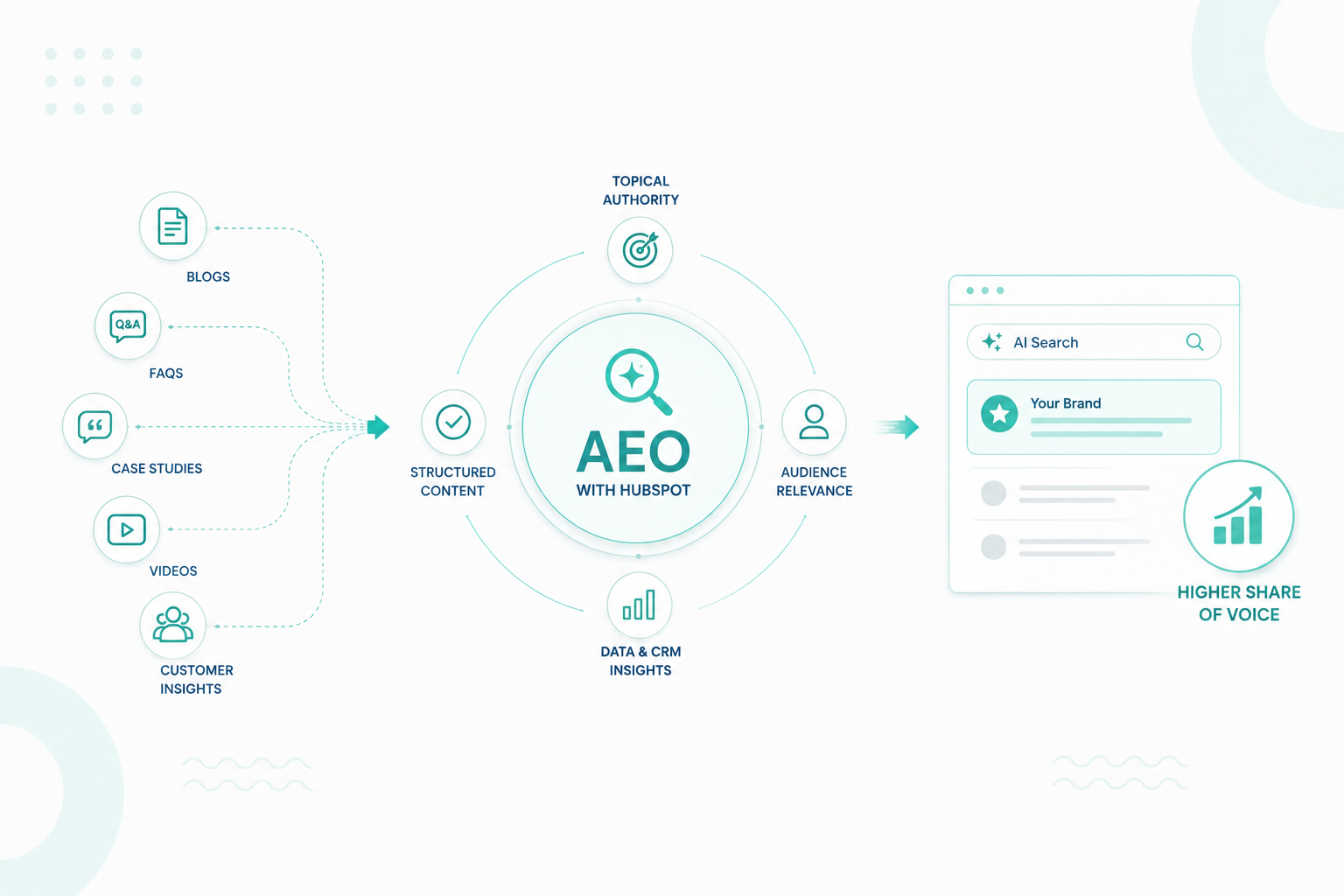
How to Increase Your Share of Voice in AI Search Using HubSpot AEO

How to Increase Your Share of Voice in AI Search Using HubSpot AEO

AI search is changing how people find and evaluate businesses. 51% of consumers say generative AI has changed how they research information online,...
Read More
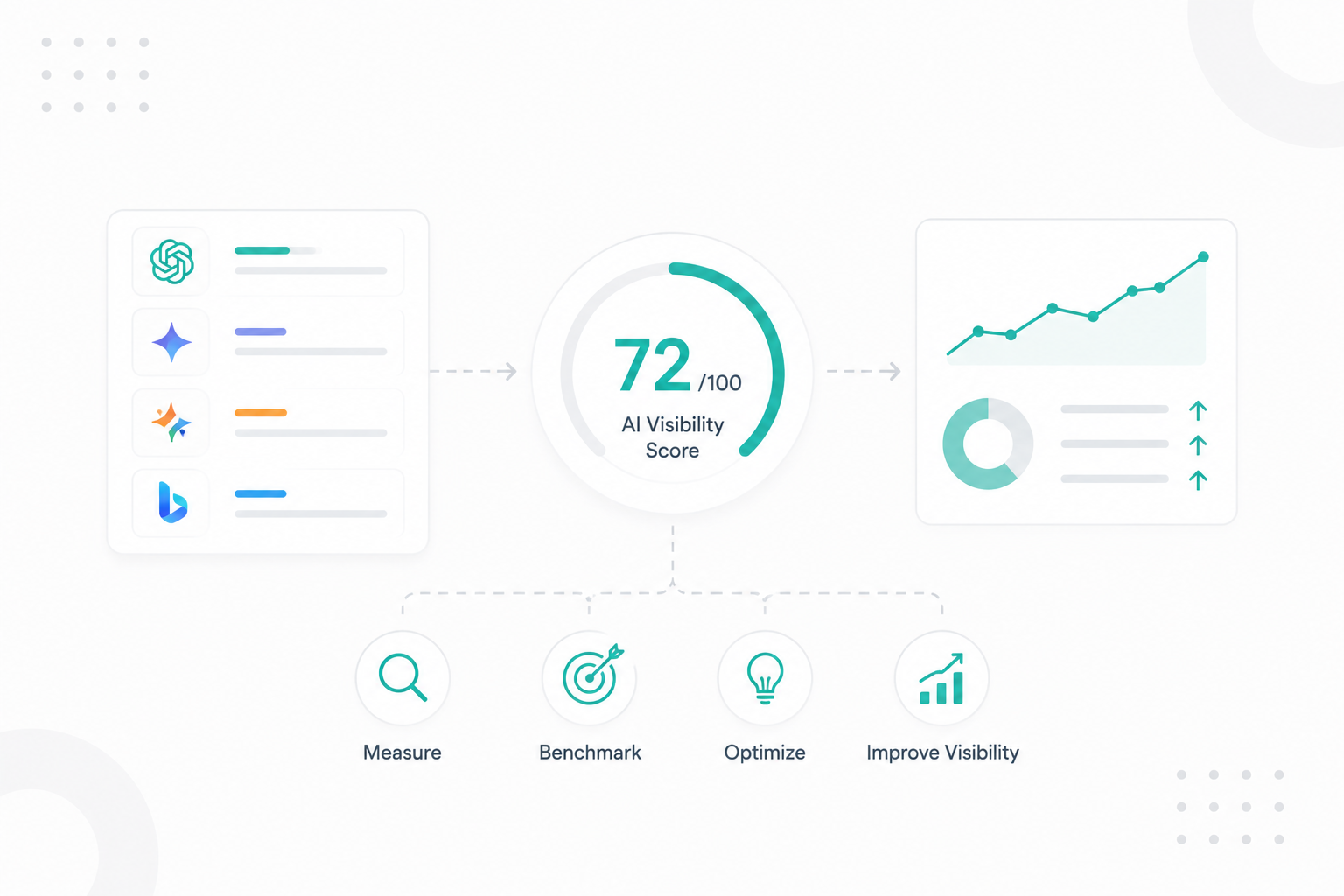
What Is an AI Visibility Score and How Should Marketers Use It?

What Is an AI Visibility Score and How Should Marketers Use It?

What Is an AI Visibility Score and How Should Marketers Use It? More people are starting to search through AI tools instead of scrolling through...

Read More
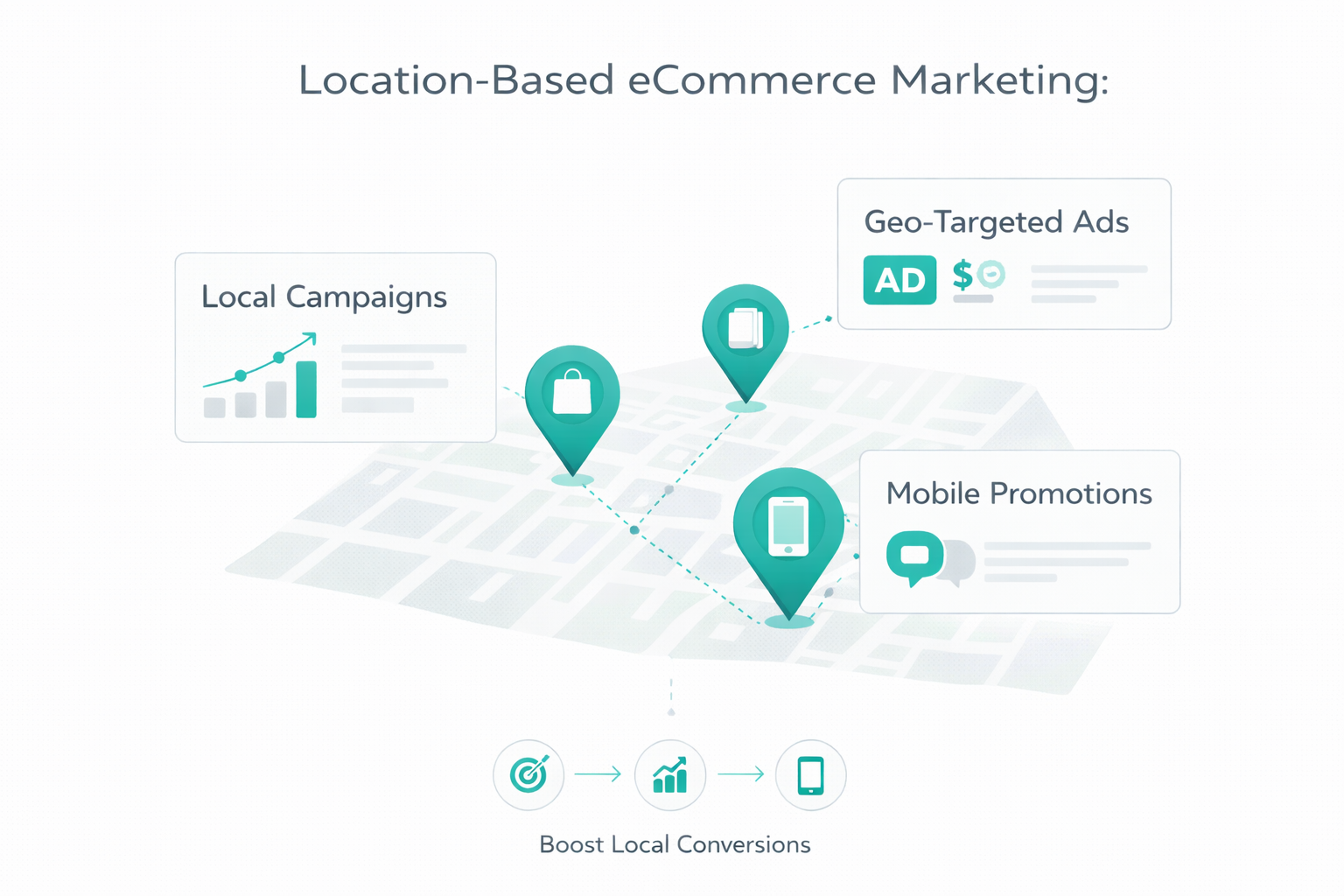
Location-Based eCommerce Marketing: 10 Strategies to Increase Conversions

Location-Based eCommerce Marketing: 10 Strategies to Increase Conversions

Location-based eCommerce marketing uses a customer’s real-time location to deliver relevant content and offers. It connects your digital campaigns to...

Read More