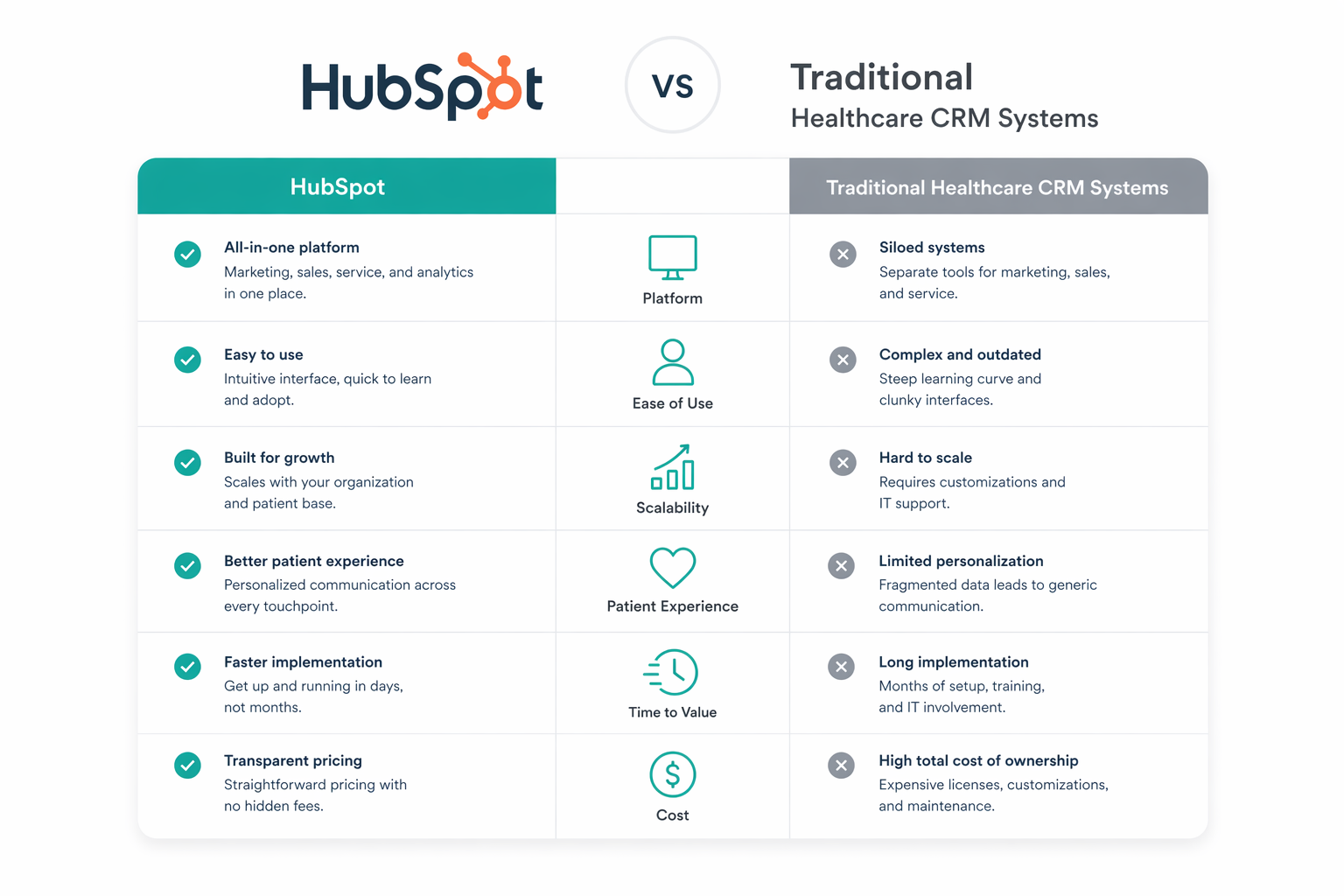
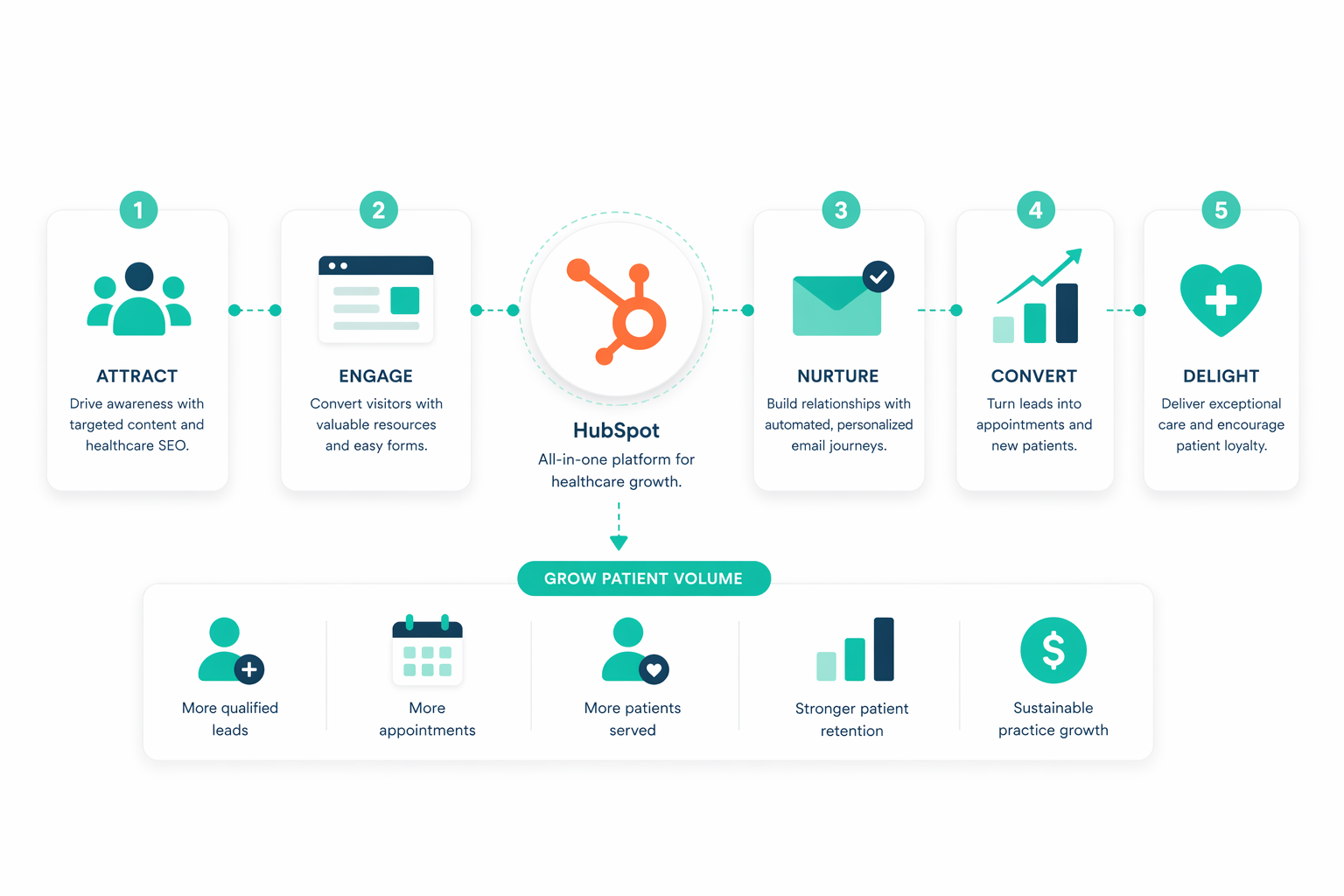
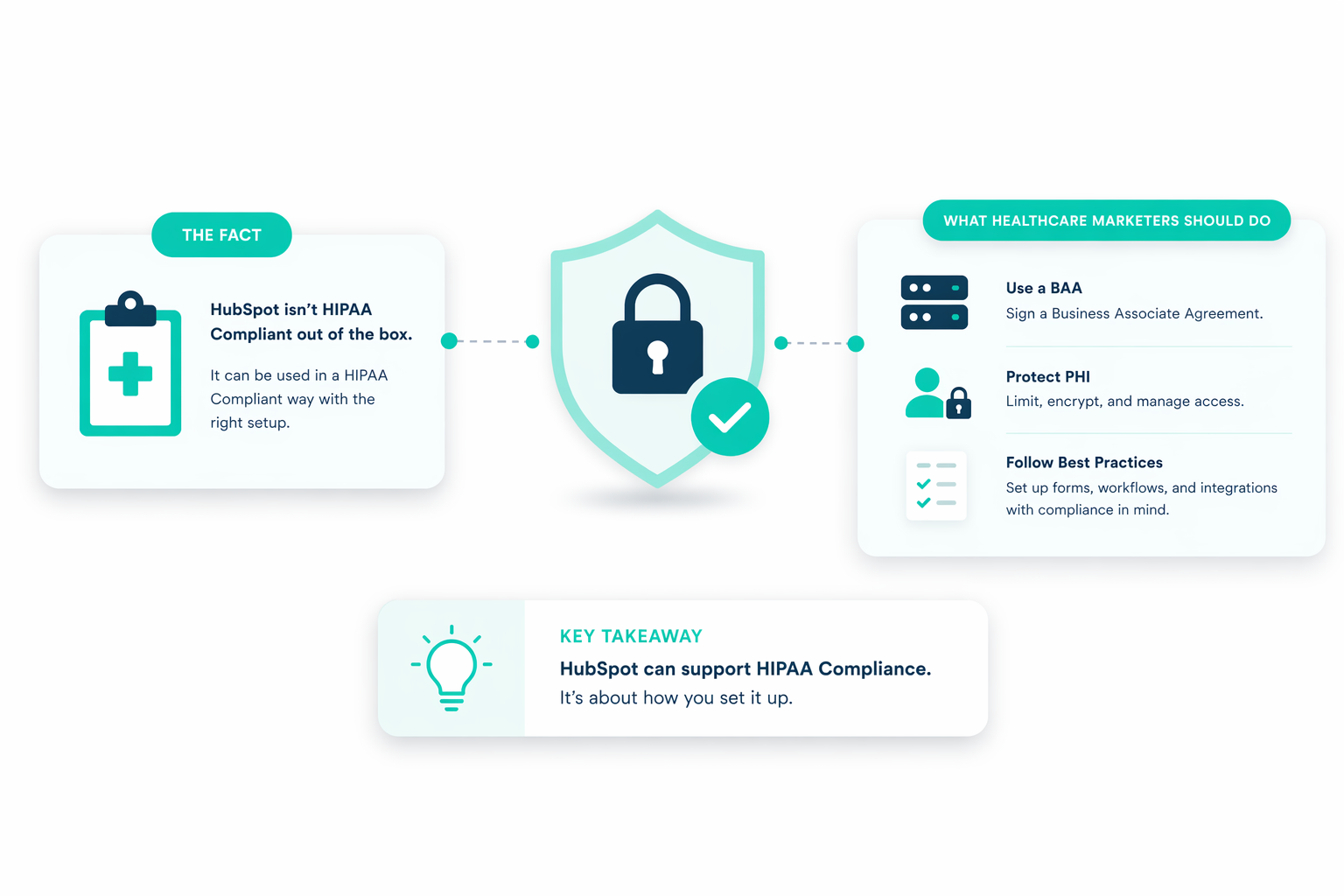
Yes, but only in specific situations. HubSpot can support HIPAA-compliant use, but it is not compliant out of the box. You don’t get protection from simply signing up or upgrading. Compliance depends on how you set up the platform, what data you store, and whether proper safeguards are in place.
To use HubSpot safely in a healthcare setting, you must be on an Enterprise-level plan, manually enable sensitive data settings, and align your setup with both technical requirements and legal agreements. Without that, you risk exposing protected health information in ways that violate HIPAA.
This guide walks you through what HubSpot can handle, where the risks are, and how to set it up properly so you can manage patient data without creating compliance issues.
Two Ways to Use HubSpot in Healthcare
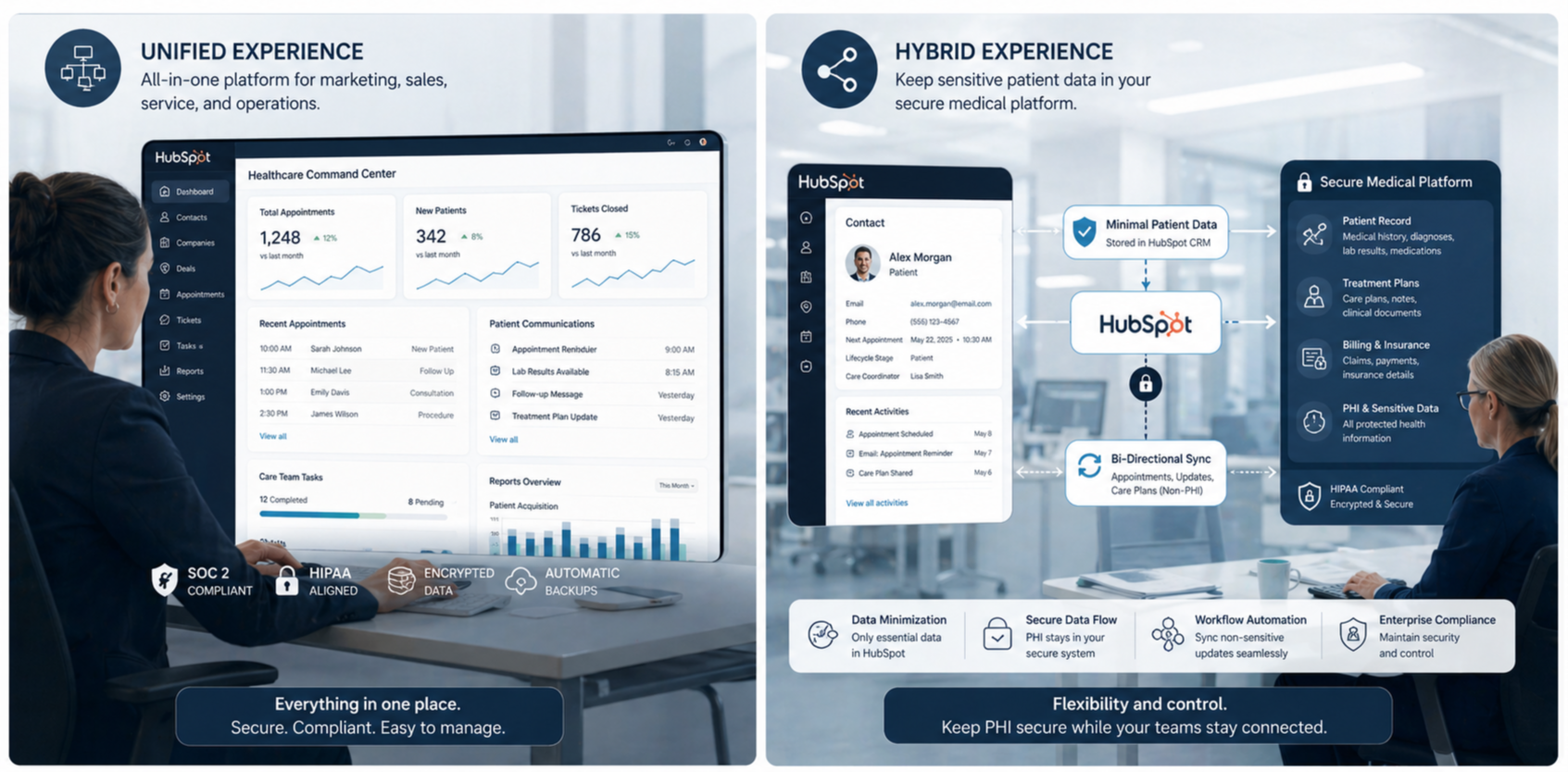
HubSpot can fit into healthcare in two different ways, depending on how your team navigates HIPAA and manages patient data.
1. The Native HIPAA-Compliant Path
For organizations that want HubSpot to serve as their single source of truth, the most comprehensive method is to use HubSpot’s native HIPAA-compliant tools. This is available exclusively to customers with an Enterprise-tier subscription. To operate this way, a "Super Admin" must navigate to the platform's security settings to enable Sensitive Data Settings and specifically identify the organization as a HIPAA-covered entity or business associate.
Once these settings are activated, HubSpot automatically enters into a Business Associate Agreement (BAA) with the organization, which provides the necessary legal framework for handling Protected Health Information (PHI). This path helps teams to create custom sensitive properties specifically designed to store medical and health data. By doing so, healthcare providers can manage the entire patient lifecycle within a single, unified environment.
It is important to note that even with a BAA, not all HubSpot features are covered. For instance, while you can store PHI in secure CRM properties, you generally cannot use that sensitive data in personalization tokens for emails, chatbots, or certain types of advanced reporting. This requires teams to be highly intentional about how data flows through the system to ensure it remains within the covered services defined in the BAA.
2. The Non-PHI and Integrated Hybrid Path
The second way to use HubSpot is to treat it as a general marketing and relationship management tool that remains strictly isolated from PHI. This is often the preferred route for smaller practices that find the high cost of an Enterprise subscription. In this model, HubSpot is used for broad educational outreach, lead generation, and general inbound marketing that does not involve specific patient health details.
Organizations using this method often employ a hybrid strategy. This involves integrating HubSpot with a third-party, HIPAA-compliant communication platform. In this scenario, HubSpot’s powerful automation and workflow engines are used to trigger communications based on non-sensitive data, such as a "last appointment date," but the actual transmission of the secure message is handled by the specialized third-party API.
This hybrid approach helps healthcare marketers to maintain a high level of personalization and efficiency without the liability of storing sensitive clinical data directly on the HubSpot platform. By using de-identified or pseudonymized data within the CRM and routing identifying clinical details through purpose-built HIPAA systems, organizations can still achieve sophisticated patient engagement while minimizing their compliance risk.
What Counts as PHI in Your CRM
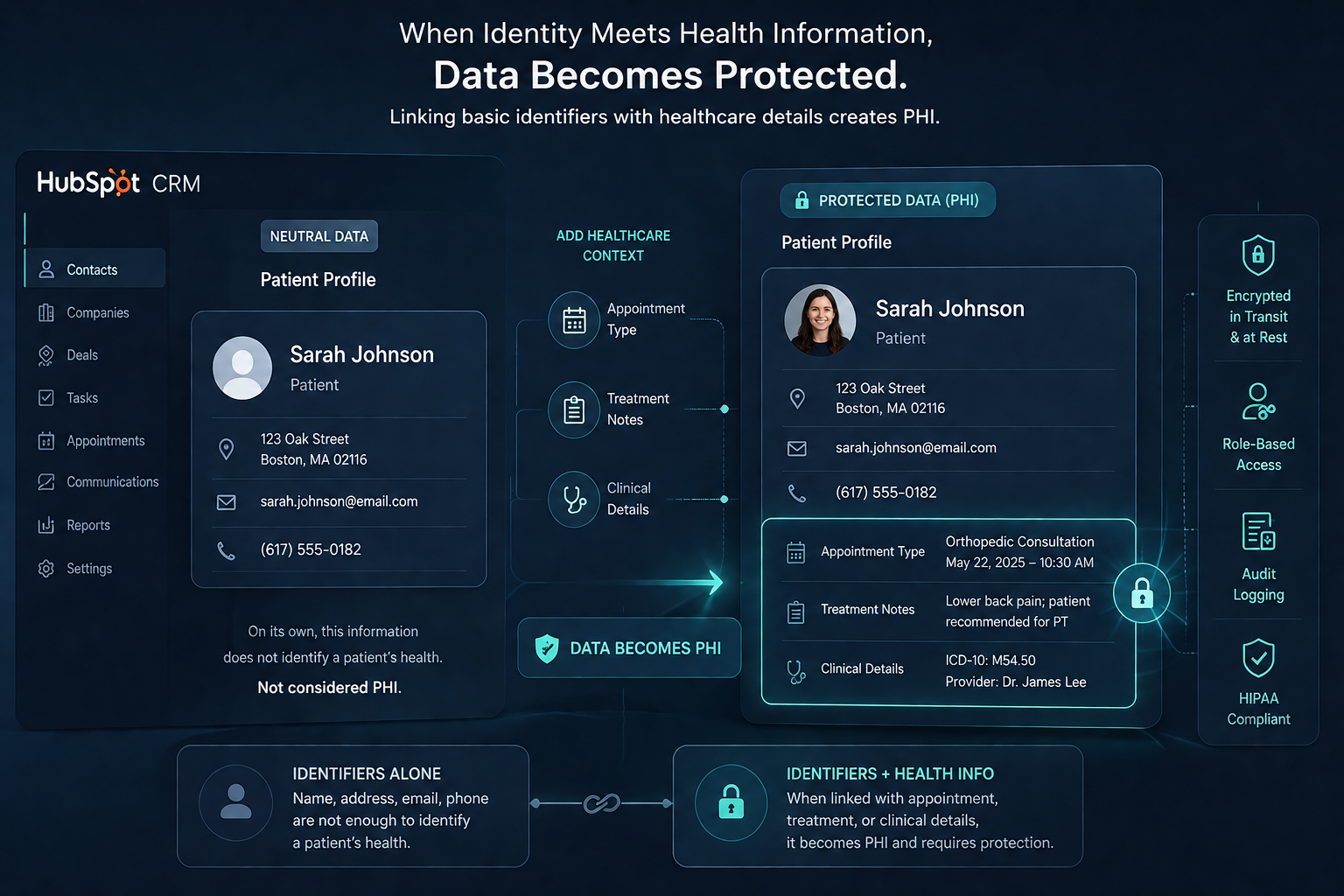
Many healthcare organizations mistakenly assume that Protected Health Information only refers to highly sensitive clinical data, such as a surgeon's operating notes or a detailed laboratory report. In reality, HIPAA defines PHI broadly as any "individually identifiable health information" that relates to an individual’s past, present, or future physical or mental health condition, the provision of healthcare to that individual, or the payment for that healthcare.
In HubSpot, information becomes PHI the moment a personal identifier is linked to a health-related data point. For instance, a patient's name and email address are not sensitive in isolation. However, when those details are stored in a database that identifies them as a patient of a specific oncology clinic or records their upcoming appointment time, that entire record becomes PHI.
This also includes Electronic Protected Health Information (ePHI), which is any PHI that is created, stored, transmitted, or received in an electronic format.
To help organizations identify what needs protection, the Department of Health and Human Services (HHS) has outlined 18 specific identifiers. If any of these are present in your CRM alongside health-related information, the record is subject to HIPAA regulations:
- Name
- Address
- All elements (except years) of dates related to an individual (including birthdate, admission date, discharge date, date of death, and exact age if over 89)
- Telephone numbers
- Fax number
- Email address
- Social Security Number
- Medical record number
- Health plan beneficiary number
- Account number
- Certificate or license number
- Vehicle identifiers and serial numbers, including license plate numbers
- Device identifiers and serial numbers
- Web URL
- Internet Protocol (IP) Address
- Finger or voice print
- Photographic image
- Any other characteristic that could uniquely identify the individual
Beyond these specific identifiers, CRM users must be cautious with administrative and logistical data. Information regarding healthcare services provided, such as a "visit follow-up" or "educational information tailored to a condition," qualifies as PHI because it reveals details about the patient's care journey.
Furthermore, payment information, including insurance claims, billing details, and account balances, is considered PHI and must be stored in secure, encrypted properties if it is kept within the CRM.
Ultimately, the standard for determining PHI is whether there is a reasonable basis to believe the information can be used to identify the individual.
Simplified Ways to Manage Patient Data in HubSpot
HubSpot provides a framework of standard and custom objects that organizations can adapt to mirror the complexities of a clinical environment. By mapping these objects, healthcare providers can create a system that supports both operational efficiency and strict regulatory standards.
Mapping the Medical Framework
Organizations typically use the Contact object to store information for patients, physicians, and nursing staff, often using a "Contact Type" property to distinguish between these roles. The Company object serves as a record for physical office locations, insurance providers, or external partner clinics.
To manage the patient journey, teams utilize the Deal object to track the lifecycle of specific appointments, procedures, or billing cycles. This provides a pipeline view where staff can monitor a patient's progress from an initial booking through to insurance claim submission and final payment.
For administrative needs, the Ticket object enables the management of patient support requests or intake inquiries. When standard objects are insufficient for clinical needs, healthcare teams create Custom Objects for specialized data such as laboratory tests, specific medical departments, or treatment plans.
Categorizing Sensitive Information
Once the object framework is in place, the system must distinguish between standard data and Protected Health Information. Administrators enable this by navigating to the Sensitive Data tab during the property creation process.
HubSpot provides two distinct tiers of protection for these fields: Sensitive Data and Highly Sensitive Data. Marking a property as sensitive triggers an additional layer of application-layer encryption, which provides increased isolation for that specific data point.
Highly Sensitive Data properties receive even more rigorous protections. Values in these fields are encrypted so that users must manually click to decrypt the information before they can view or edit it. This ensures that even staff members with record access only see highly sensitive details, such as social security numbers or specific diagnoses, when necessary for their duties. Because these properties cannot be used in certain tools like chatbots or personalization tokens, teams must strategically decide which data points require this level of restriction.
Integrating the Clinical Ecosystem
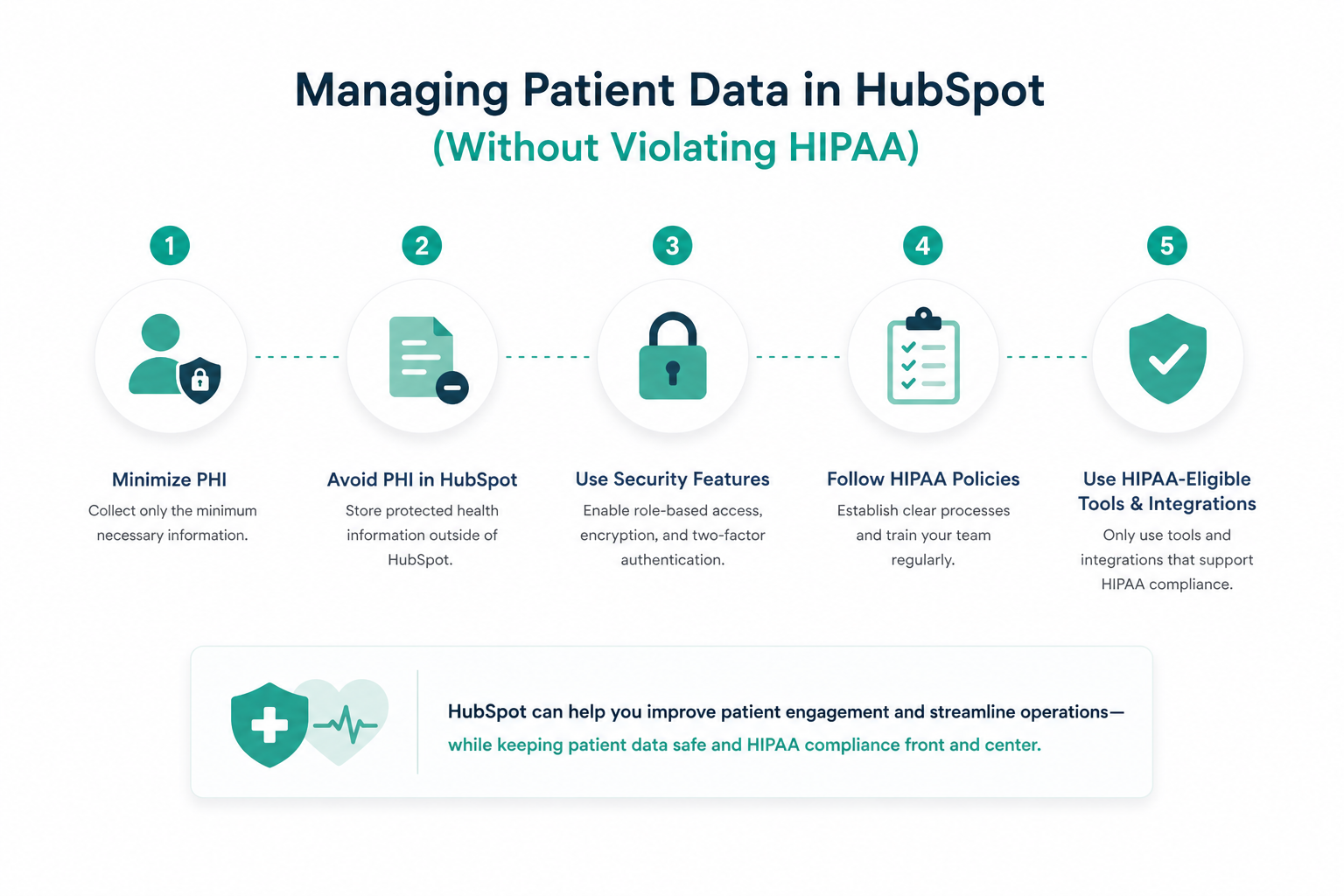
The CRM should only store engagement data such as appointment history, communication preferences, and general health interests. Full medical records and detailed histories should stay in your certified EHR.
To connect the two, you need a minimum necessary data approach. Use de-identified or pseudonymized IDs to link CRM contacts to their files in the EHR. This lets the CRM trigger actions like a post-procedure check-in based on updates in the EHR without storing sensitive clinical details.
This setup keeps patient data secure and still gives your team enough visibility to manage relationships effectively.
How to Use Forms, Emails, and Workflows Safely
Forms, emails, and workflows in HubSpot need proper setup to meet the minimum necessary standard. Each interaction should limit data exposure and protect patient privacy without slowing down operations.
Secure Data Inbound via Forms
Forms are often the first point where patient data enters your system, so this is where mistakes happen early. Instead of collecting everything in one open text box, break your forms into structured fields such as appointment reason, preferred contact method, and general health interests.
Avoid storing health details in general notes or free-text fields. These fields are harder to control and can expose sensitive data across your team. Keep all Protected Health Information inside designated secure properties where access can be limited.
For example, instead of asking “Tell us about your condition,” use controlled options like checkboxes or dropdowns for common visit types. This reduces risk and keeps data consistent.
If you use tools like PandaDoc, you can take this further. Form submissions can automatically populate secure document templates for intake forms or consent agreements. This removes manual copying, which lowers the chance of errors or data exposure.
Managing Email Communication Boundaries
Email is where many teams unintentionally create risk. Anything tied to a diagnosis, treatment, or test result should go through a secure messaging system, not standard email.
A practical setup looks like this:
- Use HubSpot to send a reminder like “You have an upcoming appointment tomorrow at 2 PM.”
- If you need to share lab results or care instructions, send a separate secure message through an encrypted platform.
Many teams connect HubSpot to secure messaging tools. HubSpot handles segmentation and timing, such as sending follow-ups after a visit, and the external system handles encrypted delivery.
You also need simple safeguards in place. Double-check contact details before sending messages, avoid including sensitive data in subject lines, and always include a clear opt-out option so patients can control communication preferences.
Safe Workflow Automation and Personalization
Workflows help you automate repetitive communication, but they need clear boundaries. They should focus on timing and coordination and not clinical detail. For example, you can build a workflow that triggers after an appointment is completed:
- Day 1: Send a “Thank you for visiting” message
- Day 3: Send a general check-in message
- Day 7: Send a review request or educational content
Be careful with personalization tokens. It may seem helpful to include details automatically, but pulling Protected Health Information into email content or subject lines creates risk. Stick to neutral fields like first name, appointment date, or provider name.
A good rule to follow is this: If the message were accidentally seen by someone else, it should not reveal anything sensitive.
What Marketers Get Wrong About HIPAA Compliance

Most HIPAA compliance issues come from preventable errors in configuration and operations. A signed Business Associate Agreement in HubSpot does not remove that risk, and violations can result in fines reaching $1.5 million annually.
1. Improper Property Selection and Data Entry
In HubSpot, sensitive properties have added encryption that standard fields and note sections do not. If someone enters health data into a regular property or a notes field, you cannot fix it by simply switching that field to “sensitive” later. The only way to correct it is to delete the data, create a properly designated sensitive property, and re-import the information. That creates extra work and increases the risk of data exposure during the process.
Free-text fields make this problem worse. They allow users to enter anything, which makes it easy to include sensitive details without control. For example, a note like “Patient diagnosed with diabetes, follow-up in 2 weeks” exposes clinical information in an unprotected area.
A safer approach is to use structured, sensitive fields. Use controlled properties such as dropdowns, checkboxes, or clearly defined fields for specific data points.
2. Misuse of Automated Communication Features
Organizations often mistakenly assume that a BAA covers every feature within the HubSpot ecosystem. In reality, many popular tools, including chatbots, live chat, and calling features, remain excluded from the BAA and must never handle PHI.
Another issue is the misuse of personalization. Pulling health data into emails using tokens can expose sensitive information. An email subject like “Your diabetes follow-up” or “Results from your MRI” can violate encryption requirements, even before the message is opened.
Workflows also need strict limits. Automations should not send or sync data to external tools unless those systems are secure and approved. For instance, sending patient details to a standard notification tool or internal email list without controls can expose data to unauthorized users.
3. Integration Leaks and Vendor Oversight
Connecting HubSpot to the wrong third-party tools can expose patient data. Consumer apps or social media platforms are not built for HIPAA compliance and should not handle Protected Health Information.
Every integration that touches sensitive data needs its own Business Associate Agreement and strict field mapping. Only the minimum necessary data should move between systems. A single non-compliant integration can weaken your entire setup. If one connector sends data to an unapproved system, it can break your compliance posture across the CRM.
You also need to keep documentation up to date. Your Notice of Privacy Practices should clearly explain how patient data is used, including CRM and integrations. If this is outdated or incomplete, it can create issues during audits or with new regulatory requirements.
For a more comprehensive guide regarding HIPAA, read this article.
Moving Toward HIPAA Compliance in HubSpot
HubSpot has moved beyond a basic marketing tool into a usable option for healthcare teams that need secure patient engagement. With sensitive data features enabled and a Business Associate Agreement in place, you can manage communication and operations like scheduling without exposing patient data.
Success depends on how well you manage risk, train your team, and control integrations. When set up correctly, HubSpot helps you protect privacy and build stronger patient relationships. This is where the right partner can support proper setup and ongoing compliance.
At Campaign Creators, we help organizations design and implement HubSpot environments that align with HIPAA from the ground up.
.png?width=420&height=121&name=cc-logo-color%20(2024).png "Campaign Creators - logo in dark blue and transparent background")


 Campaign Creators

 Campaign Creators : 04/17/26