Skip to the main content.

WEBSITE GROWTH & CONVERSION

• Web Design & Development


• SEO & AEO


• Conversion Rate Optimization


• Lead Generation Strategies


HUBSPOT SUPPORT & ENABLEMENT

• HubDesk


• HubSpot Training


• HubSpot Change Management

FREE TOOLS & ASSESSMENTS

• HubSpot Portal Audit


• HubSpot Al Readiness Scorecard


• HubSpot Al Solutions Design


LEARN & WATCH

• View All Resources


• Ebooks & Templates


• Webinars On-Demand


• Expert Videos

HUBSPOT INSIGHTS

• AEO & AI Search


• Automations


• HubSpot Software


• Migration & Replatforming


• Marketing & Content


• Lead Generation


• Integrations


PLATFORM GUIDES

• HubSpot vs. Zendesk


• WordPress vs. HubSpot CMS

CC Square Image (20)


HubSpot Solutions by Industry

INDUSTRY ONBOARDING

• HubSpot for Healthcare


• HubSpot for Software


• HubSpot for IT Services


• HubSpot for Franchises


• HubSpot for Consumer & Retail


• HubSpot for Manufacturing


• HubSpot for Management Consulting


• HubSpot for Real Estate


• HubSpot for Construction


• HubSpot for Automotive


• HubSpot for Financial Services


• HubSpot for Professional Services


• HubSpot for Life Sciences


• HubSpot for Marketing & Advertising


Banking Success Story

How Upgrade Connected Salesforce Campaigns to HubSpot Marketing Hub Through a Sandbox-Tested Salesforce Integration

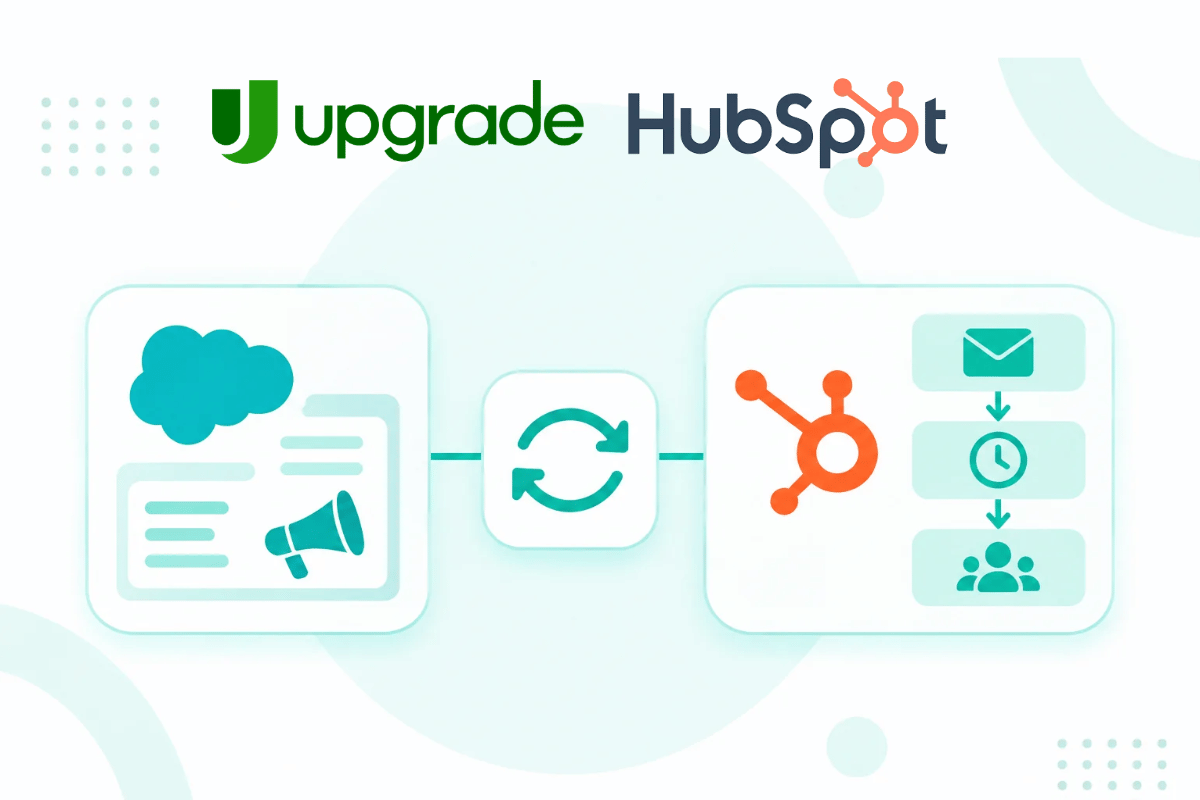
Upgrade, a financial technology company, needed Salesforce Campaigns and HubSpot to work together for its Home Improvement lead generation team. Campaign Creators configured HubSpot's native Salesforce integration, tested Salesforce Campaign enrollment in a Salesforce sandbox and set up Upgrade's HubSpot Marketing Hub account.

Upgrade Inc Thumbnail

0

platforms connected, Salesforce and HubSpot Marketing Hub

0

contact properties specified for two-way sync

0

contact properties specified to prefer Salesforce unless blank

0

Salesforce task created from a HubSpot lifecycle stage change in the sandbox test

upgrade transparent

Upgrade, Inc. is a financial technology company headquartered in San Francisco, California, with 1,000 employees. The engagement served its Home Improvement lead generation marketing team.

That team kept its leads in Salesforce, which it treated as the single source of truth for leads. It wanted to keep Salesforce in that role while adding HubSpot Marketing Hub Professional for automated email and reporting.

The team wanted new leads in a Salesforce Campaign to flow into HubSpot nurture, follow-up after conferences to happen much faster, and email engagement to be visible back in Salesforce.

Industry

Banking

Tools Used
  • Salesforce
  • HubSpot Marketing Hub
Services
  • Native Salesforce Integration Setup
  • Salesforce Sandbox Testing
  • Marketing Hub Onboarding
 

The Challenge

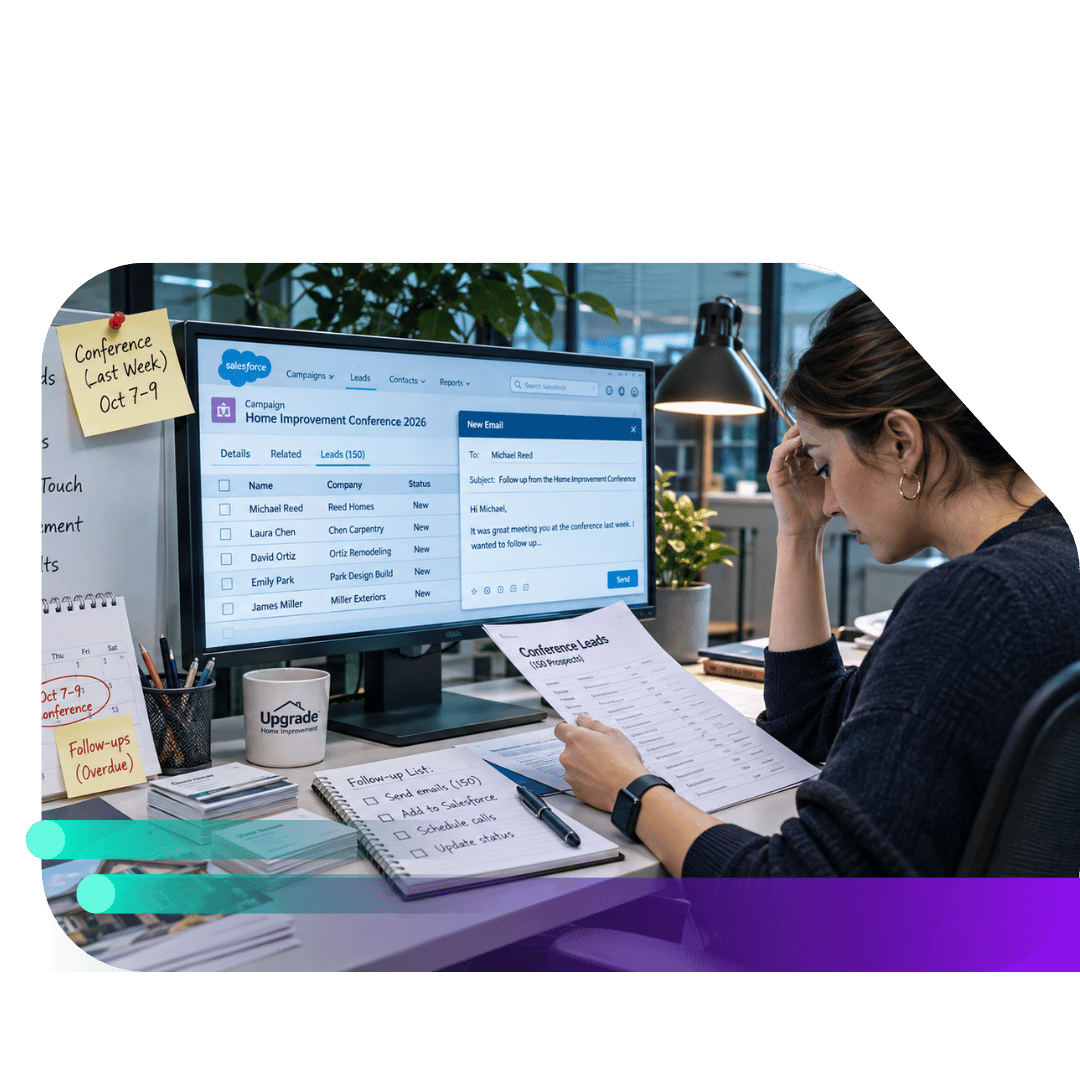
Upgrade's Home Improvement lead generation team ran its marketing on standard Salesforce. The work was extremely manual, with no drip emails and no reporting, and follow-up emails after conferences went out a week later when the team wanted to reach those prospects much faster.

In June 2024, Upgrade described the path it wanted: new leads added to a Salesforce Campaign would be added automatically to a HubSpot nurture campaign, and open rates and the leads who opened would be visible in the Salesforce Campaign. The team also wanted to offer different types of content in an automated fashion. Its use cases set out four requirements.


Hero Image Templates - 2026-11-22T030614.690

Four Requirements for Connecting Salesforce Campaigns to HubSpot

1. Salesforce Campaign ID as the basis for nurture lists

The use cases named the Salesforce Campaign ID as the criterion for building HubSpot lists for nurture, so campaign membership in Salesforce would decide who entered a HubSpot nurture.

2. Lifecycle stage Customer on conversion

When a lead was converted to a customer in Salesforce, the HubSpot lifecycle stage was to be set to Customer. The conversion happened in Salesforce, and the stage change was to appear in HubSpot.

3. Email activity synced to Salesforce as tasks

Email sent and opened activity in HubSpot was to sync to Salesforce as tasks, so the team could see email engagement in the system it used for leads.

4. Website forms feeding a Salesforce Campaign

Website forms were to feed a pre-determined Salesforce Campaign, and that campaign was to serve as the segment for drip campaigns.

"We designed the integration around where control sat. Their admin validated the app, owned the integration user's permissions, and built the sandbox, and we configured HubSpot to match. We then tested campaign enrollment in that sandbox, with the admin confirming results on the Salesforce side."
— Daria Cutrone, Account Executive, Campaign Creators
 

Why Upgrade Chose Campaign Creators

Upgrade needed HubSpot's native Salesforce integration set up around its own Salesforce admins. 

The statement of work matched that arrangement with Campaign Creators:

  • Native integration setup for Contacts, Leads, and Tasks. These were the objects behind Upgrade's path from Salesforce Campaigns into HubSpot nurture and back to Salesforce as tasks.
  • An integration user created by Upgrade. The scope left the Salesforce integration user to Upgrade's side, so Upgrade's admins kept control of what the integration could see.
  • Sandbox configuration, then production configuration. Testing in a Salesforce sandbox first let Upgrade check campaign enrollment before anything touched its live leads.
  • Integration testing. Testing gave Upgrade's admin and the HubSpot side a shared way to confirm that records and tasks moved as specified.
  • Marketing Hub onboarding. Brand settings, the opt-out list import, the email sending domain, GDPR settings, default form settings, and marketing dashboards gave the team the base for the automated email and reporting it lacked.
  • A project wrap-up call. The wrap-up gave Upgrade's team a session to review the integration settings and the implementation scope.
 

Solution: How Campaign Creators Set Up the Salesforce Integration and Marketing Hub for Upgrade

Campaign Creators worked from an integration questionnaire and a field-mapping worksheet, with a Q&A call agenda dated February 10, 2025. The Salesforce sandbox was connected by March 5, 2025, followed by calls on March 6, 12 and 25, 2025, a Salesforce connect call on May 8, 2025 and the Implementation Review Call on October 1, 2025.

Migrate-2

Configuring the Native Integration Without Salesforce Access

Upgrade suggested in June 2024 that its Salesforce admin be walked through the setup process over a Google Meet. The integration questionnaire recorded the split: Upgrade's team validated the app, and the settings were configured in HubSpot. The questionnaire also recorded that selective sync would be set by limiting the integration user's permissions rather than through HubSpot settings alone.

On May 8, 2025, Upgrade's Salesforce admin stated that the integration user only had access to the lead and campaign objects, specifically the Home Improvement record type.

AI Search-1

Mapping Contact Properties and Activities Between the Two Systems

The questionnaire set a new HubSpot contact to create a Lead in Salesforce. In the contact mapping worksheet, Owner ID, Email and Email Opt Out were set to two-way and marked as can't be edited, and 28 other contact rows were set to Prefer Salesforce unless blank, keeping Salesforce as the leading source for lead data.

The activity worksheet asked Upgrade to tick the activities to sync. Form submissions, marketing email sent, opened and clicked, sales email sent, meetings scheduled and sales calls made were ticked, with sales email sent mapped to the Salesforce Email task type, meetings to Meeting and sales calls to Call. On March 12, 2025, Kat LaDue, the Campaign Creators technologist, noted that the team would probably not be syncing marketing emails. The worksheet is a specification of what could sync.

Two sync behaviors were explained to Upgrade during testing. Two records with the same email are flagged as a duplicate and only one syncs, and leads without an email address are skipped by the sync.

Data 2

Building a Salesforce Sandbox and Test Checklist

Upgrade's admin created a Salesforce sandbox and loaded sample accounts, contacts, leads and campaigns, and a bulk import from the sandbox was run on March 6, 2025. The admin created five test campaigns in Salesforce, all with Active status. Draft example workflows were shown on the same March 6 call.

A Sandbox Testing Checklist set out four scenarios, each with a trigger and an expected result:

  • A lead is added to Test Campaign 1 with Lead Status New. The lead is enrolled in the workflow and its lifecycle stage is set to MQL.
  • A lead's Lead Status is updated to Demo Scheduled. The lead is unenrolled from the workflow.
  • A contact's lifecycle stage is updated to SQL in HubSpot. A task is created for the Salesforce record owner.
  • A lead is converted to a contact, account and opportunity in Salesforce. The HubSpot lifecycle stage is expected to update to Opportunity.

In the first sandbox run, the admin saw four members in Test Campaign 1 while HubSpot showed one test record, which led to the explanation about leads without an email address.

visibility-1

Reviewing the Integration With Upgrade's New Director of Growth Marketing

Upgrade's new Director of Growth Marketing joined the October 1, 2025 Implementation Review Call, and a member of Upgrade's team said the director would mainly manage HubSpot. The director asked what the implementation scope was and how to track contacts manually enrolled in a Salesforce Campaign.

The integration settings and sync errors were walked through on the call. A contact's Salesforce Campaign ID can be referenced in HubSpot, and a campaign has to be set as active in Salesforce to show.


 

The Results

The sandbox test and the Marketing Hub setup produced these results:

  • A lifecycle stage change to SQL in HubSpot created a Salesforce task, confirmed by Upgrade's admin.
  • The duplicate Lead Status property was deleted, and the HubSpot default was kept.
  • An opt-out list was imported in February 2025.
  • Brand kit and GDPR settings were configured, and the email sending domain was connected.
  • The email sender, resubscription email, default form settings, and buyer persona property were marked complete.
  • Basic reporting dashboards with default reports were set up.

These results gave Upgrade a tested path from a Salesforce Campaign into a HubSpot workflow and back to a Salesforce task, on a Marketing Hub account set up for email and reporting.

Hero Image Templates - 2026-11-22T031823.783

Impact: Example Workflows Upgrade's Team Turned Into Its Own

Before the engagement, Upgrade's Home Improvement lead generation team ran its marketing manually on standard Salesforce, with no drip emails and no reporting. Campaign Creators built example workflows in HubSpot as templates, tested Salesforce Campaign enrollment in a sandbox, and set up Marketing Hub with basic reporting dashboards. Upgrade's team ran with those examples and set up its own workflows. 


Connect Salesforce to Marketing Hub Pro With Campaign Creators

Campaign Creators configures HubSpot's native Salesforce integration around the permissions your Salesforce admins set, maps which system wins on each property and tests campaign enrollment in a Salesforce sandbox before go-live.

If your leads live in Salesforce and your marketing needs to run in HubSpot, the same approach can connect your campaigns to HubSpot workflows without handing over access to your Salesforce org.