How Andgar Scoped a Two-Way ServiceTrade and HubSpot Integration and Mapped Its Fields in Both Directions
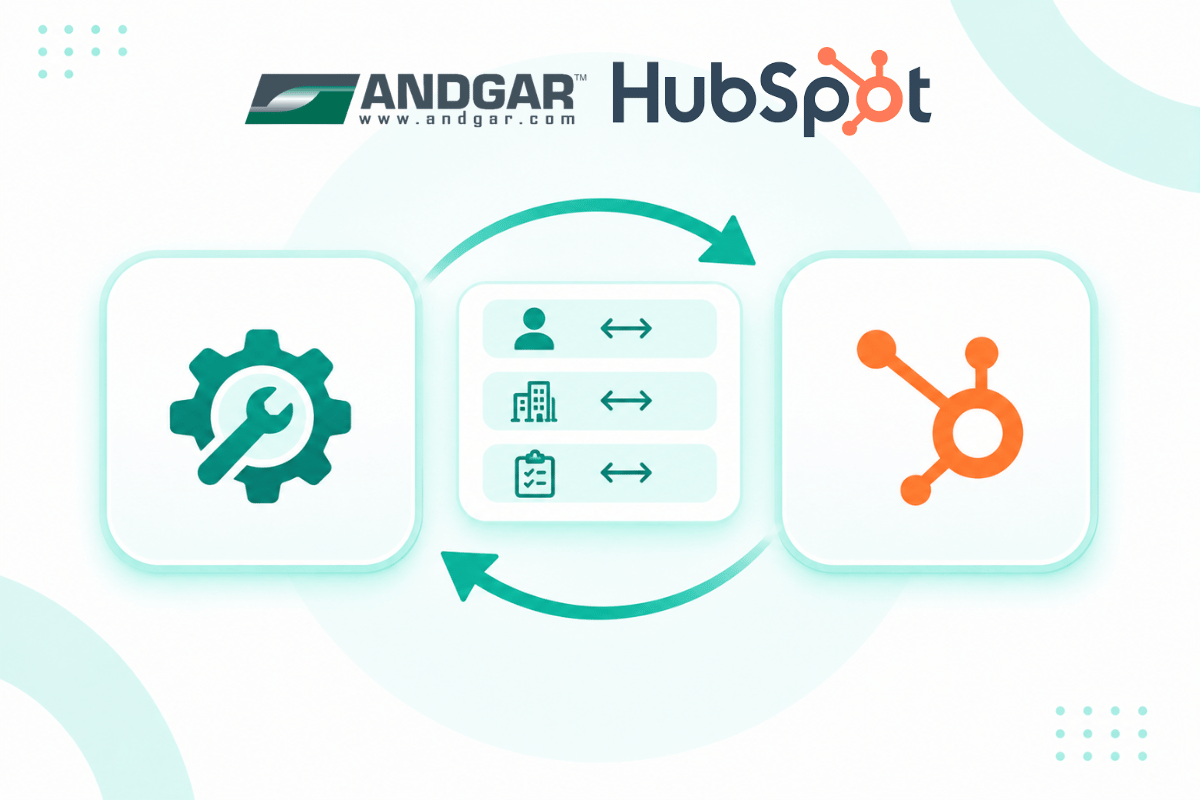
Andgar wanted ServiceTrade and HubSpot to exchange data in both directions. Campaign Creators scoped a custom integration against the ServiceTrade API, and a mapping workbook specifies how the fields in each system correspond in each direction.
0
new Deal properties specified
0
Equipment object properties specified
0
HubSpot Contact fields mapped to ServiceTrade
0
working-day timeline set from signing
0
[PLACEHOLDER: stat 1 pending delivered operating scope from the AE]
0
[PLACEHOLDER: stat 2 pending delivered operating scope from the AE]
0
[PLACEHOLDER: stat 3 pending delivered operating scope from the AE]
0
[PLACEHOLDER: stat 4 pending delivered operating scope from the AE]
Andgar is based in Ferndale, Washington, and has 200 employees. The mapping workbook names two ServiceTrade offices under the Andgar Home Comfort name, Service Repair & Maintenance and New System Sales & Installation, and the integration specification sets HVAC as the service line.
Andgar's team wanted data from ServiceTrade in HubSpot for the full sales cycle. It listed marketing, customer tracking, communication, and ROI reporting as the uses.
Industry
Construction
Tools Used
HubSpot
ServiceTrade
Services
Custom Integration Scoping
Field Mapping
The Challenge
ServiceTrade held Andgar's jobs, locations, companies, contacts, invoices, and assets, and Andgar wanted that data in HubSpot. Its integration questionnaire set out five gaps between the two systems.
Five Gaps Between ServiceTrade Job Data and a HubSpot Sales Cycle
1. No Connector Between the Two Systems
Andgar reported that HubSpot Marketplace had no connector built for ServiceTrade. ServiceTrade has an open API, but it had never developed an integration with HubSpot.
2. Two-Way Data, Close to Real Time
Andgar asked for data to move in both directions between ServiceTrade and HubSpot. It described the timing as real time and suggested every 1 to 2 minutes, with a question mark.
3. Equipment and Job Records as Custom Objects
Andgar asked for Company, Contact, Deal, Equipment, and Job properties in HubSpot. It stated that Equipment and Job would be custom objects.
4. A Low-Maintenance Requirement
Andgar said it was open to whatever would work best, as long as the approach was cost-effective and needed the least maintenance on its end.
5. A Year-End Timing Target
Andgar suggested the end of the calendar year as a reasonable finish. Finishing then, it said, would give it 9 months of recordable data.
"The SOW called for a two-way integration on a middleware framework, so the scope started from how each ServiceTrade record would map to a HubSpot record."
Marcus Marinelli, Account Executive, Campaign Creators
Why Andgar Chose Campaign Creators
Andgar needed a custom build because HubSpot Marketplace offered no ServiceTrade connector. The statement of work, signed on November 10, 2022, set out that build.
A custom ServiceTrade-to-HubSpot integration. No marketplace connector existed, and ServiceTrade had never built one.
Bi-directional data flow. Andgar asked for data to move both ways between the two systems.
Middleware as the recommended framework. Andgar had left the approach open, asking only that it be cost effective and low maintenance.
An update frequency of every 1 to 2 minutes. This matched the timing Andgar suggested in its questionnaire.
10 additional fields. Andgar had asked for properties on Company, Contact, Deal, Equipment and Job records.
No administrative capabilities and no ongoing maintenance. The engagement was a one-time integration project, with no retainer.
A timeline of 30 working days from signing. Andgar had suggested the end of the calendar year as a reasonable finish.
As a HubSpot Elite Solutions Partner that has helped many businesses connect systems with no marketplace connector, Campaign Creators can turn each of Andgar's questionnaire requests into a defined term in the statement of work.
Solution: How Campaign Creators Scoped a ServiceTrade and HubSpot Integration for Andgar
Campaign Creators scoped the integration against the ServiceTrade API. A mapping workbook holds a final tab for each sync direction, and a separate worksheet lists the HubSpot properties and custom objects to be created.
Mapping ServiceTrade Locations, Jobs and Invoices to HubSpot
The ServiceTrade to HubSpot tab maps each Location to a HubSpot Contact. Location Name goes to Contact Address, and Location City, State, Zip Code, Phone and email go to Contact City, State/Region, Postal Code, Phone Number and email. Company name and address go to a HubSpot Company, and ServiceTrade Contact first name, last name and type go to a HubSpot Contact for residential customers.
On the Deal, job type and job number fill Job Type and Job Number, and the invoice subtotal fills Amount. Customer name equals deal name, and deal status is always Closed Won when a ServiceTrade job due date is assigned. Contacts and Companies are associated in HubSpot by cross-referencing the ServiceTrade Location and Company name through an API call.
Sending HubSpot Contacts and Deals Back to ServiceTrade
ServiceTrade tracks an office on each location, but HubSpot has no matching field. The HubSpot to ServiceTrade tab specifies a new Deal property named Office, to be created by Andgar and populated manually, with middleware logic routing it to ServiceTrade's two Home Comfort office names.
This tab also maps HubSpot Contact first name, last name, email, phone, street address, city and postal code to a ServiceTrade Contact and Location. The middleware logic always populates the state as Washington, the service line as HVAC and Use Location Address as yes.
Equipment and Job as Custom HubSpot Objects
ServiceTrade asset type, manufacturer, model, serial number, and install date map to a custom Equipment object that is always associated with the Deal. The properties worksheet gives Equipment six fields, Equipment Type, Fuel Source, Manufacturer, Model Number, Serial Number, and Install Date, and associates it with Job and Deal.
The worksheet defines Job with a required, searchable Job Number. It also lists the Deal properties Office, Required Service Line, Job Type, and Job Number, a Company checkbox named Use Location Address and a Contact dropdown named Type.
Scope Limits Set in the Statement of Work
ServiceTrade companies with no contact do not need to be pulled into HubSpot. Data that is not in ServiceTrade's API documentation is out of scope, and the integration includes no administrative capabilities or ongoing maintenance.
The Results
A signed statement of work defining a bi-directional ServiceTrade-to-HubSpot integration on a middleware framework
A mapping workbook with final field mappings for both sync directions
A worksheet listing the Deal, Company and Contact properties and the Equipment and Job custom objects to be created in HubSpot
Andgar now has a documented, field-by-field specification for connecting ServiceTrade and HubSpot.
Impact: A Field-by-Field Specification for Two Unconnected Systems
Before the engagement, Andgar's plans for ServiceTrade data in HubSpot existed as answers in an integration questionnaire, including a suggested sync timing that ended with a question mark.
Andgar now works from a signed, defined scope instead. Its team knows which HubSpot record each ServiceTrade field is meant to feed and which properties and objects must exist in HubSpot for the integration to work.
Plan a ServiceTrade HubSpot Integration With Campaign Creators
Campaign Creators scopes custom integrations against a system's API, maps fields in both directions, and specifies the custom objects HubSpot needs.
If your field service software has an API but no HubSpot connector, the same approach can give you a defined integration plan before the build begins.