Energy & Utilities
How Midwest Gas Set Up HubSpot Sales Hub Professional With Three Fuel Pickup Pipelines
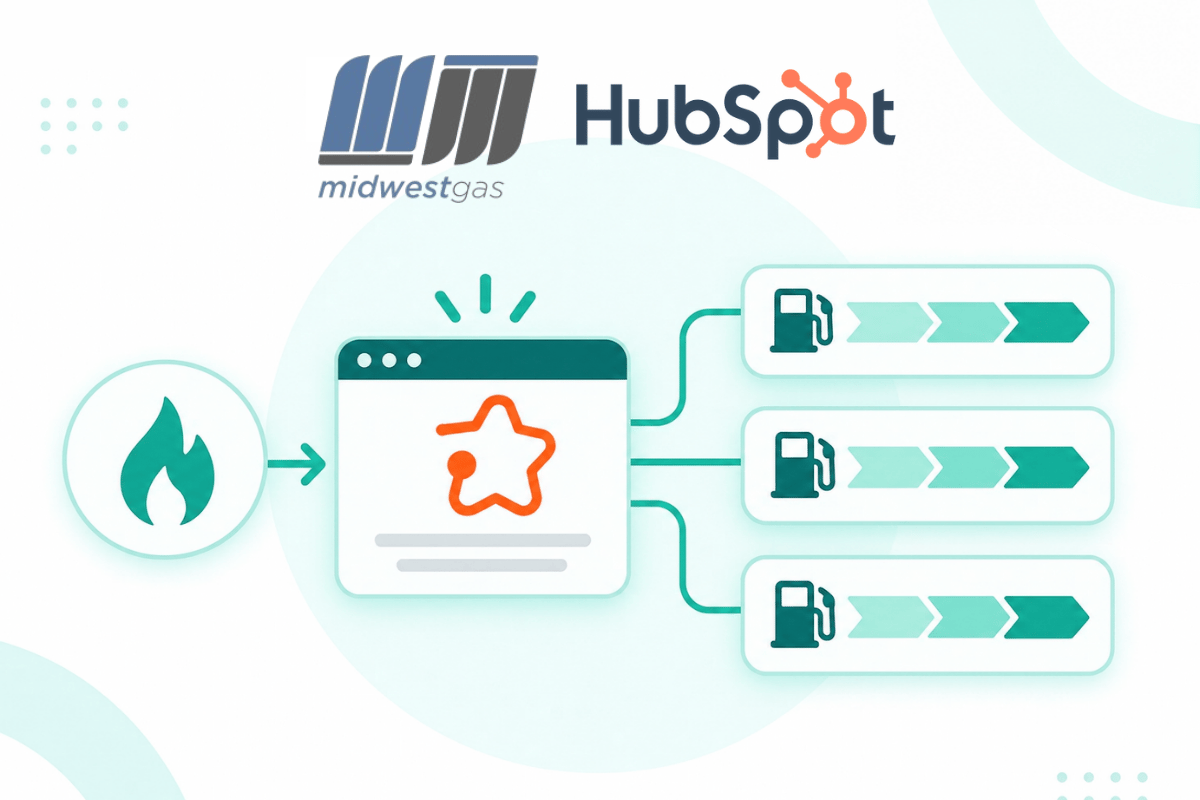
Midwest Gas defined its sales process as three pipelines, and each one runs from a cold call to a pickup scheduled on a route. Campaign Creators onboarded Midwest Gas onto HubSpot Sales Hub Professional, with a data administration and clean-up add-on, and migrated those pipelines into the new account.
0
deal pipelines migrated into Sales Hub Professional
0
users set up with permissions
0
sales dashboards created
Midwest Gas is an oil and energy company based in Dublin, Ohio, with 50 employees. Its sales process targets junkyards, salvage yards, and environmental companies that collect gasoline, and it closes each deal by scheduling a fuel pickup on a route.
The team that would work in HubSpot spans leadership, sales, and operations, including the CEO, the COO, a sales coordinator, the VP of operations and accounting, and a national sales manager. In February 2023, the company signed a statement of work to bring this team onto Sales Hub Professional and to clean up its existing data before it moved into HubSpot.
Industry
Energy & Utilities
Tools Used
HubSpot Sales Hub Professional
Services
Pipeline and Deal Stage Migration
- User and Permission Setup
- Brand Settings
- Contact Import and Data Administration
- Email Sending Domain Setup
- Sales Dashboards
The Challenge
Midwest Gas did not sell to one kind of prospect in one way. Its sales team worked three routes to a fuel pickup, and each route had its own sequence of calls, questions, and commitments.
Those steps also ended in a separate scheduling system, and the company's existing prospect data had to be formatted before it could be imported. The HubSpot setup had to reflect all of this from the start.
Four Things the HubSpot Setup Had to Account For
1. Each Prospect Type Followed a Different Step List
The company defined one pipeline for junkyards and salvage yards, one for environmental companies, and one for an environmental company gasoline program.
The salvage yard route moved from a cold call to finding the person who handles the gasoline, learning the yard's fuel separation process and storage capacity, offering a price and pickup date, and collecting a gas sample. The environmental company route asked whether the company collected gasoline on its own and whether it had gasoline ready for pickup now.
The gasoline program route was longer on the relationship side. It added an intro meeting, a meeting to gather information from the customer, an agreement on price and quantities, and a signed contract with the environmental company. Because the middle steps differed across all three routes, no single list of deal stages could describe the whole sales process.
2. Qualifying Questions Sat Inside the Sales Steps
Several steps in the sales process were questions rather than actions. The stage notes asked whether a prospect had gas it collected, who dealt with the gas on site, such as a manager, a front desk worker, or an environmental manager, and who serviced the account today or what the prospect's current procedure was for getting rid of the fuel.
Each stage in the worksheet was also assigned a field type, either a yes/no answer or a single line of text. The answers a rep gathered on a call were part of how a deal moved forward, so the stage definitions had to capture them.
3. Every Route Ended in a Separate Scheduling System
The final step in all three pipelines was a new account work order added in Crump and a pickup scheduled on a route. In the stage definitions, that scheduling step carried the Won status in every pipeline, and the salvage yard pipeline also marked the collected gas sample as Won.
The kickoff sheet recorded that no integration was available for Crump, so the pickup itself would still be scheduled outside HubSpot. The pipelines had to track a deal up to that hand-off point.
4. Existing Data Needed Formatting Before Import
At kickoff, the company noted that its data files were being formatted and would be sent for approval before importing, and it confirmed there were no additional files beyond those already provided and worked on by Campaign Creators. The finalized master sheet, dated March 21, 2023, was a prospect list with company, contact, gallons, color, and notes columns.

"Every Midwest Gas deal ends the same way, with a fuel pickup scheduled on a route, but a salvage yard, an environmental company, and a gasoline program partner each get there by a different path. Our job was to give each path its own pipeline in Sales Hub Professional and to clean up the data before it went in."
— Marcus Marinelli, Account Executive, Campaign Creators
Why Midwest Gas Chose Campaign Creators
Campaign Creators is a HubSpot Elite Solutions Partner and has helped many businesses move sales processes with several prospect types into HubSpot. That experience fit what Midwest Gas needed.
The project scope covered:
- Deal pipelines and stages. Migrating the pipelines meant each prospect route would have its own stage list in HubSpot.
- Contact, company, and deal import. The prospect data the company had already gathered needed a place in the CRM.
- Data administration and clean-up. This add-on covered formatting the existing files before they were imported.
- Users and permissions. The team members who would sell and manage in HubSpot each needed access.
- Branding settings. The account's logo, fonts, and colors would match the company's identity.
- Email sending domain, settings, and tracking. Sales email would go out from the company's own domain.
- Sales reports and dashboards. The team would have reporting views ready once deals were in the pipelines.
Solution: How Campaign Creators Set Up Sales Hub Professional for Midwest Gas
The project began with a kickoff call on March 21, 2023. Midwest Gas then completed its own to-do list, which included giving Campaign Creators access to HubSpot and to its GoDaddy domain registrar, sending details for its users, completing the deal stages worksheet, and connecting its calendars and inboxes. The setup items below followed from that list.
Three Deal Pipelines Migrated Into Sales Hub Professional
The pipelines came from a worksheet the company filled in to determine its sales pipeline deal stages. A second tab of that worksheet shortened the call-script wording into stage names and assigned each stage a win probability and a field type. The three pipelines and their stages were then migrated into Sales Hub Professional.
No custom properties were part of this work. At kickoff, the company answered no when asked whether it needed any created, and the properties worksheet stayed empty.
Prepared Data Files and a Contact Import
The data administration and clean-up add-on covered the company's existing files, which were formatted ahead of import. Contacts were then imported into HubSpot from the finalized data.
User Access and Brand Settings Drawn From the Company Website
Users came from a Users and Roles worksheet listing five team members, and the company answered yes when asked whether they should be added. Each user was set up with permissions.
For brand settings, the company chose to copy its website and use its existing logo. The account's logo, fonts, and colors were set up on that basis.
A Verified Sending Domain and Role-Based Sales Dashboards
The company named midwestgas.us as its email sending domain, and access to its domain registrar allowed the domain to be configured, along with sending settings and tracking. It also answered yes to using the meetings tool and to tracking email from personal inboxes.
Three reporting dashboards were created, named Sales Opportunity Review, Sales Manager, and Sales Rep.
The Results
Midwest Gas came out of the onboarding with these items completed in Sales Hub Professional:
- 3 deal pipelines migrated, one for each prospect route
- 5 users set up with permissions
- Contacts imported into HubSpot
- midwestgas.us verified as the email sending domain
- 3 sales dashboards created
Each of the company's three sales routes now had its own place in HubSpot.
Impact: One Sales Hub Account Built Around Three Prospect Routes
Before the onboarding, the company's sales process lived in a worksheet of call-script steps, and its prospect data sat in a spreadsheet of companies, contacts, and gallons. After that, the team was working in a Sales Hub Professional account where a junkyard deal, an environmental company deal, and a gasoline program deal each followed its own stages up to the work order in Crump.
The five people who sell and manage at the company, from leadership to the national sales manager, now had their own access, connected calendars and inboxes, and email sent from the company's own domain. Leadership and reps also had separate dashboards to review the sales work, so the CRM reflected both the company's prospect types and the roles of the people working them.
Launch Sales Hub Professional With Campaign Creators
Campaign Creators onboards teams to Sales Hub Professional by starting from the sales process they already use, then setting up pipelines, users, a sending domain, and sales dashboards to match it.
If your team works several kinds of prospects through different steps, Campaign Creators can build a pipeline for each route and prepare your existing data for import.