Financial Services Success Story
How Tuvoli Rescued a Stalled Zendesk-to-HubSpot Migration and Get Trained in 5 Live Sessions
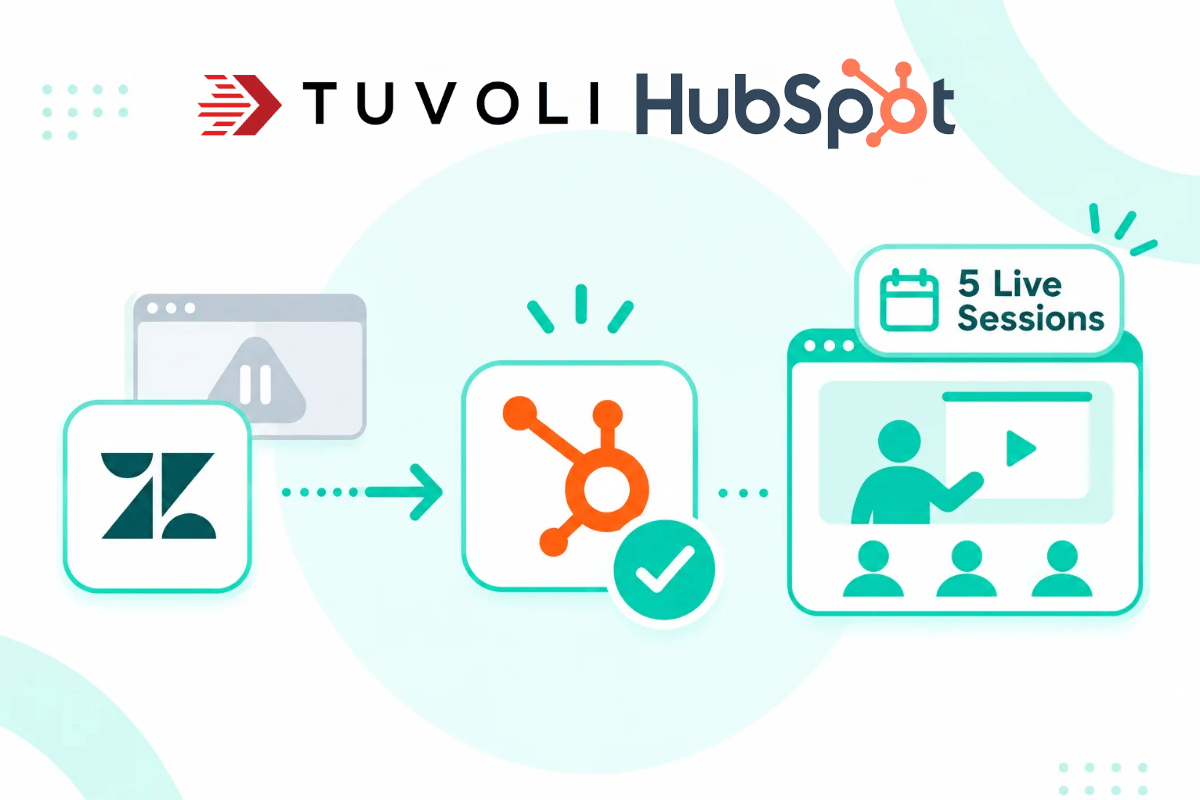
Tuvoli, a financial services company, ran customer support in Zendesk and needed its customer success team trained on a HubSpot Service Hub configuration it had inherited. Campaign Creators reviewed that configuration, worked on the Zendesk ticket sync, built a weekly service dashboard modeled on the Zendesk report set and trained the team in five live sessions. A month of HubDesk Premier support ran beside the sessions.
0
live training sessions held and recorded
0
tickets in sync in HubSpot against 19,672 in Zendesk on May 1
0
dashboards built, a weekly service dashboard, and an SLA dashboard
0
ticket properties moved out of the Zendesk property group
Tuvoli is a financial services company based in Nashua, New Hampshire, with 30 employees. Its sales team of about five users already worked in HubSpot before this engagement, so the CRM was in place when the service side moved over.
The customer success team handled support tickets and live chat. It had three users, with a fourth hire starting during the project, and it wanted to work confidently in HubSpot every day, with visibility across Sales, Customer Success, and Onboarding, and a dashboard its CEO could use.
Industry
Financial Services
Tools Used
- HubSpot Service Hub
- Zendesk
Services
- Service Hub configuration review
- Zendesk ticket sync
- Service reporting dashboard
- Live HubSpot training
- HubDesk Premier support
The Challenge
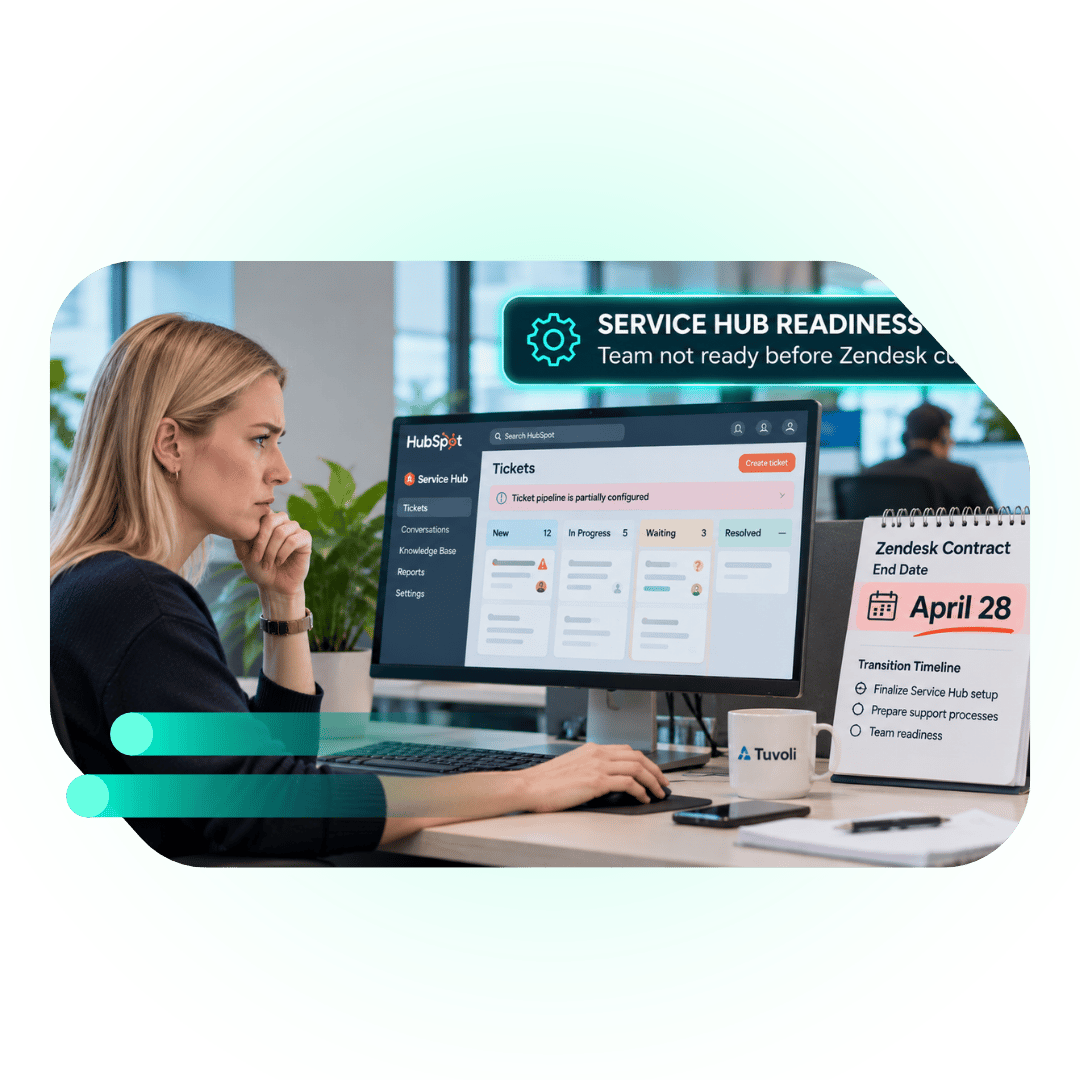
Tuvoli's Zendesk contract was set to end on April 28, and a previous HubSpot partner had already started the Service Hub build, including a configured ticket pipeline. At kickoff, Tuvoli defined success as a customer success team confident using HubSpot day-to-day before that cutoff.
To get there, the team needed three things from the start: a checked setup, live training, and reporting in HubSpot. Five gaps stood in the way.
Five Gaps Between Zendesk and a Working HubSpot Service Hub
1. No Live Training
The implementation proposal listed a lack of training and enablement among Tuvoli's current-state challenges. Without live sessions, staff had learned the platform through HubSpot Academy courses and HubSpot help articles.
That self-guided approach had to carry a team of three, plus a new hire about to start, into daily work on a new help desk. The April 28 cutoff left little time for the team to learn by trial and error.
2. A Setup No One Had Verified
The previous partner's status update, received on March 26, listed SLAs as still needing setup. Its final-call summary, written from that agency's point of view, described the knowledge base and chatbot as ready to go live pending Tuvoli's go-ahead.
Neither document was a client deliverable, so Tuvoli had only the departing partner's account of what was finished. The implementation proposal called for a quality check of the macros, workflows, chat, and SLAs that partner had built.
3. Reporting Still Tied to Zendesk
Tuvoli's CEO received weekly reports built in Zendesk, and the customer success team tracked tag reports in Excel. The CEO wanted a dashboard in HubSpot to replace them.
As of April 20, the Zendesk reports had not been rebuilt in HubSpot, and reporting was the main item still open. Until it was, leadership's weekly view depended on the system Tuvoli was leaving.
4. Ticket Counts That Disagreed
During the first training session on April 13, Zendesk showed 12 unsolved tickets, while HubSpot showed about 25. A full resync was run during that same call.
The counts were still not matching on April 28, the date the Zendesk contract had been set to end. The team could not treat HubSpot as the record of its support work while the two systems disagreed.
5. A Shared Inbox That Would Not Connect
The help@tuvoli.com shared inbox, an Outlook mailbox, could not be connected to HubSpot directly, and the previous partner's how-to video for the connection was not working. The issue came up in the #tuvoli Slack channel on April 21 and again on the April 23 training call, while the team was still learning the rest of the platform.

"Tuvoli came to us with a Service Hub build another partner had started and ticket counts that didn't match Zendesk. Our job was to review what was already there, work on the sync, and train the customer success team in live sessions they could revisit."
Nick Mantegani, Campaign Creators
Why Tuvoli Chose Campaign Creators
Campaign Creators is a HubSpot Elite Solutions Partner and has helped many businesses take over half-finished HubSpot builds and move support teams off older help desks, which matched Tuvoli's need for a reviewed setup, reporting, and training.
The statement of work, signed on March 31, covered four items:
- Service Hub Professional onboarding and setup, which gave Tuvoli a review of the build the previous partner had left unfinished
- A custom reporting dashboard of 6 to 8 reports, with an alignment call, a presentation call, and one round of edits, which gave the CEO a weekly view in HubSpot instead of Zendesk
- 5 hours of general HubSpot training, which gave a team that had learned through self-study live instruction on its own account
- 1 month of HubDesk Premier support, which gave the team a ticketed channel for questions while it adjusted to Service Hub
Solution: How Campaign Creators Reviewed Tuvoli's Service Hub Professional Setup and Trained Its Team
Campaign Creators ran the work in three tracks: a review of the existing configuration, a reporting build, and live training, with HubDesk Premier support running alongside.
Reviewing the Inherited Service Hub Configuration
The review of the previous partner's configuration took place between April 9 and April 13, around the April 10 kickoff call. The account already held a configured ticket pipeline, so the work began by checking what was there rather than rebuilding it.
The May 13 Implementation Review call then walked the customer success lead through users and permission sets, properties, the pipeline, integrations, dashboards, and help desk channels.
Reconnecting the Zendesk Integration and Resyncing Tickets
The previous partner's Zendesk user had been deactivated, which caused the data mismatch between the two systems. After the full resync on April 13, the ticket sync was toggled off and on on April 28, and a Campaign Creators admin user was connected to HubSpot's Zendesk integration.
On May 1, the team found a way to report on the total count of tickets in Zendesk, which gave the HubSpot total a figure to be checked against. The Zendesk admin user and integration were set to stay in place until Tuvoli's Zendesk subscription ended.
Clearing Zendesk Naming From Ticket Properties and the Pipeline
Synced ticket records carried a Zendesk property group, and the ticket pipeline was still named for Zendesk. During the Implementation Review call, 16 properties were moved from the Zendesk group into the general ticket information group, the empty group was deleted, and the Zendesk pipeline was renamed to a support pipeline while the customer success lead watched.
The Zendesk record ID property was kept in place on purpose.
Dashboards Modeled on the Zendesk Weekly Reports
A weekly service dashboard was built from the Zendesk report set, with a 7-day filter on all but two of its reports. Not every Zendesk report could be included, and a separate SLA dashboard was built before April 29.
On the Implementation Review call, the dashboard's 7-day filters were walked through with the customer success lead, and two Tuvoli recipients were added to a recurring email of the dashboard every Thursday at 8 AM.
Five Recorded Training Sessions Paced to the Team
Sessions were held on April 13, April 20, April 23, April 29, and May 20. The topics moved from foundational setup to reporting and then automation.
When Tuvoli's team found the early training too advanced, the April 29 agenda was rebuilt around the basic user flow. The final session on May 20 covered onboarding KPI reporting and clickable Record ID links in reports, and every session was recorded.
HubDesk Premier Support for Questions Between Sessions
After the first training session, the customer success lead's questions were reaching a Campaign Creators team member's inbox, some of them outside any ticket queue. HubDesk Premier started in mid-April, with a welcome email sent on April 16.
The team then submitted requests as HubDesk tickets about chat availability, the chat request page, and the Zendesk sync. Support ran until May 15.
The Results
The engagement left Tuvoli's customer success team with recorded training, a reconciled ticket sync, and weekly reporting in HubSpot.
- 5 recorded training sessions, from foundational setup through onboarding KPI reporting
- 19,674 tickets in sync in HubSpot on May 1, against 19,672 in Zendesk
- A weekly service dashboard and a separate SLA dashboard
- A cleaner ticket setup, with 16 properties regrouped, the Zendesk property group deleted, and a renamed support pipeline
- A recurring Thursday dashboard email to 2 Tuvoli recipients
- 3 HubDesk Premier tickets resolved through a ticketed channel during a month of support
Each session's recording stays available to the team, including the new hire who joined mid-project.
Impact: Zendesk Ticket History in a HubSpot Support Pipeline Tuvoli's Team Runs
Before the engagement, Tuvoli's support history lived in Zendesk, and HubSpot's ticket count did not agree with it. By the end, that history sat on HubSpot ticket records in a pipeline named for support rather than Zendesk. Tuvoli chose to extend its Zendesk subscription by one month instead of going live on April 29, and the Zendesk integration was set to stay connected until that subscription ended.
The team was also making its own decisions in Service Hub. After its lead reported on May 13 that the team had missed a bunch of chats, it connected HubSpot chat to a Slack channel that alerts staff to new chats and turned off the automatic round-robin assignment of incoming tickets. Its questions now went through support tickets instead of an inbox, and the weekly dashboard was scheduled to reach two team members every Thursday.
Get Service Hub Professional Onboarding With Campaign Creators
Campaign Creators reviews the Service Hub setup a team already has, reconciles its ticket sync against the old help desk, rebuilds its weekly reports in HubSpot, and trains the team in recorded live sessions paced to its experience.
If your support team is leaving an older help desk or inheriting a half-finished HubSpot build, that same approach can give it a setup it can check and a platform it knows how to use.