How ApplyBoard Set Up HubSpot Marketing Hub Enterprise With Master Email and Landing Page Templates and Five Training Sessions
ApplyBoard, based in Kitchener, Ontario, designed every one of its emails custom. Campaign Creators onboarded its marketing team onto HubSpot Marketing Hub Enterprise, provided master email and landing page templates in ApplyBoard's portal, and trained the team across five live sessions from August 6 to September 4, 2025.
0
master templates in ApplyBoard's portal (email and landing page)
0
live training sessions for ApplyBoard's team
0
forms with HubSpot links
0
lists with HubSpot links
ApplyBoard is based in Kitchener, Ontario, Canada. Its business includes business-to-business customers and a direct student line of business, and its marketing team sends emails to active recruitment partners.
The marketing team works across time zones, with a marketer based in the Philippines. The team held high brand standards, and it wanted a templated way to send regular emails and newsletters from HubSpot instead of designing each one from scratch.
Industry
Higher Education
Tools Used
HubSpot Marketing Hub Enterprise
Services
Marketing Hub Enterprise Onboarding
Master Email Template
Master Landing Page Template
HubSpot Training
The Challenge
ApplyBoard's emails were all custom-designed, so each new send started with another design. The team wanted a templated approach for regular emails and newsletters, brand-standard landing pages and emails, and staff who could build and send in HubSpot.
The onboarding also had to work around a team spread across time zones and an account setup that limited outside access to live portal data.
What the Marketing Team Faced
1. Custom-Designed Email
Every email ApplyBoard sent was custom-designed. The team wanted something more templated for its regular emails and newsletters. Without a template to start from, each additional send meant another custom build. A reusable starting point in HubSpot was the core of what the team asked for.
2. An Urgent Need to Send Email From HubSpot
An ApplyBoard team member described training the team's Philippines-based marketer to send email in HubSpot as pretty urgent and a business-critical function. That marketer sends email to ApplyBoard's recruiters and partners. The live training calls fell at 2 or 3 a.m. her time, so the team planned for her to review the session recordings. She also joined the September 2 session live.
3. Landing Pages That Did Not Match ApplyBoard's Brand
The landing page template carried Campaign Creators global content in its header and footer, including "co-created by" text and a San Diego address. ApplyBoard's team raised this in the August 13 and September 4 sessions.
A branding call had already recorded ApplyBoard's extremely high brand standards. Pages that showed another company's header, footer, and address did not meet them.
4. Single Sign-On Limiting Trainer Access
The single sign-on setting on ApplyBoard's account left Campaign Creators trainers without full access to live portal data. The issue came up at the start of the September 2 and September 4 sessions. Trainers could not demonstrate directly on ApplyBoard's live data from their own logins. Training had to run through the client's own access instead.
"ApplyBoard was designing every email from scratch. We put a master email template and a master landing page template in its own portal, then spent five live sessions teaching its team to build and send from them."
— Will Schmidt, Campaign Creators
Why ApplyBoard Chose Campaign Creators
Campaign Creators is a HubSpot Elite Solutions Partner and has helped many businesses replace one-off builds with reusable HubSpot templates and trained teams, which matched what ApplyBoard needed.
The scope of work is as follows:
Marketing Hub Enterprise onboarding. Account setup, users and permissions, forms, and lists gave the marketing team a working portal to send from.
A rebranded master landing page template. A single master page gave the team a starting point for landing pages built to its brand.
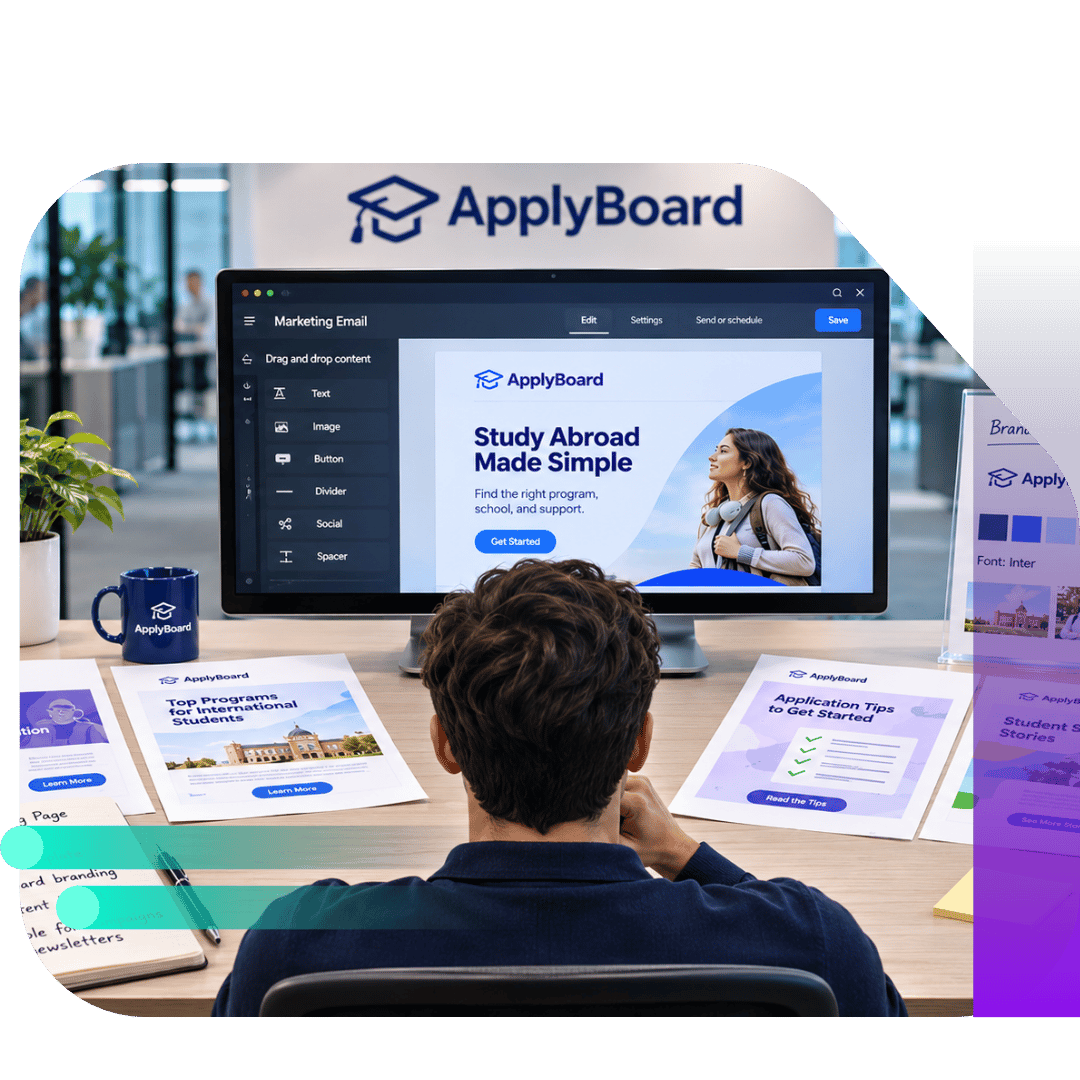
A master email template and email template build. A reusable email template answered the team's request to stop designing every email custom.
General HubSpot training. Live sessions prepared staff to build and send emails themselves, which the team called business-critical.
Solution: How Campaign Creators Set Up Marketing Hub Enterprise for ApplyBoard
Campaign Creators combined technical setup with ApplyBoard's own teams, portal configuration, master templates, and live training on the client's portal.
DNS and Tracking Code Planning With ApplyBoard's Technical Staff
ApplyBoard's DNS ran in AWS under its infrastructure team, and its website ran on WordPress. On a July 10, 2025 call, ApplyBoard's WordPress expert received the HubSpot tracking code and installation steps in the call chat, and the DNS record types needed were outlined, with the records to follow by email.
ApplyBoard's infrastructure team and WordPress staff were assigned the steps in their own systems. This kept changes to the client's DNS and website with the people who manage them.
Users and Permissions Set With ApplyBoard's Leadership
User access was worked through with ApplyBoard's leadership team. The client filled in a users and roles worksheet listing the people who needed access and the role requested for each, including one Super Admin and Standard users.
Forms and Lists Mapped on Shared Worksheets
A forms worksheet records four forms with HubSpot links and embed codes: Subscribe to ApplyInsights, a Study in the UK guide form, a Studying in the US guide form, and a Partnership Request form. A separate lists worksheet records three lists with HubSpot links: All Direct Students, ApplyInsight, and All Active Recruiters.
Master Templates Placed in ApplyBoard's Portal
A Master Landing Page Template and a Master Email Template were in ApplyBoard's portal by the August 20 session, where a trainer opened the landing page template and selected the master email template in the email builder.
To remove the unwanted header and footer, the guidance was to add header, footer {display:none;} under Settings > Advanced > Head HTML on one landing page, then clone that page for new ones.
Live Training Delivered on the Client's Own Screen
Training ran in five sessions on August 6, August 13, August 20, September 2, and September 4, 2025. Because of the single sign-on limit, sessions ran on an ApplyBoard team member's shared screen, so lessons used the team's real portal.
The Results
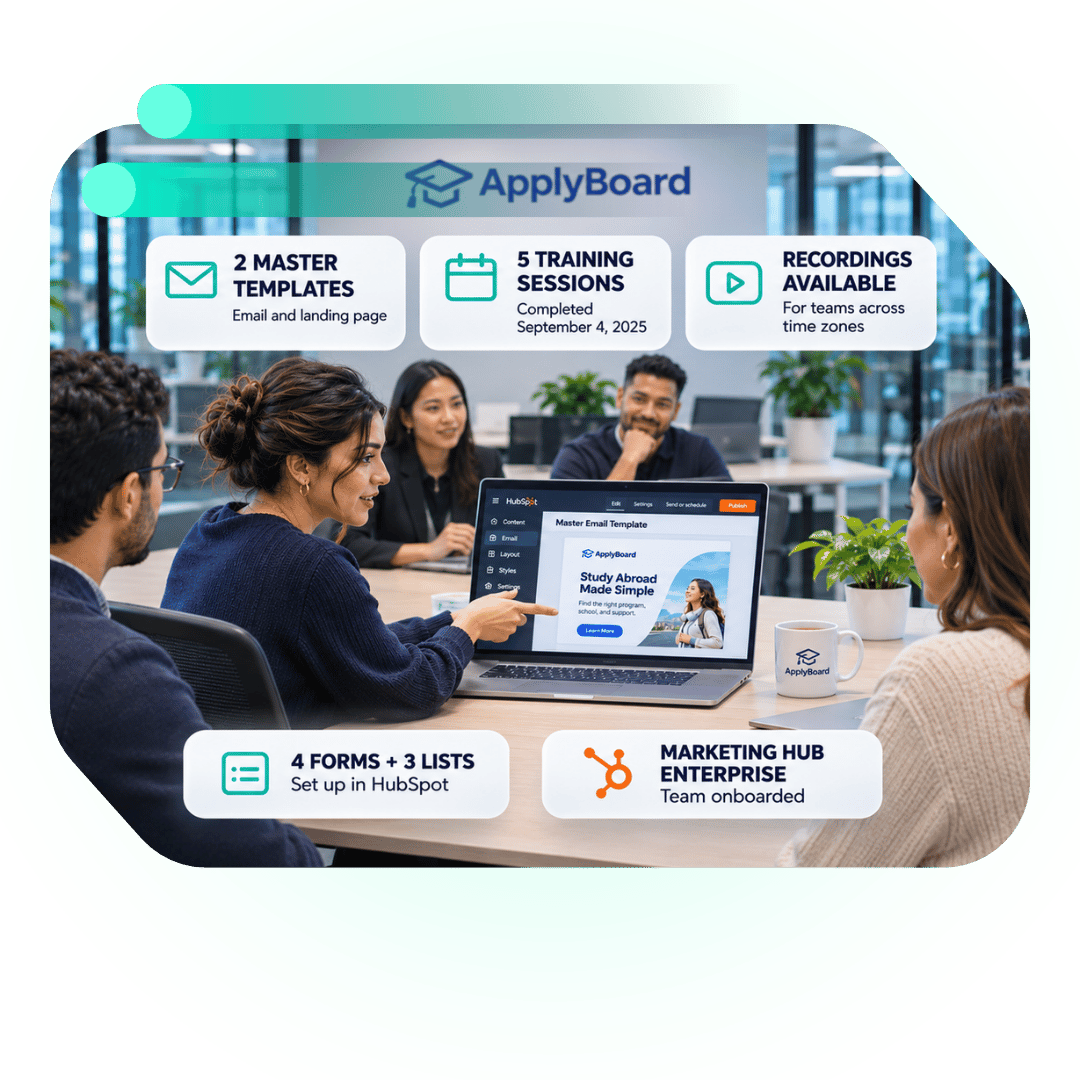
By the final training session on September 4, 2025, ApplyBoard had the following in place:
A Master Email Template and a Master Landing Page Template in its portal
5 live training sessions completed, with recordings for team members in other time zones
4 forms and 3 lists set up in HubSpot
Marketing Hub Enterprise onboarded for the marketing team
ApplyBoard's team left the training with reusable templates and the hands-on instruction to build from them.
Impact: ApplyBoard's Team Built Its Own Emails and Workflows in HubSpot
On August 20, 2025, none of the 22,616 contacts in ApplyBoard's portal were marketing contacts, because the team had chosen to create contacts as non-marketing. During that session, the team described an automation that makes active recruitment partners marketing contacts, giving their partner email a defined audience in HubSpot.
By September 4, a team member was building from the master email template, showing a saved copy with ApplyBoard's branding updates and adjusted padding. On October 6, 2025, the team reported that it had built numerous workflows and automations on its own, moving from custom-designed sends to building email and automation in the portal itself.
Launch Marketing Hub Enterprise With Campaign Creators
Campaign Creators sets up Marketing Hub Enterprise, builds master email and landing page templates in your own portal, and trains your team live on the system it will use every day.
If your team still designs each email from scratch or needs staff ready to send from HubSpot, the same approach gives you a reusable starting point and the skills to build on it.