HubSpot Replatforming Strategy for Unified Systems
Why HubSpot Replatforming Feels Risky The Migration Fear That Creates Stalemate Executives rarely reject HubSpot because they doubt the platform. The...
I know what I am looking for, and would like to chat.
A team of data-driven marketers obsessed with generating revenue for our clients.
Because the proof is in the pudding.
At Campaign Creators we live by three principles: Autonomy, Mastery, Purpose.
An architecture-first approach keeps every field, workflow, lifecycle stage, and report connected across marketing, sales, and operations. It starts with defining your data model, lifecycle, and attribution before setup, so reporting remains consistent, automation stays aligned, and your team continues operating without disruption.
This guide shows how to structure your migration so your system is cleaner, scalable, and ready for AI-driven growth.

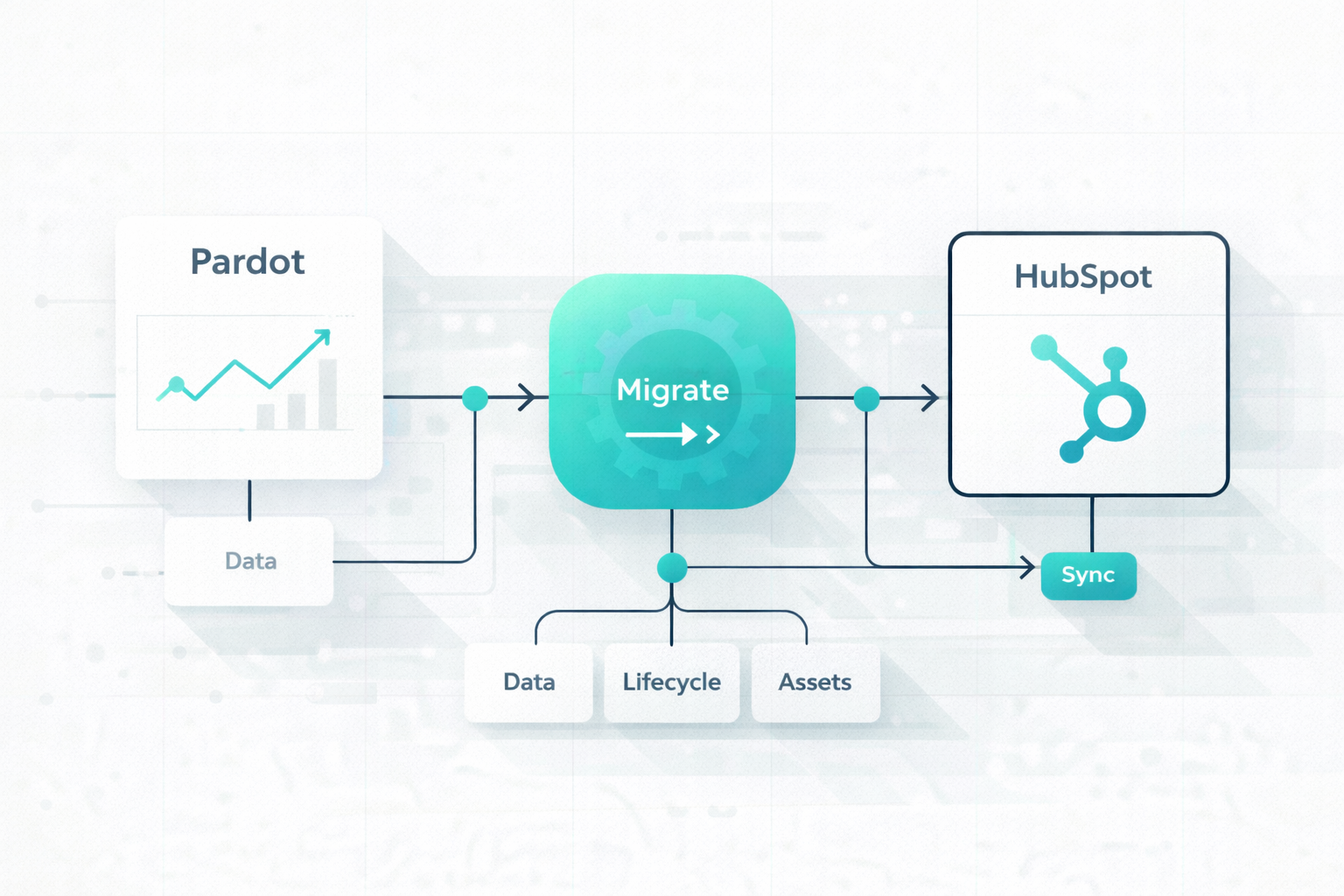
A Pardot-to-HubSpot migration breaks down when it is treated as a simple transfer of data and assets. You are moving between two platforms with different structures, logic, and data relationships. Without redefining how your system should work, the result mirrors the same complexity and limitations that existed before the move.
Many teams approach migration as a 1:1 replication of their Pardot setup. Every field, object, and automation gets recreated without evaluating whether it still serves a purpose.
This imports years of patchwork processes, unused properties, and layered workflows into HubSpot. Research shows that a large share of migrations exceed timelines or budgets due to unresolved data issues and inefficient workflows carried forward.
The result is not a fresh system. It is the same structure running on a different platform, which limits HubSpot’s ability to deliver cleaner operations and better performance.
Pardot and HubSpot differ at a structural level, and that gap creates breakdowns across automation, data, and CRM integration.
Automation logic is one of the first areas affected. Engagement Studio does not translate directly into HubSpot workflows. Each platform handles triggers, conditions, and sequencing differently. Without documenting and redesigning this logic, key automation flows fail or behave unpredictably.
Data structure introduces another layer of misalignment. Pardot relies on a Salesforce-centric model, while HubSpot organizes records across contacts, companies, and deals within its own system. Poor field mapping and object alignment lead to broken relationships between records and loss of historical context.
Revenue systems rely on consistent lead flow, routing, and lifecycle progression. Lead routing logic often fails to carry over correctly, which creates gaps in assignment and follow-up. Prospects may not reach the right owner at the right time, which impacts conversion and pipeline movement.
Lifecycle tracking also loses clarity. Definitions for stages such as MQL and SQL become inconsistent across teams. This weakens funnel visibility and reduces confidence in reporting. These breakdowns affect how revenue is tracked and managed across the organization.
Marketing assets rarely move seamlessly between platforms. Forms, landing pages, and templates rely on platform-specific scripts and logic.
During migration, forms may lose validation rules or conditional behavior. Landing pages can break due to differences in structure. Templates may drop key elements that support personalization or segmentation.
A migration does not end at go-live. Without a governance framework, the new system quickly becomes disorganized.
Ownership of data and properties remains unclear, which leads to duplicated fields and inconsistent usage. Workflows expand without structure, and reporting begins to lose accuracy. Sustained success depends on clear ownership, defined standards, and ongoing control of how the system evolves.
A Pardot to HubSpot migration works best through a structured sequence that starts with strategy, moves into setup, and ends with optimization.
Everything starts with clarity on what should move forward and what should be removed. This prevents you from migrating unnecessary complexity into HubSpot.
You begin by defining your objectives. Your reason for moving, whether tied to reporting, adoption, or AI readiness, sets the direction for every decision that follows. From there, a structured audit gives you visibility into your current system. Focus on reviewing:
This reveals outdated assets and layered processes that have built up over time. Removing them early reduces friction and keeps your new system focused. A timeline then anchors execution. Most migrations require several months, depending on complexity, so planning around internal resources and contract deadlines keeps the process controlled.
User roles and permissions should reflect how your teams operate. This creates clear boundaries across marketing, sales, and operations, which helps maintain consistency as the system grows.
At the same time, your technical setup connects HubSpot to your environment. This includes:
Each of these elements supports how data enters, moves, and gets used inside the system.
Data cleaning improves reliability across every function in HubSpot. This includes removing invalid emails, duplicates, and outdated records that would otherwise distort reporting and segmentation.
Field mapping then aligns your existing data with HubSpot’s structure. Custom properties should follow a standardized format and reflect your defined architecture. Documenting this mapping keeps the migration controlled and reduces the risk of losing critical information.
A pilot migration provides an early checkpoint. Importing a small dataset helps you to validate formatting and relationships before scaling to a full import.
At this stage, your architecture begins to take shape inside HubSpot through rebuilt assets and workflows.
Marketing assets such as emails, landing pages, and forms should follow consistent templates and naming conventions.
Automation requires a deeper translation of logic. Engagement Studio programs need to be mapped and rebuilt as HubSpot workflows, with attention to how triggers and conditions behave in the new system. This also creates an opportunity to simplify nurturing paths and remove unnecessary complexity.
Lead scoring should align with your updated lifecycle definitions. Rebuilding scoring rules ensures that marketing and sales remain aligned on what qualifies as a high-intent lead.
Before launch, the system needs validation across all critical functions. This phase connects your architecture to real-world execution.
Testing should cover key areas such as:
Each component should reflect consistent and accurate behavior. At the same time, your team needs preparation. Training sessions help users understand new workflows and expectations, which supports smoother adoption and reduces friction during the transition.
After launch, your focus shifts toward maintaining performance and reinforcing structure so the system continues to run as designed. Early monitoring gives you visibility into how workflows, emails, and data flows behave in a live environment, which helps you make quick adjustments that keep reporting accurate and automation aligned.
As your system stabilizes, a governance framework brings long-term clarity. Clear ownership of data, properties, and processes keeps your HubSpot instance organized and aligned with your architecture as it evolves.
If you want a deeper look at how to manage data structure and transitions after go-live, explore our guide on CRM Data Migration for HubSpot.
Everything starts with the quality of your data, since it directly shapes how HubSpot performs after launch. Migrating duplicate records, invalid email addresses, or incomplete fields does more than create clutter. It affects segmentation, reporting accuracy, and how automation behaves across the system.
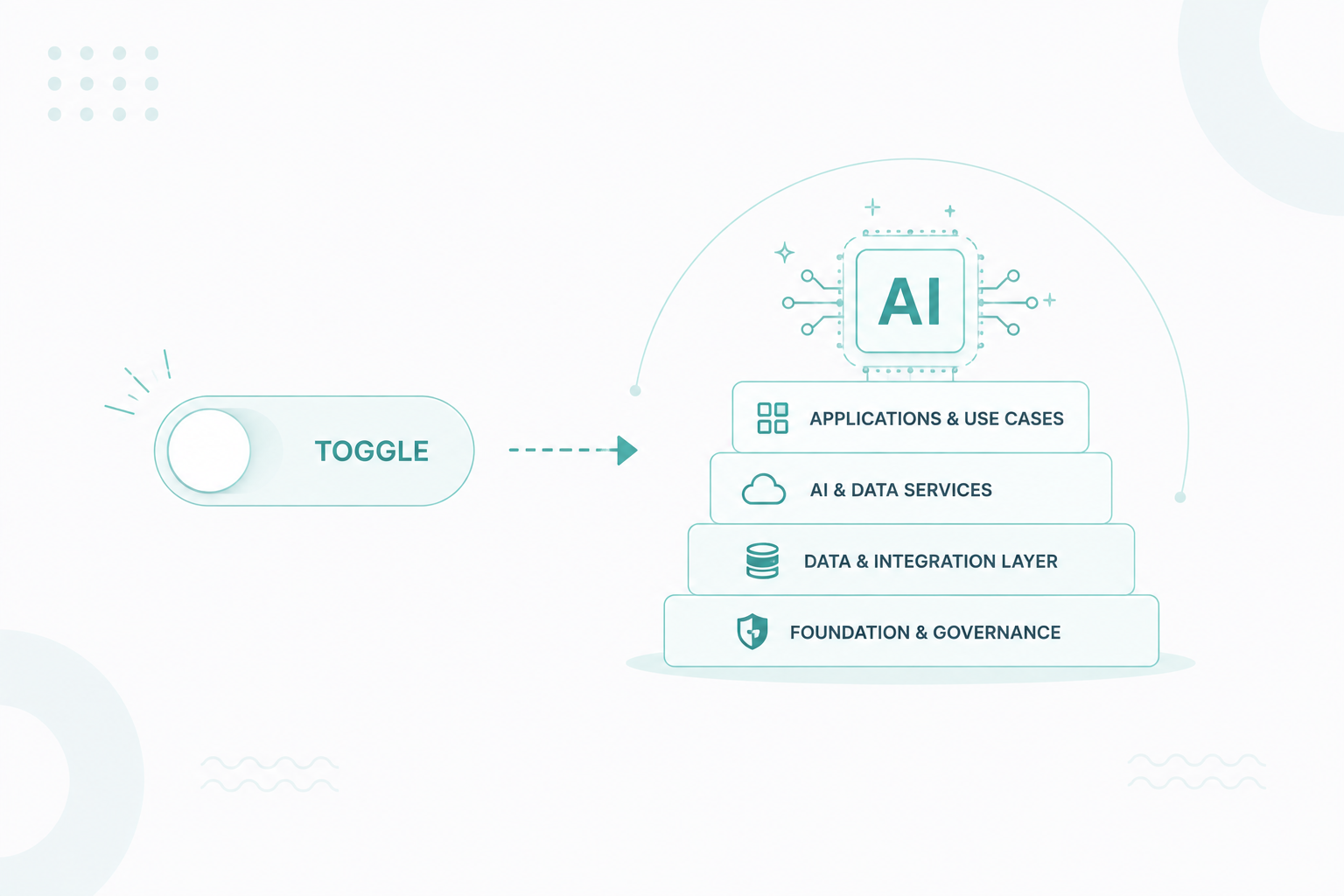
This also extends into HubSpot’s AI capabilities. These features depend on structured and reliable inputs, so poor data quality limits their effectiveness from the beginning.
There is also a risk tied to what does not make it into HubSpot. Without a complete backup of your Pardot data, including contacts, campaign history, and templates, errors during migration can result in lost records that cannot be recovered later.
Data issues quickly connect to operational gaps, especially across campaigns and lead flow. Your system depends on consistent movement from capture to conversion, so any disruption in that flow affects revenue.
These gaps typically appear across three areas:
Each of these issues impacts how leads move through your funnel. Campaign disruption affects how leads enter the system, routing failures affect who takes action, and scoring gaps affect how leads are evaluated. Together, they reduce visibility and weaken pipeline consistency.
As operational complexity increases, financial pressure follows. Migration timelines influence both cost and system stability, so misalignment here creates avoidable strain.
Financial risks typically show up in three ways:
Running Pardot and HubSpot in parallel supports continuity, but this overlap needs to stay controlled to avoid unnecessary spending and conflicting data states.
The system only works as intended once your team adopts it and uses it consistently. Adoption challenges often stem from:
These challenges affect how teams interact with the system on a daily basis. Without proper preparation, users tend to rely on familiar processes, which creates inconsistency across workflows and reporting.
Sales alignment becomes especially important since changes in CRM structure and lead data directly affect how prospects are handled.
Technical setup determines how your system performs immediately after launch and how stable it remains as usage grows.
These risks typically center around:
Email performance can decline quickly without proper setup, which affects engagement and campaign results. Governance then determines how well the system holds its structure. Without clear ownership of data and processes, inconsistencies build up and reduce trust in reporting.
For a broader view of risks like these, explore our guide on Re-Platforming Pitfalls During HubSpot Migration.
These risks are interconnected, which means they need to be managed as part of a single system. Data quality affects operations, operations influence cost, and all of it depends on team adoption and technical structure.
A migration guided by architecture creates alignment across these areas. Without that alignment, issues surface across multiple parts of the system at once, making them harder to trace and resolve.

After a well-structured migration, your system should feel simpler to use, easier to manage, and more aligned across teams. Here is what your post-migration future-state should look like:
With drag-and-drop creation, your team can build on-brand emails, landing pages, and forms in minutes using visual editors, without relying on HTML or CSS skills. This speed is further supported by AI-enhanced tools that help remix content for social posts and emails, saving time and reducing manual effort, especially for smaller teams.
As a result, campaigns move from idea to launch much faster, with many teams seeing stronger conversion performance as execution becomes more consistent and efficient.
Instead of "flying blind" with Pardot's restrictive reports, your future-state features deep, multi-object analytics.
The "bloat" of old, redundant assets from your Pardot instance is gone, replaced by a standardized and lean system.
A key shift is that the platform becomes easier and more intuitive to use, which naturally drives higher adoption across your organization. Because the interface is built for marketers, new hires can get up to speed in just a few weeks instead of months. This usability also strengthens alignment between sales and marketing, as sales reps gain real-time access to lead data and engagement history, making follow-ups faster and handoffs more consistent.
With structured data and connected systems in place, your team can act on performance as it happens, refine campaigns quickly, and support more advanced use cases such as personalization, forecasting, and AI-driven execution.
Your migration only works when you treat it as a full system redesign, not a transfer. Every decision you make, data structure, automation logic, lifecycle stages, and governance, directly shapes how well your marketing, sales, and reporting perform after launch.
When you rebuild with clear architecture in place, your system stays clean, adapts as you grow, and supports faster execution across teams instead of slowing you down with legacy complexity.
If you want your migration to follow this structure from the start, get started with our HubSpot Onboarding Services and build a system designed to scale.
Explore how we turn HubSpot into a performance engine!
You need to decide how leads move from first touch to closed deal before any setup begins. This includes clear definitions for stages like MQL, SQL, and opportunity, so your automation, scoring, and reporting stay aligned from day one.
Field mapping goes beyond matching names. You need to standardize formats, remove redundant properties, and align fields with HubSpot’s object structure to keep relationships between contacts, companies, and deals intact.
Not every workflow deserves to be carried over. You should evaluate each automation based on performance, relevance, and complexity, then simplify or eliminate anything that no longer supports your current strategy.
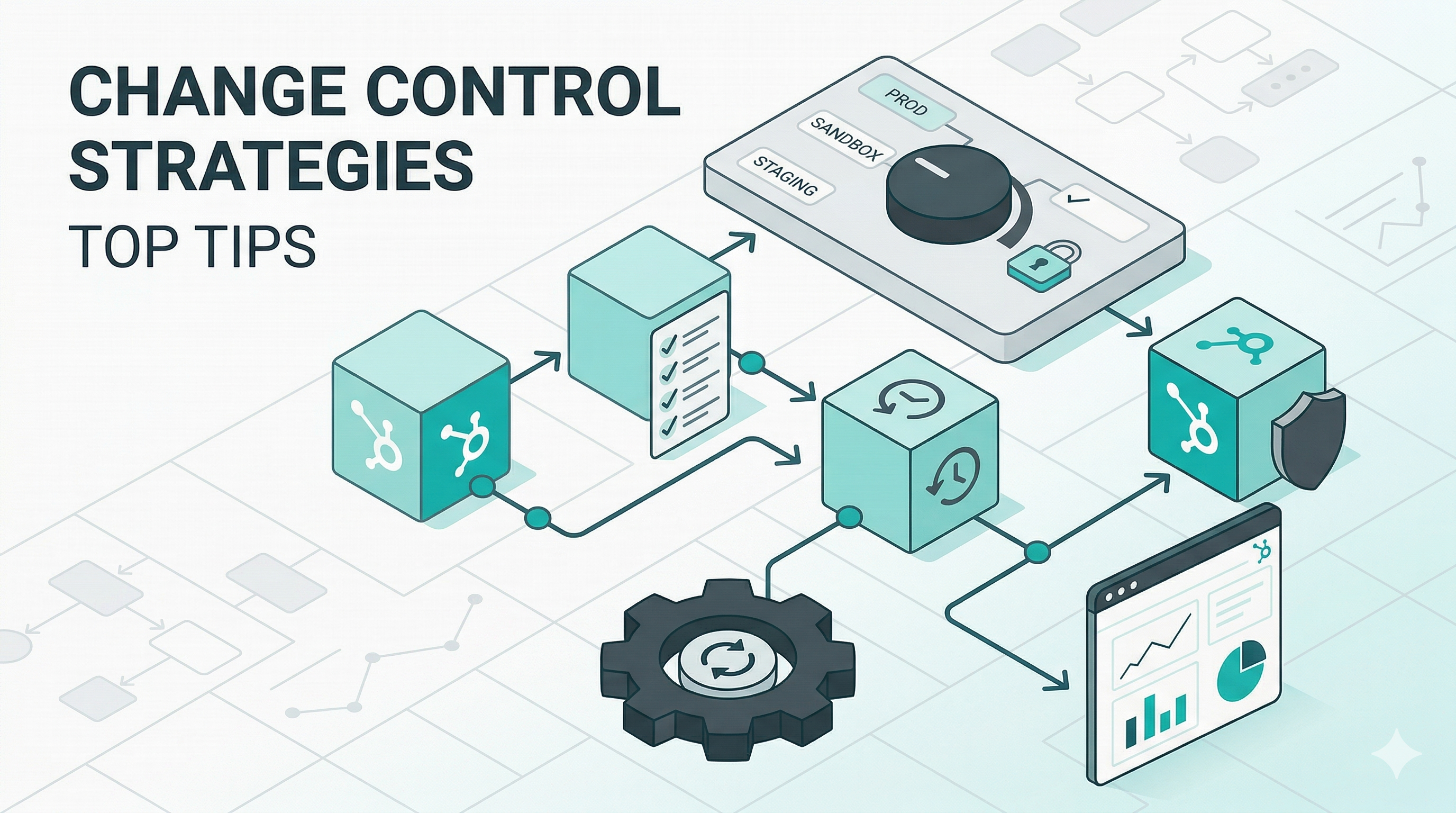
You need clear ownership of data, workflows, and properties, along with naming conventions and change controls. Without this, new fields and automations will stack up and recreate the same issues you had before migration.
Success is not just about completing the migration. You should track adoption, data accuracy, campaign speed, and pipeline visibility to see if your new system is actually improving performance across teams.
Why HubSpot Replatforming Feels Risky The Migration Fear That Creates Stalemate Executives rarely reject HubSpot because they doubt the platform. The...
Switching to HubSpot as your CRM platform could be the boost your business has been waiting for. Its cutting-edge CRM platform offers streamlined...
Re-platforming your CRM is no small feat, especially when transitioning to a platform as robust and comprehensive as HubSpot. For enterprise...