7 min read
HubSpot SSO and CRM Governance: What IT Teams Should Require Before Scaling Access
Campaign Creators
:
05/22/26
HubSpot access rarely stays limited to one department. As CRM adoption expands across sales, marketing, RevOps, customer support, leadership teams, contractors, agencies, and external vendors, governance complexity usually increases quickly.
Many organizations initially manage access manually. That often works during early adoption.
Problems typically appear once more teams begin using the CRM:
- Former employees still retain access
- Too many users receive Super Admin permissions
- Contractors can access sensitive customer data
- Integrations continue running without oversight
- Permission structures become inconsistent across departments
- IT teams lose visibility into administrative changes and exports
These issues can impact reporting accuracy, operational oversight, workflow stability, compliance visibility, and customer data governance. That is why Enterprise IT teams now increasingly require formal governance controls before approving broader HubSpot access.
According to HubSpot, the platform now supports more than 288,000 customers globally and integrates with thousands of third-party applications, increasing the need for stronger governance across connected systems.
TL;DR
Before scaling HubSpot access, enterprise IT teams commonly require:
|
Governance Control |
Why IT Teams Require It |
|
SAML SSO enforcement |
Prevent unmanaged CRM logins |
|
MFA enforcement |
Reduce compromised-account risk |
|
SCIM provisioning |
Remove inactive accounts automatically |
|
Role-based access control (RBAC) |
Limit unnecessary data access |
|
Restricted Super Admin access |
Reduce administrative risk |
|
Audit log monitoring |
Improve visibility into CRM activity |
|
Integration governance |
Control third-party access |
|
Quarterly access reviews |
Remove outdated permission |
Organizations that operationalize these controls early usually avoid the governance problems that appear later during CRM expansion.
Recommended Governance Rollout Order
Most enterprise IT teams implement governance in stages. A common rollout sequence includes:
- Enforce SAML SSO
- Require MFA across users
- Configure SCIM provisioning
- Standardize RBAC permission groups
- Restrict Super Admin access
- Enable audit log monitoring
- Review third-party integrations
- Operationalize recurring access reviews
This sequence helps organizations stabilize authentication first before expanding operational governance and visibility.
Why HubSpot Governance Becomes More Difficult At Scale
HubSpot governance becomes harder once multiple departments, vendors, contractors, and integrations begin operating inside the same CRM.
At first, most organizations grant CRM access reactively. A sales manager needs temporary reporting permissions. A contractor requests workflow access during a migration. An agency receives export permissions to support campaign analysis. A RevOps lead connects a new enrichment platform to customer records.
Individually, these decisions usually seem operationally reasonable. The governance problems appear later.

Temporary permissions remain active long after projects end. Integrations continue syncing unnecessary customer data. Former contractors retain access because offboarding workflows were handled manually. Admin privileges gradually expand because restricting them feels operationally inconvenient.
This is how governance debt quietly accumulates inside growing CRM environments. Many organizations do not notice the issue until one of the following happens:
- Sensitive customer data is exported unexpectedly
- A former employee still has CRM access months later
- Multiple departments operate with inconsistent permissions
- A vendor integration creates unexpected data exposure
- IT teams cannot identify who changed workflows or security settings
One of the biggest governance blind spots involves the difference between authentication and authorization. Organizations often secure authentication successfully through SSO, then assume governance maturity is complete.
In reality, most governance failures happen after users already enter the CRM. This is why mature enterprise organizations increasingly treat CRM governance as an ongoing operational discipline rather than a one-time security configuration.
What Is HubSpot SSO?
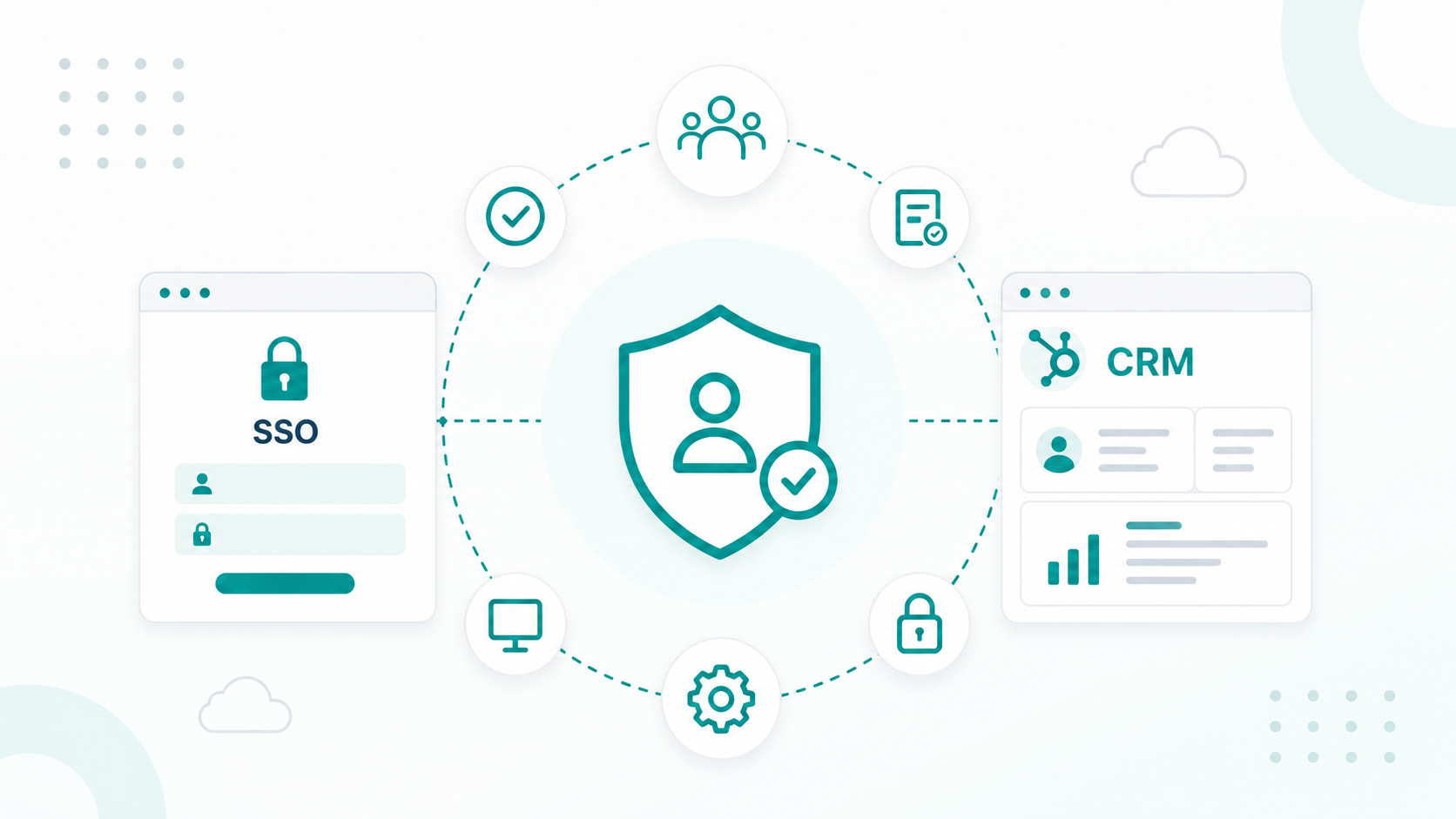
HubSpot SSO helps organizations to centralize authentication through identity providers such as Okta, Microsoft Entra ID, or Google Workspace.
According to Okta’s Businesses at Work report, large organizations now use more than 200 SaaS applications on average, increasing the demand for centralized identity management across connected systems.
HubSpot SSO primarily improves authentication management. Instead of maintaining separate CRM passwords across teams, organizations can centralize authentication through existing identity providers.
For enterprise IT teams, this helps:
- Enforce password policies consistently
- Require multi-factor authentication (MFA)
- Simplify onboarding and offboarding
- Reduce unmanaged standalone credentials
- Improve login visibility across SaaS systems
HubSpot Enterprise supports SAML-based SSO, helping organizations align CRM authentication with broader identity and access management (IAM) policies.
Authentication represents only one layer of governance. A user may authenticate securely through SSO while still retaining broader CRM access than their operational responsibilities require. That distinction becomes more important as CRM environments scale.
For example:
- A contractor may still retain export permissions after a project ends
- A department manager may continue holding administrative privileges months after a migration project finishes
- A legacy integration may still sync customer records after operational ownership changes
In growing SaaS environments, governance problems often emerge through accumulated operational complexity rather than weak authentication itself.
Mature enterprise governance programs usually combine SSO with SCIM provisioning, RBAC, audit monitoring, integration governance, and recurring access reviews.
You can set up HubSpot SSO by reading this guide.
What IT Teams Should Require Before Scaling HubSpot Access
Before approving broader HubSpot adoption, enterprise IT teams commonly focus on four governance risks:
|
Governance Risk |
Common Enterprise Requirement |
|---|---|
|
Unmanaged authentication |
SAML SSO and MFA |
|
Excessive permissions |
RBAC permission groups |
|
Orphaned accounts |
SCIM provisioning |
|
Limited visibility |
Audit logs and recurring reviews |
The sections below explain how organizations typically operationalize these controls.
SAML SSO Enforcement
Enterprise IT teams commonly require SAML-based SSO enforcement before expanding HubSpot access. Centralized authentication helps organizations:
- Enforce MFA consistently
- Reduce unmanaged passwords
- Simplify identity management
- Improve authentication visibility
- Align CRM access with enterprise IAM policies
Most organizations also maintain emergency “break-glass” admin accounts outside SSO enforcement.
SCIM Provisioning And Automated Offboarding
SCIM provisioning automates user lifecycle management inside HubSpot. Organizations commonly use SCIM to:
- Create accounts automatically
- Synchronize permission assignments
- Update role-based access
- Remove inactive users automatically
Without automated deprovisioning, organizations often accumulate orphaned accounts that continue to retain customer data access.
Role-Based Access Control (RBAC)
Organizations typically standardize CRM access through predefined permission groups tied to operational responsibilities.
Sales teams typically require access to deals, contacts, and reporting dashboards. Marketing teams often manage campaigns, workflows, and attribution data. Support teams usually operate across service records and ticket histories.
External agencies and contractors generally operate with narrower access boundaries tied to campaign assets, reporting visibility, or temporary operational support.
Sales teams typically require access to deals, contacts, and reporting dashboards. Marketing teams often manage campaigns, workflows, and attribution data. Support teams usually operate across service records and ticket histories. External agencies and contractors generally operate with narrower access boundaries tied to campaign assets, reporting visibility, or temporary operational support.
Super Admin Restrictions
Too many Super Admin accounts remain one of the most common governance problems inside HubSpot. Super Admins can:
- Export customer data
- Modify permissions
- Connect integrations
- Update security settings
- Change billing configurations
Administrative permissions often expand gradually across growing CRM environments.
A department lead may receive temporary Super Admin access during a migration project. A contractor may require elevated permissions during workflow troubleshooting. A RevOps manager may receive broader access to accelerate operational changes.
Months later, those permissions often remain active because no recurring review process exists.
Audit Log Monitoring and Recurring Access Reviews
HubSpot Enterprise includes audit logs that track login activity, permission changes, workflow edits, exports, and other security-related events across the CRM environment.
This level of audit visibility supports:
- Incident investigations
- Compliance reporting
- Security reviews
- Operational accountability
- Change-management oversight
Audit logs become more valuable when paired with recurring access reviews. Permissions that aligned with someone’s responsibilities six months ago may no longer reflect current operational ownership after:
- Promotions
- Department changes
- Temporary projects
- Contractor transitions
- Organizational restructuring
Quarterly governance reviews help organizations identify dormant admin accounts, inactive users, outdated permissions, former contractors, and unused integrations.
Organizations that operationalize recurring reviews often maintain cleaner governance environments as CRM adoption, integrations, and team complexity continue expanding.
What Governance Mistakes IT Companies Commonly Make
During periods of hiring, vendor onboarding, migration work, or departmental expansion, permissions and integrations are frequently approved reactively. Over time, those temporary operational decisions create long-term governance complexity.
|
Governance Problem |
Common Operational Result |
|---|---|
|
Excessive Super Admin access |
Unnecessary administrative exposure |
|
Manual offboarding |
Former users retain CRM access |
|
Over-permissioned vendors |
Expanded customer-data exposure |
|
Missing access reviews |
Stale permissions accumulate over time |
|
Unreviewed integrations |
Hidden third-party operational access |
1. Excessive Administrative Access
One of the most common governance problems involves administrative permissions expanding informally over time.
A department lead may receive temporary Super Admin access during a migration project. A contractor may require elevated permissions during workflow troubleshooting. A RevOps manager may receive broader access to accelerate operational changes.
Months later, those permissions often remain active because no recurring review process exists.
2. Manual Offboarding Processes
Manual offboarding becomes harder once organizations scale:
- Hiring activity
- Contractor relationships
- Vendor access
- Department restructuring
- Regional expansion
Without automated deprovisioning, former employees and contractors may continue retaining access long after operational ownership changes.
3. Vendor and Integration Oversight Gaps
Agencies and external vendors often require access to campaign assets, CRM records, workflow systems, reporting environments, and connected integrations.
Without defined governance boundaries, vendor access frequently expands beyond the original operational scope.
Mature governance programs increasingly create separate permission structures and recurring oversight processes specifically for contractors, agencies, and integration partners.
What Should IT Teams Review Before Approving More HubSpot Seats
Before approving broader HubSpot adoption, enterprise IT teams usually evaluate whether the CRM environment can scale operationally without creating governance instability later.
IT and security teams often evaluate:
|
Governance Area |
What Enterprise Teams Usually Validate |
|---|---|
|
Authentication controls |
SAML SSO and MFA enforcement |
|
User lifecycle management |
SCIM provisioning and automated offboarding |
|
Permission governance |
Standardized RBAC structures |
|
Administrative access |
Restricted Super Admin exposure |
|
Operational visibility |
Audit monitoring and activity tracking |
|
Vendor oversight |
Third-party access governance |
|
Integration security |
API permissions and application reviews |
|
Governance operations |
Recurring access review processes |
Organizations that operationalize these controls earlier typically spend less time resolving:
- Permission sprawl
- Inactive accounts
- Vendor-access inconsistencies
- Workflow instability
- Reactive security remediation
This becomes increasingly important as CRM adoption expands across multiple operational teams and external systems.
How Enterprise Teams Approach Long-Term HubSpot Governance
Organizations that scale HubSpot successfully often treat governance as an ongoing operational function rather than a one-time setup project.
Long-term governance programs commonly include recurring access reviews, vendor-access audits, integration reviews, administrative permission reviews, and continuous offboarding validation.
As HubSpot usage expands across departments, governance helps support:
- Data governance
- Operational consistency
- Workflow stability
- Reporting accuracy
- Vendor oversight
- Compliance visibility
Many enterprise organizations now manage hundreds of SaaS applications simultaneously, increasing the need for centralized governance across connected systems, identities, integrations, and user access. HubSpot governance often becomes part of a broader IT and security strategy designed to reduce operational risk as system complexity grows.
Start Strengthening CRM Governance Today!
HubSpot SSO helps centralize authentication, but authentication alone does not fully secure CRM environments.
Many of the largest operational risks emerge later through permission sprawl, unmanaged integrations, inconsistent offboarding, excessive administrative access, and limited visibility across expanding SaaS ecosystems. This is why many enterprise organizations treat CRM governance as an ongoing operational process rather than a one-time security initiative.
If your organization wants to improve HubSpot governance, we can help structure a scalable framework designed to reduce administrative risk without disrupting the teams that rely on HubSpot daily.
At Campaign Creators, we help IT and operations teams build scalable HubSpot environments that support long-term operational growth, governance visibility, and cross-functional consistency.
Frequently Asked Questions
What Happens To HubSpot Access If The Identity Provider Goes Offline?
Most enterprise organizations maintain emergency “break-glass” admin accounts outside SSO enforcement. These accounts help administrators regain CRM access during identity provider outages or authentication failures.
Can HubSpot SSO Enforce Device-Level Security Policies?
HubSpot SSO does not directly enforce device-level security policies. Organizations usually manage device controls through endpoint management platforms such as Microsoft Intune or Okta Device Trust.
Can HubSpot Audit Logs Track Data Exports?
HubSpot Enterprise audit logs can track:
- Login attempts
- Data exports
- Workflow edits
- Permission changes
- Security-related configuration activity
These logs help organizations investigate suspicious behavior and monitor sensitive CRM activity.
What Integrations Create The Biggest Governance Risks?
Integrations with broad API permissions, shared credentials, inactive vendor access, legacy private apps, and unrestricted customer-data syncing often create the largest governance risks.
Can HubSpot Restrict Access To Specific Teams Or Pipelines?
HubSpot supports team partitioning and permission-based visibility controls that restrict access to specific records, dashboards, pipelines, and business units.
.png?width=420&height=121&name=cc-logo-color%20(2024).png)