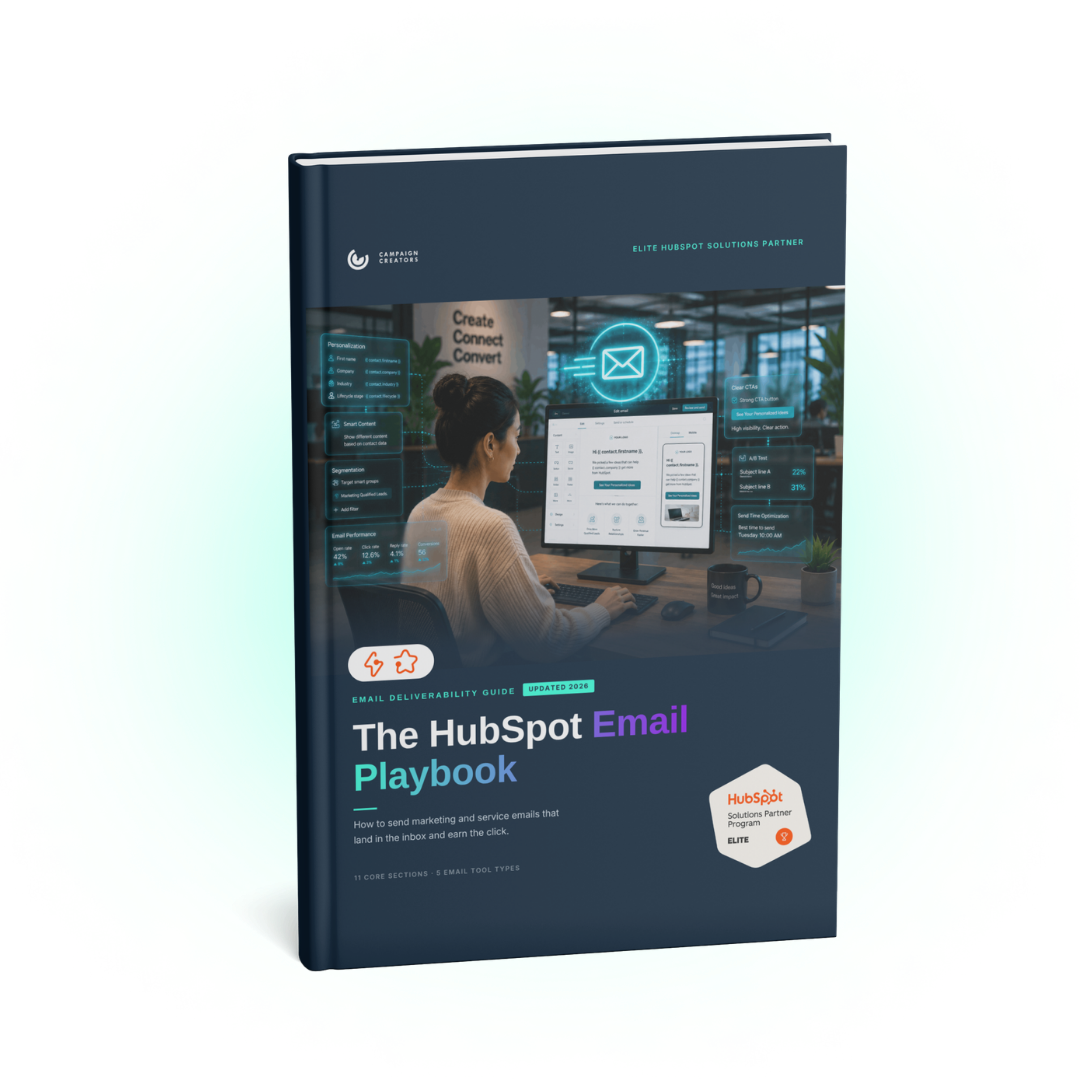
Sending an email and getting an email delivered are two different things. When open rates start falling, most teams reach for the subject line, and sometimes the problem is sitting in the DNS settings instead. Reaching the inbox comes first. Earning the open and the click comes after. This playbook covers both with the exact HubSpot navigation path for every tool mentioned. It was written for someone with a live portal open in another tab.
What You’ll Find Inside
Twelve sections following the workflow from setup to review: the sending domain and authentication rules bulk senders are now held to, suppression lists built before targeting lists, the compliance numbers to check on every send, and a monitoring rhythm with a sunset policy for inactive contacts. Subject lines, copy, workflows, A/B tests, and Breeze AI are covered along the way, each with the HubSpot path to the tool.
Deliverability is whether your email actually reaches the inbox, which is separate from whether anyone opens it. It depends on your sending domain setup, your authentication records, your bounce rate, and how often people mark your email as spam. When it slips, open rates fall for reasons the copy cannot fix.
Google defines a bulk sender as any domain sending close to 5,000 messages or more to personal Gmail accounts in 24 hours, and once a domain crosses that threshold the status sticks permanently. Those rules took effect in February 2024, Yahoo matched them, and Microsoft added its own in May 2025. Since November 2025, Google rejects non-compliant mail outright rather than slowing it down.
Stay under 0.1 percent, and treat 0.3 percent as a fire alarm. Hard bounces matter just as much, since a rising bounce rate is usually the first thing to pull a whole sending domain down. Both are compliance numbers now, worth checking on every send before you look at engagement.
Use a separate sending subdomain, something like email.yourcompany.com, kept apart from the subdomain hosting your website and landing pages. That protects your main domain's reputation if a campaign goes sideways. HubSpot blocks the same domain from doing both and will ask you to pick another.
Workflows handle marketing automation. They enroll contacts based on CRM criteria and send from your marketing sending domain, which suits nurture tracks, onboarding, and re-engagement. Sequences handle one-to-one sales follow-up, sending from a rep's connected inbox and stopping the moment the contact replies. Sequences are for outreach, never newsletters.
Who This Is For
Marketing teams sending from HubSpot who want the full workflow in one place, not scattered across knowledge base articles
Anyone whose open rates dropped and who has been rewriting copy to fix it
Teams approaching bulk sender volume who need to know what Google, Yahoo, and Microsoft now require
Service teams handling support email in the Help Desk alongside marketing sends
New HubSpot users trying to work out which email tool a given send belongs in