Lifecycle Clarity in HubSpot: The Executive Architecture
Complexity is expensive. Clarity compounds. If there is one principle guiding high-performing growth systems in 2025, it’s that lifecycle clarity is...
I know what I am looking for, and would like to chat.
A team of data-driven marketers obsessed with generating revenue for our clients.
Because the proof is in the pudding.
At Campaign Creators we live by three principles: Autonomy, Mastery, Purpose.
If your organization operates multiple brands, regions, or product lines, you’ve likely felt the drag of trying to grow on fragmented systems. Teams improvise processes per brand. Data lives in silos. Dashboards disagree by design. The promise of a unified CRM slips under the weight of exceptions. Here’s the rub: multi-brand doesn’t have to mean multi‑truth. With HubSpot Business Units, you can scale without fragmentation—if you treat it as an operating model, not a feature toggle.
This article provides a practical, battle-tested blueprint for using HubSpot Business Units to unify multi-brand operations, partition work cleanly, and make executive reporting—and AI-ready RevOps—consistently reliable. We’ll move deliberately through three layers: the cost of operating in disorder, the HubSpot architecture that prevents it, and the operating cadence that turns structure into speed.
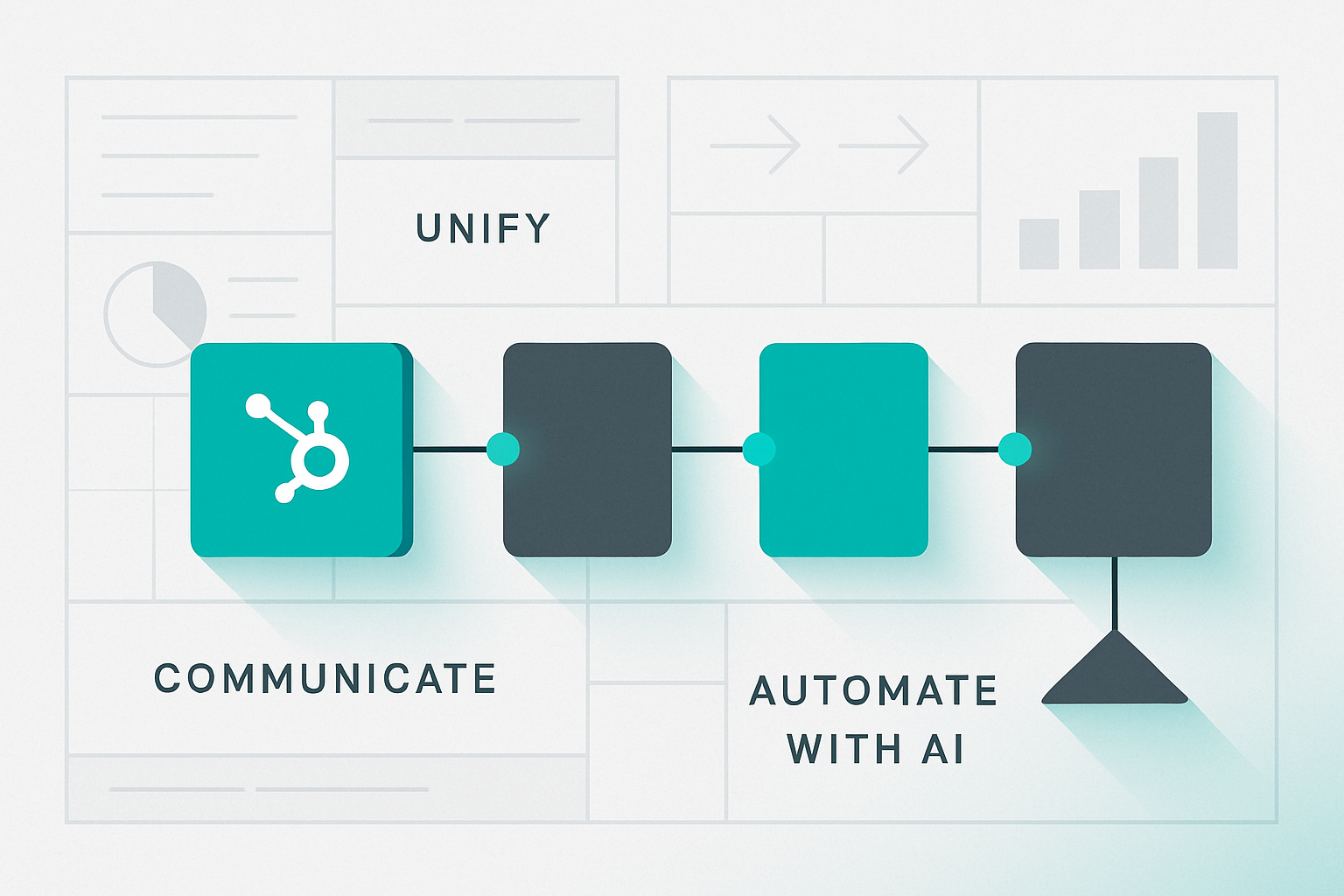
Our operating thesis for multi-brand HubSpot environments is straightforward and proven: unify your data model and definitions, orchestrate engagement with lifecycle-driven campaigns and routing, then automate (and apply AI) on clean, consistent signals. This is how you turn HubSpot into a single source of truth instead of a collection of brand-specific workarounds.
In other words, the real risk isn’t in re-platforming to HubSpot or reconfiguring existing Business Units. The real risk is remaining in a state where every dashboard, attribution report, and pipeline answer starts with “it depends on the brand,” because your CRM, marketing automation, and reporting layers were never designed to operate as one governed system.
Most multi-brand CRM challenges are system problems wearing brand clothing. As portfolios expand, teams layer point fixes: a separate list here, an exception workflow there, a unique set of lifecycle rules over there. It feels pragmatic in the moment. It becomes chaos at scale. Marketing cannot segment reliably. Sales can’t see account context across brands. Executives get three different answers to a simple pipeline question depending on which dashboard they open.
There’s a measurable cost to this drift. Gartner estimates poor data quality costs organizations $12.9M per year on average—much of it hidden in rework, reconciliation, and slow decisions driven by unclear definitions and inconsistent governance. See Gartner’s summary on that cost here: Gartner on data quality costs. HubSpot’s own research connects process discipline and integrated tooling with faster cycle times and higher ROI; when the system tells one story, teams move faster and make better bets. Reference: HubSpot State of Marketing & Trends.
Multi-brand isn’t the enemy; improvisation is. The fix is not more tools or more dashboards. It’s a governed model that lets each brand express what’s unique while sharing a single spine for lifecycle, routing, and reporting.
Internal starting points to baseline your system: the HubSpot Portal Audit Checklist and an onboarding framework that enforces lifecycle and permissioning standards: HubSpot Onboarding Services.
Business Units in HubSpot enable you to manage multiple brands under one account, with brand-specific assets, settings, and reporting segmentation. But Business Units alone won’t fix governance problems. They expose them. To make the most of the capability, you design a system in which brands are partitioned cleanly without breaking the shared language your RevOps engine depends on.
Key platform references worth bookmarking:
Design principle: one lifecycle, many brands. Keep lifecycle definitions and proof properties consistent across Business Units. Allow brand-level nuance in segmentation and messaging—not in the meaning of MQL, SQL, Opportunity, or Customer. This is where AI value emerges later: shared semantics, brand-specific execution.
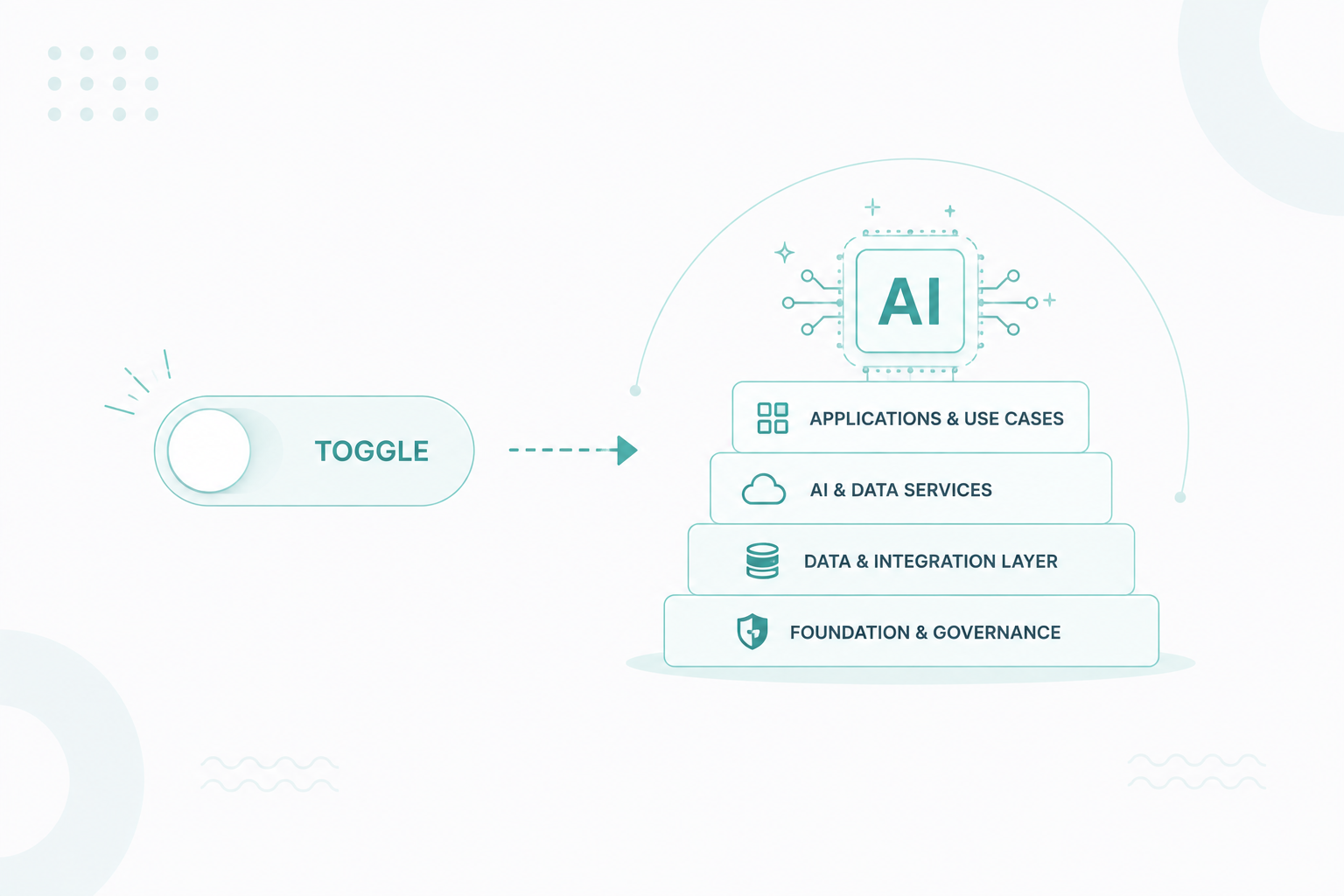
Consider the interaction of four layers:
Done right, Business Units are an accelerant. Done loosely, they create parallel universes that never quite align. The choice is architectural.
Begin with language and structure before you touch a single asset. Establish clear, shared definitions for lifecycle entry and exit criteria across every Business Unit (for example: MQL = fit + intent; SQL = qualified discovery completed; Opportunity = deal created and accepted). Keep lifecycle stage (relationship to your business) distinct from lead status (sales motion), and define backward transitions with explicit “proof” properties—such as loss reason, disqualification reason, or no-response codes—to keep reporting and attribution clean.
Standardize your core HubSpot data model so every brand speaks the same language: normalize key properties like industry, segment, product interest, and country; consolidate and archive duplicate fields; and enable deduplication rules at the point of capture for contacts and companies. Publish a living data dictionary that documents naming conventions, picklist values, and ICP/intent fields, and pair it with a visible change log so RevOps, Marketing, and Sales can trust how data is created and maintained.
These data governance guardrails are what make HubSpot Business Units additive rather than divisive. With a unified lifecycle model, consistent CRM schema, and clearly documented “source of truth” properties, your multi-brand HubSpot instance becomes a single, SEO-friendly system of record that supports accurate lifecycle reporting, revenue attribution, and AI-ready RevOps at scale.
HubSpot references that support the foundation: lifecycle purpose and usage (Use lifecycle stages in HubSpot), association labels for buying roles (Association labels in HubSpot).
Proof beats policy. Require key properties at stage changes, and enforce validations where data matters downstream. When the system won’t allow ambiguous records to progress, governance becomes a habit—not a spreadsheet.
With one language in place, implement Business Units to partition assets by brand and assign clear ownership. Map each BU to specific teams; control access with roles and permissions so creators and sellers see what they need—nothing more, nothing less. Reference: HubSpot user permissions guide and Limit access to assets.
Then connect work to outcomes:
Operational artifacts to ship in Communicate:
For enablement momentum, institutionalize a monthly RevOps stand-up that reviews velocity, conversion, SLA attainment, and exceptions by Business Unit. Fix one rule per month. Publish the change log. This is how clarity compounds.
Only once your signals are clean and consistent should you layer intelligence on top of them. Configure predictive lead scoring at the brand level when ICP fit, buying committees, and intent patterns differ by Business Unit; keep a centralized scoring model when your sales motion is shared across brands. Use AI-powered assistants in HubSpot to auto-summarize calls, surface key decision drivers, and recommend next-best actions aligned to your lifecycle rules and SLAs—so reps know exactly how to progress MQLs to SQLs and Opportunities. Pair this with anomaly detection that monitors funnel conversion rates and velocity by Business Unit, flagging when a brand’s MQL→SQL or SQL→Opportunity conversion drops out of band so RevOps can troubleshoot campaigns, routing, or data quality before revenue impact shows up in the forecast.
HubSpot’s AI trendlines show material efficiency gains when automation and AI ride on clean data. Reference: HubSpot AI Trends Report. AI magnifies structure—good or bad. On governed Business Units, it multiplies outcomes without multiplying effort.
Artifacts to cement Automate with AI:
When you implement HubSpot Business Units as a true governance layer—not just a clever way to organize assets—executives feel the impact fast. Pipeline reviews stop being reconciliation exercises across conflicting CRM reports. Cross-brand handoffs speed up because ownership, routing rules, and SLAs are unambiguous. Executive reporting shifts from debating definitions to selecting the right, trusted view: one lifecycle, multiple Business Unit lenses for pipeline, attribution, and revenue performance.
This is where Business Units evolve from “folders” into an operating system for multi-brand RevOps, enabling accurate pipeline visibility, reliable attribution reporting, and AI-ready insights across every brand.
What to measure, specifically:
Our internal benchmark is consistent: 98% of clients report improved pipeline visibility within 90 days when governance, lifecycle, and partitioning are formalized and enforced. That visibility is not vanity. It’s operating speed.
To reinforce the muscle, build executive dashboards last, not first. Use a small, stable set that filters by Business Unit without changing the story:
For quick references as you instrument, see HubSpot’s documentation on organizing workflows and troubleshooting automation with BU filters: Organize workflows, Troubleshoot automation.
Business Units are most powerful when they reinforce the bigger system story:
This progression turns Business Units from an organizational convenience into a growth lever. It’s how multi-brand teams achieve personalization at scale without paying a complexity tax.
Migration isn’t just about moving data from one system to another; it’s about deliberately aligning people, processes, and performance around a shared, governed operating model. If your multi-brand HubSpot environment feels slower or harder to manage than it should, the root cause usually isn’t the number of brands—it’s the absence of a centralized RevOps framework that makes definitions, ownership, and measurement unmistakably clear.
When you implement HubSpot Business Units inside a unified lifecycle architecture, every brand operates from the same CRM data model, the same lifecycle definitions, and the same revenue reporting spine—while still maintaining brand-specific assets, permissions, and segmentation. This is what transforms HubSpot from a collection of disconnected brand workspaces into a single source of truth for multi-brand RevOps.
A governed Business Unit strategy is what makes AI in HubSpot actually useful, dashboards credible, and executive reporting trustworthy. Clean, consistent lifecycle data and standardized association rules give you reliable marketing attribution, accurate multi-brand pipeline visibility, and SEO-friendly reporting structures that reflect one story across every Business Unit. That’s how growth becomes repeatable, forecasting becomes dependable, and HubSpot evolves into the performance engine for your portfolio—not just a place your data happens to live.
To begin, baseline your environment with the HubSpot Portal Audit Checklist, enforce guardrails through HubSpot Onboarding Services, and keep momentum with a Modular Retainer that turns improvement into a monthly habit. Complexity is expensive. Clarity compounds.
Complexity is expensive. Clarity compounds. If there is one principle guiding high-performing growth systems in 2025, it’s that lifecycle clarity is...
Introduction: Modern B2B organizations face a crossroads: unify their data and systems, or watch complexity erode performance as competitors pull...
Personalization is no longer a luxury in modern marketing—it's an expectation. In today's fast-paced digital world, customers demand tailored...